

Menswear suit collections for an upload team on Shopify involve several structural data decisions that need settling before any rows are entered: whether the jacket and matching trouser are listed as one product or two, how sizes are notated consistently across a formal range, and how to organize suits by occasion, fit, and season in collections your team can maintain.
This guide covers the structural choices specific to suit uploads, so your team can work from a clear brief rather than making these calls mid-job.
Key takeaways
- Suit jackets and their matching trousers are almost always listed as separate Shopify products, with a naming convention that links companion pieces.
- Jacket sizes use a chest measurement with a length code (38R, 40L); trouser sizes use waist and inseam as paired values. These two systems don't share a column format and need to be agreed in advance.
- Fit names (slim fit, regular fit, tailored fit) work more consistently as a Shopify option on the jacket product, not embedded in the product title.
- Shopify products support up to three options per product (as of November 2026). A bundled suit using all three for jacket size, trouser size, and color has no room left for fit or other attributes.
- Setting up the collection structure before upload starts is worth the planning time. Reorganizing 300 suit products after the fact takes roughly as long as building it correctly from the beginning.
Why suit collections are structured differently
A suit range differs from casual menswear in several ways that affect how a team enters product data. The sizing uses two incompatible notation systems, the product structure has a bundle-or-separate decision that affects inventory management, and the formal colorway vocabulary (charcoal, mid-gray, navy) is narrower and more precise than casual color naming.
Each of these creates a data problem if it isn't settled before the team starts entering rows. The team handles the execution, but only once the merchant has confirmed the structural decisions. The sections below walk through each one.
Jacket and trouser: one product or two
Most retailers selling a mix-and-match suit range list the jacket and matching trouser as separate products. This lets customers choose a jacket size independently of their trouser size, mix colorways across both pieces, and browse the full range of trouser sizes independently of jacket availability.
Bundling them into a single Shopify product works when the suit must be sold as a complete set. But it creates a practical limitation: Shopify products support up to three options per product. A bundled suit that uses jacket size, trouser size, and color fills all three option slots, leaving no room for a fit name. For ranges that run in multiple fits, the bundled structure runs out of options quickly.
For most menswear suit ranges, separate products are the more flexible choice: one for the jacket, one for the trouser. The brief then needs to specify how to name and tag companion pieces so the catalog presents them together.
What to settle before upload starts:
- One product per suit (bundled) or separate jacket and trouser products?
- If separate: what naming convention links jacket to trouser (matching product titles, a shared collection, or another method)?
- What product types distinguish suit jackets from suit trousers and from casual separates?
How to notate menswear suit sizes
Jacket sizes encode the chest measurement with a length modifier: 38S (short), 38R (regular), 38L (long). Trouser sizes record waist and inseam as paired values: W30 L30, W32 L32, W34 L30.
Supplier spreadsheets frequently mix these two systems in one "Size" column: sometimes as a combined string (38R/W32L30), sometimes split across columns with no consistent labels, sometimes omitting the length code entirely. When the brief doesn't specify a format, teams make different calls for different rows, and the data needs cleaning before it goes live.
The notation standard to agree in advance:
- Jacket sizes: "38R" (chest measurement plus length code, no space, uppercase code)
- Trouser sizes: a single combined option ("W32 L30") or two separate Waist and Inseam option fields
- How to handle unusual supplier codes: some use "X" for extra-long or "XS" for extra-short
For more on the data fields that come up across all men's clothing ranges, Men's Clothing Data Fields for Upload Teams covers the full set.
Fit names across a formal range
Formal menswear typically runs in three or four fit names: slim fit, regular fit, tailored fit, and sometimes classic fit. These need to be listed in the brief as exact strings, because supplier data uses "slim", "slim cut", "modern slim", and other variations interchangeably for the same fit.
Fit works more consistently as a Shopify option on the jacket product alongside size and color, rather than embedded in the product title. A title like "Men's Wool Suit Jacket in Charcoal" stays consistent across the range. When fit is embedded in the title ("Men's Slim Fit Wool Suit Jacket in Charcoal"), you end up with inconsistent title lengths and products that are harder to browse and compare.
The Fit Names and Product Types for Menswear Upload Teams guide goes deeper on how fit option naming works across a full menswear range.
Color naming and collection structure for menswear suit collections
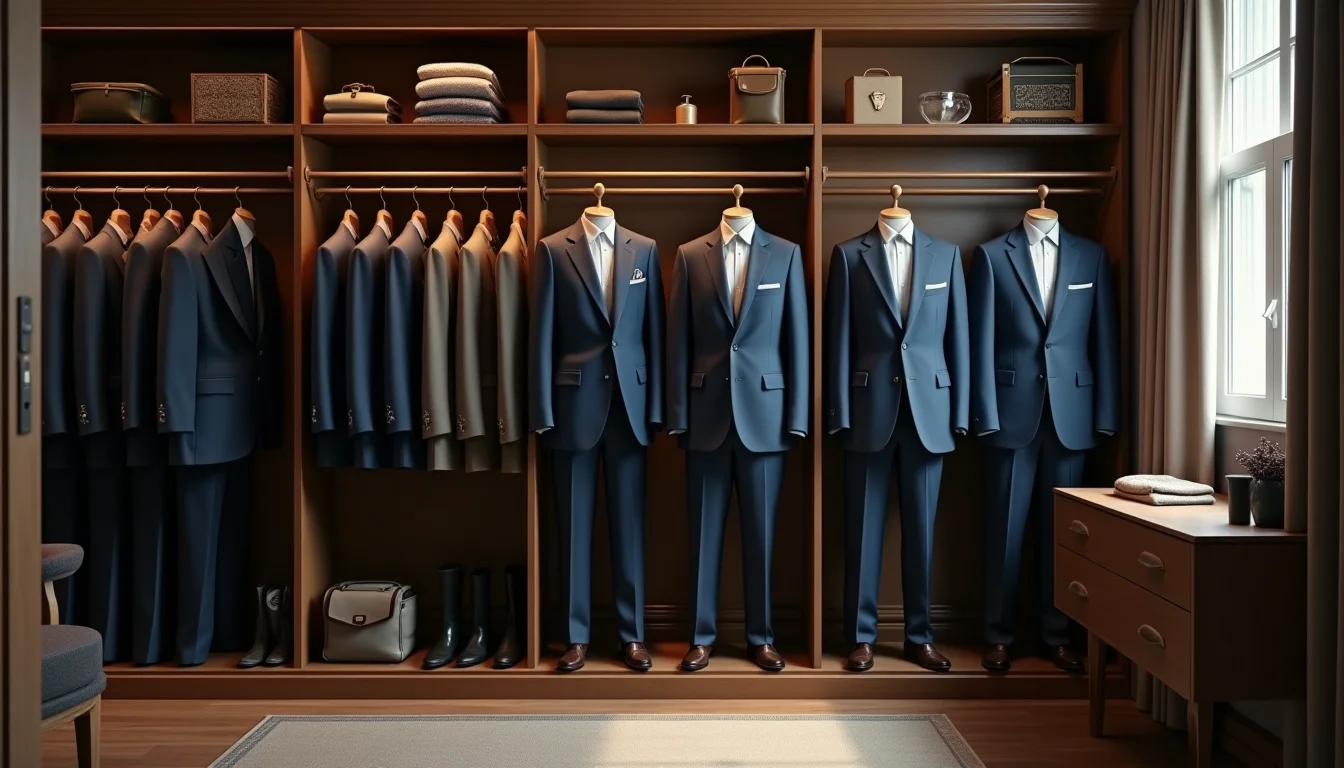
Formal suit colorways use a narrower, more precise vocabulary than casual menswear: charcoal, mid-gray, light gray, navy, black, and occasionally stone or tan. Supplier data often uses abbreviations (NVY, CHR, BLK) or inconsistent variations (Navy Blue, Dark Navy, Deep Navy for what should be one colorway).
The brief should list the merchant's approved color names. Teams match supplier abbreviations to those exact names during upload rather than deciding on behalf of the merchant.
For collections, suits are most usefully organized by occasion (wedding suits, business suits, casual separates) and by season or range name (spring/summer, autumn/winter). Shopify lets a product belong to multiple collections at once, so a navy suit jacket can sit in both "Wedding Suits" and "Spring/Summer 2027" simultaneously. This flexibility only works if the collection structure is planned before upload: a team can assign products to collections as they enter rows, but restructuring after the fact means re-entering every product's collection assignments.
What your upload team needs for menswear suit collections
Bring these decisions to the brief session before any rows are uploaded. For a Shopify product data entry service handling a suit range, the brief typically covers:
| Decision | What to agree |
|---|---|
| Product structure | Jacket and trouser as separate products or bundled into one |
| Jacket size notation | Format for chest measurement and length code (38R, 40L) |
| Trouser size notation | One combined field (W32 L30) or two separate Waist and Inseam fields |
| Fit option names | Exact strings the team will use: slim fit, regular fit, tailored fit |
| Approved color names | Merchant's vocabulary mapped to supplier abbreviations |
| Collection structure | Occasion groups, season names, any range-specific collections |
| Companion linking | How jacket and matching trouser are identified as a pair |
| Product types | Exact strings for suit jacket, suit trouser, and casual separates |
A brief that covers these eight points means the team enters the range consistently from the first row to the last.
For more on what an upload team handles across men's clothing categories, the men's clothing Shopify guides cover the full range of data decisions by genre. Our fashion product upload service handles menswear ranges including formal wear and suit collections.
Frequently asked questions
Can a Shopify product have both jacket size and trouser size as options?
Yes. Shopify products support up to three options, so a bundled suit product can use jacket size, trouser size, and color as three options. The practical limit is that all three option slots are then used, leaving no room for fit or any other attribute. For ranges that run in multiple fits, separate jacket and trouser products are the more workable structure.
How do we link a suit jacket to its matching trouser in Shopify?
Shopify doesn't have a native companion product field. The most common approaches are a shared collection that groups jacket and trouser together, a consistent naming convention that makes the relationship visible in the product title ("Charcoal Wool Suit Jacket" and "Charcoal Wool Suit Trouser"), or a metafield that stores a reference to the companion piece. The collection approach is the simplest for an upload team to apply consistently and doesn't require a custom metafield setup.
Should fit name go in the product title or as a Shopify option?
As a Shopify option, not in the title. When fit is an option, customers can filter by it and the title stays clean and consistent across the range. When fit is embedded in the title, you end up with inconsistent title lengths and products that are harder to compare. The exception is if the merchant sells only one fit across the entire range, in which case no fit option is needed at all.
What product type should we use for suit jackets in Shopify?
Product type is a custom field set by the merchant, so the team needs the values in the brief. Common choices for a formal range are "Suit Jacket", "Suit Trouser", and "Blazer". The important thing is that the team uses exact, consistent strings from a list rather than inventing types during upload. Inconsistent product types make it harder to filter and report on the catalog later.
How many collections can a suit product belong to in Shopify?
There is no published limit on how many collections a single product can belong to. A suit jacket can be in a "Wedding Suits" collection, a "Spring/Summer 2027" collection, and a "New Arrivals" collection at the same time. Teams assign these during upload when the collection structure is defined in the brief. Automated collections can handle this even more efficiently once tags and product types are set up consistently.