


Understanding how to properly structure and enter product data in Shopify is crucial for e-commerce success. Shopify data entry services focus on accurately categorising products, managing taxonomies, and ensuring proper attribute assignment across your online store.
This comprehensive guide explores the essential elements of Shopify’s product organisation system, helping merchants and service providers optimise their product listings for better visibility and sales performance.
Shopify Collections Article Summary (TLDR)
- Setting up and managing Shopify product categories
- Understanding international tax implications for product categorisation
- Implementing product attributes and metafields
- Creating and managing product variants
- Configuring display settings and testing
- E-commerce business owners
- Shopify store managers
- Data entry specialists
- Product catalogue managers
- E-commerce consultants
- How to properly structure product data in Shopify
- Best practices for product categorisation
- Tax considerations for international selling
- Advanced metafield implementation
- Variant management techniques
Understanding Shopify's Product Taxonomy and Data Entry Requirements
Shopify’s product taxonomy serves as a structured framework that helps merchants organise their products efficiently within the platform. Professional Shopify data entry services utilise this taxonomy to ensure consistent product categorisation, effectively grouping products and managing both collections to improve searchability.
For example, a fashion retailer can benefit greatly by categorising their products under clear headings such as dresses, shoes, and accessories, allowing customers to navigate effortlessly and find items quickly. This structured approach also aids in better product filtering, making it easier for shoppers to sort by size, colour, or style.
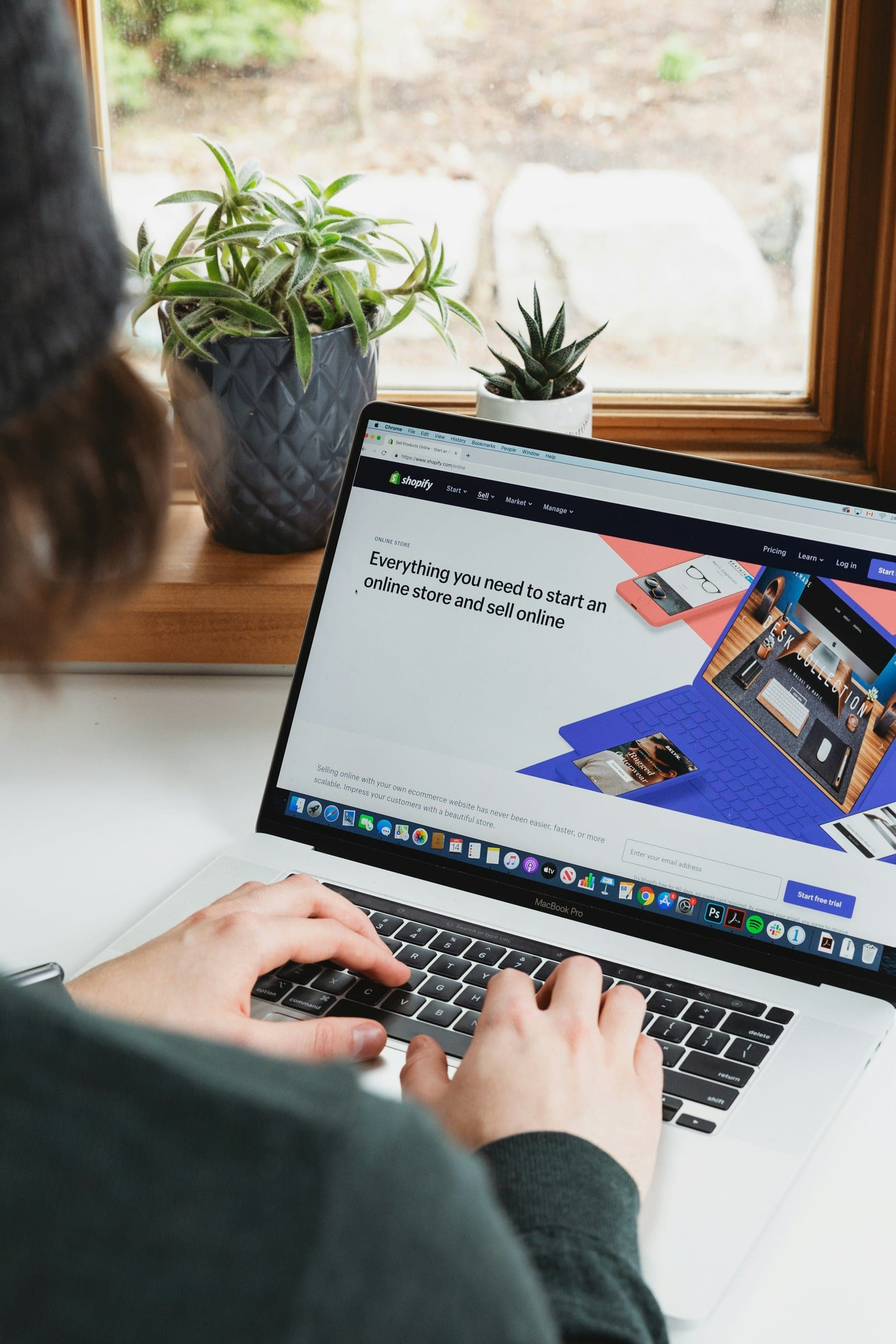
To better understand the primary structure of Shopify’s taxonomy, merchants should explore Shopify’s extensive product categories. The taxonomy provides predefined categories that help define how products are classified and displayed in storefronts. Proper data entry and categorisation at this level is crucial for optimising product visibility and searchability. Merchants can create collections to group products based on shared characteristics, enhancing inventory management and customer navigation.
Shopify’s Level 1 categories are crucial for merchants as they provide a structured framework for organising products, enhancing customer navigation, and optimising product discoverability across sales channels. Each of these parent categories branches into more specific subcategories that reflect the nuances of product types. While automatic relevant collections can save time, manual collections allow for greater control over product categorization, though they require more effort to maintain.
Need Help With Your Shopify Store?
Fill in the form below and one of our team will be in contact.
Add Products: Shopify Categories vs Collections
When it comes to adding products to your Shopify store, understanding the difference between Shopify categories and collections is key to organizing your product catalog effectively. Shopify categories serve as a broad navigational tool, allowing you to group products based on predefined or custom categories that align with your store’s structure.
You can add products to categories manually, but they are primarily designed to enhance customer behavior by simplifying navigation on your store’s homepage. On the other hand, collections offer more flexibility with two types: manual collections and automatic collections. With manual collections, you handpick specific products to add, tailoring collection titles to reflect certain themes like “Summer Essentials” or “Best Sellers,” which can boost SEO by targeting specific search results.
Automatic collections streamline the process by letting you create collection rules based on product attributes, such as price or tags, to add products dynamically as your inventory grows or trends change. This automation saves time and ensures your product catalog stays current without constant updates.
While categories provide a static framework for broad organization, both collections allow merchants to curate specific collections that highlight promotions or seasonal items. By leveraging these tools, you can avoid confusion, helping merchants understand how to add products strategically to improve visibility and meet customer needs efficiently.
Shopify Categories vs Collections
To better understand the primary structure of Shopify’s taxonomy, merchants should explore Shopify’s extensive product categories. The taxonomy provides predefined categories that help define how products are classified and displayed in storefronts. Proper data entry and categorisation at this level is crucial for optimising product visibility and searchability.
Shopify’s Level 1 categories are crucial for merchants as they provide a structured framework for organising products, enhancing customer navigation, and optimising product discoverability across sales channels. Each of these parent categories branches into more specific subcategories that reflect the nuances of product types.
Essential Level 1, 2 & 3 Categories for Shopify Product Data Entry
To better understand the primary structure of Shopify’s taxonomy, merchants should explore Shopify’s extensive product categories. The taxonomy provides predefined categories that help define how products are classified and displayed in storefronts. Proper data entry and categorisation at this level is crucial for optimising product visibility and searchability.
Shopify’s Level 1 categories are crucial for merchants as they provide a structured framework for organising products, enhancing customer navigation, and optimising product discoverability across sales channels. Each of these parent categories branches into more specific subcategories that reflect the nuances of product types.

Animals & Pet Supplies Shopify Collections
The Animals & Pet Supplies category on Shopify offers a wide range of products designed to meet the needs of pets and their owners. From premium pet food and grooming essentials to durable toys and cozy bedding, this category provides everything required to keep pets healthy and happy.
Shop owners can explore a variety of items including leashes, collars, aquariums, and specialized accessories for dogs, cats, birds, fish, and small animals. With a focus on quality and convenience, these products cater to pet lovers seeking reliable supplies for their furry, feathered, or scaly companions. This diverse selection ensures businesses can attract customers looking for trusted solutions in pet care and enjoyment.

Animals & Pet Supply Shopify Category Levels
Animals & Pet Supplies
Live Animals
Pet Supplies
Bird Supplies
Cat Supplies
Dog Supplies
Fish & Aquatic Supplies
Pet Agility Equipment
Pet Apparel
Pet Apparel Hangers
Pet Bed Accessories
Pet Beds
Pet Bells & Charms
Pet Biometric Monitors
Pet Bowl Mats
Pet Bowl Stands
Pet Bowls, Feeders & Waterers
Pet Carrier & Crate Accessories
Pet Carriers & Crates
Pet Collars & Harnesses
Pet Containment Systems
Pet Door Accessories
Pet Doors
Pet Eye Drops & Lubricants
Pet First Aid & Emergency Kits
Pet Flea & Tick Control
Pet Food Containers
Pet Food Scoops
Pet Grooming Supplies
Pet Heating Pad Accessories
Pet Heating Pads
Pet ID Tags
Pet Leash Extensions
Pet Leashes
Pet Medical Collars
Pet Medical Tape & Bandages
Pet Medicine
Pet Muzzles
Pet Oral Care Supplies
Pet Steps & Ramps
Pet Strollers
Pet Sunscreen
Pet Training Aids
Pet Vitamins & Supplements
Pet Waste Bag Dispensers & Holders
Pet Waste Bags
Pet Waste Disposal Systems & Tools
Reptile & Amphibian Supplies
Small Animal Supplies
Vehicle Pet Barriers
Apparel & Accessories Shopify Collections
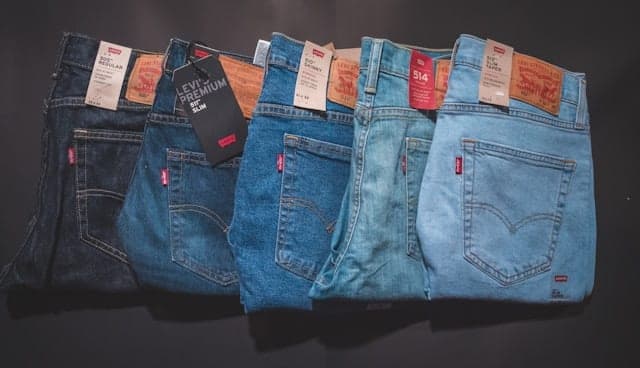
Apparel & Accessories on Shopify offer a vast selection of clothing, footwear, and fashion add-ons for businesses aiming to tap into the ever-growing e-commerce market. This category includes trendy apparel like t-shirts, hoodies, and dresses, as well as accessories such as jewelry, bags, and hats, catering to diverse customer preferences. With Shopify’s user-friendly platform, store owners can easily customize their online shops, optimize product listings with high-quality images, and target specific audiences using SEO tools to boost visibility and drive sales.
Effective SEO for Apparel & Accessories relies on strategic keyword use, such as “sustainable fashion” or “custom jewelry,” to attract organic traffic and stand out in a competitive niche. Shopify’s built-in features, like meta tags and alt text for images, help improve search engine rankings while ensuring fast load times for a seamless shopping experience. By focusing on seasonal trends, unique designs, and clear product descriptions, merchants can enhance discoverability and convert clicks into loyal customers.
Apparel & Accessories Shopify Category Levels
Apparel & Accessories
Clothing
Clothing Accessories
Costumes & Accessories
Handbag & Wallet Accessories
Handbags, Wallets & Cases
Jewelry
Shoe Accessories
Shoes
Activewear
Baby & Toddler Clothing
Boys’ Underwear
Clothing Tops
Dresses
Girls’ Underwear
Lingerie
Maternity Clothing
Men’s Undergarments
One-Pieces
Outerwear
Outfit Sets
Pants
Shorts
Skirts
Skorts
Sleepwear & Loungewear
Socks
Suits
Swimwear
Traditional & Ceremonial Clothing
Uniforms & Workwear
Wedding & Bridal Party Dresses
Arts & Entertainment Shopify Collections
The Arts & Entertainment category on Shopify offers a vibrant selection of products designed to captivate and inspire. From art supplies like paints, brushes, and canvases to entertainment essentials such as musical instruments, party decorations, and hobby kits, this category caters to creators and enthusiasts alike. Retailers can optimize their SEO by targeting keywords like “art supplies online,” “musical instruments for beginners,” or “party decor ideas,” ensuring they attract customers searching for unique, high-quality items to fuel their passions.
Shopify store owners in this niche can boost visibility by highlighting trending products like DIY craft kits, vinyl records, or specialty entertainment gear in their descriptions. Incorporating long-tail keywords such as “best watercolor paints for artists” or “affordable DJ equipment for events” helps rank higher on search engines while addressing specific customer needs. With a focus on detailed product listings and creative content, sellers can tap into the growing demand for arts and entertainment products, driving traffic and sales effortlessly.

Arts & Entertainment Shopify Category Levels
Arts & Entertainment
Event Tickets
Hobbies & Creative Arts
Party & Celebration
Arts & Crafts
Collectibles
Homebrewing & Winemaking Supplies
Juggling
Magic & Novelties
Model Making
Musical Instrument & Orchestra Accessories
Musical Instruments
Gift Giving
Party Supplies
Special Effects
Trophies & Awards
Baby & Toddler Shopify Collections
The Baby & Toddler category on Shopify offers a wide range of products designed to meet the needs of infants and young children. From soft, organic clothing to durable strollers and feeding essentials, this category provides parents with high-quality options to ensure comfort and safety for their little ones. Retailers can optimize their SEO by using targeted keywords like “baby clothes,” “toddler toys,” and “newborn essentials” to attract organic traffic from search engines like Google.
Shopify’s Baby & Toddler section also includes nursery decor, diapers, and developmental toys, making it a one-stop shop for caregivers. By incorporating long-tail keywords such as “best baby products online” or “eco-friendly toddler gear,” store owners can boost visibility and appeal to eco-conscious or budget-savvy parents. High-quality product descriptions and customer reviews further enhance search rankings, driving more clicks and conversions for businesses in this popular niche.

Baby & Toddler Shopify Category Levels
Baby & Toddler
Baby Bathing
Baby Gift Sets
Baby Health
Baby Safety
Baby Toys & Activity Equipment
Baby Transport
Baby Transport Accessories
Baby Transport Replacement Parts
Diapering
Nursing & Feeding
Potty Training
Swaddling & Receiving Blankets
The Business & Industrial category on Shopify offers a wide range of products tailored for professional and commercial use. From office supplies and equipment to industrial machinery and tools, this category supports businesses of all sizes with high-quality solutions. Shop owners can optimize their SEO by using targeted keywords like “industrial tools for sale” or “business equipment online” to attract B2B customers searching for reliable supplies.
Understanding customer behavior is essential for optimizing product categorization and collections, leading to a more personalized shopping experience and improved sales.
This category also includes specialized items such as safety gear, packaging materials, and manufacturing components, making it a one-stop shop for operational needs. To boost visibility, sellers should focus on descriptive product titles and meta descriptions, incorporating terms like “bulk industrial supplies” or “business machinery Shopify” to rank higher on search engines and drive traffic from industry professionals.

Bundles Shopify Category Levels
Bundles
Business & Industrial Shopify Collections
The Shopify product category for Food, Beverages & Tobacco offers a diverse range of items that cater to various tastes and preferences. From gourmet snacks and artisanal coffee to premium wines and specialty tobacco products, this category provides merchants with a platform to showcase high-quality consumables. A Shopify smart collection groups products based on shared characteristics, enhancing the shopping experience by aligning with how customers browse for products. Optimizing product listings with relevant keywords like “organic tea” or “craft beer” can boost visibility, ensuring these delectable goods reach food enthusiasts and connoisseurs searching for unique culinary experiences.
Businesses leveraging this Shopify category can tap into a growing market of consumers seeking convenience and quality in their food and beverage purchases. Detailed descriptions highlighting flavor profiles, sourcing details, and pairing suggestions can enhance SEO performance while engaging potential buyers. Incorporating terms such as “vegan snacks” or “small-batch tobacco” into titles and tags helps attract niche audiences, driving traffic and sales for merchants in this competitive yet rewarding product space.

Business & Industrial Shopify Category Levels
Business & Industrial
Advertising & Marketing
Agriculture
Automation Control Components
Construction
Dentistry
Film & Television
Finance & Insurance
Food Service
Forestry & Logging
Hairdressing & Cosmetology
Heavy Machinery
Hotel & Hospitality
Industrial Storage
Industrial Storage Accessories
Janitorial Carts & Caddies
Law Enforcement
Manufacturing
Material Handling
Medical
Mining & Quarrying
Piercing & Tattooing
Retail
Science & Laboratory
Signage
Work Safety Protective Gear
Brochures
Trade Show Counters
Trade Show Displays
Animal Husbandry
Programmable Logic Controllers
Variable Frequency & Adjustable Speed Drives
Raw Structural Components
Surveying
Dental Cement
Dental Tools
Prophy Paste
Traffic Cones & Barrels
Film & Television Costumes
Film & Television Props
Film & Television Set Pieces
Bullion
Bakery Boxes
Bus Tubs
Check Presenters
Concession Food Containers
Disposable Lids
Disposable Serveware
Disposable Tableware
Food Service Baskets
Food Service Carts
Food Washers & Dryers
Hot Dog Rollers
Ice Bins
Plate & Dish Warmers
Sneeze Guards
Take-Out Containers
Tilt Skillets
Vending Machines
Arborist Accessories
Forestry & Logging Protective Gear
Forestry & Logging Tools
Hairdressing Capes & Neck Covers
Pedicure Chairs
Salon Chairs
Backhoes
Bulldozers
Chippers
Crawler Loaders
Dump Trucks
Excavators
Harvesters
Heavy Machinery Parts & Accessories
Motor Graders
Pavers
Scrapers
Skid-Steer Loaders
Tractors
Trenchers
Wheel Loaders
Wheel Tractor Scrapers
Yard Scrapers
Hospitality Supplies
Hotel & Hospitality Accessories
Hotel Supplies
Industrial Cabinets
Industrial Shelving
Shipping Containers
Wire Partitions, Enclosures & Doors
Individual Industrial Shelves
Industrial Shelf Dividers
Locking Clips & Pins
Cleaning Carts
Laundry Carts
Waste Collection Carts
Cuffs
Metal Detectors
Packing Machines
Conveyors
Lifts & Hoists
Pallets & Loading Platforms
Hospital Curtains
Hospital Gowns
Medical Bedding
Medical Equipment
Medical Furniture
Medical Instruments
Medical Supplies
Medical Teaching Equipment
Scrub Caps
Surgical Gowns
Mining & Quarrying Machinery
Mining & Quarrying Supplies
Piercing Supplies
Tattooing Supplies
Clothing Display Racks
Display Mannequins
Mannequin Parts
Money Handling
Paper & Plastic Shopping Bags
Pricing Guns
Retail Display Cases
Retail Display Props & Models
Biochemicals
Dissection Kits
Laboratory Chemicals
Laboratory Equipment
Laboratory Specimens
Laboratory Supplies
Business Hour Signs
Digital Signs
Electric Signs
Emergency & Exit Signs
Facility Identification Signs
Open & Closed Signs
Parking Signs & Permits
Policy Signs
Retail & Sale Signs
Road & Traffic Signs
Safety & Warning Signs
Security Signs
Sidewalk & Yard Signs
Bullet Proof Vests
Gas Mask & Respirator Accessories
Hardhats
Hazardous Material Suits
Protective Aprons
Protective Eyewear
Protective Masks
Safety Gloves
Safety Knee Pads
Welding Helmets
Work Safety Harnesses
Work Safety Tethers
Cameras & Optics Shopify Collections
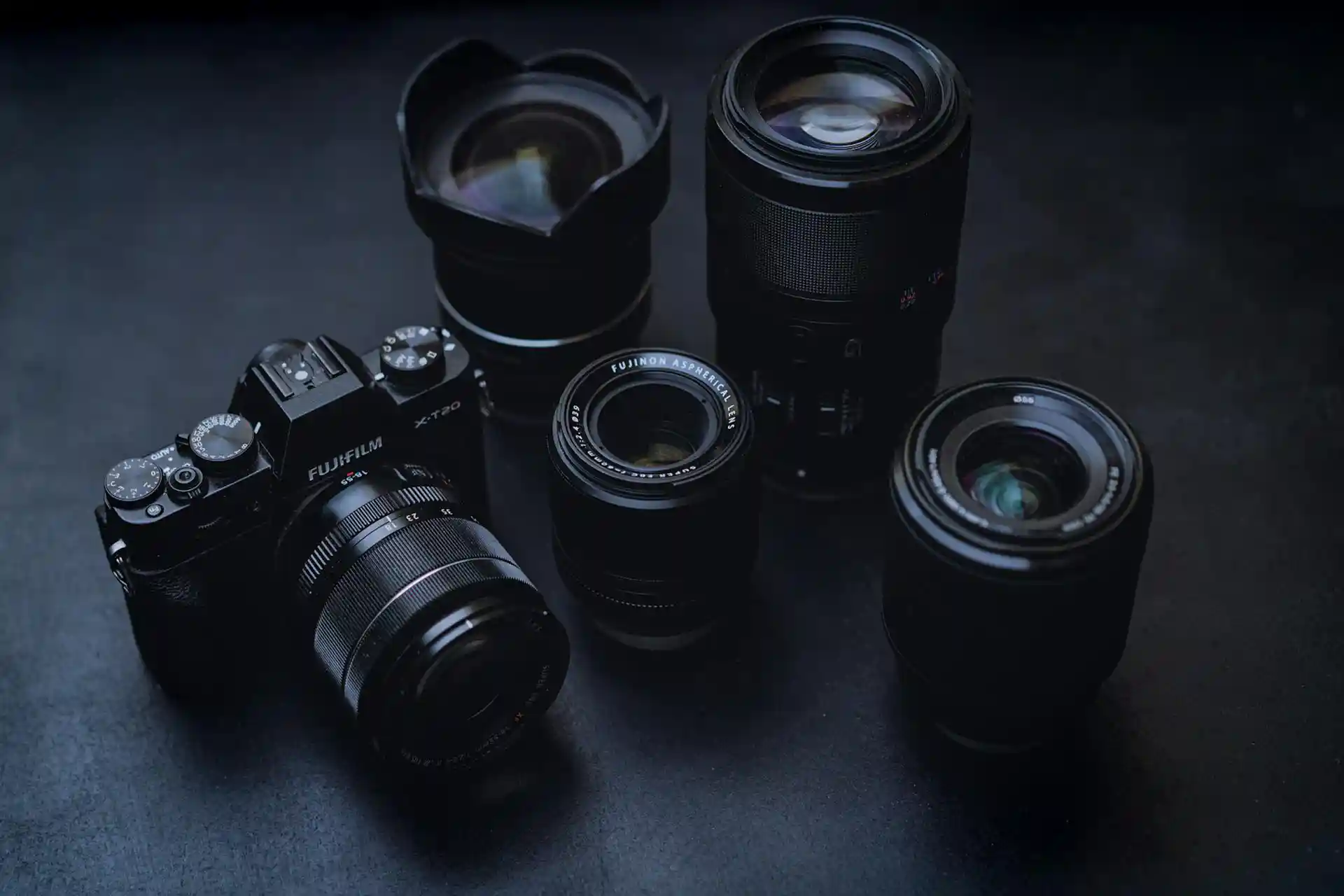
The Shopify Camera & Optics category offers a wide range of high-quality photography and optical equipment designed for both professionals and enthusiasts. From DSLR cameras and lenses to telescopes and binoculars, this category provides essential tools for capturing stunning images and exploring distant views. With top brands and advanced features like high-resolution sensors and durable designs, these products cater to diverse needs, ensuring optimal performance for every user.
Shopping for Camera & Optics on Shopify is seamless, with detailed product listings and customer reviews to guide your purchase. Whether you’re upgrading your gear or starting a new hobby, this category delivers reliable options at competitive prices. Fast shipping and secure transactions make it easy to get the equipment you need, while the variety of accessories, such as tripods and filters, enhances your photography or optical experience.
Cameras & Optics Shopify Category Levels
Cameras & Optics
Camera & Optic Accessories
Cameras
Optics
Photography
Camera & Optic Replacement Cables
Camera & Video Camera Lenses
Camera Lens Accessories
Camera Parts & Accessories
Optic Accessories
Tripod & Monopod Accessories
Tripods & Monopods
Borescopes
Digital Cameras
Disposable Cameras
Film Cameras
Surveillance Cameras
Trail Cameras
Video Cameras
Webcams
Binoculars
Monoculars
Rangefinders
Scopes
Darkroom
Lighting & Studio
Photo Mounting Supplies
Photo Negative & Slide Storage
Component Video Cables
Composite Video Cables
Optical Audio Cables
Camera Lenses
Surveillance Camera Lenses
Video Camera Lenses
Lens & Filter Adapter Rings
Lens Bags
Lens Caps
Lens Converters
Lens Filters
Lens Hoods
Camera Accessory Sets
Camera Bags & Cases
Camera Body Replacement Panels & Doors
Camera Digital Backs
Camera Film
Camera Flash Accessories
Camera Flashes
Camera Focus Devices
Camera Gears
Camera Grips
Camera Image Sensors
Camera Lens Zoom Units
Camera Remote Controls
Camera Replacement Buttons & Knobs
Camera Replacement Screens & Displays
Camera Silencers & Sound Blimps
Camera Stabilizers & Supports
Camera Straps
Camera Sun Hoods & Viewfinder Attachments
Flash Brackets
On-Camera Monitors
Surveillance Camera Accessories
Underwater Camera Housing Accessories
Underwater Camera Housings
Video Camera Lights
Binocular & Monocular Accessories
Optics Bags & Cases
Rangefinder Accessories
Spotting Scope Accessories
Telescope Accessories
Thermal Optic Accessories
Weapon Scope & Sight Accessories
Tripod & Monopod Cases
Tripod & Monopod Heads
Tripod Collars & Mounts
Tripod Handles
Tripod Spreaders
Boom Stands
Light Stands
Monopods
Pocket Tripods
Studio Tripods
Tabletop Tripods
Travel Tripods
Underwater Tripods
Video Tripods
Camera Backpacks
Camera Hard Cases
Camera Holster Bags
Camera Rolling Cases
Camera Shoulder Bags
Camera Sling Bags
Camera Soft Pouches
Camera Tote Bags
Camera Underwater Cases
Black & White Film
Color Negative Film
Infrared Film
Instant Film
Slide Film
Special Effects Film
Battery Grips
Finger Grips
Hand Grips
Shoulder Grips
Strap Grips
Underwater Grips
Wrist Grips
Battery Grips
Finger Grips
Hand Grips
Shoulder Grips
Strap Grips
Underwater Grips
Wrist Grips
Digital Zoom Units
Manual Zoom Units
Motorized Zoom Units
Optical Zoom Units
Servo Zoom Units
Belt Straps
Chest Straps
Hand Straps
Harness Straps
Neck Straps
Quick-Release Straps
Shoulder Straps
Wrist Straps
Electronics Shopify Collections
The Electronics category on Shopify offers a wide range of cutting-edge gadgets and devices designed to meet the needs of tech-savvy consumers. From smartphones and laptops to smart home systems and wearable tech, this category showcases products that blend innovation with functionality, appealing to customers seeking the latest in electronic advancements.
Shopify’s Electronics section is optimized for seamless browsing and purchasing, ensuring that retailers can effectively highlight features like high-resolution displays, fast processors, and long battery life. With strong demand for electronics year-round, this category provides an ideal platform for businesses to target both casual buyers and dedicated tech enthusiasts through detailed product listings and competitive pricing.

Electronics Shopify Category Levels
Electronics
Arcade Equipment
Audio
Circuit Boards & Components
Communications
Components
Computers
Electronics Accessories
GPS Accessories
GPS Navigation Systems
GPS Tracking Devices
Marine Electronics
Networking
Print, Copy, Scan & Fax
Radar Detectors
Speed Radars
Toll Collection Devices
Video
Video Game Console Accessories
Video Game Consoles
Basketball Arcade Games
Pinball Machine Accessories
Pinball Machines
Skee-Ball Machines
Video Game Arcade Cabinet Accessories
Video Game Arcade Cabinets
Playfield Waxes
Protective Covers
Replacement Balls
Rubber Ring Kits
Coin Mechanisms
Control Panels
Joysticks
Marquees
Push ButtonsAudio & Video Receiver Accessories
Headphone & Headset Accessories
Karaoke System Accessories
MP3 Player Accessories
Microphone Accessories
Microphone Stands
Satellite Radio Accessories
Speaker Accessories
Turntable AccessoriesAudio & Video Receivers
Audio Amplifiers
Audio Mixers
Audio Transmitters
Channel Strips
Direct Boxes
Headphones & Headsets
Microphones
Signal Processors
Speakers
Studio Recording BundlesBoomboxes
Handheld Players & Recorders
Home Theater Systems
Jukeboxes
Karaoke Systems
Multitrack Recorders
Radios
Reel-to-Reel Tape Players & Recorders
Stereo Systems
Turntables & Record Players
Voice Recorders
DJ CD Players
DJ Systems
Wireless Transmitters
Audio & Video Receiver Rack Mounts
Bluetooth Adapters
Headphone Carrying Cases
Headphone Cushions & Tips
Headphone Stands
Karaoke Carrying Cases
Karaoke Chips
MP3 Player & Mobile Phone Accessory Sets
MP3 Player Cases
Microphone Shock Mounts
Pop Filters
Windshields
Satellite Radio Mounts & Brackets
Speaker Bags, Covers & Cases
Speaker Components & Kits
Speaker Stand Bags
Speaker Stands & Mounts
Tactile Transducers
Cartridges
Record Cleaning Kits
Replacement Needles
Slipmats
Food, Beverages & Tobacco Shopify Collections
The Shopify product category for Food, Beverages & Tobacco offers a diverse range of items that cater to various tastes and preferences. From gourmet snacks and artisanal coffee to premium wines and specialty tobacco products, this category provides merchants with a platform to showcase high-quality consumables. Optimizing product listings with relevant keywords like “organic tea” or “craft beer” can boost visibility, ensuring these delectable goods reach food enthusiasts and connoisseurs searching for unique culinary experiences.
Businesses leveraging this Shopify category can tap into a growing market of consumers seeking convenience and quality in their food and beverage purchases. Detailed descriptions highlighting flavor profiles, sourcing details, and pairing suggestions can enhance SEO performance while engaging potential buyers. Incorporating terms such as “vegan snacks” or “small-batch tobacco” into titles and Shopify tags helps attract niche audiences, driving traffic and sales for merchants in this competitive yet rewarding product space.

Food, Beverages & Tobacco Shopify Category Levels
Food, Beverages & Tobacco
Beverages
Food Items
Tobacco Products
Alcoholic Beverages
Buttermilk
Coffee
Cordials, Syrups & Squash
Fruit Flavored Drinks
Hot Chocolate
Juices, Milkshakes & Smoothies
Low Alcohol & Alcohol-Free Beverages
Milk
Non-Dairy Milk
Powdered Beverage Mixes
Soda
Sports & Energy Drinks
Tea & Infusions
Vinegar Drinks
Water
Bakery
Candied & Chocolate Covered Fruit
Candy & Chocolate
Condiments & Sauces
Cooking & Baking Ingredients
Dairy Products
Dips & Spreads
Food Gift Baskets
Frozen Desserts & Novelties
Fruits & Vegetables
Grains, Rice & Cereal
Meat, Seafood & Eggs
Nuts & Seeds
Pasta & Noodles
Prepared Foods
Seasonings & Spices
Snack Foods
Soups & Broths
Tofu, Soy & Vegetarian Products
Chewing Tobacco
Cigarettes
Cigars
Loose Tobacco
Rolling Papers
Smoking Pipes
Vaporizers & Electronic Cigarettes
Beer
Bitters
Flavored Alcoholic Beverages
Hard Cider
Liquor & Spirits
Premixed Spirits & Cocktail Mixes
Wine
Coffee Beans & Ground Coffee
Coffee Pods & Capsules
Instant Coffee
Cocoa Powder
Hot Chocolate Mixes
Malted Milk
Low Alcohol & Alcohol-Free Beer
Low Alcohol & Alcohol-Free Bitters
Low Alcohol & Alcohol-Free Cocktail Mixes
Low Alcohol & Alcohol-Free Hard Cider
Low Alcohol & Alcohol-Free Liquors & Spirits
Low Alcohol & Alcohol-Free WineCoconut Milk & Drinks
Nut Drinks
Oat Drinks
Rice Drinks
Soy Drinks
Energy Drinks
Sports Drinks
Infusions
Tea
Carbonated Water
Distilled Water
Flat Mineral Water
Spring Water
Absinthe
Brandy
Gin
Liqueurs
Rum
Shochu & Soju
Tequila
Vodka
Whiskey
Beer-Based Cocktails
Fruit Mix Preparations
Hard Seltzers
Liquor & Spirit-Based Cocktails
Spice Mix Preparations
Wine-Based Cocktails
Furniture Shopify Collections
The Shopify product category for Furniture offers a wide range of stylish and functional pieces to elevate any living space. From cozy sofas and elegant dining sets to sturdy bed frames and chic storage solutions, this category caters to diverse tastes and budgets. Retailers can optimize their SEO by using targeted keywords like “modern furniture,” “affordable home decor,” or “luxury living room sets” to attract customers searching for specific styles or items.
High-quality images and detailed product descriptions enhance visibility in this competitive category. Shoppers often look for terms like “durable wooden furniture” or “space-saving designs,” so including these in titles, tags, and meta descriptions can boost search rankings. With Shopify’s user-friendly platform, sellers can easily organize their Furniture collections and integrate customer reviews to build trust and drive sales.

Furniture Shopify Category Levels
Furniture
Baby & Toddler Furniture
Beds & Accessories
Benches
Cabinets & Storage
Carts & Islands
Chair Accessories
Chairs
Daybeds
Entertainment Centers & TV Stands
Furniture Sets
Futons
Office Furniture
Office Furniture Accessories
Ottomans
Outdoor Furniture
Outdoor Furniture Accessories
Room Divider Accessories
Room Dividers
Shelving
Shelving Accessories
Sofa Accessories
Sofas
Table Accessories
Tables
Baby & Toddler Furniture Sets
Bassinet & Cradle Accessories
Bassinets & Cradles
Changing Tables
Crib & Toddler Bed Accessories
Cribs & Toddler Beds
High Chair & Booster Seat Accessories
High Chairs & Booster Seats
Play Sofas
Bassinet Playards
Bassinets
Bedside Bassinets
Convertible Bassinets
Cradles
Folding Bassinets
Hanging Bassinets
Rocking Bassinets
Travel Bassinets
Crib Bumpers & Liners
Crib Conversion Kits
Bunk Toddler Beds
Canopy Toddler Beds
Loft Toddler Beds
Mini Cribs
Sleigh Toddler Beds
Standard Cribs
Toddler Beds
Travel Cribs
Booster Feeding Seats
Convertible High Chairs
High Chairs
Hook-On Seats
Crib Liners
Crib Rail Covers
Crib Skirts
Mesh Crib Bumpers
Padded Crib Bumpers
Teething Rail Covers
Gift Cards Shopify Collections
Gift cards on Shopify offer a versatile and convenient gifting solution for customers, making them a popular product category for e-commerce businesses. By optimizing your gift card page with keywords like “Shopify gift cards,” “online gift vouchers,” and “digital gift certificates,” you can attract shoppers searching for easy, last-minute gift options. High-quality descriptions, clear purchase instructions, and appealing visuals can boost your page’s visibility on search engines while enhancing user experience.
Selling gift cards also provides a steady revenue stream and encourages repeat purchases, as recipients often return to redeem their cards. Incorporate long-tail keywords such as “buy gift cards online for Shopify stores” or “customizable gift cards for small businesses” to target niche audiences. Pair this with a mobile-friendly design and fast-loading pages to improve your SEO rankings and capture more organic traffic from gift-seekers year-round.

Gift Cards Shopify Category Levels
Gift Cards
Need Help With Your Shopify Store?
Fill in the form below and one of our team will be in contact.
Hardware Shopify Collections
Shopify’s Hardware category offers a wide range of essential tools and equipment designed to meet the needs of businesses and DIY enthusiasts alike. From power tools and machinery to fasteners and building materials, this category provides high-quality products that ensure durability and performance for any project.
Optimizing your Shopify store with hardware products can attract customers looking for reliable solutions in construction, home improvement, and industrial applications. By incorporating keywords like “durable power tools” or “affordable building supplies” into your product descriptions and titles, you can boost visibility on search engines and drive targeted traffic to your store.

Hardware Shopify Category Levels
Hardware
Building Consumables
Building Materials
Fencing & Barriers
Fuel
Fuel Containers & Tanks
Hardware Accessories
Hardware Pumps
Heating, Ventilation & Air Conditioning
Locks & Keys
Plumbing
Power & Electrical Supplies
Small Engines
Storage Tanks
Tool Accessories
Tools
Chemicals
Hardware Glue & Adhesives
Hardware Tape
Lubricants
Masonry Consumables
Painting Consumables
Plumbing Primer
Protective Coatings & Sealants
Solder & Flux
Solvents, Strippers & Thinners
Wall Patching Compounds & Plaster
Countertops
Door Hardware
Doors
Drywall
Flooring & Carpet
Glass
Handrails & Railing Systems
Hatches
Insulation
Lumber & Sheet Stock
Molding
Rebar & Remesh
Roofing
Shutters
Siding
Sound Dampening Panels & Foam
Staircases
Wall & Ceiling Tile
Wall Paneling
Weather Stripping & Weatherization Supplies
Window Hardware
Windows
Fence & Gate Accessories
Fence Panels
Fence Pickets
Fence Posts & Rails
Garden Borders & Edging
Gates
Lattice
Safety & Crowd Control Barriers
Home Heating Oil
Kerosene
Propane
Diesel Cans
Fuel Transfer Tanks
Gas Cans
Kerosene Cans
Propane Tanks
Brackets & Reinforcement Braces
Cabinet Hardware
Casters
Chain, Wire & Rope
Coils
Concrete Molds
Dowel Pins & Rods
Drawer Slides
Drop Cloths
Filters & Screens
Flagging & Caution Tape
Gas Hoses
Ground Spikes
Hardware Fasteners
Hinges
Hooks, Buckles & Fasteners
Lubrication Hoses
Metal Casting Molds
Moving & Soundproofing Blankets & Covers
Pneumatic Hoses
Post Base Plates
Springs
Tarps
Tool Storage & Organization
Wall Jacks & Braces
Home Appliance Pumps
Pool, Fountain & Pond Pumps
Sprinkler, Booster & Irrigation System Pumps
Sump, Sewage & Effluent Pumps
Utility Pumps
Well Pumps & Systems
Air & Filter Dryers
Air Ducts
HVAC Controls
Vents & Flues
Key Blanks
Key Caps
Key Card Entry Systems
Locks & Latches
Plumbing Fittings & Supports
Plumbing Fixture Hardware & Parts
Plumbing Fixtures
Plumbing Hoses & Supply Lines
Plumbing Pipes
Plumbing Repair Kits
Water Dispensing & Filtration
Water Levelers
Water Timers
Well Supplies
Armatures, Rotors & Stators
Ballasts & Starters
Carbon Brushes
Circuit Breaker Panels
Circuit Breakers
Conduit & Housings
Electrical Motors
Electrical Mount Boxes & Brackets
Electrical Plug Caps
Electrical Switches
Electrical Wires & Cable
Extension Cord Accessories
Extension Cords
Generator Accessories
Generators
Home Automation Kits
Phone & Data Jacks
Power Converters
Power Inlets
Power Inverters
Power Outlets & Sockets
Solar Energy Kits
Solar Panels
Voltage Transformers & Regulators
Wall Plates & Covers
Wall Socket Controls & Sensors
Wire Caps & Nuts
Wire Terminals & Connectors
Abrasive Blaster Accessories
Axe Accessories
Cutter Accessories
Drill & Screwdriver Accessories
Driver Accessories
Flashlight Accessories
Grinder Accessories
Hammer Accessories
Industrial Staples
Jigs
Magnetizers & Demagnetizers
Mattock & Pickaxe Accessories
Measuring Tool & Sensor Accessories
Mixing Tool Paddles
Paint Tool Accessories
Power Tool Batteries
Power Tool Chargers
Router Accessories
Sanding Accessories
Saw Accessories
Shaper Accessories
Soldering Iron Accessories
Tool Blades
Tool Handle Wedges
Tool Safety Tethers
Tool Sockets
Tool Stands
Wedge Tools
Welding Accessories
Abrasive Blasters
Anvils
Axes
Carpentry Jointers
Carving Chisels & Gouges
Caulking Tools
Chimney Brushes
Compactors
Compressors
Concrete Brooms
Cutters
Deburrers
Dollies & Hand Trucks
Drills
Electrician Fish Tape
Flashlights & Headlamps
Grease Guns
Grinders
Grips
Hammers
Handheld Power Mixers
Hardware Torches
Heat Guns
Impact Wrenches & Drivers
Industrial Vibrators
Inspection Mirrors
Ladders & Scaffolding
Lathes
Light Bulb Changers
Lighters & Matches
Log Splitters
Magnetic Sweepers
Marking Tools
Masonry Tools
Mattocks & Pickaxes
Measuring Tools & Sensors
Milling Machines
Multifunction Power Tools
Nail Pullers
Nailers & Staplers
Oil Filter Drains
Paint Tools
Pickup Tools
Pipe & Bar Benders
Pipe & Tube Cleaners
Pipe Brushes
Planers
Planes
Pliers
Plungers
Polishers & Buffers
Post Hole Diggers
Pry Bars
Punches & Awls
Putty Knives & Scrapers
Reamers
Riveting Tools
Routing Tools
Sanders
Sanding Blocks
Saw Horses
Saws
Screwdrivers
Shapers
Sharpeners
Socket Drivers
Soldering Irons
Tap Reseaters
Taps & Dies
Threading Machines
Tool Clamps & Vises
Tool Files
Tool Keys
Tool Knives
Tool Sets
Welders
Welding Guns & Plasma Cutters
Wire & Cable Hand Tools
Work Lights
Wrenches
Acid Neutralizers
Ammonia
Chimney Cleaners
Concrete & Masonry Cleaners
De-Icers
Deck & Fence Cleaners
Drain Cleaners
Electrical Freeze Sprays
Lighter Fluid
Septic Tank & Cesspool Treatments
Duct Tape
Electrical Tape
Masking Tape
Dry Lubricants
Grease
Oil
Bricks & Concrete Blocks
Cement, Mortar & Concrete Mixes
Grout
Paint
Paint Binders
Primers
Stains
Varnishes & Finishes
Concrete Sealers
Protective Coatings
Roll Roofing Glue
Roof Sealants
Rust Prevention Coatings
Waterproofing Coatings
Lead-Based Solder
Lead-Free Solder
Rosin Flux
Solvents
Strippers
Thinners
Cement Plaster
Gypsum Plaster
Heat Resistant Plaster
Joint Compounds
Lime Plaster
Polymer Dispersion Plaster
Polyurethane Alkyds
Polyurethane Dispersions
Spackling Paste
Door Bells & Chimes
Door Closers
Door Frames
Door Keyhole Escutcheons
Door Knobs & Handles
Door Knockers
Door Push Plates
Door Stops
Door Strikes
Garage Doors
Home Doors
Float Glass
Insulated Glass
Laminated Glass
Tempered Glass
Guardrails
Handrails
Batt Insulation
Blown-In Insulation
Foam Board Insulation
Loose-Fill Insulation
Roll Insulation
Spray Foam Insulation
Hardwood Lumber
Plywood
Softwood Lumber
Rebar
Remesh
Wire Mesh
Gutter Accessories
Gutters
Roof Flashings
Roofing Shingles & Tiles
Board & Batten Shutters
Louvered Shutters
Raised Panel Shutters
Acoustic Panels
Bass Traps
Diffusers
Foam Tiles
Curved Staircases
Floating Staircases
Spiral Staircases
Straight Staircases
Winder Staircases
Ceiling Tiles
Wall Tiles
Beadboards
Board & Batten Paneling
Planks
Wainscoting Paneling
Door Sweeps
Foam Tape
V Strips
Weatherstrip Seal
Window Cranks
Awning Windows
Bay Windows
Casement Windows
Double Hung Windows
Picture Windows
Sliding Windows
Decorative Panels
Pickets
Privacy Panels
Security Panels
End Posts
Line Posts
Rails
Border Fences
Edging
Driveway Gates
Garden Gates
Security Gates
Articulating Panels
Auto Barriers
Parking Locks
Retractable Belts
Clear Kerosene
Dyed Kerosene
Cabinet & Furniture Keyhole Escutcheons
Cabinet Backplates
Cabinet Catches
Cabinet Doors
Cabinet Knobs & Handles
Bungee Cords
Chains
Pull Chains
Ropes & Hardware Cable
Tie Down Straps
Twine
Utility Wire
Compression Coils
Extension Coils
Torsion Coils
Barricade Tape
Flagging Tape
Marking Tape
Drywall Anchors
Nails
Nuts & Bolts
Rivets
Screw Posts
Screws
Threaded Rods
Washers
Chain Connectors & Links
Gear Ties
Lifting Hooks, Clamps & Shackles
Utility Buckles
Moving Blankets & Covers
Soundproofing Blankets & Covers
Air Pneumatic Hoses
Oil Pneumatic Hoses
Compression Springs
Extension Springs
Torsion Springs
Garden Hose Storage
Tool & Equipment Belts
Tool Bags
Tool Boxes
Tool Cabinets & Chests
Tool Organizer Liners & Inserts
Tool Sheaths
Work Benches
Condensate Pumps
Drain Pumps
Recirculating Pumps
Fountain Pumps
Pond Pumps
Pool Pumps
Booster Pumps
Centrifugal Pumps
Positive Displacement Pumps
Effluent Pumps
Sewage Pumps
Sump Pumps
Drum Pumps
Submersible Pumps
Transfer Pumps
Control Panels
Humidistats
Thermostats
Contactless Cards
Magnetic Stripe Cards
Barrel Bolts
Cam Locks
Deadbolts
Latches
Gaskets & O-Rings
In-Wall Carriers & Mounting Frames
Nozzles
Pipe Adapters & Bushings
Pipe Caps & Plugs
Pipe Connectors
Plumbing Flanges
Plumbing Pipe Clamps
Plumbing Regulators
Plumbing Valves
Bathtub Accessories
Drain Components
Drains
Faucet Accessories
Fixture Plates
Shower Parts
Sink Accessories
Toilet & Bidet Accessories
Bathroom Suites
Bathtubs
Faucets
Shower Stalls & Kits
Sinks
Toilets & Bidets
Faucet Supply Lines
Toilet Supply Lines
Washing Machine Supply Lines
Drain Pipes
Supply Pipes
Vent Pipes
Faucet Repair Kits
Pipe Repair Kits
Toilet Repair Kits
In-Line Water Filters
Water Dispensers
Water Distillers
Water Filtration Accessories
Water Softener Salt
Water Softeners
Armatures
Rotors
Stators
Electronic Ballasts
Magnetic Ballasts
Starters
Main Breaker Panels
Sub-Panel Breaker Panels
Electrical Conduit
Heat-Shrink Tubing
Induction Motors
Servo Motors
Universal Motors
Mount Boxes
Mount Brackets
Light Switches
Specialty Electrical Switches & Relays
Inverter Generators
Portable Generators
Standby Generators
Energy Management Kits
Lighting Control Kits
Security Kits
Ethernet Jacks
Phone Jacks
Step-Down Converters
Step-Up Converters
Floor Outlets
Pop-Up Outlets
Wall Outlets
Backup Power Kits
Grid-Tied Solar Kits
Monocrystalline Solar Panels
Polycrystalline Solar Panels
Thin-Film Solar Panels
Voltage Regulators
Voltage Transformers
Light Sensors
Timer Switches
Butt Connectors
Ring Terminals
Spade Terminals
Cement
Concrete Mixes
Firestop Mortar
Mortar Mixes
Polymer-Modified Mortar
Pozzolanic Mortar
Surkhi Mortar
Deadbolt Strikes
Latch Strikes
Roll-Up Garage Doors
Sectional Garage Doors
Side Hinged Garage Doors
Drip Edges
Pipe Boots
Step Flashings
Valley Flashings
3-Tab Shingles
Architectural Shingles
Shake-Style Shingles
Awning Window Frames
Casement Window Frames
Double Hung Window Frames
Picture Window Frames
Sliding Window Frames
Boat Nails
Brad Nails
Cap Nails
Decorative Nails
Fiber Cement Nails
Finishing Nails
Horseshoe Nails
Masonry Nails
Railroad Spikes
Roofing Nails
Survey Nails
Twist Nails
Upholstery Nails
Wire Nails
Deck Screws
Drywall Screws
Lag Screws
Machine Screws
Masonry Screws
Roofing Screws
Screw Eyes & Hooks
Self-Drilling Screws
Set Screws
Sheet Metal Screws
Socket Screws
Thumb Screws
Wood Screws
Hose Hangers
Hose Pots
Hose Reels
Carpenter Belts
Electrician Belts
Framer Belts
Hand Carry Tool Boxes
Rolling Tool Boxes
Truck Tool Boxes
Rolling Cabinets & Chests
Stationary Cabinets & Chests
Drawer Liners
Tool Box Inserts
Mobile Work Benches
Stationary Work Benches
In-Wall Carriers
Mounting Frames
Adapters
Bushings
Caps
Plugs
Couplings
Unions
Pressure Regulators
Temperature Regulators
Ball Valves
Check Valves
Gate Valves
Globe Valves
Pressure Relief Valves
Bathtub Bases & Feet
Bathtub Skirts
Bathtub Spouts
Drain Covers & Strainers
Drain Frames
Drain Liners
Drain Openers
Drain Rods
Plumbing Traps
Plumbing Wastes
Floor Drains
Shower Drains
Sink Drains
Faucet Aerators
Faucet Handles & Controls
Cover Plates
Escutcheon Plates
Flange Plates
Bathtub & Shower Jets
Electric & Power Showers
Shower Arms & Connectors
Shower Bases
Shower Columns
Shower Doors & Enclosures
Shower Heads
Shower Walls & Surrounds
Shower Water Filters
Sink Legs
Ballcocks & Flappers
Bidet Faucets & Sprayers
Toilet & Bidet Seats
Toilet Seat Covers
Toilet Seat Lid Covers
Toilet Tank Covers
Toilet Tank Levers
Toilet Tanks
Toilet Trim
Alcove Bathtubs
Drop-In Bathtubs
Freestanding Bathtubs
Bathroom Sink Faucets
Bathtub & Shower Faucets
Kitchen Sink Faucets
Bathroom Sinks
Kitchen & Utility Sinks
Bidets
Toilets
Urinals
Drain Pipes
Supply Pipes
Vent Pipes
Drinking Fountains
Water Chillers
Water Filter Cartridges
Water Filter Housings
Salt-Based Water Softeners
Salt-Free Water Softeners
Flexible Electrical Conduit
Rigid Electrical Conduit
Dimmer Switches
Single-Pole Switches
Three-Way Switches
Limit Switches
Pressure Switches
Specialty Relays
Health & Beauty Shopify Collections
The Health & Beauty category on Shopify offers a wide range of products designed to enhance personal care and wellness. From skincare essentials like cleansers and moisturizers to beauty must-haves such as makeup and haircare solutions, this category caters to customers seeking quality and convenience. Retailers can optimize their SEO by targeting keywords like “natural skincare products” or “best beauty essentials” to attract health-conscious shoppers looking for trusted brands and innovative formulas.
Shopify’s Health & Beauty section also includes wellness items like supplements, fitness gear, and aromatherapy products, appealing to a growing market of self-care enthusiasts. Store owners can boost visibility by incorporating trending terms such as “organic beauty products” or “wellness supplements” into product descriptions and titles. With a focus on high-quality imagery and detailed descriptions, businesses can effectively capture attention and drive traffic in this competitive yet lucrative category.

Health & Beauty Shopify Category Levels
Health & Beauty
Health Care
Jewelry Cleaning & Care
Personal Care
Acupuncture
Bed Pans
Biometric Monitor Accessories
Biometric Monitors
Condoms
Conductivity Gels & Lotions
Contraceptive Cases
First Aid
Fitness & Nutrition
Hearing Aids
Incontinence Aids
Light Therapy Lamps
Medical Alarm Systems
Medical Face Masks
Medical Identification Tags & Jewelry
Medical Tests
Medicine & Drugs
Mobility & Accessibility
Occupational & Physical Therapy Equipment
Pillboxes
Respiratory Care
Specimen Cups
Spermicides
Stump Shrinkers
Supports & Braces
Surgical Lubricants
Jewelry Cleaning Solutions & Polishes
Jewelry Cleaning Tools
Jewelry Holders
Jewelry Steam Cleaners
Watch Repair Kits
Back Care
Cosmetics
Cotton Balls
Cotton Swabs
Deodorants & Anti-Perspirant
Ear Care
Enema Kits & Supplies
Feminine Sanitary Supplies
Foot Care
Hair Care
Massage & Relaxation
Oral Care
Personal Lubricants
Shaving & Grooming
Sleeping Aids
Spray Tanning Tents
Tanning Beds
Tweezers
Vision Care
Acupuncture Models
Acupuncture Needles
Activity Monitor Accessories
Blood Glucose Meter Accessories
Blood Pressure Monitor Accessories
Body Weight Scale Accessories
Activity Monitors
Blood Glucose Meters
Blood Pressure Monitors
Body Fat Analyzers
Body Weight Scales
Breathalyzers
Cholesterol Analyzers
Fertility Monitors and Ovulation Tests
Medical Thermometers
Prenatal Heart Rate Monitors
Pulse Oximeters
Antiseptics & Cleaning Supplies
Cast & Bandage Protectors
Eye Wash Supplies
First Aid Kits
Hot & Cold Therapies
Medical Tape & Bandages
Nutrition Bars
Nutrition Drinks & Shakes
Nutrition Gels & Chews
Nutritional Food Purées
Tube Feeding Supplements
Vitamins & Supplements
Weight Loss
Behind-The-Ear (BTE) Hearing Aids
Body-Worn Hearing Aids
Bone-Anchored Hearing Aids (BAHA)
Completely-In-Canal (CIC) Hearing Aids
Full-Shell In-the-Ear (FSITE) Hearing Aids
Half-Shell In-the-Ear (HSITE) Hearing Aids
In-The-Canal (ITC) Hearing Aids
In-The-Ear (ITE) Hearing Aids
Invisible-In-Canal (IIC) Hearing Aids
Mini Behind-The-Ear (mBTE) Hearing Aids
Adult Diapers
Bed Pads
Incontinence Pads
Allergy Test Kits
Blood Typing Test Kits
COVID-19 Tests
Drug Tests
Flu Tests
HIV Tests
Helicobacter Pylori Test Kits
Pregnancy Tests
Urinary Tract Infection Tests
Accessibility Equipment
Accessibility Equipment Accessories
Accessibility Furniture & Fixtures
Walking Aid Accessories
Walking Aids
Electrical Muscle Stimulators
Therapeutic Swings
Nebulizers
Oxygen Tanks
PAP Machines
PAP Masks
Steam Inhalers
Ankle Supports
Back Braces
Elbow Supports
Knee Braces
Neck Braces
Wrist Braces
Blood Glucose Control Solution
Blood Glucose Test Strips
Lancing Devices
Blood Pressure Monitor Cuffs
Fertility Tests & Monitors
Ovulation Tests
Heat Rubs
Heating Pads
Ice Packs
Amino Acids
CBD Supplements
Collagen
Creatine
Digestive Supplements
Herbal Supplements
Minerals
Multivitamin Supplements
Protein Supplements
Single Vitamins
Weight Loss Detox & Cleanse Products
Weight Loss Meal Replacements
Weight Loss Supplements
Mobility Scooters
Stair Lifts
Transfer Boards & Sheets
Wheelchairs
Shower Benches & Seats
Canes & Walking Sticks
Crutches
Walkers
APAP Machines
BiPAP Machines
CPAP Machines
Home & Garden Shopify Collections
The Home & Garden category on Shopify offers a wide range of products designed to enhance living spaces and outdoor areas. From cozy home decor like candles and throw pillows to essential gardening tools such as planters and pruning shears, this category caters to homeowners and enthusiasts alike.
Shoppers can explore items that blend functionality with style, ensuring their spaces reflect personal taste while meeting practical needs. A well-structured store’s homepage facilitates navigation for customers by allowing them to easily access various product categories, enhancing user experience and encouraging browsing. With Shopify’s seamless platform, merchants can optimize product listings with keywords like “home decor” and “gardening essentials” to attract organic traffic and boost visibility.
This category also taps into seasonal trends, making it a prime opportunity for SEO success. Products like patio furniture in summer or holiday decorations in winter allow sellers to target timely search terms such as “outdoor living ideas” or “cozy home accents.” High-quality images and detailed descriptions further improve click-through rates, while Shopify’s built-in tools help businesses analyze performance and refine strategies. By focusing on niche keywords and customer intent, Home & Garden sellers can cultivate a loyal audience and drive consistent sales year-round.

Home & Garden Shopify Category Levels
Home & Garden
Bathroom Accessories
Business & Home Security
Decor
Emergency Preparedness
Fireplace & Wood Stove Accessories
Fireplaces
Flood, Fire & Gas Safety
Household Appliance Accessories
Household Appliances
Household Supplies
Kitchen & Dining
Lawn & Garden
Lighting
Lighting Accessories
Linens & Bedding
Parasols & Rain Umbrellas
Plants
Pool & Spa
Smoking Accessories
Umbrella Sleeves & Cases
Wood Stoves
Bath Caddies
Bath Mats & Rugs
Bath Pillows
Bathroom Accessory Mounts
Bathroom Accessory Sets
Facial Tissue Holders
Hand Dryer Accessories
Hand Dryers
Medicine Cabinets
Robe Hooks
Safety Grab Bars
Shower Curtain Rings
Shower Curtains
Shower Rods
Soap & Lotion Dispensers
Soap Dishes & Holders
Toilet Brush Replacement Heads
Toilet Brushes & Holders
Toilet Paper Holders
Toothbrush Holders
Towel Racks & Holders
Dummy Surveillance Cameras
Home Alarm Systems
Motion Sensors
Safety & Security Mirrors
Security Lights
Security Monitors & Recorders
Security Safe Accessories
Security Safes
Security System Sensors
Address Signs
Artificial Flora
Artificial Food
Artwork
Backrest Pillows
Baskets
Bird & Wildlife Feeder Accessories
Bird & Wildlife Feeders
Bird & Wildlife House Accessories
Bird & Wildlife Houses
Bird Baths
Bookends
Cardboard Cutouts
Chair & Sofa Cushion Covers
Chair & Sofa Cushions
Clock Parts
Clocks
Coat & Hat Racks
Decorative Bells
Decorative Bottles
Decorative Bowls
Decorative Jars
Decorative Plaques
Decorative Plates
Decorative Trays
Door Mats
Dreamcatchers
Dried Flowers
Ecospheres
Figurines
Finials
Flag & Windsock Accessories
Flags & Windsocks
Flameless Candles
Fountains & Ponds
Garden & Stepping Stones
Growth Charts
Home Decor Decals
Home Fragrance Accessories
Home Fragrances
Hourglasses
House Numbers & Letters
Lawn Ornaments & Garden Sculptures
Mail Slots
Mailbox Accessories
Mailboxes
Mirrors
Music Boxes
Napkin Rings
Novelty Signs
Ottoman Cushions
Picture Frames
Piggy Banks & Money Jars
Rain Chains
Rain Gauges
Refrigerator Magnets
Rugs
Seasonal & Holiday Decorations
Shadow Boxes
Slipcovers
Snow Globes
Suncatchers
Sundials
Throw Pillows
Trunks
Vase Fillers & Table Scatters
Vases
Wallpaper
Weather Vanes & Roof Decor
Wind Chimes
Wind Wheels & Spinners
Window Magnets
Window Treatment Accessories
Window Treatments
World Globes
Wreaths & Garlands
Earthquake Alarms
Emergency Blankets
Emergency Food Kits
Emergency Tools & Kits
Furniture Anchors
Bellows
Fireplace & Wood Stove Grates
Fireplace Andirons
Fireplace Reflectors
Fireplace Screens
Fireplace Tools
Firewood & Fuel
Hearth Pads
Log Rack & Carrier Accessories
Log Racks & Carriers
Wood Stove Fans & Blowers
Indoor Fireplaces
Outdoor Fireplaces
Fire Alarm Control Panels
Fire Alarms
Fire Extinguisher & Equipment Storage
Fire Extinguishers
Fire Sprinklers
Heat Detectors
Smoke & Carbon Monoxide
Detectors
Water & Flood Detectors
Air Conditioner Accessories
Air Purifier Accessories
Dehumidifier Accessories
Fan Accessories
Floor & Steam Cleaner Accessories
Furnace & Boiler Accessories
Heating Radiator Accessories
Humidifier Accessories
Laundry Appliance Accessories
Patio Heater Accessories
Vacuum Accessories
Water Heater Accessories
Climate Control Appliances
Floor & Carpet Dryers
Floor & Steam Cleaners
Floor Polishers & Buffers
Futon Dryers
Garage Door Keypads & Remotes
Garage Door Openers
Laundry Appliances
Ultrasonic Cleaners
Vacuums
Wallpaper Steamers
Water Heaters
Drawer & Shelf Liners
Floor Protection Films & Runners
Furniture Floor Protectors
Garage Floor Mats
Garbage Bags
Household Cleaning Supplies
Household Paper Products
Household Thermometers
Laundry Supplies
Moisture Absorbers
Pest Control
Rug Covers
Rug Pads
Shoe Care & Tools
Stair Treads
Storage & Organization
Trash Compactor Accessories
Waste Containment
Waste Containment Accessories
Barware
Cookware & Bakeware
Food & Beverage Carriers
Food Storage
Food Storage Accessories
Kitchen Appliance Accessories
Kitchen Appliances
Kitchen Tools & Utensils
Outdoor Kitchens
Prefabricated Kitchens & Kitchenettes
Tableware
Gardening
Outdoor Living
Outdoor Power Equipment
Outdoor Power Equipment Accessories
Snow Removal
Watering & Irrigation
Emergency Lighting
Floating & Submersible Lights
Flood & Spot Lights
In-Ground Lights
Lamps
Landscape Pathway Lighting
Light Bulbs
Light Ropes & Strings
Lighting Fixtures
Night Lights & Ambient Lighting
Picture Lights
Tiki Torches & Oil Lamps
Track Lighting
Lamp Post Bases
Lamp Post Mounts
Lamp Shades
Lighting Timers
Oil Lamp Fuel
Bedding
Kitchen Linens Sets
Table Linens
Towels
Parasols
Rain Umbrellas
Aquatic Plants
Flowers
Indoor & Outdoor Plants
Plant & Herb Growing Kits
Seeds, Bulbs & Accessories
Trees
Pool & Spa Accessories
Sauna Accessories
Saunas
Spas
Swimming Pools
Ashtrays
Cigar Cases
Cigar Cutters & Punches
Cigarette Cases
Cigarette Holders
Humidor Accessories
Humidors
Umbrella Cases
Umbrella Sleeves
Bathtub Caddies
Freestanding Caddies
Over-the-Toilet Caddies
Shower Caddies
Wall-Mounted Caddies
Toilet Brush Holders
Toilet Brushes
Towel Holders
Towel Racks
CCTV Monitors
CCTV Test Monitors
Key Locks
Keypads
Keys
RFID Covers
Fireproof Safes
Floor Safes
Gun Safes
Ant Moats
Feeder Hooks
Feeder Poles
Nectar Feeders
Seed Trays
Squirrel Guards
Suet Cages
Weather Guards
Bird Feeders
Butterfly Feeders
Squirrel Feeders
Perches
Predator Guards
Roosting Pockets
Bat Houses
Birdhouses
Butterfly Houses
Clock Bezels
Clock Dials
Clock Hands
Clock Inserts
Clock Movements
Alarm Clocks
Desk & Shelf Clocks
Floor & Grandfather Clocks
Wall Clocks
Fountain & Pond Accessories
Fountains & Waterfalls
Ponds
Garden Stones
Stepping Stones
Candle & Oil Warmers
Candle Holders
Candle Snuffers
Fragrance Diffusers
Incense Holders
Reed Diffuser Sticks
Air Fresheners
Candles
Fragrance Oil
Incense
Potpourri
Reed Diffusers
Wax Tarts
Mailbox Covers
Mailbox Enclosures
Mailbox Flags
Mailbox Posts
Mailbox Replacement Doors
Money Jars
Piggy Banks
Advent Calendars
Christmas Tree Skirts
Christmas Tree Stands
Easter Egg Decorating Kits
Holiday Ornament Displays & Stands
Holiday Ornament Hooks
Holiday Ornaments
Holiday Stocking Hangers
Holiday Stockings
Japanese Traditional Dolls
Nativity Sets
Seasonal Village Sets & Accessories
Table Scatters
Vase Fillers
Roof Decors
Weather Vanes
Wind Spinners
Wind Wheels
Curtain & Drape Rings
Curtain & Drape Rods
Curtain Holdbacks & Tassels
Window Treatment Replacement Parts
Curtains & Drapes
Stained Glass Panels
Window Blinds & Shades
Window Films
Window Screens
Window Valances & Cornices
Antique Globes
Desktop Globes
Floor Globes
Kids’ Globes
Garlands
Wreaths
Firewood
Adjustable Shelves
Back Walls
Base Covers
Firewood Carts
Firewood Holders
Carbon Monoxide Detectors
Smoke Detectors
Sensor & Alert Systems
Thermal Leak Detectors
Air Conditioner Covers
Air Conditioner Filters
Air Purifier Filters
Dehumidifier Filters
Dehumidifier Refills
Lighting System Kits
Carpet Gliders
Extension Wands
Floor Cleaning Pads
Grout Cleaning Tools
Squeegee Attachments
Steam Nozzles
Furnace & Boiler Filters
Furnace & Boiler Fixing Kits
Furnace & Boiler Hoses
Plume Management Bends
Plume Management Extensions
Plume Management Kits
Thermocouples
Heating Radiator Reflectors
Humidifier Filters
Garment Steamer Accessories
Iron Accessories
Steam Press Accessories
Washer & Dryer Accessories
Patio Heater Covers
Accessory Kits
Animal Care Sets
Anti-Allergy Agents
Ash Separators
Car Cleaning Kits
Charging Bases
Cleaning Head Modules
Crevice Tools
Dust Bags
Dust Containers
Dusting Pads
Extension Hoses
Filter Grids
Filters
Scented Cartridges
Starter Kits
Suction Head Covers
Telescopic Tubes
Tube Bends
Tube Clips
Wheels Replacement Kits
Anode Rods
Hot Water Tanks
Water Heater Elements
Water Heater Expansion Tanks
Water Heater Pans
Water Heater Stacks
Water Heater Vents
Air Conditioners
Air Purifiers
Dehumidifiers
Duct Heaters
Evaporative Coolers
Fans
Furnaces & Boilers
Heating Radiators
Humidifiers
Outdoor Misting Systems
Patio Heaters
Space Heaters
Carpet Shampooers
Carpet Steamers
Floor Cleaners
Floor Scrubbers
Handheld Steam Cleaners
Steam Mops
Floor Protection Films
Floor Protection Runners
Broom & Mop Handles
Broom Heads
Brooms
Buckets
Carpet Sweepers
Cleaning Gloves
Duster Refills
Dusters
Dustpans
Fabric & Upholstery Protectors
Household Cleaning Products
Mop Heads & Refills
Mops
Scrub Brush Heads & Refills
Scrub Brushes
Shop Towels & General-Purpose Cleaning Cloths
Sponges & Scouring Pads
Squeegees
Facial Tissues
Paper Napkins
Paper Towels
Toilet Paper
Bleach
Clothespins
Dry Cleaning Kits
Drying Racks & Hangers
Fabric Refreshers
Fabric Shavers
Fabric Softeners & Dryer Sheets
Fabric Stain Removers
Fabric Starch
Garment Shields
Iron Rests
Ironing Board Pads & Covers
Ironing Board Replacement Parts
Ironing Boards
Laundry Balls
Laundry Baskets
Laundry Detergent
Laundry Wash Bags & Frames
Lint Rollers
Wrinkle Releasers & Anti-Static Sprays
Fly Swatters
Pest Control Traps
Pesticides
Repellents
Absinthe Fountains
Beer Dispensers & Taps
Beverage Chilling Cubes & Sticks
Beverage Tubs & Chillers
Bottle Caps
Bottle Stoppers & Savers
Coaster Holders
Coasters
Cocktail & Barware Tool Sets
Cocktail Shakers & Tools
Corkscrews
Decanters
Drink Charms
Foil Cutters
Ice Buckets
Wine Aerators
Wine Bottle Holders
Bakeware
Bakeware Accessories
Cookware
Cookware & Bakeware Combo Sets
Cookware Accessories
Airpots
Canteens
Coolers
Drink Sleeves
Flasks
Insulated Bags
Lunch Boxes & Totes
Picnic Baskets
Replacement Drink Lids
Thermoses
Water Bottles
Wine Carrier Bags
Bread Boxes & Bags
Candy Buckets
Cookie Jars
Food Container Covers
Food Storage Bags
Food Storage Containers
Food Wraps
Honey Jars
Food & Beverage Labels
Food Wrap Dispensers
Oxygen Absorbers
Twist Ties & Bag Clips
Breadmaker Accessories
Coffee Maker & Espresso Machine Accessories
Cooktop, Oven & Range Accessories
Cotton Candy Machine Accessories
Deep Fryer Accessories
Dishwasher Parts & Accessories
Electric Kettle Accessories
Electric Skillet & Wok Accessories
Fondue Set Accessories
Food Dehydrator Accessories
Food Processor Accessories
Freezer Accessories
Garbage Disposal Accessories
Ice Cream Maker Accessories
Ice Crusher & Shaver Accessories
Ice Maker Accessories
Juicer Accessories
Microwave Oven Accessories
Outdoor Grill Accessories
Pasta Maker Accessories
Popcorn Maker Accessories
Portable Cooking Stove Accessories
Range Hood Accessories
Refrigerator Accessories
Soda Maker Accessories
Steam Table Accessories
Toaster Accessories
Vacuum Sealer Accessories
Waffle Iron Accessories
Water Cooler Accessories
Wine Fridge Accessories
Yogurt Maker Accessories
Air Fryers
Beverage Warmers
Breadmakers
Chocolate Tempering Machines
Coffee Makers & Espresso Machines
Cooktops
Cotton Candy Machines
Deep Fryers
Deli Slicers
Dishwashers
Electric Griddles & Grills
Electric Kettles
Electric Skillets & Woks
Fondue Pots & Sets
Food Cookers & Steamers
Food Dehydrators
Food Grinders & Mills
Food Mixers & Blenders
Food Processors
Food Smokers
Food Warmers
Freezers
Frozen Drink Makers
Garbage Disposals
Gas Griddles
Hot Drink Makers
Hot Plates
Ice Cream Makers
Ice Crushers & Shavers
Ice Makers
Juicers
Knife Sharpeners
Microwave Ovens
Milk Frothers & Steamers
Mochi Makers
Outdoor Grills
Ovens
Pasta Makers
Popcorn Makers
Portable Cooking Stoves
Range Hoods
Ranges
Refrigerators
Roaster Ovens & Rotisseries
Soda Makers
Soy Milk Makers
Tea Makers
Toasters & Grills
Trash Compactors
Vacuum Sealers
Water Coolers
Water Filters
Wine Fridges
Yogurt Makers
Aprons
Baking Peels
Basters
Basting Brushes
Beverage Dispensers
Cake Decorating Supplies
Cake Servers
Can Crushers
Can Openers
Carving Forks
Channel Knives
Colanders & Strainers
Condiment Dispensers
Cookie Cutters
Cookie Presses
Cooking Thermometer Accessories
Cooking Thermometers
Cooking Timers
Cooking Torches
Cooling Racks
Cutting Boards
Dish Racks & Drain Boards
Dough Wheels
Electric Knife Accessories
Electric Knives
Flour Sifters
Food & Drink Stencils
Food Crackers
Food Dispensers
Food Graters & Zesters
Food Peelers & Corers
Food Steaming Bags
Food Sticks & Skewers
Funnels
Garlic Presses
Gelatin Molds
Ice Cube Trays
Jerky Guns
Kitchen Knives
Kitchen Molds
Kitchen Organizers
Kitchen Scrapers
Kitchen Shears
Kitchen Slicers
Kitchen Utensil Sets
Ladles
Mashers
Measuring Cups & Spoons
Meat Tenderizers
Mixing Bowls
Mortars & Pestles
Oil & Vinegar Dispensers
Oven Bags
Oven Mitts & Pot Holders
Pasta Molds & Stamps
Pastry Blenders
Pastry Cloths
Pizza Cutter Accessories
Pizza Cutters
Ricers
Rolling Pin Accessories
Rolling Pins
Salad Dressing Mixers & Shakers
Salad Spinners
Scoops
Sink Caddies
Sink Mats & Grids
Slotted Spoons
Spatulas
Spice Grinder Accessories
Spice Grinders
Spoon Rests
Sugar Dispensers
Sushi Mats
Tea Strainers
Tongs
Whisks
Coffee & Tea Sets
Coffee Servers & Teapots
Condiment Shakers
Dinnerware
Drinkware
Flatware
Serveware
Serveware Accessories
Tablecloth Clips & Weights
Trivets
Composting
Disease Control
Fertilizers
Garden Pot Saucers & Trays
Gardening Accessories
Gardening Tool Accessories
Gardening Tools
Greenhouses
Herbicides
Hydroponics
Landscape Fabric
Landscape Fabric Accessories
Mulch
Plant Cages & Supports
Plant Stands
Pot & Planter Liners
Pots & Planters
Rain Barrels
Sands & Soils
Awning Accessories
Awnings
Hammock Parts & Accessories
Hammocks
Outdoor Blankets
Outdoor Structures
Outdoor Umbrella & Sunshade Accessories
Outdoor Umbrellas & Sunshades
Porch Swing Accessories
Porch Swings
Chainsaws
Grass Edgers
Hedge Trimmers
Lawn Aerators & Dethatchers
Lawn Mowers
Lawn Vacuums
Leaf Blowers
Outdoor Power Equipment Base Units
Outdoor Power Equipment Sets
Power Sweepers
Power Tillers & Cultivators
Pressure Washers
Snow Blowers
Tractors
Weed Trimmers
Chainsaw Accessories
Grass Edger Accessories
Hedge Trimmer Accessories
Lawn Mower Accessories
Leaf Blower Accessories
Multifunction Outdoor Power Equipment Attachments
Outdoor Power Equipment Batteries
Pressure Washer Accessories
Snow Blower Accessories
Tractor Parts & Accessories
Weed Trimmer Accessories
Ice Scrapers & Snow Brushes
Snow Shovels
Garden Hose Fittings & Valves
Garden Hose Spray Nozzles
Garden Hoses
Irrigation Systems
Sprinkler Accessories
Sprinklers & Sprinkler Heads
Watering Can Accessories
Watering Cans
Watering Globes & Spikes
Bedside Lamps
Desk Lamps
Floor Lamps
Reading Lamps
Table Lamps
Compact Fluorescent Lamps
Fluorescent Tubes
Incandescent Light Bulbs
LED Light Bulbs
Cabinet Light Fixtures
Ceiling Light Fixtures
Chandeliers
Wall Light Fixtures
Track Lighting Accessories
Track Lighting Fixtures
Track Lighting Rails
Bed Canopies
Bed Sheets
Bedskirts
Blankets
Duvet Covers
Mattress Protectors
Nap Mats
Pillowcases & Shams
Pillows
Quilts & Comforters
Cloth Napkins
Doilies
Placemats
Table Runners
Table Skirts
Tablecloths
Bath Towels & Washcloths
Beach Towels
Hand Towels
Head Towels
Kitchen Towels
Bushes & Shrubs
Culinary Herbs & Plants
Landscaping & Garden Plants
Potted Houseplants
Herb Growing Kits
Plant Growing Kits
Plant & Flower Bulbs
Seeds & Seed Tape
Diving Boards
Pool & Spa Chlorine Generators
Pool & Spa Filters
Pool & Spa Maintenance Kits
Pool Brushes & Brooms
Pool Cleaner Hoses
Pool Cleaners & Chemicals
Pool Cover Accessories
Pool Covers & Ground Cloths
Pool Deck Kits
Pool Floats & Loungers
Pool Heaters
Pool Ladders, Steps & Ramps
Pool Liners
Pool Skimmers
Pool Sweeps & Vacuums
Pool Toys
Pool Water Slides
Sauna Buckets & Ladles
Sauna Heaters
Sauna Kits
Cigar Cutters
Cigar Punches
Floor Clocks
Grandfather Clocks
Electric Diffusers
Plug-In Diffusers
Ultrasonic Diffusers
Curtain Holdbacks
Curtain Tassels
Window Brackets
Window Finials
Window Hooks
Window Rings
Window Rods
Curtains
Drapes
Blinds
Shades
Cornices
Valances
Cord Holders
Garment Steamer Carts
Storage Pouches
Iron Cleaners
Ironing Mesh Cloths
Water Spray Bottles
Portable Evaporative Coolers
Window-Mounted Evaporative Coolers
Ceiling Fans
Desk & Pedestal Fans
Powered Hand Fans & Misters
Ventilation Fans
Wall Mount Fans
Boilers
Furnaces
Canister Carpet Shampooers
Carpet Extractors
Dry Carpet Shampooers
Dual Tank Carpet Shampooers
Portable Carpet Shampooers
Steam Carpet Shampooers
Upright Carpet Shampooers
Canister Carpet Steamers
Handheld Carpet Steamers
Multi-Purpose Steam Cleaners
Professional Carpet Steamers
Upright Carpet Steamers
Compact Floor Scrubbers
Cordless Floor Scrubbers
Grout & Tile Floor Scrubbers
Ride-On Floor Scrubbers
Spin Mop Floor Scrubbers
Walk-Behind Floor Scrubbers
2-in-1 Steam Mops
Cylinder Steam Mops
Handheld Steam Mops
Multi-Surface Steam Mops
Upright Steam Mops
Vacuum Steam Mops
All-Purpose Cleaners
Carpet Cleaners
Descalers & Decalcifiers
Dish Detergent & Soap
Dishwasher Cleaners
Fabric & Upholstery Cleaners
Floor Cleaning Products
Furniture Cleaners & Polish
Glass & Surface Cleaners
Household Disinfectants
Oven & Grill Cleaners
Pet Odor & Stain Removers
Rinse Aids
Stainless Steel Cleaners & Polishes
Toilet Bowl Cleaners
Tub & Tile Cleaners
Washing Machine Cleaners
Ironing Board Covers
Ironing Board Pads
Ironing Board Legs
Anti-Static Sprays
Wrinkle Releasers
Electric Traps
Glue Traps
Live Traps
Plunger Traps
Scissor Traps
Snap Traps
Fungicides
Garden Insecticides
Miticides
Molluscicides
Sepiolites
Animal & Pet Repellents
Household Insect Repellents
Beverage Chilling Cubes
Beverage Sticks
Beverage Chillers
Beverage Tubs
Crown Bottle Caps
Flip-Top Bottle Caps
Pry-Off Bottle Caps
Screw-On Bottle Caps
Swing-Top Bottle Caps
Bar Ice Picks
Bottle Openers
Cocktail Shakers
Cocktail Strainers
Muddlers
Electric Corkscrews
Lever Corkscrews
Twist Corkscrews
Waiter’s Corkscrews
Winged Corkscrews
Bakeware Sets
Baking & Cookie Sheets
Bread Pans & Molds
Broiling Pans
Cake Pans & Molds
Muffin & Pastry Pans
Pie & Quiche Pans
Pizza Pans
Pizza Stones
Ramekins & Souffle Dishes
Roasting Pans
Baking Mats & Liners
Baking Weights
Roasting Pan Racks
Casserole Dishes
Cookware Sets
Crêpe & Blini Pans
Double Boilers
Dutch Ovens
Fermentation & Pickling Crocks
Griddles & Grill Pans
Grill Presses
Paella Pans
Pressure Cookers & Canners
Saucepans
Sauté Pans
Skillets & Frying Pans
Stock Pots
Stovetop Kettles
Tagines & Clay Cooking Pots
Woks
Pot & Pan Handles
Pot & Pan Lids
Pressure Cooker & Canner Accessories
Steamer Baskets
Wok Accessories
Can & Bottle Sleeves
Cup Sleeves
Lunch Bags
Lunch Box Sets
Lunch Containers
Lunch Suitcases
Foil
Parchment Paper
Plastic Wrap
Wax Paper
Bag Sealing Caps
Bag Sealing Clips
Twist Ties
Bread Pans
Kneading Hooks
Kneading Paddles
Coffee Decanter Warmers
Coffee Decanters
Coffee Filter Baskets
Coffee Filters
Coffee Grinder Accessories
Coffee Grinders
Coffee Maker & Espresso Machine Replacement Parts
Coffee Maker Water Filters
Frothing Pitchers
Portafilters
Cooktop Cleaning Kits
Cooktop Protectors
Oven Gloves
Oven Liners
Racks
Range Hood Filters
Cotton Candy Bags
Cotton Candy Cones
Cotton Candy Sugar
Deep Fryer Baskets
Deep Fryer Lids
Dishwasher Accessories
Dishwasher Parts
Electric Kettle Bases
Electric Kettle Lids
Electric Kettle Lime Catchers
Glass Lids
Oil Sprayers
Steaming Racks
Cooking Gel Fuels
Fondue Forks
Fondue Pot Stands
Food Dehydrator Sheets
Food Dehydrator Trays
Attachment Sets
Cord Storage Trays
Cutting Discs
Double Beater Sets
Dough Hooks
Dough Scrapers
Drum Grater Sets
Emulsifying Discs
Fruit Press Attachments
Granulating Discs
Grinder Attachments
Heat Shields
Kneading Tools
Mincer Attachments
Pasta Shaper Attachments
Peelers
Pushers
Splash Guards
Strainer Attachments
Vegetable Sheet Cutter Attachments
Freezer Door Gaskets
Freezer Door Handles
Freezer Shelves
Freezer Thermometers
Stoppers
Ice Cream Maker Freezer Bowls
Ice Containers
Ice Molds
Ice Maker Scoops
Juice Collectors
Pulp Containers
Pusher Bodies
Baking Trays
Splatter Covers
Thawing Plates
Turntable Plates
Barbecue Briquettes
Charcoal Chimneys
Outdoor Grill Carts
Outdoor Grill Covers
Outdoor Grill Racks & Toppers
Outdoor Grill Replacement Parts
Outdoor Grill Spits & Baskets
Outdoor Grilling Planks
Smoking Chips & Pellets
Mixing Paddles
Pasta Drying Racks
Shaping Attachments
Squeezing Bars
Popcorn Bags
Popcorn Kernels
Popcorn Seasoning
Fire Mats
Fire Starters
Stove Bases
Windscreens
Filters
Grease Cups
Vents
Refrigerator Thermometers
Shelves
Bottles
Chargers
Syrups
Steam Table Pan Covers
Steam Table Pans
Toaster Covers
Toaster Crumb Trays
Toaster Racks
Toaster Tongs
Vacuum Sealer Bags
Crêpe Plates
Sandwich Plates
Waffle Plates
Water Cooler Bottles
Flavorings
Pots
Egg Cookers
Food Steamers
Rice Cookers
Slow Cookers
Thermal Cookers
Water Ovens
Food Blenders
Food Mixers
Ice Crushers
Ice Shavers
Electric Knife Sharpeners
Honing Steels
Manual Knife Sharpeners
Pull-Through Knife Sharpeners
Sharpening Stones
Countertop & Toaster Ovens
Donut Makers
Muffin & Cupcake Makers
Pizza Makers & Ovens
Pizzelle Makers
Pretzel Makers
Sandwich Makers
Toasters
Tortilla & Flatbread Makers
Waffle Irons
Calibration Tools
Replacement Probes
Wireless Receivers
Candy Thermometers
Instant-Read Thermometers
Oven Thermometers
Probe Thermometers
Wireless Thermometers
Electric Knife Replacement Blades
Lobster & Crab Crackers
Nutcrackers
Food Graters
Food Zesters
Food Corers
Food Peelers
Food Skewers
Food Sticks
Measuring Cups
Measuring Spoons
Oil Dispensers
Vinegar Dispensers
Pasta Molds
Pasta Stamps
Mixers
Shakers
Ice Cream Scoops
Ice Scoops
Melon Ballers
Popcorn & French Fry Scoops
Sink Grids
Sink Mats
Spice Grinder Replacement Parts
Coffee Sets
Tea Sets
Coffee Servers
Teapots
Cheese Shakers
Pepper Shakers
Salt Shakers
Shaker Sets
Bowls
Dinnerware Sets
Plates
Beer Glasses
Coffee & Tea Cups
Coffee & Tea Saucers
Drinkware Sets
Mugs
Shot Glasses
Stemware
Tumblers
Cheese Knives
Chopstick Accessories
Chopsticks
Flatware Sets
Forks
Spoons
Table Knives
Butter Dishes
Cake Boards
Cake Stands
Egg Cups
Gravy Boats
Punch Bowls
Serving Pitchers & Carafes
Serving Platters
Serving Trays
Sugar Bowls & Creamers
Tureens
Punch Bowl Stands
Tureen Lids
Tureen Stands
Tablecloth Clips
Tablecloth Weights
Compost
Compost Aerators
Composters
Gardening Scooters, Seats & Kneelers
Gardening Totes
Potting Benches
Gardening Tool Handles
Gardening Tool Heads
Wheelbarrow Parts
Bulb Planting Tools
Cultivating Tools
Gardening Forks
Gardening Sickles & Machetes
Gardening Trowels
Lawn & Garden Sprayers
Lawn Rollers
Pruning Saws
Pruning Shears
Rakes
Shovels & Spades
Spreaders
Wheelbarrows
Grow Lighting
Growing Media
Hydroponic Systems
Nutrients & Supplements
Landscape Fabric Staples & Pins
Landscape Fabric Tape
Inorganic Mulch
Living Mulch
Organic Mulch
Plant Cages
Plant Supports
Planters
Pots
Sand
Soil
Awning Arms
Hanger Clips
Mesh Panels
Pole Rings
Pull Rods
Pull Straps
Roof Linings
Side Walls
Storage Bags
Structural Frames
Hammock Accessories
Hammock Parts
Beach Mats
Picnic Blankets
Poncho Liners
Canopies & Gazebos
Canopy & Gazebo Accessories
Garden Arches, Trellises, Arbors & Pergolas
Garden Bridges
Sheds, Garages & Carports
Outdoor Umbrella & Sunshade Fabric
Outdoor Umbrella Bases
Outdoor Umbrella Covers
Outdoor Umbrella Enclosure Kits
Outdoor Umbrella Lights
Outdoor Umbrellas
Sunshades
Porch Swing Chains
Porch Swing Covers
Porch Swing Cushions
Porch Swing Hangers
Porch Swing Stands
Dethatchers
Lawn Aerators
Riding Mowers
Robotic Mowers
Tow-Behind Mowers
Walk-Behind Mowers
Power Cultivators
Power Tillers
Heads
Pendants
Power Feeds
Suspension Kits
Mattress Encasements
Mattress Pads
Bath Towels
Washcloths
Bushes
Shrubs
Garden Plants
Landscaping Plants
Flower Bulbs
Plant Bulbs
Seed Tape
Seeds
Ground Cloths
Pool Covers
Pool Floats
Pool Loungers
Pool Sweeps
Pool Vacuums
Pool Dive Toys
Pool Games
Pool Lounges
Pool Noodles
Luggage & Bags Shopify Collections
The Luggage & Bags category on Shopify offers a wide range of travel essentials designed to meet every adventurer’s needs. From durable suitcases to stylish backpacks, these products combine functionality with fashion, ensuring travelers can pack efficiently and move with ease. Shop owners can optimize their SEO by targeting keywords like “best travel luggage,” “durable travel bags,” and “stylish carry-on bags” to attract customers looking for high-quality travel gear.
Shopify’s Luggage & Bags selection also caters to niche markets, featuring eco-friendly options, luxury leather duffels, and compact travel organizers. By highlighting unique selling points such as lightweight materials, TSA-approved locks, or water-resistant designs, sellers can boost visibility on search engines. Incorporating long-tail keywords like “sustainable luggage for travel” or “affordable weekend bags” helps capture specific audiences, driving traffic and increasing conversions for online stores.

Luggage & Bags Shopify Category Levels
Luggage & Bags
Backpacks
Briefcases
Cosmetic & Toiletry Bags
Diaper Bags
Dry Boxes
Duffel Bags
Fanny Packs
Garment Bags
Laptop Bags
Luggage Accessories
Messenger Bags
Shopping Totes
Suitcases
Tote Bags
Train Cases
Hiking Backpacks
Laptop Backpacks
Military Backpacks
School Backpacks
Makeup Bags
Toiletry Bags
Travel Organizer Bags
Gym Duffel Bags
Dry Box Liners & Inserts
Luggage Covers
Luggage Racks & Stands
Luggage Straps
Luggage Tags
Packing Organizers
Travel Bottles & Containers
Travel Pouches
Carry-On Suitcases
Checked Suitcases
Kids’ Suitcases
Suitcase Travel Sets
Mature Shopify Collections
The Shopify product category called Mature caters to businesses offering adult-oriented products and services. This category includes items like lingerie, adult toys, and other intimate goods that require careful marketing to reach the right audience. By optimizing your store with targeted keywords such as “adult products” or “mature lifestyle,” you can boost visibility on search engines and attract customers seeking these specific offerings. High-quality product descriptions, age-restricted settings, and discreet branding also help build trust and improve your store’s ranking.
Effective SEO for the Mature category involves balancing compliance with Shopify’s guidelines and appealing to niche markets. Incorporate long-tail keywords like “discreet adult shopping” or “luxury intimate products” to capture intent-driven traffic while avoiding overly broad terms. Leverage alt text for images, ensure mobile-friendly design, and use customer reviews to enhance credibility. These strategies drive organic traffic and help your store stand out in a competitive, specialized space.

Mature Shopify Category Levels
Mature
Erotic
Weapons & Weapon Accessories
Erotic Books
Erotic Clothing
Erotic Food & Edibles
Erotic Magazines
Erotic Videos
Sex Toys & Erotic Games
Weapon Care & Accessories
Weapons
Ammunition
Ammunition Cases & Holders
Reloading Supplies & Equipment
Weapon Cases & Range Bags
Weapon Cleaning
Weapon Grips
Weapon Holsters
Weapon Lights
Weapon Rails
Weapon Slings
Brass Knuckles
Clubs & Batons
Combat Knives
Guns
Mace & Pepper Spray
Nunchucks
Spears
Staff & Stick Weapons
Stun Guns & Tasers
Swords
Throwing Stars
Whips
Ammunition Reloading Presses
Cleaning Cloths & Swabs
Cleaning Patches
Cleaning Solvents
Media Shopify Collections
The Shopify product category “Media” encompasses a wide range of digital and physical items designed to enhance your store’s content and customer engagement. This includes downloadable files like eBooks, music, and videos, as well as physical products like DVDs, CDs, and vinyl records. By optimizing your Media category with targeted keywords such as “digital downloads” or “physical media collections,” you can attract customers looking for entertainment or educational content, boosting your store’s visibility on search engines like Google.
Effective SEO for your Shopify Media category also involves leveraging detailed product descriptions and high-quality images to improve click-through rates. Incorporate relevant long-tail keywords like “buy music downloads online” or “best video content for streaming” to capture niche audiences. Pair this with a mobile-friendly store design and fast-loading pages to enhance user experience, which search engines prioritize, helping your Media products rank higher and drive organic traffic.

Media Shopify Category Levels
Media
Academic Papers & Studies
Books
Magazines & Newspapers
Music & Sound Recordings
Podcasts & Live Streams
Product Manuals
Sheet Music
Videos
Audiobooks
E-Books
Print Books
Digital Music Downloads
Music CDs
Music Cassette Tapes
Records & LPs
Spoken Word & Field Recordings
Vinyl
Live Streams
Podcasts
Radio Shows
Blu-ray
DVDs
Digital Downloads
VHS Tapes
Consumer Magazines
In-House Magazines
Professional Magazines
International Newspapers
Local Newspapers
National Newspapers
Office Supplies Shopify Collections
Office supplies are essential for keeping any workspace organized and efficient, and Shopify offers a wide range of products to meet these needs. From pens and notebooks to desk organizers and filing cabinets, this category ensures businesses and home offices stay stocked with high-quality tools for productivity. With Shopify’s user-friendly platform, customers can easily browse and purchase items tailored to their specific requirements, whether for daily tasks or long-term office management.
Boosting your Shopify store’s visibility for office supplies starts with smart SEO strategies. Incorporate keywords like “office supplies online,” “desk accessories,” and “workplace essentials” into product descriptions and titles to attract search engine traffic. Shopify’s built-in tools also allow sellers to optimize images and metadata, ensuring that products rank higher and reach professionals seeking reliable, affordable solutions for their office setups.
Office Supplies Shopify Category Levels
Office Supplies
Book Accessories
Desk Pads & Blotters
Filing & Organization
General Office Supplies
Impulse Sealers
Lap Desks
Name Plates
Office & Chair Mats
Office Carts
Office Equipment
Office Instruments
Paper Handling
Presentation Supplies
Shipping Supplies
Book Covers
Book Lights
Book Stands & Rests
Bookmarks
Address Books
Binding Supplies
Business Card Books
Business Card Stands
CD/DVD Cases & Organizers
Calendars, Organizers & Planners
Card Files
Card Sleeves
Cash Boxes
Desk Organizers
File Boxes
File Folders
Folders & Report Covers
Greeting Card Organizers
Mail Sorters
Pen & Pencil Cases
Portfolios & Padfolios
Recipe Card Boxes
Brass Fasteners
Correction Fluids, Pens & Tapes
Erasers
Labels & Tags
Laminating Film, Pouches & Sheets
Mounting Putty
Office Tape
Paper Clips & Clamps
Paper Products
Rubber Bands
Staples
Tacks & Pushpins
Handheld Impulse Sealers
Tabletop Impulse Sealers
Desk Name Plates
Door Name Plates
Anti-Fatigue Mats
Chair Mats
Office Mats
AV Carts
Book Carts
File Carts
Mail Carts
Utility Carts
Calculator Accessories
Calculators
Electronic Dictionaries & Translators
Label Makers
Laminators
Office Shredders
Postage Meters
Time & Attendance Clocks
Transcribers & Dictation Systems
Typewriters
Call Bells
Clipboards
Letter Openers
Magnifiers
Office Stamps
Pencil Sharpeners
Staple Removers
Staplers
Tape Dispensers
Writing & Drawing Instrument Accessories
Writing & Drawing Instruments
Fingertip Grips
Hole Punches
Paper Folding Machines
Paper Joggers
Paperweights
Pencil Boards
Chalkboards
Display Boards
Document Cameras
Dry-Erase Boards
Easel Pads
Easels
Laser Pointers
Lecterns
Transparencies
Wireless Presenters
Moving & Shipping Boxes
Packing Materials
Packing Tape
Binder Accessories
Binders
Binding Combs & Spines
Binding Machines
Padfolios
Portfolios
Correction Fluids
Correction Pens
Correction Tapes
Kneaded Erasers
Mechanical Erasers
Standard Erasers
Address Labels
Folder Tabs
Label Clips
Label Tapes & Refill Rolls
Shipping Labels
Shipping Tags
Laminating Film Rolls
Laminating Pouches
Laminating Sheets
Invisible Tape
Transparent Tape
Binder Clips
Paper Clips
Binder Paper
Blank ID Cards
Business Cards
Business Forms & Receipts
Checks
Cover Paper
Envelopes
Index Cards
Notebooks & Notepads
Post Cards
Printer & Copier Paper
Receipt & Adding Machine Paper Rolls
Stationery
Sticky Notes
Basic Calculators
Construction Calculators
Financial Calculators
Graphing Calculators
Scientific Calculators
Address Stamps
Date Stamps
Embossing Stamps
Notary Stamps
Passport Stamps
Postage Stamps
Signature Stamps
Vintage Stamps
Bladeless Sharpeners
Carpenter Sharpeners
Double Sharpeners
Electric Pencil Sharpeners
Mechanical Sharpeners
Standard Sharpeners
Bookbinding Staplers
Electric Staplers
Full Strip Staplers
Half Strip Staplers
Heavy Duty Staplers
Long Reach Staplers
Mini Staplers
Plier Staplers
Saddle Staplers
Marker & Highlighter Ink Refills
Pen Ink & Refills
Pencil Lead & Refills
Art Charcoals
Chalk
Crayons
Markers & Highlighters
Multifunction Writing Instruments
Pastels
Pens & Pencils
Bulletin Board Accessories
Bulletin Boards
Foam Boards
Mounting Boards
Poster Boards
Binder Rings
Index Dividers
Sheet Protectors
Electric Binding Machines
Manual Binding Machines
Journals
Memo Pads
Notepads
Pocket Notebooks
Charcoal Pencils
Compressed Charcoals
Conté Charcoals
Graphite Charcoals
Nitram Charcoals
Pastel Charcoals
Powdered Charcoals
Vine Charcoals
Willow Charcoals
Bulletin Board Trim
Bulletin Board Trim Sets
Product Add-Ons Shopify Smart Collections
Shopify Product Add-Ons enhance the shopping experience by allowing merchants to offer customizable options and upsells alongside products. These add-ons, such as gift wrapping, personalization, or extended warranties, increase customer satisfaction and boost average order value. By integrating seamlessly with Shopify stores, they provide a flexible way to tailor offerings, streamline checkout processes, and meet diverse buyer preferences without complicating inventory management.
Optimizing your online store with Product Add-Ons can also improve search engine visibility and conversions. Including keywords like “custom product options” or “Shopify upsell tools” in descriptions and titles helps attract organic traffic. These add-ons encourage longer site visits and repeat purchases, signaling to search engines that your store provides value, which can elevate rankings and drive more sales over time.

Product Add-Ons Shopify Category Levels
Product Add-Ons
Extended Warranties
Installation Services
Maintenance Plans
Product Customization
Product Upgrades
Shipping Insurance
Subscription Services
Religious & Ceremonial Shopify Collections
The Religious & Ceremonial category on Shopify offers a diverse range of products tailored to spiritual and traditional needs. From prayer beads and incense burners to ceremonial robes and altar decorations, this category caters to individuals and organizations seeking items for worship, meditation, or special rites. Shop owners can optimize their listings with keywords like “spiritual gifts,” “ceremonial supplies,” or “religious decor” to attract customers looking for meaningful, faith-based products.
This niche market appeals to a dedicated audience, making it essential for sellers to highlight authenticity and quality in their descriptions. Products such as baptism candles, wedding unity sets, or memorial keepsakes resonate with customers celebrating milestones or honoring traditions. By incorporating terms like “handcrafted religious items” or “ceremony essentials” and ensuring mobile-friendly store designs, merchants can boost visibility and connect with buyers looking for unique, purpose-driven goods.
Religious & Ceremonial Shopify Category Levels
Religious & Ceremonial
Memorial Ceremony Supplies
Religious Items
Wedding Ceremony Supplies
Memorial Urns
Prayer Beads
Prayer Cards
Religious Altars
Religious Veils
Tarot Cards
Aisle Runners
Flower Girl Baskets
Ring Pillows & Holders
Services Shopify Collections
Shopify’s Services category offers a versatile solution for businesses looking to sell intangible offerings online. From consulting and coaching to digital subscriptions and event bookings, this category allows entrepreneurs to create customizable pages tailored to their unique service-based needs. With built-in tools like scheduling, payment processing, and customer management, Shopify simplifies the process of delivering professional services while maintaining a seamless user experience for clients.
Optimizing your Shopify Services page for search engines can boost visibility and attract the right audience. Incorporate keywords like “online consulting services” or “book coaching sessions” into your product descriptions and titles to improve rankings. Pair this with clear, concise content highlighting your expertise and value proposition, and leverage Shopify’s SEO features like meta tags and alt text to ensure potential customers find your services easily through organic search.

Services Shopify Category Levels
Services
Automotive Services
Building & Construction Services
Business Services
Entertainment & Recreation Services
Environmental Services
Home Improvement Services
Personal Services
Professional Services
Automotive Electrical Services
Car Repair & Maintenance
Car Security & Safety
Car Valeting & Detailing
Tire & Wheel Services
Vehicle Inspection
Human Resources & Payroll
Logistics & Removals
Office Services
Security Services
Children Activities
Concerts & Entertainment Events
Event Planning
Indoor Activities
Outdoor Activities
Travel & Leisure
Waste Management Services
Electrical Services
Outdoor Services
Plumbing
Specialized Home Services
Beauty & Personal Care
Educational Services
Fitness & Wellness
Healthcare Services
Lifestyle Services
Consulting Services
Finance & Insurance
IT & Technology
Legal Services
Marketing & Advertising
Property Management
Real Estate
Tax Services
Commercial Construction
Outdoor Construction
Residential Construction & Renovation
Specialized Construction Services
Carpentry
Concrete & Foundations
Roofing & Guttering
Software Shopify Collections
Shopify’s Software category offers a diverse range of tools designed to streamline business operations and enhance online store performance. From inventory management and accounting solutions to marketing automation and customer support platforms, these apps integrate seamlessly with Shopify stores to boost efficiency and scalability. Business owners can browse this category to find software tailored to their specific needs, ensuring they stay competitive in the fast-paced e-commerce landscape.
Optimizing product pages within the Software category can significantly improve visibility on search engines like Google. By incorporating relevant keywords such as “Shopify inventory software” or “e-commerce marketing tools” into titles, descriptions, and metadata, sellers can attract targeted traffic. High-quality content highlighting features, benefits, and user reviews also helps build trust and authority, encouraging potential customers to download or purchase the software directly from the Shopify App Store.

Software Shopify Category Levels
Software
Cloud Services
Computer Software
Digital Goods & Currency
Video Game Software
Antivirus & Security Software
Artificial Intelligence (AI) Software
Business & Productivity Software
Compilers & Programming Tools
Computer Utilities & Maintenance Software
Dictionary & Translation Software
Educational Software
Financial, Tax & Accounting Software
GPS Map Data & Software
Handheld & PDA Software
Multimedia & Design Software
Network Software
Office Application Software
Operating Systems
Restore Disks
Computer Icons
Desktop Wallpapers
Digital Artwork
Document Templates
Fonts
Stock Photographs & Video Footage
Virtual Currency
Machine Learning Software
Communication & Collaboration Software
Customer Relationship Management (CRM) Software
Data Analysis & Visualization Software
Database Management Software
Enterprise Resource Planning (ERP) Software
Project Management Software
Software Development Tools
3D Modeling Software
Animation Editing Software
Graphic Design & Illustration Software
Home & Interior Design Software
Home Publishing Software
Media Viewing Software
Music Composition Software
Sound Editing Software
Video Editing Software
Web Design Software
Sporting Goods Shopify Collections
The Sporting Goods category on Shopify offers a wide range of products designed to cater to fitness enthusiasts, athletes, and outdoor adventurers. From high-quality exercise equipment like dumbbells and yoga mats to specialized gear for sports such as basketball, cycling, and hiking, this category ensures that customers can find everything they need to stay active and enjoy their favorite activities. With a focus on durability and performance, Shopify’s Sporting Goods selection includes top brands and innovative items that appeal to both casual users and dedicated professionals.
Shopify makes it easy for store owners to optimize their Sporting Goods listings with customizable product pages, detailed descriptions, and high-resolution images that attract search engine attention. By incorporating keywords like “sporting goods online” or “best fitness gear,” merchants can boost their visibility on Google and drive traffic to their stores. The platform’s seamless integration with SEO tools also helps businesses target niche audiences, such as runners or campers, ensuring that their products reach the right customers at the right time.
Sporting Goods Shopify Category Levels
Sporting Goods
Athletics
Fitness & General Exercise Equipment
Indoor Games
Outdoor Recreation
American Football
Baseball & Softball
Basketball
Boxing & Martial Arts
Broomball Equipment
Cheerleading
Coaching & Officiating
Cricket
Dancing
Fencing
Field Hockey & Lacrosse
Figure Skating & Hockey
General Purpose Athletic Equipment
Gymnastics
Racquetball & Squash
Rounders
Rugby
Soccer
Team Handball
Tennis
Track & Field
Volleyball
Wallyball Equipment
Water Polo
Wrestling
Ab Wheels & Rollers
Aerobic Steps
Balance Trainers
Cardio
Exercise Balls
Exercise Bands & Loops
Exercise Benches
Exercise Equipment Mats
Exercise Machine & Equipment Sets
Exercise Wedges
Foam Roller Accessories
Foam Rollers
Hand Exercisers
Inversion Tables & Systems
Medicine Balls
Power Towers
Push Up & Pull Up Bars
Reaction Balls
Speed & Resistance Parachutes
Sport Safety Lights & Reflectors
Stopwatches
Suspension Trainers
Vibration Exercise Machines
Weight Lifting
Weighted Clothing
Yoga & Pilates
Air Hockey
Billiards
Bowling
Foosball
Multi-Game Tables
Ping Pong
Table Shuffleboard
Throwing Darts
Boating & Water Sports
Camping & Hiking
Climbing
Cycling
Equestrian
Fishing
Golf
Hang Gliding & Skydiving
Hunting & Shooting
Hydration System Accessories
Hydration Systems
Inline & Roller Skating
Kite Buggying
Outdoor Games
Riding Scooters
Skateboarding
Winter Sports & Activities
American Football Gloves
American Football Goal Posts
American Football Kicking Tees & Holders
American Football Protective Gear
American Football Shoes
American Football Training Equipment
American Footballs
Baseball & Softball Bases & Plates
Baseball & Softball Batting Gloves
Baseball & Softball Gloves & Mitts
Baseball & Softball Pitching Grips
Baseball & Softball Pitching Mats
Baseball & Softball Pitching Mounds
Baseball & Softball Pitching Rubbers
Baseball & Softball Protective Gear
Baseball & Softball Training Aids
Baseball Bats
Baseballs
Pitching Machines
Softball Bats
Softballs
Basketball Hoop Parts & Accessories
Basketball Hoops
Basketball Shoes
Basketball Training Aids
Basketballs
Boxing & Martial Arts Protective Gear
Boxing & Martial Arts Training Equipment
Boxing Ring Parts
Boxing Rings
Martial Arts Belts
Martial Arts Weapons
Broomball Balls
Broomball Brooms
Broomball Goals
Cheerleading Pom Poms
Captains Armbands
Field & Court Boundary Markers
Flip Coins & Discs
Officiating Flags
Penalty Cards & Flags
Pitch Counters
Referee Stands & Chairs
Referee Wallets
Scoreboards
Sport & Safety Whistles
Umpire Indicators
Cricket Balls
Cricket Bat Accessories
Cricket Bats
Cricket Equipment Sets
Cricket Protective Gear
Cricket Shoes
Cricket Stumps
Cricket Training Aids
Ballet Barres
Dancing Shoes
Fencing Protective Gear
Fencing Scoring Equipment
Fencing Training Aids
Fencing Weapons
Field Hockey & Lacrosse Protective Gear
Field Hockey & Lacrosse Shoes
Field Hockey Balls
Field Hockey Goals
Field Hockey Sticks
Field Hockey Training Aids
Lacrosse Balls
Lacrosse Equipment Sets
Lacrosse Goals
Lacrosse Stick Parts
Lacrosse Sticks
Lacrosse Training Aids
Figure Skating & Hockey Training Aids
Hockey Balls & Pucks
Hockey Goals
Hockey Protective Gear
Hockey Sledges
Hockey Stick Care
Hockey Stick Parts
Hockey Sticks
Ice Skate Parts & Accessories
Ice Skates
Altitude Training Masks
Athletic Cups
Ball Carrying Bags & Carts
Ball Pump Accessories
Ball Pumps
Exercise & Gym Mat Storage Racks & Carts
Grip Chalk Bags
Grip Spray & Chalk
Gym Mats
Practice Nets & Screens
Speed & Agility Ladders & Hurdles
Sports & Agility Cones
Sports Megaphones
Sports Mouthguards
Stadium Seats & Cushions
Training Bibs
Gymnastics Bars & Balance Beams
Gymnastics Protective Gear
Gymnastics Rings
Gymnastics Springboards
Gymnastics Training Aids
Pommel Horses
Racquetball & Squash Balls
Racquetball & Squash Eyewear
Racquetball & Squash Gloves
Racquetball & Squash Shoes
Racquetball & Squash Training Aids
Racquetball Rackets
Squash Rackets
Rounders Bats
Rounders Gloves & Mitts
Rounders Training Aids
Rugby Balls
Rugby Gloves
Rugby Posts
Rugby Protective Gear
Rugby Shoes
Rugby Training Aids
Soccer Balls
Soccer Corner Flags
Soccer Gloves
Soccer Goal Accessories
Soccer Goals
Soccer Protective Gear
Soccer Shoes
Soccer Training Aids
Handballs
Team Handball Training Aids
Tennis Ball Hoppers & Carts
Tennis Ball Machines
Tennis Ball Savers
Tennis Balls
Tennis Nets
Tennis Racket Accessories
Tennis Rackets
Tennis Shoes
Tennis Training Aids
Discus
High Jump Crossbars
High Jump Pits
Javelins
Pole Vault Pits
Relay Batons
Shot Puts
Starter Pistols
Throwing Hammers
Track & Field Training Aids
Track Hurdles
Track Spikes
Track Starting Blocks
Vaulting Poles
Volleyball Nets
Volleyball Protective Gear
Volleyball Training Aids
Volleyballs
Wallyball Balls
Wallyball Nets
Wallyball Sets
Water Polo Balls
Water Polo Caps
Water Polo Goals
Water Polo Training Aids
Wrestling Protective Gear
Wrestling Training Aids
American Football Girdles
American Football Helmet Accessories
American Football Helmets
American Football Neck Rolls
American Football Rib Protection Shirts & Vests
American Football Shoulder Pads
American Football Dummies & Sleds
Baseball & Softball Bases
Baseball & Softball Plates
Baseball & Softball Fielding Gloves
Baseball & Softball Batting Helmets
Baseball & Softball Chest Protectors
Baseball & Softball Leg Guards
Catchers Equipment Sets
Catchers Helmets & Masks
Baseball & Softball Batting Cages
Baseball & Softball Batting Tees
Baseball & Softball Hitting Nets
Baseball & Softball Pitching Screens
Baseball & Softball Pitching Targets
Baseball & Softball Radar Guns
Baseball & Softball Swing Trainers
Basketball Backboards
Basketball Hoop Padding
Basketball Hoop Posts
Basketball Nets
Basketball Rims
Basketball Defensive Mannequins
Basketball Dribble Goggles
Basketball Jump Trainers
Basketball Shooting Aids
Boxing & MMA Gloves & Mitts
Boxing & MMA Hand Wraps
Boxing & Martial Arts Arm Guards
Boxing & Martial Arts Body Protectors
Boxing & Martial Arts Headgear
MMA Shin Guards
Boxing & MMA Punch Mitts
Grappling Dummies
Punching & Training Bag Accessories
Punching & Training Bags
Strike Shields
Boxing Ring Ceiling Hangers
Boxing Ring Nets
Boxing Ring Poles
Bo Staffs
Nunchucks
Sais
Tonfas
Boundary Cones
Field Marking Paint
Field Marking Tape
Flip Coins
Flip Discs
Checkered Flags
Corner Flags
Linesman Flags
Penalty Cards
Penalty Flags
Referee Chairs
Referee Stands
Electronic Scoreboards
Manual Scoreboards
Finger Grip Whistles
Flip Grip Whistles
Traditional Whistles
Cricket Bat Grips
Cricket Gloves & Mitts
Cricket Helmets
Cricket Leg Guards
Cricket Batting Tees
Cricket Boundary Ropes
Cricket Bowling Machines
Cricket Bowling Markers
Cricket Fielding Aids
Cricket Nets
Cricket Pitch Mats
Cricket Rebounders
Cricket Stump Targets
Fencing Chest Protectors
Fencing Gloves & Cuffs
Fencing Jackets & Lamés
Fencing Masks
Fencing Plastrons
Fencing Body Cords
Fencing Dummies
Fencing Footwork Trainers
Fencing Grip Trainers
Fencing Lunge Trainers
Fencing Practice Strips
Fencing Targets
Fencing Training Bags
Fencing Epees
Fencing Foil Blades
Fencing Practice Swords
Fencing Sabres
Field Hockey & Lacrosse Gloves
Field Hockey & Lacrosse Helmets
Field Hockey & Lacrosse Masks & Goggles
Field Hockey & Lacrosse Pads
Field Hockey Goalkeeper Training Aids
Field Hockey Grip Enhancers
Field Hockey Rebound Boards
Field Hockey Shooting Targets
Field Hockey Training Backpacks
Lacrosse Mesh & String
Lacrosse Stick Heads
Lacrosse Stick Shafts
Lacrosse Bounce-Back Trainers
Lacrosse Rebounders
Figure Skating & Hockey Balance Boards
Figure Skating & Hockey Jump Ropes
Figure Skating & Hockey Shooting Targets
Figure Skating & Hockey Slide Boards
Figure Skating & Hockey Stretching Bands
Figure Skating & Hockey Training Harnesses
Figure Skating & Hockey Training Mats
Figure Skating Jump Trainers
Figure Skating Spinners
Hockey Passing Trainers
Hockey Shooting Pads
Hockey Speed Trainers
Hockey Balls
Hockey Pucks
Hockey Elbow Pads
Hockey Gloves
Hockey Goalie Equipment Sets
Hockey Helmets
Hockey Pants
Hockey Shin Guards & Leg Pads
Hockey Shoulder Pads & Chest Protectors
Hockey Suspenders & Belts
Hockey Stick Bags
Hockey Stick Blade Covers
Hockey Stick Tape
Hockey Stick Wax
Hockey Stick Blades
Hockey Stick Shafts
Figure Skate Boots
Ice Skate Blades
Ice Skate Sharpeners
Skate Blade Guards
Skate Lace Tighteners
Double Blade Ice Skates
Figure Ice Skates
Hockey Ice Skates
Recreational Ice Skates
Snow Gliders
Speed Ice Skates
Ball Carrying Bags
Ball Carrying Carts
Ball Carrying Nets
Ball Pump Needles
Exercise & Gym Mat Storage Cages
Exercise & Gym Mat Storage Carts
Exercise & Gym Mat Storage Racks
Stadium Cushions
Stadium Seats
Gymnastics Grips
Gymnastics Beam Pads
Gymnastics Floor Exercise Trainers
Gymnastics Foam Pits
Gymnastics Pommel Trainers
Gymnastics Spotting Blocks
Gymnastics Training Straps
Gymnastics Vaulting Trainers
Racquetball & Squash Fitness Equipment
Racquetball & Squash Grip Enhancers
Racquetball & Squash Practice Walls
Racquetball & Squash Rebounders
Racquetball & Squash Target Trainers
Racquetball & Squash Training Backpacks
Racquetball & Squash Training Bags
Racquetball & Squash Training Goggles
Rounders Batting Tees
Rounders Rebound Boards
Rounders Training Bases
Rugby Headgear
Rugby Kicking Tees
Rugby Tackle Bags
Soccer Goal Anchors
Soccer Goal Counterweights
Soccer Goal Dummies
Soccer Goal Mounting Kits
Soccer Goal Nets
Soccer Goal Targets
Soccer Shin Guards
Soccer Agility Poles
Soccer Ball Launchers
Soccer Passing Arcs
Soccer Rebounders
Soccer Training Backpacks
Soccer Training Mannequins
Team Handball Agility Hoops
Team Handball Fitness Equipment
Team Handball Goalkeeper Training Aids
Team Handball Passing Targets
Team Handball Rebound Boards
Team Handball Shooting Targets
Team Handball Training Bags
Racket Vibration Dampeners
Tennis Racket Bags
Tennis Racket Grips & Tape
Tennis Racket Grommets
Tennis Racket String
Tennis Fitness Equipment
Tennis Footwork Trainers
Tennis Grip Trainers
Tennis Rebounders
Tennis Target Trainers
Tennis Training Backpacks
Track & Field Long Jump Boards
Track & Field Resistance Bands
Track & Field Shot Puts
Track & Field Stopwatch Systems
Volleyball Knee Pads
Volleyball Ball Machines
Volleyball Serving Targets
Goalkeeper Training Aids
Water Polo Fitness Equipment
Water Polo Passing Targets
Water Polo Rebound Boards
Water Polo Shooting Targets
Water Polo Training Backpacks
Water Polo Training Bags
Water Polo Training Fins
Water Polo Training Vests
Wrestling Headgear
Wrestling Knee Pads
Wrestling Dummies
Wrestling Grip Trainers
Wrestling Mats
Wrestling Practice Targets
Wrestling Resistance Bands
Wrestling Singlets
Wrestling Training Backpacks
Wrestling Training Vests
Wrestling Weightlifting Equipment
Toys & Games Shopify Collections
The Toys & Games category on Shopify offers a diverse range of products designed to entertain and engage customers of all ages. From classic board games and puzzles to modern action figures and educational toys, this category provides retailers with high-demand items that appeal to both children and nostalgic adults. Optimizing product listings with targeted keywords like “best family board games” or “top educational toys for kids” can boost visibility and attract organic traffic to your store.
Shopify’s Toys & Games section also benefits from seasonal trends, such as holiday gift-giving or summer outdoor play, making it a versatile niche for e-commerce success. High-quality images, detailed descriptions, and customer reviews can enhance product pages, while incorporating terms like “durable kids’ toys” or “popular gaming sets” ensures better search engine rankings. With the right SEO strategy, this category can drive consistent sales and build a loyal customer base year-round.

Toys & Games Shopify Category Levels
Toys & Games
Game Timers
Games
Outdoor Play Equipment
Puzzles
Toys
Battle Top Accessories
Battle Tops
Bingo Sets
Blackjack & Craps Sets
Board Games
Card Game Accessories
Card Games
Dexterity Games
Dice Sets & Games
Poker Chip Accessories
Poker Chips & Sets
Portable Electronic Games
Roulette Wheels & Sets
Slot Machines
Tile Games
Inflatable Bouncer Accessories
Inflatable Bouncers
Play Swings
Play Tents & Tunnels
Playhouses
Pogo Sticks
Sandboxes
See Saws
Slides
Stilts
Swing Set & Playset Accessories
Swing Sets & Playsets
Trampoline Accessories
Trampolines
Water Play Equipment
Jigsaw Puzzle Accessories
Jigsaw Puzzles
Mechanical Puzzles
Wooden & Pegged Puzzles
Activity Toys
Art & Drawing Toys
Ball Pit Accessories
Ball Pits
Bath Toys
Beach & Sand Toys
Building Toys
Dolls, Playsets & Toy Figures
Educational Toys
Executive Toys
Flying Toy Accessories
Flying Toys
Musical Toys
Play Vehicle Accessories
Play Vehicles
Pretend Play
Remote Control Toy Accessories
Remote Control Toys
Riding Toy Accessories
Riding Toys
Robotic Toys
Sports Toy Accessories
Sports Toys
Toy Gift Baskets
Toy Weapon & Gadget Accessories
Toy Weapons & Gadgets
Visual Toys
Wind-Up Toys
Blackjack Sets
Craps Sets
Poker Chip Carriers & Trays
Sand Tables
Sandbox Covers
Play Sprinklers
Water Parks & Slides
Water Tables
Ball & Cup Games
Bouncy Balls
Bubble Blowing Solutions
Bubble Blowing Toys
Coiled Spring Toys
Marbles
Paddle Ball Toys
Ribbon & Streamer Toys
Spinning Tops
Toy Jacks
Yo-Yo Parts & Accessories
Yo-Yos
Beading & Jewelry Making Kits
Coloring Books & Pads
Craft Kits
Easel & Art Desks
Paint-By-Number Kits
Play Dough & Putty
Spin & Spiral Art Kits
Stamp & Stamp Pad Sets
Stencil & Tracing Papers
Stickers & Sticker Machines
Toy Drawing Tablets
Ball Pit Balls
Bath Book Toys
Bath Bubble Machines
Bath Crayons
Bath Puzzles
Bath Squirters
Floating Bath Toys
Interactive Bath Toys
Rubber Duckies
Stacking Cups
Waterproof Bath Dolls
Beach Balls
Beach Buckets
Inflatable Rafts & Floats
Sand & Water Mills
Sand Castle Molds
Sand Cups
Sand Rakes
Sand Shovels & Spades
Sand Sifting Sieves
Sand Toy Sets
Water Guns
Construction Set Toys
Foam Blocks
Interlocking Blocks
Marble Track Sets
Wooden Blocks
Action & Toy Figures
Bobblehead Figures
Doll & Action Figure Accessories
Dollhouse Accessories
Dollhouses
Dolls
Paper & Magnetic Dolls
Puppet & Puppet Theater Accessories
Puppet Theaters
Puppets & Marionettes
Stuffed Animals
Toy Playsets
Ant Farms
Astronomy Toys & Models
Bug Collecting Kits
Educational Flash Cards
Reading Toys
Science & Exploration Sets
Toy Abacuses
Magnet Toys
Air & Water Rockets
Drones
Kites
Model Aircrafts
Model Rockets
Toy Gliders
Toy Helicopters
Toy Parachutes
DJ Studio Sets
Drums & Percussion Instruments
Interactive Musical Mats
Karaoke Sets
Microphones
Musical Books
Musical Boxes
Pianos & Keyboards
String Instruments
Wind Instruments
Xylophones
Toy Airplanes
Toy Boats
Toy Cars
Toy Helicopters
Toy Motorcycles
Toy Race Car & Track Sets
Toy Spaceships
Toy Trains & Train Sets
Toy Trucks & Construction Vehicles
Play Money & Banking
Pretend Electronics
Pretend Housekeeping
Pretend Lawn & Garden
Pretend Professions & Role Playing
Pretend Shopping & Grocery
Toy Kitchens & Play Food
Toy Tools
Remote Control Airships & Blimps
Remote Control Boats & Watercraft
Remote Control Cars & Trucks
Remote Control Helicopters
Remote Control Motorcycles
Remote Control Planes
Remote Control Robots
Remote Control Tanks
Electric Riding Vehicles
Hobby Horses
Push & Pedal Riding Vehicles
Rocking & Spring Riding Toys
Wagons
American Football Toys
Baseball Toys
Basketball Toys
Boomerangs
Bowling Toys
Fingerboards & Fingerboard Sets
Fishing Toys
Fitness Toys
Flying Discs
Footbags
Golf Toys
Hockey Toys
Playground Balls
Racquet Sport Toys
Kaleidoscopes
Prisms
Bubble Blowers
Bubble Guns
Bubble Machines
Dough Extruders
Glow In The Dark Putty
Magnetic Putty
Play Dough Sets
Play Dough Tool Sets
Slime & Putty Toys
Action Figures
Animal Figures
Action Figure Playsets
Car Playsets
Castle Playsets
Dinosaur Playsets
Doctor Playsets
Doll House Playsets
Farm Animal Playsets
Kitchen Playsets
Picnic Playsets
Astronomy Puzzles
Interactive Astronomy Books
Planetariums
Solar System Models
Star & Planet Maps
Telescopes
Play Food
Toy Cookware
Toy Kitchens
Toy Tableware
Hula Hoops
Jump Ropes
Kids’ Exercise Balls
Kids’ Yoga Mats & Sets
Mini Trampolines
Uncategorized Shopify Collections
The Uncategorized product category on Shopify serves as a catch-all for items that don’t fit neatly into predefined sections like clothing, electronics, or home goods. This flexibility allows store owners to list unique or miscellaneous products without forcing them into irrelevant categories, ensuring a seamless shopping experience for customers browsing diverse inventories.
Optimizing the Uncategorized section for SEO involves using broad, keywords like “miscellaneous products,” “unique items,” or “shop all” to capture a wide audience. By keeping product descriptions clear and descriptive, Shopify merchants can boost visibility on search engines, driving traffic to these often-overlooked listings and maximizing sales potential.
Uncategoried Shopify Category Levels
Uncategorized
Need Help With Your Shopify Store?
Fill in the form below and one of our team will be in contact.
Vehicles & Parts Shopify Collections
The Vehicles & Parts category on Shopify offers a wide range of products for automotive enthusiasts and professionals alike. From car accessories and replacement parts to motorcycle gear and specialty vehicle components, this category caters to diverse needs. Businesses can optimize their SEO by using targeted keywords like “auto parts online” or “vehicle accessories shop” to attract customers looking for specific items. High-quality product descriptions and detailed images also boost visibility, ensuring potential buyers find exactly what they need quickly.
Shopify’s platform makes it easy to organize this category with subcollections like tires, engine components, or exterior upgrades. Adding filters for vehicle make, model, and year enhances user experience and improves search rankings. Including terms such as “best car parts store” or “affordable motorcycle parts” in titles and meta descriptions can drive organic traffic. With a focus on niche markets and precise categorization, sellers in Vehicles & Parts can effectively reach their audience and increase sales.

Vehicles & Parts Shopify Category Levels
Vehicles & Parts
Vehicle Parts & Accessories
Vehicles
Aircraft Parts & Accessories
Electric Vehicle (EV) Parts & Accessories
Motor Vehicle Electronics
Motor Vehicle Parts
Vehicle Maintenance, Care & Decor
Vehicle Safety & Security
Vehicle Storage & Cargo
Watercraft Parts & Accessories
Battery Management Systems
Charging Cables
Charging Stations
Connectors & Adapters
Conversion Kits
Electric Vehicle Batteries
Power Inverters
Protective Cases
Regenerative Braking Modules
Motor Vehicle A/V Players & In-Dash Systems
Motor Vehicle Amplifiers
Motor Vehicle Cassette Adapters
Motor Vehicle Cassette Players
Motor Vehicle Equalizers & Crossovers
Motor Vehicle Parking Cameras
Motor Vehicle Speakerphones
Motor Vehicle Speakers
Motor Vehicle Subwoofers
Motor Vehicle Video Monitor Mounts
Motor Vehicle Braking
Motor Vehicle Carpet & Upholstery
Motor Vehicle Climate Control
Motor Vehicle Controls
Motor Vehicle Cooling Systems
Motor Vehicle Engine Oil Circulation
Motor Vehicle Engine Parts
Motor Vehicle Engines
Motor Vehicle Exhaust
Motor Vehicle Frame & Body Parts
Motor Vehicle Fuel Systems
Motor Vehicle Interior Fittings
Motor Vehicle Lighting
Motor Vehicle Mirrors
Motor Vehicle Power & Electrical Systems
Motor Vehicle Seating
Motor Vehicle Sensors & Gauges
Motor Vehicle Suspension Parts
Motor Vehicle Towing
Motor Vehicle Transmission & Drivetrain Parts
Motor Vehicle Wheel Systems
Motor Vehicle Window Parts & Accessories
Portable Fuel Cans
Vehicle Cleaning
Vehicle Covers
Vehicle Decor
Vehicle Fluids
Vehicle Paint
Vehicle Repair & Specialty Tools
Aircraft Protective Gear
Motorcycle Protective Gear
Off-Road & Motor Sports Vehicle Protective Gear
Vehicle Alarms & Locks
Vehicle Safety Equipment
Watercraft Safety Equipment
Motor Vehicle Cargo Nets
Motor Vehicle Carrying Rack Accessories
Motor Vehicle Carrying Racks
Motor Vehicle Loading Ramps
Motor Vehicle Trailers
Motorcycle Bags & Panniers
Truck Bed Storage Boxes & Organizers
Vehicle Headrest Hangers & Hooks
Vehicle Organizers
Car EV Conversion Kits
Motorcycle EV Conversion Kits
Scooter EV Conversion Kits
Truck EV Conversion Kits
Van EV Conversion Kits
Adapter Cases
Battery Cases
Charging Cable Cases
Connector Cases
Conversion Kit Cases
Tool Cases
Car Wash Brushes
Car Wash Solutions
Vehicle Carpet & Upholstery Cleaners
Vehicle Fuel Injection Cleaning Kits
Vehicle Glass Cleaners
Vehicle Waxes, Polishes & Protectants
Golf Cart Enclosures
Motor Vehicle Windshield Covers
Tonneau Covers
Vehicle Hardtops
Vehicle Soft Tops
Vehicle Storage Covers
Bumper Stickers
Vehicle Air Fresheners
Vehicle Antenna Balls
Vehicle Dashboard Accessories
Vehicle Decals
Vehicle Decor Accessory Sets
Vehicle Display Flags
Vehicle Emblems & Hood Ornaments
Vehicle Hitch Covers
Vehicle License Plate Covers
Vehicle License Plate Frames
Vehicle License Plate Mounts & Holders
Vehicle License Plates
Vehicle Magnets
Vehicle Rear View Mirror Ornaments
Vehicle Shift Boots
Vehicle Shift Knobs
Vehicle Steering Wheel Covers
Vehicle Wraps
Vehicle Antifreeze
Vehicle Brake Fluid
Vehicle Cooling System Additives
Vehicle Engine Degreasers
Vehicle Fuel System Cleaners
Vehicle Greases
Vehicle Hydraulic Clutch Fluid
Vehicle Motor Oil
Vehicle Performance Additives
Vehicle Power Steering Fluid
Vehicle Transmission Fluid
Vehicle Windshield Fluid
Motor Vehicle Body Paint
Motor Vehicle Brake Caliper Paint
Motor Vehicle Brake Service Kits
Motor Vehicle Clutch Alignment & Removal Tools
Vehicle Battery Chargers
Vehicle Battery Testers
Vehicle Body Filler
Vehicle Diagnostic Scanners
Vehicle Jump Starters
Vehicle Jumper Cables
Vehicle Tire Repair & Tire Changing Tools
Windshield Repair Kits
Aircraft Anti-G Suits
Aircraft Emergency Oxygen Systems
Aircraft Emergency Parachutes
Aircraft Fire Suppression Gear
Aircraft Safety Flight Suits
Airline Life Vests
Pilot Helmets
Motorcycle Chest & Back Protectors
Motorcycle Elbow & Wrist Guards
Motorcycle Gloves
Motorcycle Goggles
Motorcycle Hand Guards
Motorcycle Helmet Parts & Accessories
Motorcycle Helmets
Motorcycle Kidney Belts
Motorcycle Knee & Shin Guards
Motorcycle Neck Braces
ATV & UTV Bar Pads
ATV & UTV Body Armor
ATV & UTV Boots
ATV & UTV Gloves
ATV & UTV Goggles
ATV & UTV Helmets
Racing Balaclavas
Racing Chest Guards
Racing Gloves
Racing Goggles
Racing Helmets
Racing Impact Guards
Racing Neck Supports
Racing Protective Shorts
Racing Suits
Automotive Alarm Accessories
Automotive Alarm Systems
Motorcycle Alarms & Locks
Vehicle Door Locks & Parts
Vehicle Hitch Locks
Vehicle Immobilizers
Vehicle Remote Keyless Systems
Vehicle Steering Wheel Locks
Vehicle Wheel Clamps
Car Window Nets
Emergency Road Flares
Motor Vehicle Airbag Parts
Motor Vehicle Roll Cages & Bars
Vehicle Seat Belt Buckles
Vehicle Seat Belt Covers
Vehicle Seat Belt Straps
Vehicle Seat Belts
Vehicle Warning Whips
Vehicle Wheel Chocks
Distress Beacons and EPIRBs
Emergency Marine Flares
Life Rafts
Lifebuoys
Man Overboard Systems
Throw Ropes
Roof Cargo Nets
Truck Bed Cargo Nets
Trunk Cargo Nets
Vehicle Bicycle Rack Accessories
Vehicle Ski & Snowboard Rack Accessories
Vehicle Base Rack Systems
Vehicle Bicycle Racks
Vehicle Boat Racks
Vehicle Cargo Racks
Vehicle Fishing Rod Racks
Vehicle Gun Racks
Vehicle Motorcycle & Scooter Racks
Vehicle Ski & Snowboard Racks
Vehicle Water Sport Board Racks
Boat Trailers
Horse & Livestock Trailers
Travel Trailers
Organize Products Using Product Type with Categories
Organizing products in Shopify becomes even more powerful when you combine product types with categories. Product types are labels like “Shirts” or “Jewelry” that define what a product is, acting as an internal tool to help you manage inventory and organize products systematically.
When paired with categories, which are broader groupings displayed on your store’s homepage, product types allow you to create custom categories that refine your product catalog further. For example, under a category like “Clothing,” you could use product types to organize products into “T-Shirts,” “Pants,” or “Dresses,” making it easier for customers to navigate and boosting SEO with clear, searchable terms in search results.
Unlike collections, product types don’t directly appear on the storefront but work behind the scenes to support both manual and automatic collections. You can create collection rules using product types to populate specific collections automatically, ensuring your store adapts as trends change without manual updates.
This synergy helps merchants avoid confusion by providing a structured foundation for organizing products, while categories enhance the front-end experience for customers. By integrating product types with categories, you’re not only helping merchants understand their inventory better but also creating a seamless shopping experience that aligns with customer behavior and improves discoverability across your store.
Research Level 1 Categories: Pro Tip
For a complete understanding of Shopify’s Level 1 categories, Shopify provides a helpful guide: Shopify Product Taxonomy.
Merchants should carefully review this resource when categorizing their products, as proper classification impacts multiple aspects of their e-commerce operations, particularly international tax compliance.
International Tax Implications for Shopify Product Categorisation
Professional Shopify data entry services must consider tax implications when categorising products, particularly for international commerce. Proper classification impacts multiple aspects of e-commerce operations, including:
- In the European Union, different VAT rates apply based on product categories. Books and children’s clothing often qualify for reduced VAT rates, while luxury items face standard rates.
- The United States implements varying state-level tax rates depending on product types. Essential items like groceries might be tax-exempt in some states while being taxable in others.
- Digital products and services face unique tax considerations, with many countries implementing specific digital service taxes.
- Health and medical products may qualify for tax exemptions or reduced rates in certain regions.
Critical Considerations for International Shopify Store Sellers
Product classification becomes especially crucial when:
- Selling across multiple tax jurisdictions
- Dealing with customs and import duties
- Managing VAT/GST registration requirements
- Handling product-specific regulations and certifications

Best Practices for Category Selection
- Research local tax regulations for each target market
- Document reasoning behind category selections for tax audit purposes
- Regularly review category assignments as tax laws change
- Consider using automated tax calculation tools that integrate with Shopify
- Maintain consistent categorization across all sales channels

Impact on Business Operations
Proper categorization affects:
- Tax reporting accuracy
- Profit margin calculations
- Pricing strategies for different markets
- Compliance with local regulations
- Customer trust and transparency
This foundational step helps merchants build a scalable international business while maintaining compliance with various tax authorities. It’s recommended to consult with tax professionals familiar with e-commerce regulations when expanding into new markets, as they can provide guidance on category-specific tax implications and help optimize tax efficiency within legal boundaries.
Remember that incorrect product categorization can lead to:
- Unexpected tax liabilities
- Customs delays
- Compliance penalties
- Customer dissatisfaction
- Administrative complications
Regular audits of product categories and their tax implications should be part of every international e-commerce strategy, ensuring long-term success and compliance in global markets.
Assigning Shopify Product Attributes
Product attributes in Shopify include essential information such as product type, tags, and vendor details. Assigning these attributes correctly helps to maintain a well-organised inventory and provides customers with clear information when browsing your store.
Product types are particularly significant because they connect your products to Shopify’s taxonomy system. Unlike custom tags, product types are standardised, making them essential for merchants who want to optimise for Shopify’s category-based recommendations. Additionally, assigning detailed product attributes helps with product filtering and search functionalities, creating a seamless shopping experience for customers.

Product Type: Foundation for E-commerce Organization
Product type is a fundamental classification that goes beyond basic categorization. It serves as a hierarchical identifier in Shopify’s taxonomy system, enabling merchants to create logical product structures. When assigning product types, consider:
- Hierarchical Structure: Create clear parent-child relationships (e.g., Shoes > Athletic > Running)
- Search Optimization: Product types influence internal search algorithms and help customers find items quickly
- Inventory Management: Proper type assignment facilitates bulk editing and inventory tracking
- Sales Channel Integration: Consistent product types ensure smooth synchronization across multiple platforms
- Analytics Insights: Clear product types enable detailed performance analysis by category
For example, instead of simply labeling an item as “Shirt,” a more effective product type would be “Men’s Casual Button-Down Shirt,” providing clear context and improving searchability.

Tags: Dynamic Product Organization and Filter Enhancement
Tags offer flexible, multi-dimensional product organization that complements the rigid structure of product types. Effective tag implementation includes:
- Searchable Attributes: Include material, style, season, and occasion
- Collection Automation: Create smart collections based on tag combinations
- Customer Experience: Enable refined product filtering and improved navigation
- Marketing Segments: Use tags to target specific customer groups or campaigns
- Inventory Control: Track special attributes like “clearance” or “pre-order”
While Shopify tags may not improve SEO directly, they contribute to better organization of products, collections, and blog posts, which can enhance user experience and ultimately benefit the site’s SEO performance.
Consider using a standardized tagging system. For example, a winter coat might include tags like “winter-2025,” “water-resistant,” “machine-washable,” “plus-size,” enabling precise filtering and targeted marketing.

Vendor Details: Supply Chain and Brand Management
Vendor information extends beyond simple supplier identification, playing a crucial role in inventory management and brand presentation:
- Brand Identity: Showcase manufacturer credentials and brand stories
- Inventory Tracking: Monitor stock levels and reorder points by supplier
- Cost Management: Track pricing changes and maintain profit margins
- Quality Control: Monitor product performance by vendor
- Fulfillment Optimization: Organize shipping based on vendor locations
Advanced vendor management might include:
- Multiple warehouse locations for each vendor
- Vendor-specific pricing rules
- Custom fulfillment requirements
- Brand-specific marketing materials
- Supplier performance metrics

Each of these attributes works together to create a robust product information management system. When properly implemented, they improve operational efficiency, enhance customer experience, and provide valuable business insights. Regular audits of these attributes ensure data accuracy and help maintain a professional, well-organized online store that scales effectively with business growth.
Remember that these attributes also play crucial roles in:
- SEO optimization
- Customer navigation
- Inventory reports
- Marketing automation
- Financial tracking
- Cross-platform synchronization
Regular maintenance and updates of these attributes ensure your store remains organized, efficient, and ready for growth.
Optimising Shopify Metafields for Enhanced Product Information
Category metafields allow merchants to customise and enhance their product categories beyond Shopify’s built-in options. Professional data entry services can help implement metafields effectively to display critical specifications and improve product information management.
For example, in a B2B ecommerce scenario, a supplier of industrial machinery might use metafields to display critical specifications such as voltage, weight capacity, or compliance certifications directly within category pages. This ensures that business customers have access to the detailed information they need to make informed purchasing decisions, reducing the need for follow-up inquiries and speeding up the sales process. With metafields, you can add additional data points to categories, such as brand specifications, technical details, or unique selling points.
This capability is particularly useful for stores with niche product lines that require detailed categorisation and information. For example, a store selling organic skincare products might use metafields to highlight certifications, ingredient lists, or sustainability features directly within category pages.
Setting Up Category Metafields
Navigation Path:
Shopify Admin Dashboard → Settings → Custom Data → Metafields
Step-by-Step Process:
- Login to Shopify Admin
- Click “Settings” in the left sidebar
- Select “Custom Data” from the menu
- Choose “Metafields”
- Click “Add definition”
- Select “Collection” as the owner type
- Configure your metafield:
- Name
- Description (optional)
- Type (text, number, etc.)
- Validation rules (if needed)
- Save the metafield definition
Display Configuration:
- Go to Online Store
- Select Themes
- Click “Customize”
- Choose the template where you want to display the metafield
- Add metafield using the theme editor
- Select your newly created metafield
- Save changes
This structured layout makes it easier for users to follow the navigation path and understand each step in the process of setting up and displaying category metafields.
Understanding Variants and How They Connect with Metafields
Variants represent different versions of a product, such as size, colour, or material options. Shopify limits merchants to 100 variants per product, which can be challenging for larger inventories with complex configurations. Metafields offer a solution by allowing merchants to store additional information beyond the variant limit.
For example, a merchant selling customisable furniture can use metafields to display additional finish options or unique customisation details not supported by default variant options, ensuring a more comprehensive product offering without cluttering the product page. Shopify allows merchants to create and manage multiple variants for a single product, providing flexibility in how products are presented to customers.
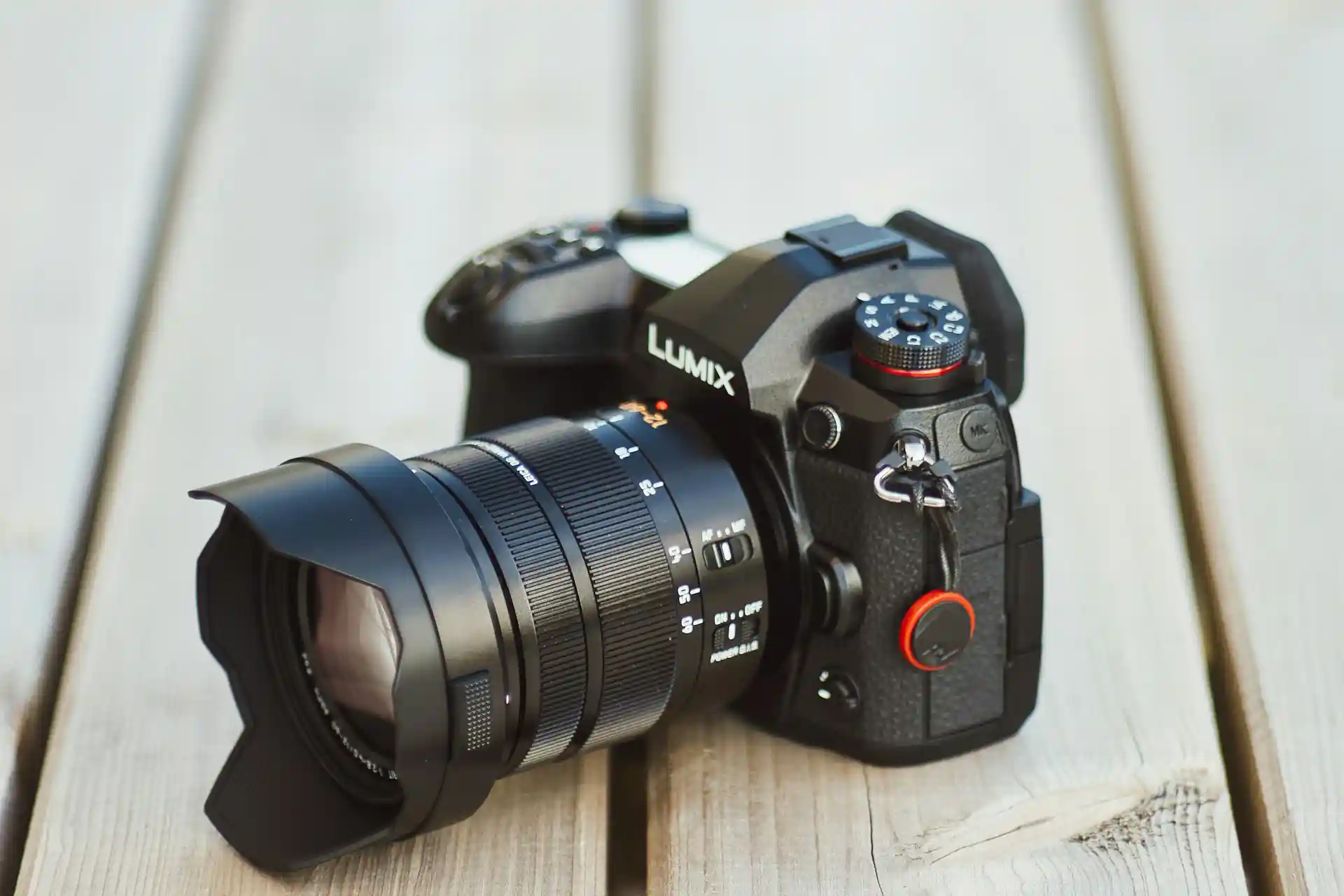
Connecting variants with metafields enables merchants to offer enhanced product details for each variant. For instance, a clothing store might use metafields to provide care instructions or fabric details specific to each size or colour variant. This approach not only enriches the customer experience but also supports better inventory management.
Need Help With Your Shopify Store?
Fill in the form below and one of our team will be in contact.
Example of Assigning a Variant Using Connect Metafield
Using Text-Based Variant Options
Text-based variant options are ideal for simple variant descriptions, such as “Small,” “Medium,” and “Large.” These can be connected to metafields to display additional information like stock availability or promotional messages.
To assign a variant using text-based metafields, navigate to the product details in Shopify, select the desired variant, and configure the metafield values. These values can then be displayed on the product page through theme customisation.

Taxonomy Connected Options
Connecting variants to Shopify’s taxonomy system involves mapping each variant to relevant category metafields. For example, a footwear store might categorise shoe variants based on activity type (e.g., running, hiking, or casual wear) using metafields. This connection ensures that customers looking within specific categories see all relevant variant options.
By integrating taxonomy-connected options with metafields, merchants can create a dynamic and user-friendly shopping experience. This approach not only improves product discoverability but also supports better analytics and reporting.
In conclusion, understanding and effectively utilising Shopify’s product taxonomy, attributes, and metafields is essential for creating a well-organised and customer-friendly ecommerce store. By following these categorisation tips, merchants can optimise their product listings, improve searchability, and drive sales growth.

Comprehensive Guide to Variant Management and Metafield Integration
Effective management of product variants and metafields is crucial for Shopify data entry success. Whether you’re handling a small boutique or a large-scale e-commerce operation, understanding how to properly structure variants and integrate metafields can significantly improve your store’s functionality and user experience.
This guide explores the essential steps for setting up variants, connecting them with metafields, and optimising your product data structure for maximum efficiency. From basic variant setup to advanced taxonomy integration, we’ll cover everything you need to know to create a robust product information system that scales with your business.

Let’s begin with the fundamental process of setting up text-based variants in Shopify. This forms the foundation of your product structure and ensures consistent data entry across your catalogue.
1. Text-Based Variant Setup
Before diving into the technical steps, it’s important to understand that text-based variants are the most common and versatile option for most products. They allow you to create clear, manageable product options that customers can easily understand and select from.
Navigation Path:
Shopify Admin → Products → Select Product → Variants → Add Variant
- Create Variant Options: Option 1: Size
- Small
- Medium
- Large
- Option 2: Colour
- Red
- Blue
- Green
- Set Variant Details:
- SKU
- Price
- Quantity
- Weight
- Custom Properties
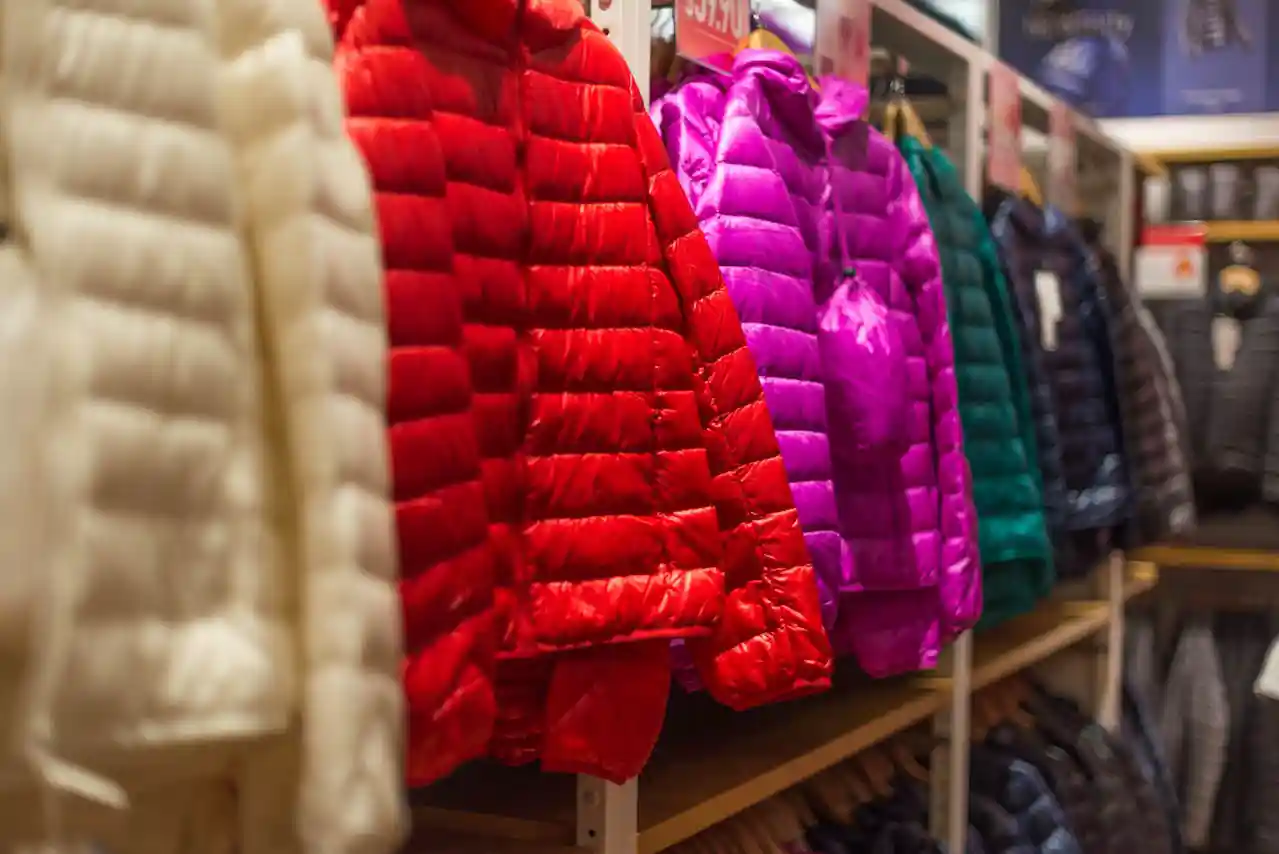
2. Connecting Metafields to Variants
Once you’ve established your basic variant structure, the next step is to enhance your products with metafields. Metafields allow you to add custom data to your variants, providing additional information and functionality beyond Shopify’s standard options.
First, you’ll need to set up the structure for your metafields:
Navigation Path:
Settings → Custom Data → Metafields → Add Definition
Configuration Options:
- Owner Type: Product Variant
- Name: [Your Metafield Name]
- Description: [Purpose of Metafield]
Select Field Type:
- Single line text
- Multi-line text
- Number
- Date
- URL
Implementing Metafield Values
After creating your metafield structure, follow these steps to assign values:
- Navigate to Product → Variants
- Select Variant
- Scroll to Metafields
- Input Values
- Save Changes

3. Taxonomy Integration
With your variants and metafields in place, the final step is integrating them into Shopify’s taxonomy system. This creates a cohesive product structure that improves searchability and customer experience.
Setting Up Product Taxonomy
Begin by establishing the basic taxonomy structure:
- Navigate to Product Details
- Select “Product Category”
- Choose Primary Category
- Add Secondary Categories
Creating Detailed Product Mapping
Using our athletic footwear example:
Category Hierarchy:
- Category: Footwear
- Subcategory: Athletic
- Type: Running
- Properties:
- Surface Type
- Support Level
- Technical Features
Establishing Variant Relationships
Define specific attributes for your product category:
Athletic Shoes Core Attributes:
- Performance Level
- Activity Type
- Technical Features
Example Mapping: Running Shoe Size 9
- Activity: Running
- Surface: Road
- Support: Neutral
This revised structure provides better context and clearer relationships between different elements of your product setup
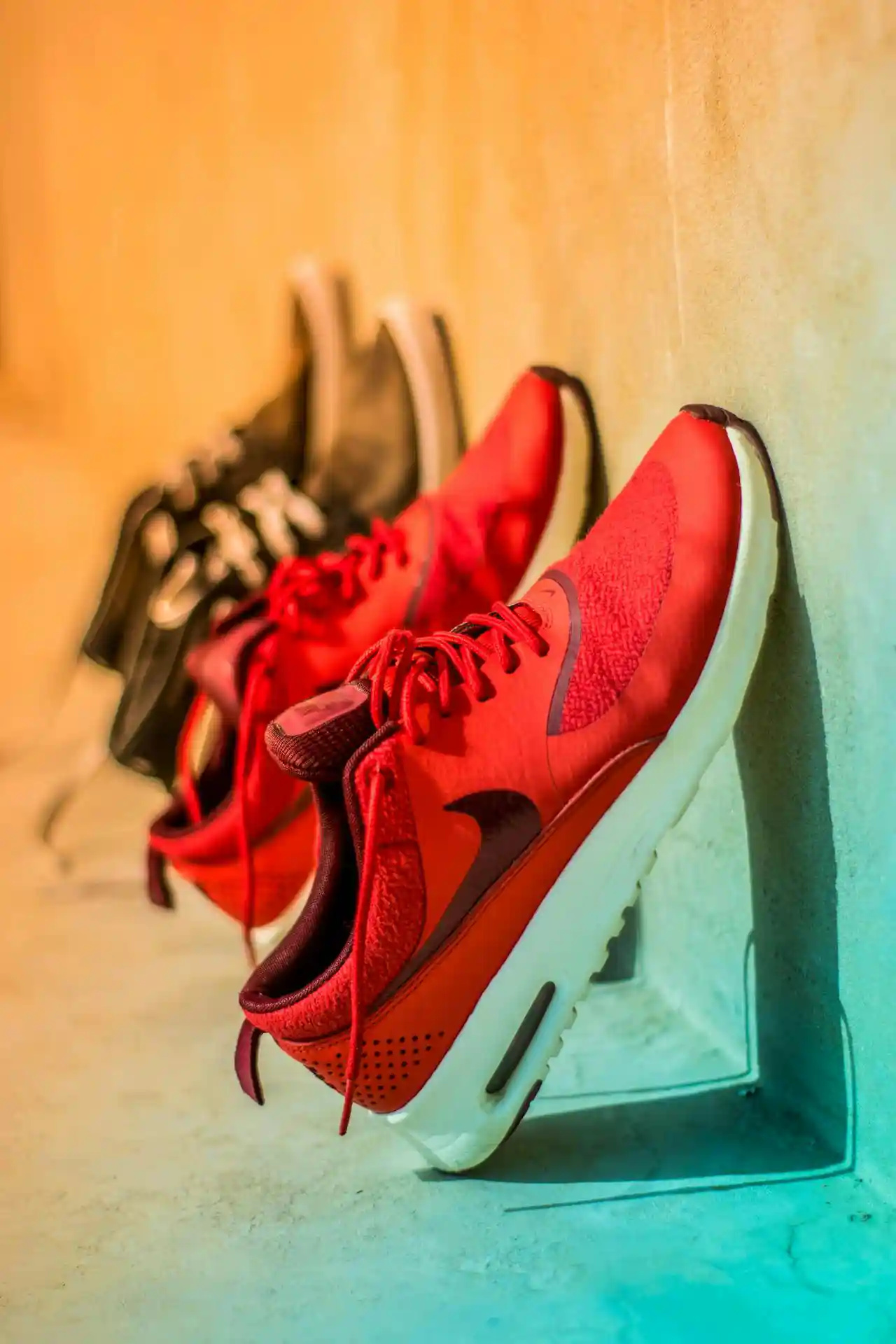
4. Display Configuration
After setting up your variants, metafields, and taxonomy, it’s crucial to configure how this information displays on your storefront. This section guides you through customising your theme to effectively present your product information to customers.
Basic Theme Customisation
Follow these steps to access your theme settings:
- Navigate to Online Store → Themes
- Select Customize → Product Template
- Locate or create the product display section
Adding Metafield Display Elements
Here’s how to implement basic metafield visibility:
{% if product.selected_variant.metafields.custom.availability %}
    <div class="variant-availability">
        {{ product.selected_variant.metafields.custom.availability }}
    </div>
{% endif %}

Implementing Advanced Display Features
Stock Level Indicators:
{% if product.selected_variant.metafields.custom.stock_level > 5 %}
    <span class="in-stock">In Stock</span>
{% else %}
    <span class="low-stock">Low Stock</span>
{% endif %}
Dynamic Pricing System
Stock Level Indicators:
{% assign base_price = product.selected_variant.price %}
{% assign premium_feature = product.selected_variant.metafields.custom.premium_feature %}

{% if premium_feature %}
    {% assign final_price = base_price | plus: premium_feature %}
{% else %}
    {% assign final_price = base_price %}
{% endif %}

5. Testing and Validation
A thorough testing process ensures your setup functions correctly across all scenarios. Follow this comprehensive quality assurance approach:
Essential Testing Checklist:
- Verify all variant combinations
- Test metafield displays
- Check taxonomy connections
- Validate search functionality
- Test filter operations
- Verify pricing calculations
- Check inventory tracking
Maintaining Your Setup
To ensure long-term success with your variant and metafield implementation, follow these best practices:
- Regular Maintenance:
- Audit variant configurations
- Review metafield usage
- Test across devices and browsers
- Monitor performance impact
- System Protection:
- Back up configurations before changes
- Maintain consistent naming conventions
- Document custom implementations

Conclusion
This implementation guide provides a foundation for creating a robust variant and metafield system into Shopify. While you can customise these steps based on your specific needs, ensuring proper setup and maintenance is crucial for long-term success.
Need expert help?
Our team specialises in Shopify data entry services and can assist with implementing these configurations professionally. Contact us to discuss your specific requirements and how we can help optimise your store’s product structure.

Frequently Asked Questions
What is Shopify product taxonomy?
Shopify product taxonomy is a hierarchical classification system that organises products into categories and subcategories. It helps improve store navigation, search functionality, and overall user experience.
How many product variants can you have in Shopify?
Shopify allows up to 100 variants per product. However, using metafields can help you manage additional product information beyond this limit.
What is the difference between Shopify tags and product types?
Product types are standardised classifications that connect to Shopify’s taxonomy system, while tags are flexible, custom labels that can be used for filtering and organisation.
How do I set up metafields in Shopify?
Metafields can be set up through the Shopify admin panel under Settings → Custom Data → Metafields. They allow you to add custom fields to products, variants, and collections.
Can Shopify automatically categorise products?
While Shopify doesn’t automatically categorise products, you can use apps and tools to help automate the categorisation process based on product attributes and descriptions. Or if you want to avoid smart collections you can use manual collections.
How do I manage tax rates for different product categories?
Tax rates can be managed through Shopify’s tax settings, where you can assign different rates based on product categories and jurisdictions.
What are the best practices for Shopify product data entry?
Best practices include maintaining consistent naming conventions, using standardised formats for attributes, regularly auditing product data, and following Shopify’s taxonomy guidelines.
How do I bulk update product categories in Shopify?
Bulk updates can be performed using Shopify’s bulk editor, CSV imports, or third-party apps designed for mass product updates.
Can I create custom categories in Shopify?
While Shopify has predefined Level 1 categories, you can create custom collections and use tags to organise products in ways that suit your specific needs.
How do I optimise my Shopify product data for SEO?
Optimise product data by using descriptive titles, detailed descriptions, relevant categories, and appropriate tags while maintaining consistent product attributes.