

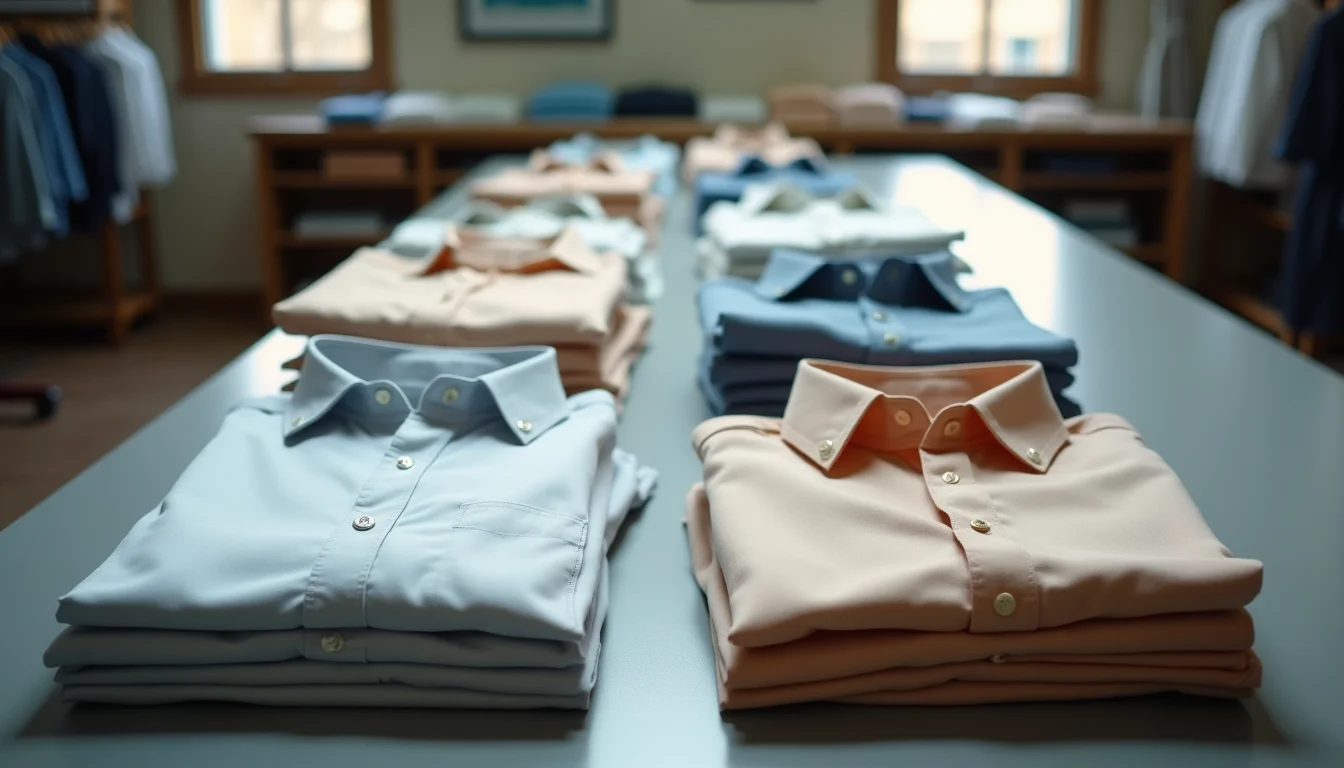
Fit names in menswear describe cut, not body size. Slim Fit and Regular Fit both come in size Medium, but they are different silhouettes. For menswear upload teams, deciding whether fit names belong as a variant option, in the product type field, or in the product title alone is one of the most consistent structuring questions in a catalog job.
Key takeaways
- Fit names (Slim, Regular, Relaxed, Athletic, Classic) describe the cut and silhouette of a garment, not body measurements
- A dedicated Fit variant option is right when a store sells one product line across multiple cuts that shoppers compare on the product page
- Fit belongs in the product type when different cuts are marketed as separate product lines with their own photography and collection positions
- Combining fit and size into one option value ("M Slim", "M Regular") doubles variant counts and breaks size-based collection filters
- Your upload brief should specify the exact fit names the store uses before any product rows are entered
Fit names your menswear upload team will encounter
Fit names describe the silhouette of a garment from the shoulder to the hem. A Slim Fit shirt is cut narrower through the chest and waist than a Regular Fit shirt made from the same fabric. A Relaxed Fit uses more fabric to allow more room across the body.
A size, by contrast, is a body measurement range. Size Medium means roughly the same thing regardless of fit. A size Medium in a Slim Fit and a size Medium in a Regular Fit are two different garments: same size category, different cut.
| Fit name | What it describes | Common in |
|---|---|---|
| Slim Fit | Narrow through the chest, waist and legs | Shirts, chinos, trousers, jeans |
| Skinny Fit | Closer cut than slim; minimal room through the legs | Jeans, trousers |
| Regular Fit | Standard cut; comfortable across the chest and waist | Shirts, chinos, jeans, suits |
| Classic Fit | Roomier than regular; traditional silhouette | Dress shirts, suits, chinos |
| Relaxed Fit | Generous through the body; lower rise in trousers | Chinos, trousers, casual shirts |
| Athletic Fit | Wider at the shoulders and chest, tapered to the waist | Shirts, jackets |
| Tailored Fit | Between slim and regular; structured at the waist | Suits, dress shirts |
| Modern Fit | Between regular and slim; contemporary silhouette | Suits, shirts |
Fit names are not standardized across brands. A supplier's "Fitted" may be another brand's "Slim" and a third brand's "Modern Fit." Before the upload starts, confirm with the merchant which names their store uses and record them exactly as they should appear on the product page.
Three ways fit appears in Shopify products
| Approach | How it looks in the store | Use it when |
|---|---|---|
| Fit as a variant option | Option 1: Fit (Slim, Regular, Relaxed); Option 2: Size (S, M, L, XL) | One product sold across multiple cuts that a shopper chooses between on the product page |
| Fit in the product type | Two separate products: "Slim Fit Oxford Shirt" and "Regular Fit Oxford Shirt"; product type: "Shirt - Slim Fit" and "Shirt - Regular Fit" | Each fit is a distinct product line with its own photography and independent collection placement |
| Fit in the title only | Title: "Classic Fit Linen Shirt" with no Fit option; only a Size option | The store stocks one fit for that garment and fit is informational, not a purchase filter |
Understanding product type vs product category in Shopify helps here: the product type is a free-text field you control, while the product category comes from Shopify's standard taxonomy. For fit structuring, you are working with product type, not product category.
When fit works as a variant option
Use a dedicated Fit option when a shopper arrives at one product listing and selects a cut before adding to cart.
For example, a store sells one oxford shirt design in three fits: Slim, Regular, and Relaxed. Each fit comes in sizes S, M, L, XL. In Shopify, the product has:
- Option 1: Fit, values: Slim, Regular, Relaxed
- Option 2: Size, values: S, M, L, XL
That produces 12 variant rows (3 fits × 4 sizes). Shoppers see both a Fit selector and a Size selector on the product page, which is the right experience when fits genuinely differ in cut.
The upload team sets up this structure by confirming the fit and size values with the merchant before writing any rows, then entering each variant with both attributes filled in. This is part of the standard scope for Shopify product data entry: variant structure is agreed before the first row is entered, not corrected halfway through.
When fit belongs in the product type
Use the product type when each fit is a separate product line positioned independently in the store.
A heritage shirt and a performance shirt from the same brand may both come in Regular and Slim Fit, but they are different products with different descriptions and photography. In this case:
- "Heritage Oxford (Regular Fit)" is one product; product type: "Shirts - Regular Fit"
- "Heritage Oxford (Slim Fit)" is a separate product; product type: "Shirts - Slim Fit"
The upload team creates two separate product entries. Collection rules can sort by product type when the store's navigation is organized around fit ("Shop Slim Fit", "Shop Regular Fit"). No Fit variant option is needed because the product does not offer more than one fit.
This approach works when the store's catalog design treats each fit as a separate line the merchant describes and photographs independently. The distinction is explained in our guide to Shopify collection structure for upload teams: collection filters are most useful when the product type field is clean and consistent.
The variant structure mistake to avoid
The most common structuring error in menswear uploads is merging fit into the size option. This produces option values such as "S Slim", "M Slim", "M Regular", "L Regular": a single option that combines two dimensions.
The problems this creates:
- Variant count doubles. Three sizes and two fits become six values in one option. Adding a third fit takes it to nine values in a dropdown that is meant to help shoppers find their size.
- Filtering breaks. If the store uses collection filters for size, a filter for "M" returns no results, because the option values are "M Slim" and "M Regular," not "M."
- Corrections are expensive. Adding a third fit later means adding new option values to every product and updating all affected variant stock levels.
The fix is to separate the dimensions before any rows are written. A brief that specifies "Fit is Option 1, Size is Option 2" takes a few minutes and prevents a full restructure mid-job. Our fashion product upload service treats this as a setup question answered at the start of every menswear job.
What to include in a fit naming brief for your upload team

Before a menswear upload starts, write down answers to these questions and share them with the team:
- Which fit names does the store use? List them exactly as they should appear on the product page: "Slim Fit", not "Slim" or "SLIM FIT". Consistent capitalization across all products matters.
- Is fit a variant option or a product title element? Specify which approach the store uses for each product line, since a single catalog may use both.
- Does each fit have its own photography? If yes, each fit is likely its own product. If one photo set covers all fits, a single product with a Fit option is probably right.
- Which option number does fit use? If the store already uses Option 1 for color, fit needs to be Option 2. Shopify supports up to 3 options per product (as of October 2026); the Shopify Help Center's guide to product variants lists the current limits.
- Are there two-part sizes (such as 32W × 32L for jeans)? Two-part sizes are a separate structuring question. A product with both fit and two-part sizing needs careful option planning to stay within Shopify's 100 variant limit per product.
Answering these questions takes about 5 minutes at the briefing stage. It saves the upload team from restructuring hundreds of rows partway through the job.
Frequently asked questions
Can a Shopify product have both a Fit option and a Size option?
Yes. Shopify allows up to 3 variant options per product. A product can use Fit as Option 1 and Size as Option 2, which creates one variant row for every combination. A shirt in 3 fits and 4 sizes produces 12 variants, well within Shopify's 100 variant limit. If a third option such as Color is added, the total is fits × sizes × colors; confirm that count stays below 100 before the upload starts.
What if the supplier's fit names don't match the store's names?
Standardize to the store's names before upload. If the merchant's store uses "Regular Fit" and the supplier spreadsheet says "Standard," use "Regular Fit" in every Shopify variant. Record the mapping in the brief (supplier name to store name) so every team member uses consistent values. Inconsistent values create duplicate option entries that Shopify treats as different variants. The guide to Shopify product types for upload jobs covers the same standardization approach for product type fields.
Should fit option values use Title Case or lowercase?
Use whatever the merchant specifies, and apply it consistently across every product. Most stores use Title Case for option values (Slim Fit, Regular Fit) because that is how they display on the product page. Inconsistent casing, such as "Slim fit" on one product and "Slim Fit" on another, creates separate option values that Shopify treats as distinct, which breaks filtering and variant selection. Agree on capitalization before the first row is entered. The Shopify Help Center on product details shows how option values appear to shoppers.
What is Athletic Fit and how does it differ from Slim Fit?
Athletic Fit (also called Muscle Fit) is cut wider at the shoulders and chest to accommodate a broader upper body, then tapers toward the waist. Slim Fit is narrow throughout from shoulder to hip. Athletic Fit gives room where a muscular frame needs it without the overall fullness of a Regular Fit. In a Shopify upload they are separate fit values if the store stocks both, treated the same as any other fit pair.
What happens if adding fit options pushes a product over 100 variants?
The upload team needs to restructure before entering any data. Common approaches: split the product by fit into separate listings (one for Slim Fit, one for Regular Fit, each with its own size run), or reduce the number of sizes or colors available per fit. The team should flag this as soon as the variant count math shows the limit will be exceeded, ideally at the brief stage. Shopify's documentation on product variants covers the limit and how variants are counted.