Womenswear collections for upload teams require more preparation than most product categories. Without a written collection map covering seasonal range, product category, and line names, the job stops on the first morning while the team works out which styles belong to which collection and whether "Elevated Basics" is its own group or a sub-group of Tops.
Key takeaways
- Womenswear ranges typically need three collection layers documented before upload: seasonal range, product category, and range or line names.
- Each collection using conditions needs its exact condition values listed, using the same field values the team will enter into Shopify; case and spacing matter.
- Collection names become URL handles in Shopify; renaming a collection after upload changes its URL, which can break live navigation links.
- A product can belong to multiple collections, so the brief must specify all collection memberships for each product group, not only the primary one.
- Locking collection names, types, and conditions in writing before the job starts prevents the most common reason womenswear upload jobs pause mid-way.
What makes womenswear collections different from other product types
Most product categories work with one or two collection layers. A kitchenware range might have a "Cookware" collection and a "Sale" collection. That is manageable without a detailed brief; the team can infer the structure.
Womenswear commonly uses three collection layers simultaneously:
- Seasonal range: Spring/Summer 2026, Fall/Winter 2026, Resort, Pre-Fall. These define when a product is current.
- Category: Dresses, Tops, Bottoms, Outerwear, Knitwear, Swimwear, Accessories. These are how most shoppers browse.
- Range or line: Elevated Basics, Occasion Wear, Work Wear, Weekend. These are how the brand groups its stories or price points.
A 200-SKU womenswear range can generate 15 to 20 active collections. Every product typically belongs to at least two or three collections at once. A midi dress might sit in "Dresses", "Fall/Winter 2026", and "Evening" at the same time. Without a written collection map, the upload team has to either pause and ask or guess, and incorrect collection placement after go-live means a bulk edit across every affected product.
For a deeper overview of how Shopify organizes products into collections, see Shopify categories vs collections: the complete guide.
Womenswear collections for upload team: what the brief must include
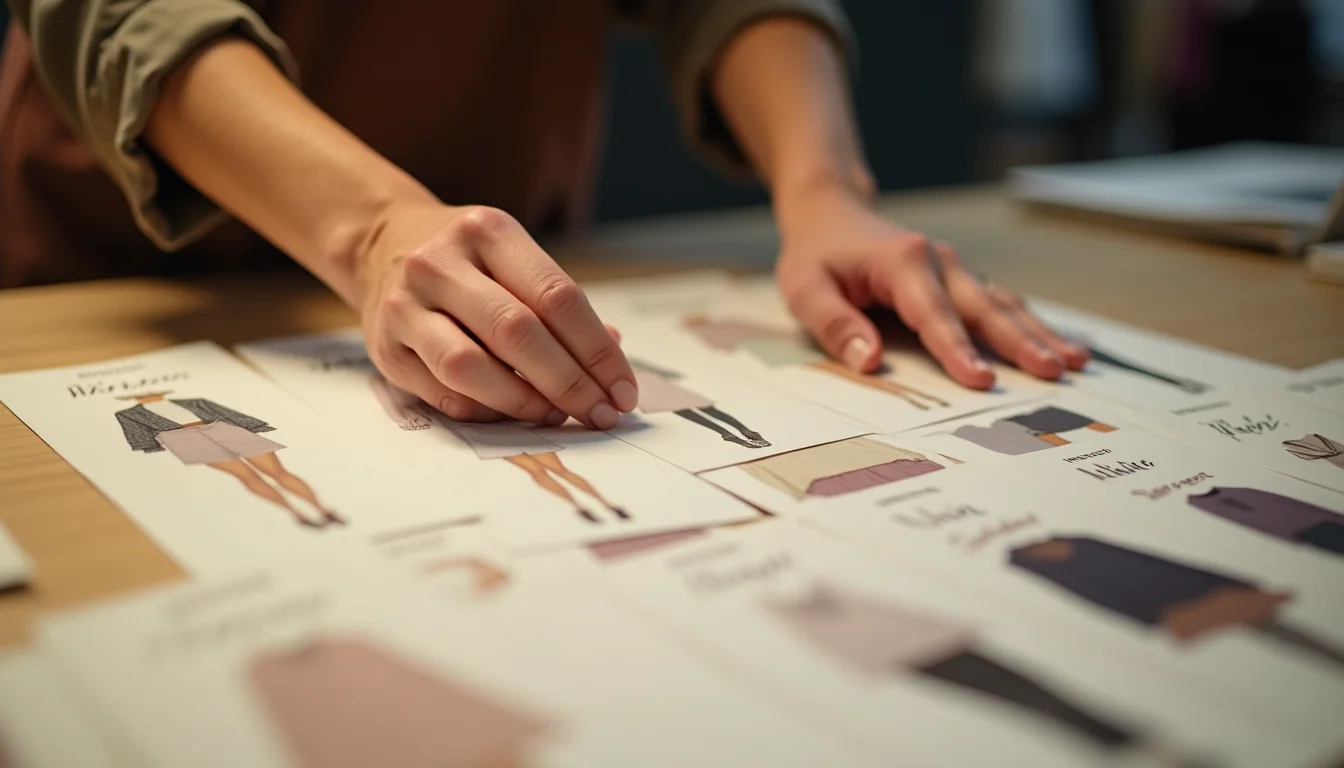
The collection brief is a document the merchant hands to the team before the job starts. For womenswear, it needs to cover five things for each collection:
| What to specify | Why it matters |
|---|---|
| Collection name (exactly as it will appear in the store) | Becomes the URL handle; changing it later changes the URL and can break live links |
| Type: manual or automated | Determines whether products are added by the team or by Shopify conditions |
| Conditions (if automated): exact field and value | The team must enter the same field values; a mismatch silently excludes products |
| Which products (if manual) | A list of handles, SKUs, or product names the team adds to the collection |
| Navigation placement | Whether the collection appears in a menu, and under which parent link |
For a mid-size womenswear range, that is a table of 12 to 20 rows. It takes 20 to 30 minutes to write and removes the most common reason a Shopify product data entry job stops during the first day.
Shopify is transitioning to a new collections model (as of October 2026); the interface in your store may look different from older guides, but the principle applies to both the legacy model and the new one: specify the type and conditions in your brief before the job starts.
Seasonal range naming and collection handles
Seasonal range collections are where womenswear briefs most often create problems. The collection name in the brief needs to be the exact name that will appear in the Shopify admin, not a shorthand.
In Shopify, a collection's URL handle is derived from its title (as of October 2026). "Spring/Summer 2026" becomes the handle spring-summer-2026, giving a URL of /collections/spring-summer-2026. If the brief says "SS26" but the merchant later wants the store to show "Spring/Summer 2026", the team has to rename the collection, which changes the URL.
For womenswear seasonal collections, lock the exact names before the job starts:
- Write out the full season name: "Spring/Summer 2026", not "SS26"
- Decide whether the year stays in the name after the season ends or whether it gets updated to a generic "Current Season" label
- If the brand uses an internal shorthand in spreadsheets, the brief needs to specify the store-facing name, not the shorthand
For a resort drop between standard seasons, confirm whether it belongs under the nearest main season or gets its own standalone collection. That decision affects how products are assigned and which collection conditions apply.
For practical tips on how to plan the full collection list before handing off a job, see planning Shopify collections before a product upload and Shopify collection structure: what your upload team needs to know.
Collection conditions and product type values
Most womenswear category collections (Dresses, Tops, Bottoms, Outerwear) run on conditions. The team enters product type values as they work through each product, and Shopify adds the product to the matching collections.
Shopify's collection condition operators include "is equal to", "contains", "starts with", and "ends with" (as of October 2026). For a womenswear upload team, "is equal to" on product type is the most common setup and requires exact matching:
- Condition: product type is equal to Dress
- What the team must enter:
Dress(notDresses, notdress, notMidi Dress)
Any mismatch silently excludes the product from the collection. There is no error message; the product simply does not appear in the collection when the team checks after entry.
The fix is straightforward: the collection brief lists both the condition value and the confirmed product type values the team will use, written as matched pairs:
- "Dresses" collection: automated, condition is product type equals Dress, team enters product type Dress
- "Tops" collection: automated, condition is product type equals Top, team enters product type Top
For womenswear brands that use tags to drive collections (for instance, a "New Arrivals" collection built on the tag new-arrival), the tag value in the condition must exactly match the tag value the team applies at upload. Tag names in Shopify are normalized to lowercase, so "New-Arrival" and "new-arrival" resolve the same, but "new arrival" (space) and "new-arrival" (hyphen) are different values.
For the full womenswear image and data requirements across product types, see womenswear photo sets your upload team needs. Browse all women's clothing upload guides for more womenswear-specific resources, or see the fashion product upload service for an overview of what the team handles for fashion catalogs.
Frequently asked questions
Can a womenswear product belong to more than one collection?
Yes. A dress can belong to "Dresses" (category collection), "Spring/Summer 2026" (seasonal collection), and "Occasion Wear" (range collection) at the same time. Shopify allows a product to appear in as many collections as needed (as of October 2026). Your brief should specify all collection memberships for each product group, not only the main category.
Do I need to create collections in Shopify before the upload starts?
For automated collections, no. Shopify adds products to automated collections as they are entered, as long as the product type or tag values match the conditions. For manual collections, the team adds products after entry, so the collection should exist first. In both cases, the brief must confirm the collection names and conditions before work starts; the team cannot reliably infer them from the product list alone.
What happens if I need to rename a seasonal collection after upload?
Renaming a collection in Shopify changes its URL handle (as of October 2026). Any links to the old URL (in navigation menus, other pages, or external sites) stop working unless a redirect is set up. For seasonal collections, locking the name before upload starts avoids this problem entirely. If a rename is necessary after go-live, set up a redirect from the old handle to the new one before updating the navigation.
What is the difference between product type and product category for a womenswear brief?
Product type is a free-text field your store controls, such as "Dress", "Top", or "Knitwear". It is the field most commonly used to drive collection conditions in womenswear. Product category is Shopify's standardized taxonomy field, such as "Apparel & Accessories > Clothing > Dresses". It feeds Shopify's sales channels and tax settings. Both need values confirmed in your upload brief, and the values for each are separate; entering the product category does not set the product type.
How many collections does a typical womenswear range need?
A mid-size womenswear range of 150 to 400 products commonly has 12 to 20 active collections: 2 to 4 seasonal, 5 to 8 category, and 2 to 6 range or line collections. The exact number depends on how the brand structures its navigation and lines. Your upload team needs the full list before starting; the category collections alone are not enough to map every product correctly.