

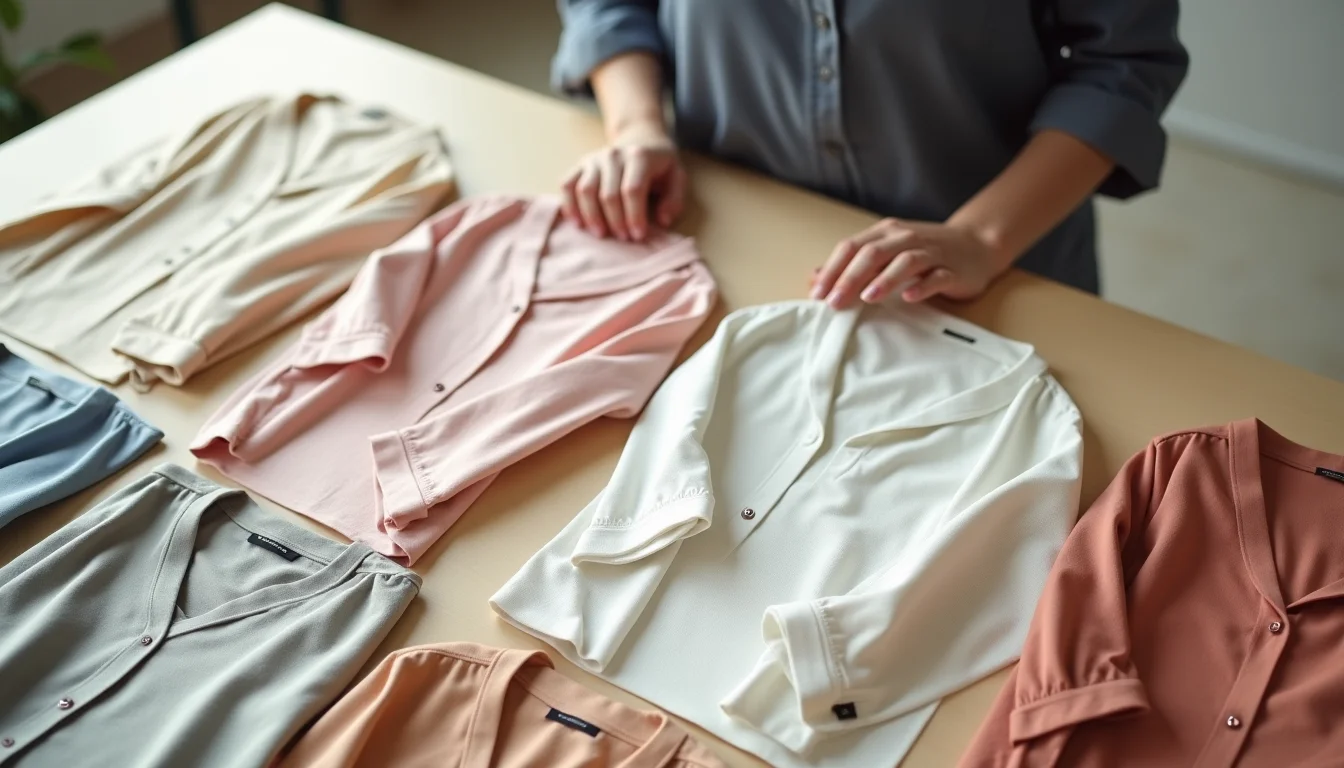
A fashion brand with 50 womenswear styles, each in 6 sizes and 4 colors, has 1,200 variant rows to enter in Shopify before the first style goes live. Add size guides, care labels, colorway naming conventions, SEO titles, and collection assignments, and the data job is substantial. A womenswear product upload service handles all of it, standardizing the data against your brand's rules so every product is accurate and consistent when it goes live.
This guide explains what a Shopify product uploading service covers for womenswear specifically, what data challenges come up most often, and what to include in your brief before work starts. For a broader look at fashion catalog work, see Shopify product uploads for fashion brands.
Key takeaways
- A womenswear upload service enters titles, descriptions, SKUs, barcodes, prices, variants, images, and SEO fields for each style.
- Womenswear has higher variant counts than most categories: 6 sizes times 4 colors equals 24 Shopify rows under one product handle.
- Size notation standardization (XS to XL, US numeric, EU sizing) is typically the first decision the service raises before work starts.
- Shopify allows up to 3 option types per product (as of November 2026); a service flags styles that need more and proposes a structure before entry begins.
- A one-page brief covering naming conventions, colorway vocabulary, and collection rules eliminates the main cause of correction work mid-job.
What a womenswear product upload service includes
A womenswear product upload service takes your styles from raw supplier data to finished Shopify listings. The core tasks are consistent across catalog sizes, but the detail is where womenswear differs from other categories.
Titles and naming conventions. The service applies your title format consistently across styles: brand, style name, product type, and any qualifier. It standardizes the language so "Women's V-Neck Tee" and "Womens Vneck T-shirt" become one consistent format across the catalog.
Variant setup. Each style is set up with its options (typically size and color, sometimes fit or length) and every variant gets its own SKU, barcode, price, and inventory status. For a style in 6 sizes and 4 colors, that is 24 variant rows, each checked for accuracy before publishing.
SEO titles and meta descriptions. The service writes SEO titles and meta descriptions that follow your naming rules and include the primary keywords. Descriptions cover fabric, fit, care, and any features that help a shopper decide.
Collection and product type assignment. Each style is assigned to the right collections and given the correct product type, so your navigation and smart collections work as intended from the first upload.
Image assignment. Variant images are linked to the correct option values, so the product page shows the right photo when a shopper selects a color.

The data challenges specific to womenswear
Womenswear creates more data work per style than most other categories. These are the patterns a service handles regularly.
Multiple size notation systems. Supplier files often mix notations: one line uses XS, S, M, L, XL and another uses 6, 8, 10, 12, 14. A third supplier uses EU sizing (34, 36, 38, 40, 42). An upload service aligns all of these to your store's chosen notation before a single row is entered, using a size mapping table agreed in the brief. For a detailed look at how size run data is structured for Shopify entry, see womenswear size runs for upload teams.
Colorway naming mismatches. Supplier files name colors to their own conventions. "Storm," "Denim," and "Cobalt" may all be the same color in your store's vocabulary. A service applies your colorway list to every style, so the product page shows "Navy" regardless of what the supplier called it.
Three-option limit for complex styles. Shopify allows up to 3 option types per product (as of November 2026). Most womenswear fits within that: size and color are 2 options, leaving room for one more (fit, length, or width). A style that needs more than 3 dimensions, such as size, color, fit, and length, must be restructured: either split into separate products per fit or use Shopify metafields for the fourth dimension. A service raises this question at the brief stage, before any entry begins.
Variant count at scale. A style in 3 sizes and 2 colors has 6 variants. A style in 6 sizes and 4 colors has 24. A range of 50 styles with an average of 20 variants each means 1,000 variant rows. Each row needs a SKU, a price, an inventory level, and sometimes a barcode. This is straightforward to do correctly with a disciplined process, but it accumulates quickly at scale.
Image file matching. Variant images must map to the exact text of the option value in Shopify. If the color option is "Burgundy" and the image file name uses "BRG," the assignment fails unless the service builds a mapping table from the brief. A womenswear upload service establishes the naming convention before the first batch, so every subsequent range follows the same rule.
What to include in your upload brief
The brief is what prevents the mid-job pauses that add time and cost to a project. For womenswear, these are the decisions to include.

Size notation. State the system your store uses: US letter sizes, US numeric, EU, UK, or a brand-specific scale. If you sell internationally, state the primary display notation. The service uses that as the base and can note conversions in the description or metafields.
Colorway names. Provide your master colorway list with the exact names as they will appear in Shopify. If a supplier uses abbreviations or different names, include a mapping table so the service can translate without asking about each style.
Fit and length options. If your range includes fit variants (Relaxed, Slim, Petite, Tall, Curve) or length variants (Short, Regular, Long), specify whether these are Shopify options on a single product or separate products. This decision affects the entire structure and must be made before entry begins.
Collection membership rules. For each style, state which collections it belongs to. If the same style appears in multiple collections simultaneously (for example, "Tops," "New Arrivals," and "Summer Collection"), include that in the brief. A service enters collection assignments from your rules, not from guessing. For guidance on setting up womenswear collection structures before an upload, see womenswear collections for upload teams.
SKU and barcode format. If you use a specific SKU structure (such as style code, color code, and size code separated by hyphens), provide the format and an example. For barcodes, state whether you have EAN-13 or UPC-A codes per variant and whether any variants are missing barcodes.
| Brief section | What to include | Why it matters |
|---|---|---|
| Size notation | The system (US letter, US numeric, EU, UK) and any conversions | Prevents mixed notations across styles |
| Colorway names | Master list with exact names as they appear in Shopify | Supplier color names rarely match store names |
| Fit/length options | Whether they are Shopify options or separate products | Determines the entire product structure |
| Collections | Which collections each style belongs to, including overlaps | A style can belong to multiple collections simultaneously |
| SKU format | Structure and an example (for example, STYLE-COLOR-SIZE) | Ensures consistent identifiers across the catalog |
| Image naming | File naming convention and which option value each file maps to | Variant image assignment depends on exact text matching |
Fields a womenswear upload service enters
The table below shows the standard fields for a womenswear product entry. Fields marked with an asterisk are required by Shopify; the others are part of a complete, SEO-ready listing.
| Field | What the service enters |
|---|---|
| Title* | Your naming format applied consistently across styles |
| Description | Fabric, fit, care, and product features from your brief or supplier data |
| Vendor | Your brand name, standardized across all styles |
| Product type | The product category (for example, Blouse, Dress, Trousers) in your chosen taxonomy |
| Tags | Style, fabric, fit, season, and any other filtering tags you specify |
| SKU* (per variant) | Your format applied to every size and color combination |
| Barcode (per variant) | EAN-13 or UPC-A from your supplier data, or left blank if not supplied |
| Price* (per variant) | Retail price from your brief; compare-at price if applicable |
| Inventory (per variant) | Opening stock levels or "continue selling when out of stock" |
| Weight (per variant) | For calculated shipping, in your store's units |
| Options (per variant) | Size and color (and fit or length if applicable), normalized to your vocabulary |
| Images (per variant) | Hero images and swatch images, assigned to the correct color option |
| SEO title | Your naming convention formatted for search, up to 70 characters |
| Meta description | A complete sentence covering the product, 140 to 155 characters |
| Collections | All collections the style belongs to, as specified in your brief |
Frequently asked questions
How many variants can a womenswear product have on Shopify?
Shopify allows up to 2,048 variants per product and up to 3 option types (as of November 2026). For womenswear, the typical option types are size and color. A style in 6 sizes and 4 colors has 24 variants, well within the limit. A style in 10 sizes and 8 colors has 80 variants, also within the limit. Where the structure gets complex is when a style needs more than 3 option types (such as size, color, fit, and length). In that case, the service proposes a structure before entry begins, either splitting into separate products or using a third option type to represent the most important dimension.
Can you work from line sheets rather than a supplier CSV file?
Yes. A womenswear upload service can work from PDF line sheets, supplier spreadsheets, e-mail attachments, or a combination. The service extracts the data, checks it for completeness, and raises any gaps before entry begins. Where a CSV file speeds the process, the service prepares the file from the source materials rather than asking the merchant to do it.
What happens when a supplier file uses different size notations across styles?
The brief includes the size notation standard your store uses. When the supplier file mixes notations, the service builds a mapping table and applies it consistently. For example, if one style uses XS, S, M, L and another uses 8, 10, 12, 14, the service converts to your standard before entering variants. If the mapping is ambiguous (a supplier uses only "M" with no context), the service flags it for confirmation rather than guessing.
Do you handle ongoing range updates after the initial upload?
Yes. Ongoing work typically includes adding new styles each season, updating prices, retiring discontinued variants, and adjusting collection memberships when ranges rotate. The brief from the initial job carries over to repeat batches, so the naming conventions and structure stay consistent across seasons. For large seasonal updates, a fresh brief section covering new colorways and any structural changes to the range is helpful.
How do you handle size guide information?
Size guide data (measurements per size in centimeters and inches) is usually entered as a metafield or included in the product description, depending on your store setup. A womenswear upload service enters it in the format your store uses. If your store displays size guides via a Shopify app or theme, the service enters the structured data the app expects. Where size guide format is not specified in the brief, the service will ask before entering anything, since the format affects how the data is stored.