

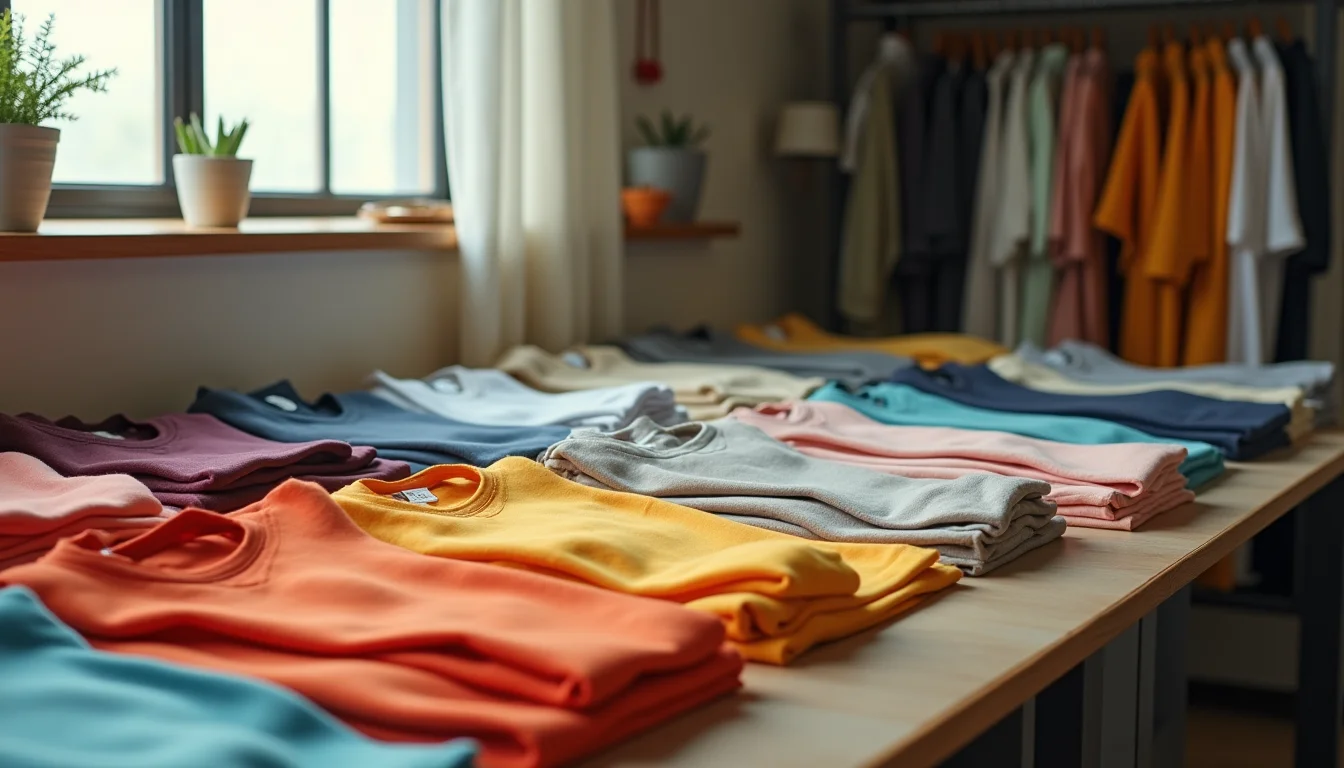
A buyer sends you a supplier file for the new season: 60 styles, each in 4 colors and 6 sizes. That's 1,440 variant rows in Shopify, before titles, descriptions, or images. Shopify product uploads for fashion brands are a different kind of data job. The question isn't whether to enter the data. It's whether your team should.
Key takeaways
- Fashion product data involves far more rows than the product count suggests: each size-color combination becomes a separate variant entry under one product handle
- Shopify allows up to 3 option types per product (such as size, color, and material), so a typical fashion item can produce dozens of variant combinations (shopify.dev, as of November 2026)
- The real cost of in-house entry for fashion brands is not the entry itself: it's the upstream work of checking size run consistency, standardizing colorway names, and setting up naming conventions before anything is entered
- Outsourcing becomes practical at a lower product count for fashion than for simpler verticals, because the variant math changes what a product entry job actually involves
- A done-for-you service handles size run standardization, seasonal catalog handovers, and the briefing step that in-house teams often skip
Why fashion product data is more complex than it looks
Each Shopify product can have up to 3 option types, such as Size, Color, and Material (shopify.dev, as of November 2026). For a fashion item, that often means dozens of rows in the catalog for a single style.
A dress in 6 sizes and 4 colors is 24 variant rows in Shopify, all sharing the same product handle. Add a material option (cotton or linen), and that becomes 48. For a brand with 60 styles like that, the row count runs into the hundreds before any descriptions or images.
Here is what that looks like in a Shopify catalog file:
| Handle | Title | Option1 Name | Option1 Value | Option2 Name | Option2 Value | SKU |
|---|---|---|---|---|---|---|
| linen-wrap-dress | Linen Wrap Dress | Size | XS | Color | Ivory | LWD-XS-IVY |
| linen-wrap-dress | Linen Wrap Dress | Size | XS | Color | Navy | LWD-XS-NVY |
| linen-wrap-dress | Linen Wrap Dress | Size | S | Color | Ivory | LWD-S-IVY |
| linen-wrap-dress | Linen Wrap Dress | Size | S | Color | Navy | LWD-S-NVY |
Each row is a separate entry: the same product title, the same handle, but a unique SKU and option values per variant. Multiply this across 60 styles.
The complexity isn't just volume. Supplier files rarely arrive formatted this way. Size names vary (US 6, EU 38, and UK 10 can all mean the same size). Colorway names differ across suppliers: "navy," "navy blue," "dark navy," and "midnight" can all describe the same color. SKU patterns don't always match what your store uses.
For example, say a brand supplies 30 styles, each in 3 colors and 5 sizes. That's 450 variant entries. Before any of them go into Shopify, the upload team needs a naming rule for sizes, a colorway naming decision, a handle structure, and a confirmed SKU format. That is the work in-house teams underestimate.
What in-house fashion uploading actually involves
Entering fashion products in-house isn't just copying cells from a supplier file. It involves a series of decisions before the first row goes in.

The coordination work typically includes:
- Reviewing the supplier file for size run consistency before entering anything (a size listed as "M" in one column and "Medium" in another breaks Shopify's variant grouping)
- Deciding on colorway names and recording them as a reference (once the first batch is live, everything that follows must match)
- Setting up product handles so that variant rows group correctly under one product
- Assigning each style to the right collections and product types before entry starts
- Matching image filenames to the correct size and color variant (the wrong image on the wrong variant is a customer-facing error)
- Cross-referencing SKU patterns to confirm they match your existing products or the system your fulfillment partner expects
Compare this to a simpler vertical. A piece of furniture might have 2 to 4 variants: a size and a finish. A fashion item with 3 option types can have 18 to 48 variants, all requiring the same upstream decisions before a single row is entered.
The real cost of doing it in-house is time spent on those decisions, not the entry itself. If your team includes buyers and merchandisers who also manage supplier relationships, that coordination cost compounds quickly. For a broader look at when in-house entry makes sense and when it doesn't, see the guide to in-house vs outsourced data entry.
When to outsource Shopify product uploads for fashion brands
The right choice depends on your catalog volume, your team's setup, and how your supplier files arrive.
Handle it yourself when:
- You add a few new styles per week, with straightforward size and color options
- Your team knows Shopify's variant structure and your supplier files arrive consistently formatted
- Your catalog updates are small changes to existing products rather than full seasonal drops
- Your team has the time to review and clean each file before entry starts
Outsource when:
- You receive seasonal drops of 50 or more styles at once
- Each style comes in 3 or more colorways with size runs of 6 or more sizes
- Supplier files arrive in inconsistent formats or with inconsistent naming across suppliers
- Size conventions differ across your range (UK, EU, US, or alpha sizing all in one catalog)
- Your team's time is better spent on buying, merchandising, and customer relationships than on data preparation
The variant math drives this more than the product count. For a detailed look at why merchants outsource product uploads, the trigger is usually a job that grows faster than in-house capacity.
If your store is in the fashion and apparel space, our fashion product upload service handles exactly this kind of work: size run standardization, colorway naming rules, and full seasonal catalog handovers. Product Uploads is an Australian business serving Shopify stores worldwide.
What to look for in a fashion product upload service
Not every product upload service works well with fashion catalogs. The variant complexity and seasonal pace mean there is a gap between services that enter what a file says and services that check the structure before they enter anything.

When evaluating a service, ask these questions.
Do they understand size run structure? A service that works with fashion should know the difference between UK, EU, US, and alpha sizing, and have a process for agreeing on a single standard before the job starts.
Can they handle seasonal handovers? A seasonal range isn't just new products. It usually involves retiring discontinued variants, uploading the new range to the right collections, and carrying over naming conventions from the previous season. Ask how they handle a full range changeover, not just individual product additions.
What happens when supplier files arrive inconsistently formatted? The right answer involves a file review before entry starts, not just entering what arrives. A service that enters what it receives without checking passes supplier inconsistencies straight through to your store.
Do they set up naming rules before they start? One of the most common sources of catalog errors is starting entry before naming conventions are agreed. A good service runs a brief setup call or sends a checklist before the first product is entered.
What's their process for variants without images yet? Fashion ranges often go live before all images are ready. A service should have a clear approach: a placeholder, a flag in the catalog, or a process for adding images once they arrive.
If you're evaluating a Shopify product uploading service for fashion, the brief you send before the job starts matters as much as the files. For what to include in that brief, see what to send your upload team.
Free trial: send us a sample of your product data and we show you what we would do with it.
Frequently asked questions
How do size runs work in Shopify?
Shopify uses option types (such as "Size") with individual option values (XS, S, M, L, XL). Each combination of option values becomes a variant entry under the same product handle. As of November 2026, a product can have up to 3 option types (shopify.dev). For a fashion brand, you would typically use Size and Color, with Material as a third option where relevant. The Shopify variants help page covers how option types are set up in the admin.
Can an upload service handle seasonal collection changes?
Yes. A service that works with fashion brands regularly handles full seasonal handovers: retiring discontinued variants, uploading the new range to the right collections, and carrying over the naming conventions from the previous season. The key is a clear brief at the start of each season that covers which products are being removed and which collections the new styles belong to.
What files should I send with a fashion product upload job?
At a minimum: the supplier file, a size run reference showing which size labels you use, colorway names as you want them to appear in the store, and a sample of your existing product naming conventions. For a full picture of the upload process, see the guide to uploading fashion products to Shopify.
Is it worth outsourcing if I only have 50 fashion products?
It depends on the variant count. 50 fashion products with 3 colors and 6 sizes each is 900 variant rows, plus images, descriptions, and collection assignments. That's a substantial job, particularly if the supplier file needs cleaning first. The variant math matters more than the product count.
What's the difference between a fashion product upload service and general data entry?
A fashion-aware service understands size run structures, colorway standardization, and seasonal catalog workflows. General data entry can enter what it's given. A fashion-aware team checks the structure before entering anything, agrees naming rules at the start, and flags supplier inconsistencies rather than passing them through to your catalog.