
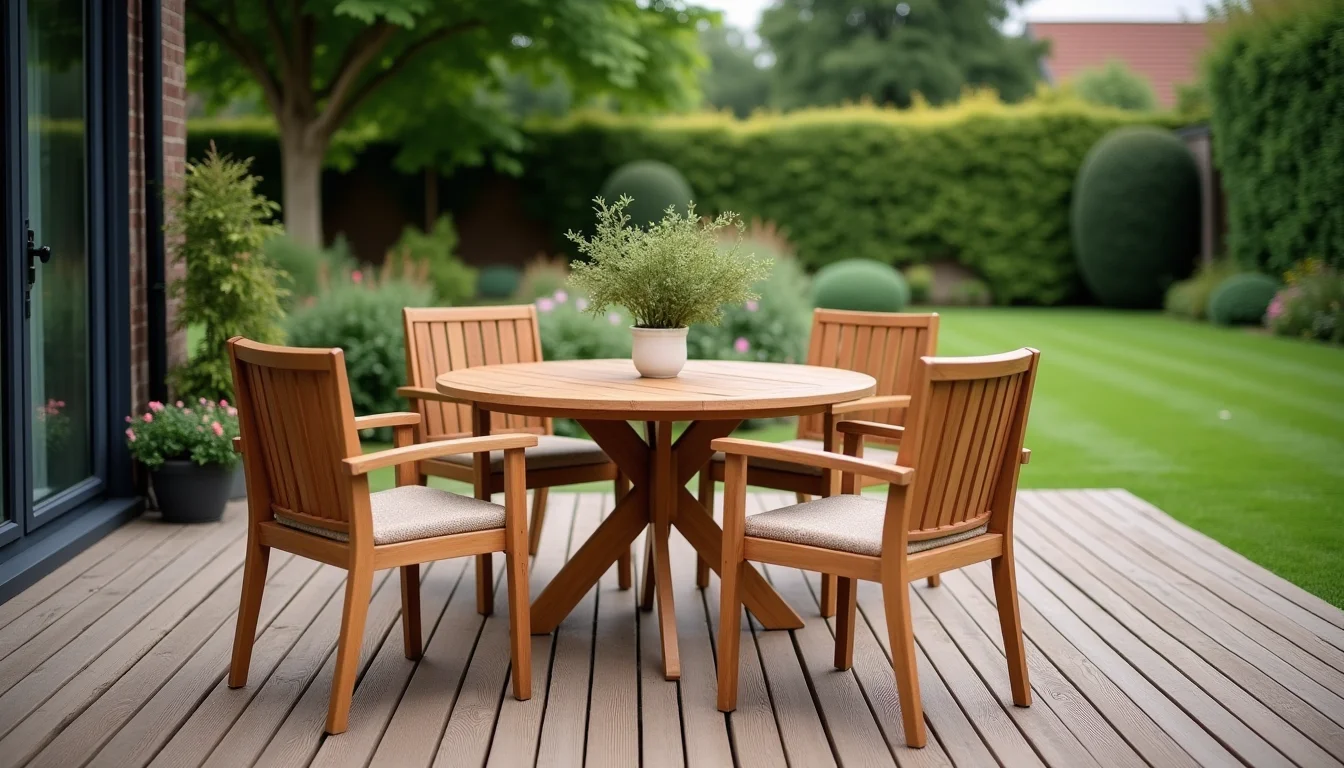
A 7-piece patio dining set in two colors is two variants in Shopify, not 14 separate products. When catalog teams build outdoor furniture listings for catalog teams, the first decision is always structure: one product per set with color as the variant option, rather than one product per piece. That structure determines which fields to fill, what belongs in the description, and how shoppers filter the range.
Key takeaways
- Outdoor furniture sets list as one Shopify product with color as the variant option; piece count goes in the title, not as a separate variant axis.
- Assembled dimensions and packaged dimensions are both required, each in metric and imperial, because they serve different purposes: display and shipping.
- Weather resistance data, care instructions, and assembly time belong in the product description or a dedicated metafield, not as a variant.
- Supplier files for outdoor furniture typically arrive with one row per colorway rather than one row per variant, so the catalog team maps the data before upload.
- Agree on a tag taxonomy for materials, weather treatment, and style before the job starts; ad-hoc tags accumulate quickly in a large outdoor range.
Why outdoor furniture listings take more prep than most categories
Outdoor furniture carries more data per product than most categories. The complexity comes from several directions at once.
First, there are multiple dimension sets. A dining set has assembled width, depth, and height for the table, plus the same for each chair type, plus packaged carton dimensions and weights. Each set needs both metric (cm and kg) and imperial (in and lb) values so the data works for display and freight.
Second, shared set fields must be separated from per-piece fields. The color option, the weather rating, the brand, and the retail price belong to the set product. Chair height, table extension mechanism, and individual piece weights are description copy, not variant fields.
Third, weather resistance terminology is inconsistent. Suppliers label materials as "powder-coated steel," "HDPE," "solution-dyed acrylic," or "FSC-certified teak," but shoppers often search for "rust-proof" or "fade-resistant." The catalog team maps supplier terms to consistent tag values so Shopify smart collections filter correctly across the whole outdoor range.
Before the job starts, the team needs the full supplier file and a confirmed field list. The article on what to send your upload team covers the broader preparation checklist for any Shopify upload job.
What fields outdoor furniture listings for catalog teams include
This is the standard field set for a completed outdoor furniture listing. Every row in the supplier file maps to one or more of these fields.
| Field | What to include | Notes |
|---|---|---|
| Title | Brand, range name, piece count, product type (for example, "Ashton 7-Piece Outdoor Dining Set") | Piece count in the title distinguishes sets from individual pieces in search results |
| Description | What's included (pieces and quantities), assembled dimensions, materials, weather resistance, care, assembly time, and hardware | Use a consistent section order across all outdoor furniture products in the catalog |
| Variants (option 1) | Color or finish name, standardized across the range | Supplier color names often need normalizing: "Charcoal" and "Dark Gray" should be one value if they look the same |
| SKU | One SKU per color per set, matching the supplier's part number if available | Each variant must have its own unique SKU; shared SKUs cause inventory and fulfillment errors |
| Weight | Total set weight in kg (and lb), from the packaged carton | Use packaged weight, not assembled weight, for Shopify's weight-based shipping calculations |
| Dimensions (description or metafield) | Assembled: W × D × H for the full set footprint; packaged: carton dimensions for each carton | Shopify's built-in dimensions fields are for shipping; assembled display dimensions go in the description or a custom metafield |
| Product type | "Outdoor Furniture" or the more specific "Patio Dining Set" | Consistent product types let collections use conditions ("product type equals Patio Dining Set") |
| Tags | Material tags (teak, steel, HDPE), weather treatment tags (rust-proof, UV-resistant), style tags (coastal, contemporary) | Agree on a master tag list before the job starts |
| Collections | Room (outdoor dining, outdoor lounge), material, style | See the article on furniture collections for upload teams for a three-layer structure |
| Vendor | The brand name, exactly as the merchant uses it | Consistent vendor names let the merchant filter and report by brand in the Shopify admin |
A worked example: from supplier row to finished Shopify listing
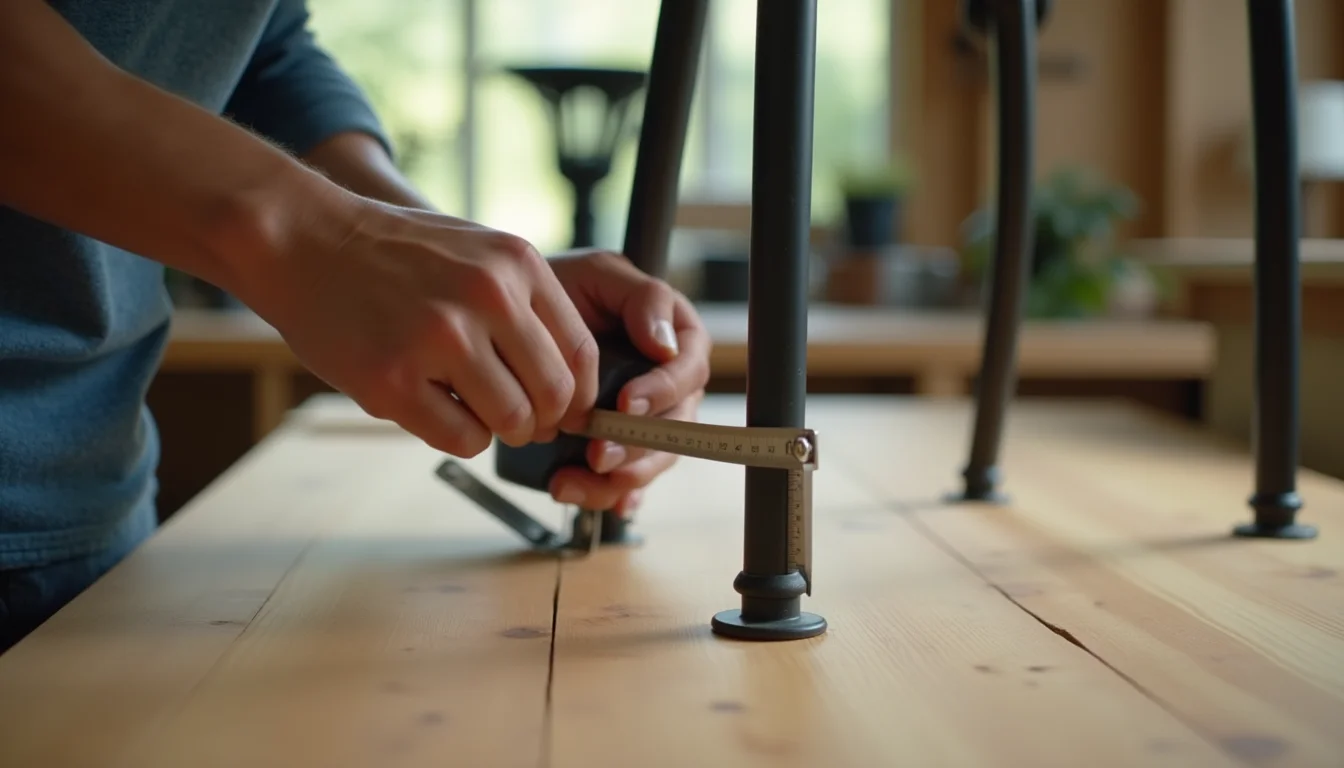
A supplier sends a spreadsheet with one row per colorway for the Ashton range. The row for the charcoal set looks like this:
Product: Ashton 7pc Outdoor Dining Set | Color: Charcoal | SKU: ASH-DIN7-CH | Weight (shipped): 42 kg | Table dims: 180 × 90 × 75 cm | Chair dims: 56 × 60 × 88 cm | Rust proof: Y | Frame: Powder coated steel | Tabletop: Tempered glass | Assembly: Self-assembly, tools included
The catalog team works through the following steps:
- Title normalization. "7pc" becomes "7-Piece" for consistency. The title becomes "Ashton 7-Piece Outdoor Dining Set."
- Color standardizing. "Charcoal" is confirmed against the brand's color guide. If the supplier also lists a "Dark Gray" colorway that is the same finish, the team flags the duplicate before creating a second variant.
- Weight mapping. 42 kg is the packaged carton weight. The team converts it: 42 kg is 92.6 lb. Both values go into the brief; Shopify stores one weight unit, so the description carries the other.
- Dimension field decisions. Table and chair dimensions are display data, not shipping data. These go into the product description in a consistent format: "Table: 180 × 90 × 75 cm (70.9 × 35.4 × 29.5 in). Chair: 56 × 60 × 88 cm (22.0 × 23.6 × 34.6 in)." If the store uses Shopify metafields for dimensions, the team fills the matching metafield namespace instead.
- Weather resistance copy. "Rust proof: Y" and "Frame: Powder coated steel" become a description line: "Powder-coated steel frame resists rust and corrosion." There is no water-resistance rating in the supplier file, so none is claimed.
- What's included list. The description opens with a clear itemization: "Includes 1 rectangular dining table and 6 dining chairs." This is the most searched detail for set listings and must appear early in the copy.
- Assembly notes. "Self-assembly, tools included" becomes: "Requires self-assembly. All tools are included." If the supplier provides an estimated time, that is added here.
The finished product passes through Shopify product data entry before it goes live, so the team double-checks every field against the naming rules and collection conditions the merchant has specified.
Data the supplier file often leaves out of outdoor furniture listings

Supplier files for outdoor furniture regularly arrive with gaps. These are the fields most commonly missing that the catalog team must request before starting:
- Assembled dimensions for each piece type. A 7-piece set has table dimensions and chair dimensions; both matter. Shopper questions about whether a dining table fits a balcony are answered by dimensions, not photos.
- Maximum load capacity for chairs and tables. This is a buyer expectation and, in some markets, a legal requirement. The catalog team flags the absence and asks the supplier to provide it.
- Assembly time estimate. "Approximately 2 hours for 2 people" is a standard line that reduces returns and complaints. If the supplier does not supply it, the team notes it as missing.
- Packaged carton count. A large set typically ships in 2 or more cartons. The total shipped weight for Shopify's calculations must add up all cartons, not only the heaviest one.
- Material finishes, not just materials. "Steel" is not enough; buyers want to know if it's powder-coated, galvanized, or raw.
For the full dimension field checklist, see furniture dimensions for upload teams. For briefing the team on what files to include before the job starts, the home and garden product upload service page covers how the process works for this category.
Frequently asked questions
Should each outdoor furniture piece be a separate Shopify product?
No. For a set sold as one unit (such as a dining set or a lounge setting), create one product in Shopify with color as the variant option and the piece count in the title. Breaking the set into separate piece products makes it impossible to show the set price clearly and creates confusing collection results. If the merchant also sells the chairs or the table individually, those get their own separate listings.
Where do assembled dimensions go in a Shopify product?
Shopify's built-in dimensions fields handle packaged shipping weight and dimensions, not assembled display dimensions. Assembled dimensions go in the product description or in a metafield your team creates for that purpose. Use a consistent metafield namespace (for example, custom.assembled_width) so the theme can display them in a structured format.
How should a set that comes in different piece counts be listed?
Create a separate product for each piece count (3-piece, 5-piece, 7-piece). Each gets its own title, SKU, price, and weight. Using variants for piece count rarely works because the price gap between configurations is too large to handle as a straight variant price adjustment, and each count ships at a different weight.
What tags should outdoor furniture products have?
Agree on a tag taxonomy before the job starts. Standard outdoor furniture tag groups: material (teak, HDPE, aluminium, steel), weather treatment (rust-proof, UV-resistant, waterproof), style (coastal, contemporary, minimalist), and use (dining, lounging, poolside). Keep tag names consistent in case and format across the full catalog so smart collection conditions filter correctly.
Does the catalog team need the assembly instructions PDF before uploading?
Not for the upload itself. The team needs the assembly time estimate and a note on whether tools are included, both of which typically appear in the supplier's product spec sheet. If the merchant wants to link or upload the assembly PDF as a file, that is handled separately after the product data is live.