
Adding jewelry to Shopify looks like a small job. It isn't. A ring in three metal types, two karat weights, with a stone option produces 12 or more variants before ring size enters the picture. That variant architecture is what a Shopify upload service for jewelry brands handles, and getting it right before the first upload prevents rework that's time-consuming to fix later.
This article covers what uploading a jewelry catalog to Shopify actually involves: the fields, the variant decisions, the data you hand over, and what the service does with it.
Key takeaways
- Jewelry products need data fields that most other categories don't require, including metal type, karat, gemstone specifications, hallmarking notes, and care instructions.
- Shopify allows up to three option fields per product (such as Metal, Stone, and Size), and setting these up correctly from the start shapes how customers browse and how inventory tracks.
- Getting the variant architecture right before the first upload prevents the kind of catalog disorganization that's expensive and time-consuming to fix later.
- A done-for-you upload service takes your supplier sheets, PDFs, and image folders and structures the data before anything goes into Shopify.
- Jewelry brands benefit most from outsourcing when launching a new range, moving from a physical-only store to Shopify, or adding a new material category like gold to an existing silver range.
Why jewelry product data is more involved than other categories
Most product categories have a small, predictable set of fields. A t-shirt has a title, a color, a size, a price, and a few images. Jewelry has all of that, plus a set of fields specific to the material:
- Metal type and finish: yellow gold, white gold, rose gold, sterling silver, platinum, stainless steel, vermeil. Each is a separate product attribute, not only a visual choice.
- Metal purity: 9k, 10k, 14k, 18k, 24k for gold; .925 for sterling silver. This affects both product compliance disclosures and how customers search and filter.
- Gemstone data: stone type (diamond, sapphire, emerald, cubic zirconia), cut (round brilliant, emerald cut, oval, pear), carat weight, and for diamonds, color grade and clarity grade if the brand discloses them.
- Hallmarking and certifications: some jewelry includes hallmark details or certifications (such as a diamond grading report number). These often need a dedicated field or a Shopify metafield.
- Care instructions: "store separately", "avoid contact with water", and "do not expose to perfume." These vary by metal and stone combination and need to be accurate.
- Measurements: ring sizes (numerical for US/CA, alphabetical for UK/AU/NZ, numerical for EU), necklace chain lengths in centimeters and inches, bracelet circumferences.
An upload service team that knows jewelry data creates a template for these fields before the first product goes in, so every entry is consistent.
How variant architecture works for jewelry brands
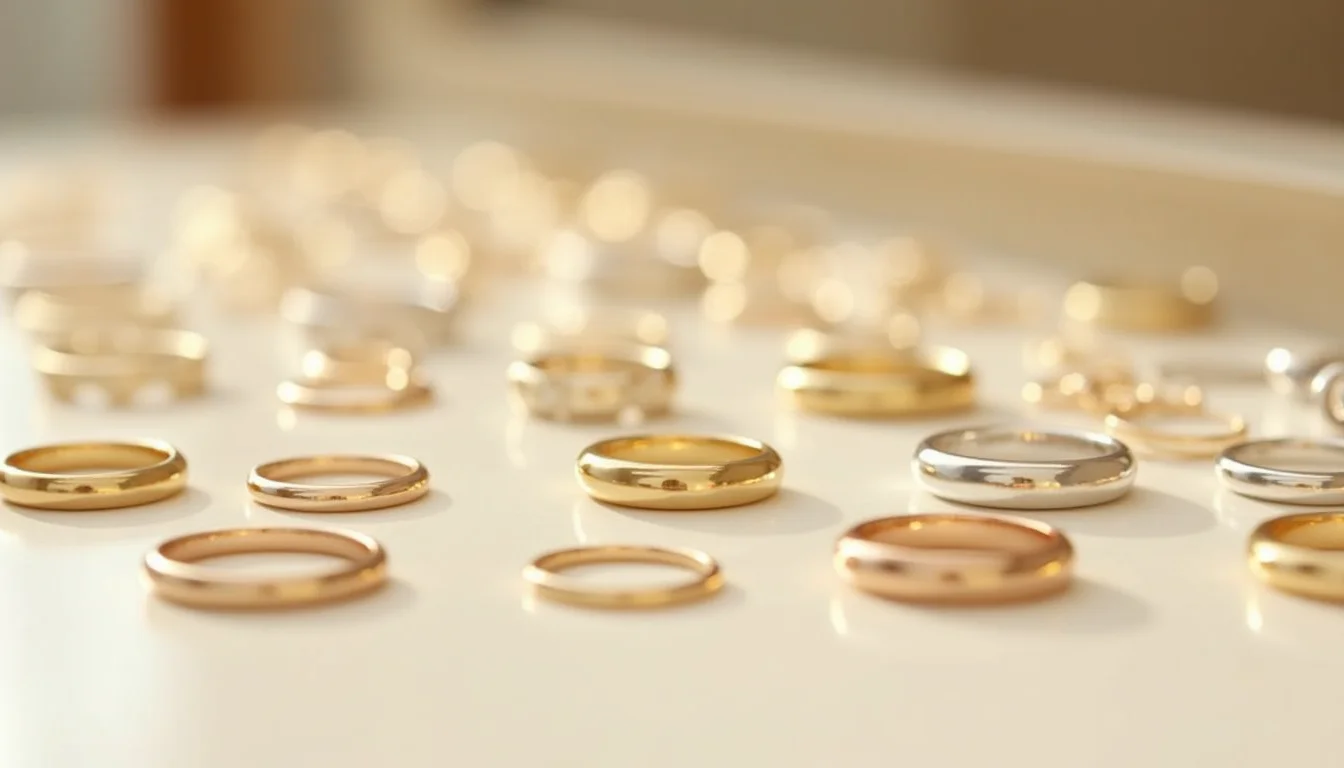
Shopify allows up to three option fields per product (labels such as Size, Color, or Material), with up to 2,048 variant combinations per product (as of November 2026, per Shopify's Help Center). For jewelry, those three option slots are the central catalog design decision.
A ring with metal type, stone option, and ring size uses all three slots. That is a natural fit. But consider how those slots are ordered: Shopify displays the first option most prominently in the product page's variant picker. For a brand where metal type drives purchase decisions, putting Metal as Option 1 and Size as Option 3 means customers select the metal they want before they confirm their size. Flip the order and you get a confusing experience where shoppers commit to a size before they see the metal options.
For necklaces, the three options might be Metal, Chain Length, and Pendant Stone. For earrings, Metal, Back Type (stud, hoop, drop), and Stone. Each jewelry subcategory has its own natural option grouping, and a service team sets these up consistently across the range.
Uploading without a plan typically produces a mix of inconsistent option names ("Sterling", "sterling silver", "925 silver", "Silver 925" for the same metal), duplicated products for variants that should share a handle, and filter results that return four versions of the same ring.
What to send a Shopify upload service for jewelry brands
| Data type | What the service needs |
|---|---|
| Product details | Supplier sheets or PDFs with title, metal type, purity, stone details, dimensions, and weight |
| Variant breakdown | A list of which options each product comes in (metals available, sizes, stone choices) |
| Pricing | Price per variant if metal type or stone affects the price (a 14k version and an 18k version often have different prices) |
| Images | Product images organized by SKU or variant, ideally named or labeled so the service can match image to variant |
| Naming conventions | How you want metal types, sizes, and stones labeled in Shopify (standardized before upload) |
| Category and collection structure | How collections are organized (by metal, by type, by occasion) so products are assigned correctly |
| Barcodes or GTINs | If the brand uses GTINs (required for Google Shopping feeds), these are entered during the upload |
You don't need this perfectly organized. Supplier sheets are rarely clean. Part of what a Shopify product uploading service does before it touches the Shopify admin is standardize the input: resolve inconsistent metal names, fill in missing purity data from the supplier's own range, and assign the right care instructions per material.
For a detailed look at what to prepare before a job starts, see What to Send Your Upload Team Before a Shopify Job.
What the service does with your jewelry data

Once the team has the data, the job runs in a consistent sequence:
Title standardization. Product titles follow a template suited to jewelry search behavior. A title like "14K Yellow Gold Round Diamond Solitaire Ring" is more findable and more scannable than "Diamond Ring Style A." The service sets that convention and applies it across the range.
Variant setup. The team creates product records with the correct option labels and enters each variant row: price, SKU, barcode, weight, and inventory quantity. For a ring offered in three metals, two karats, and ten sizes, that's 60 variant rows per product. A Shopify product data entry service handles this row by row, checking for errors before anything goes live.
Gemstone and material fields. Stone type, cut, and carat weight go into the description or into metafields depending on the store's setup. Karat and metal type typically live in the title and as variant labels. The team fills these consistently.
SEO titles and meta descriptions. Each product gets a unique SEO title and meta description based on the product's specific attributes, not a generic template.
Image matching and alt text. Images are matched to their variants and given descriptive alt text. For jewelry, alt text typically names the metal, the stone, and the product type: for example, "14K rose gold oval sapphire pendant necklace." For detailed guidance on preparing jewelry images for upload, see the jewelry image standards guide for Shopify upload teams.
When outsourcing makes sense for jewelry brands
Launching a new range. Adding a gold range to an existing silver catalog requires consistent naming conventions across both metals, and a service team sets up the variant architecture to work for both from the start.
Opening a Shopify store for the first time. Jewelry brands moving from a physical store or a marketplace to Shopify often have product data in handwritten stockroom records, supplier PDFs, or inconsistent spreadsheets. The service's first job is extracting structured data from whatever exists.
Adding a subcategory. A brand that sells rings and earrings but wants to add necklaces has a new variant structure to design (chain length and pendant options) that works within the existing catalog system. A service handles that extension without breaking the established convention.
Catching up on a backlog. Seasonal drops, new supplier ranges, and discontinued products create ongoing upload backlogs. Some jewelry brands outsource all catalog work on an ongoing basis; others use a service for the initial setup and large drops.
For brands evaluating whether to bring this work in-house or outsource it, How to Choose a Shopify Product Upload Service covers what to look for and what questions to ask.
Frequently asked questions
Does a Shopify upload service handle custom jewelry with made-to-order variants?
Yes. Made-to-order and customizable products are set up with the available options in Shopify, and any customization notes (such as engraving instructions) go into the product description or a contact-the-merchant note. The service enters the data for the product's configurable options; custom requests are handled through your enquiry process.
What if my jewelry products have more than three variant dimensions?
Shopify allows up to three option fields per product. When a product has more dimensions than that, the common approach is to combine two less-critical attributes into one option label (for example, "14K Yellow Gold Round" as a single Metal/Cut option), or to use metafields for the additional attributes. A service team makes this call per product type based on what customers are most likely to filter by.
Can the service handle GTINs and barcodes for jewelry?
Yes. If you have GTINs or barcodes for your products, the service enters them during the upload. GTINs are required for Google Shopping feeds, so if that channel matters to your store, they're worth including from the start. If your jewelry doesn't have barcodes, the service can set up a SKU convention that works as an internal identifier.
How does pricing work when the same design comes in different metals at different prices?
In Shopify, each variant has its own price field. So a ring available in sterling silver at one price and 14K gold at a higher price is set up with the price entered per variant row. The service takes your price list by variant and enters each one correctly, including any sale prices or compare-at prices.
Do I need to organize my images before sending them?
Not perfectly. It helps if images are labeled or organized by product, but the service works with what you have. Matching images to variants is part of the job. A set of images named by style number, for example, is enough to match to the product data. For specific tips on how to prepare jewelry images, see briefing a Shopify upload service.