
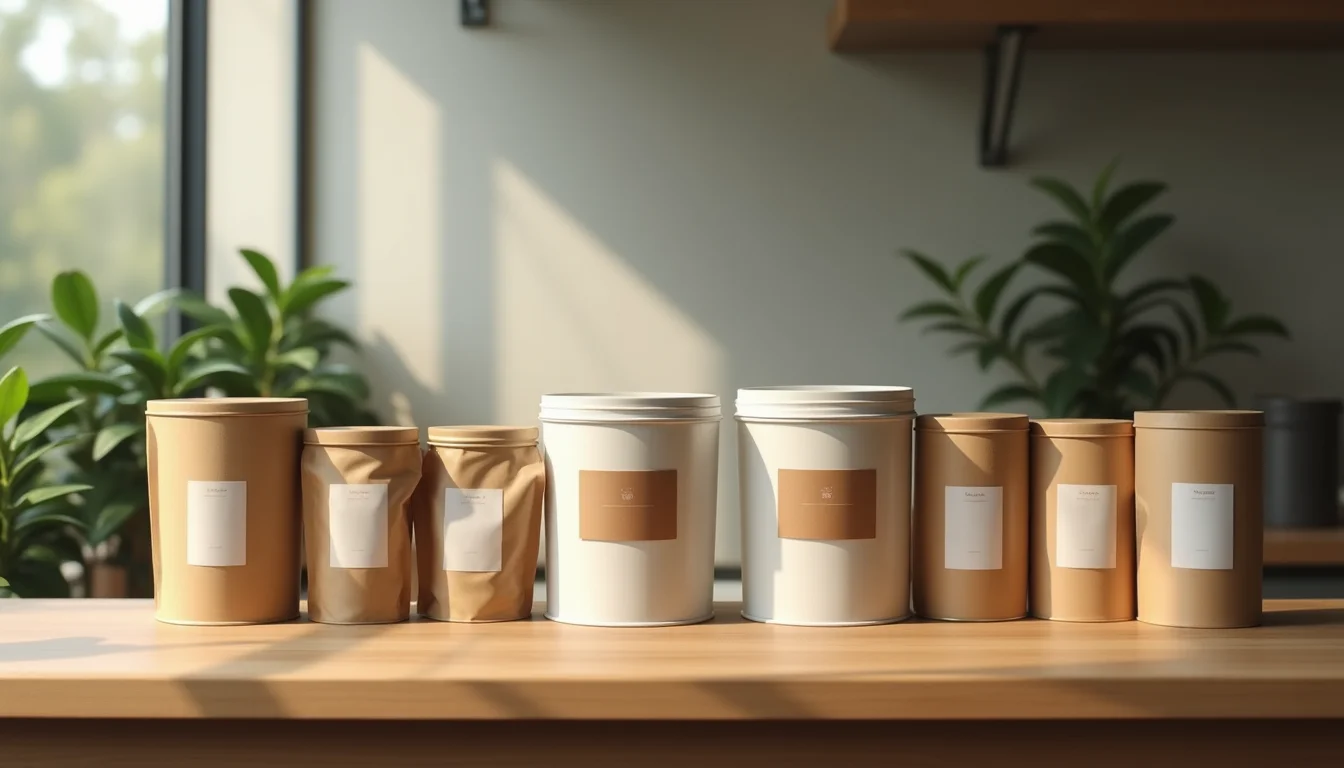
Coffee and tea product data for Shopify need separate templates, even when both sit in the same store. Coffee requires roast level, grind, and origin. Tea requires tea type, steep time, and water temperature. Sending one universal spreadsheet to an upload team leaves required fields blank for one category or the other. This guide covers what each category needs.
Key takeaways
- Coffee and tea need separate product data templates, even when they share a Shopify collection
- Coffee variants typically combine size (100g, 250g, 1kg) and grind (whole bean, medium grind, espresso grind), giving each combination its own SKU and price
- Tea variants are usually size or form (loose leaf vs teabags), with brewing instructions in the description rather than in variant options
- Certifications (organic, fair trade, rainforest alliance) go in tags and body copy, supplied exactly as the merchant provides them
- Shopify allows up to 3 options and 100 variants per product (as of November 2026): a coffee with 4 sizes and 5 grind options would need to be split or the grind list trimmed to stay within that limit
Coffee and tea product data for Shopify: the core fields
Both coffee and tea use Shopify's standard product fields: title, vendor, product type, body HTML (the description), tags, and variant data. The difference is in what goes in those fields.
For coffee, an upload team enters:
- Title: brand or origin name, roast level, the word "Coffee," and size where relevant. For example, "Ethiopia Yirgacheffe Light Roast Coffee 250g" or "Signature Espresso Blend Dark Roast Coffee."
- Vendor: the roaster's trading name
- Product type: "Coffee Beans" or "Coffee" (depends on your store's taxonomy; agree this in the brief before the job starts)
- Tags: certifications ("organic", "fair-trade"), roast level ("light-roast", "dark-roast"), origin ("single-origin", "ethiopia", "blend"), and flavor notes ("berry", "chocolate", "caramel") where stated
- Description: roast profile, tasting notes labeled as such, brewing guidance, and origin detail
- Variant options: typically Size (Option 1) and Grind (Option 2), with each combination as its own variant row
For tea, an upload team enters:
- Title: garden or brand name, tea type, grade or flush where relevant, and size or count. For example, "Darjeeling First Flush Black Tea 100g" or "Organic Chamomile Herbal Tea 50 Teabags."
- Vendor: the tea supplier's trading name
- Product type: "Black Tea," "Green Tea," "Herbal Tea," or a broader "Tea" if the store sells across all types
- Tags: tea type ("black-tea", "green-tea", "oolong", "herbal"), certifications, caffeine status ("caffeine-free" for herbal and rooibos), season ("first-flush", "second-flush"), and origin
- Description: tea character, recommended steep time, water temperature in both Celsius and Fahrenheit, and cups per pack
- Variant options: typically Form (loose leaf vs teabags) or Size, sometimes both
For a broader look at how Shopify product data entry works across a range, our service page covers what a team handles from title construction through to tags and collections. For food and beverage stores specifically, see our food and beverage product upload service.
Coffee variants: size and grind

Shopify allows up to 3 options per product and up to 100 variants total (as of November 2026, per Shopify's product variants documentation). For most coffee ranges, two options cover the job: size and grind type.
A typical coffee variant structure:
| Option 1: Size | Option 2: Grind | Variants this creates |
|---|---|---|
| 250g, 1kg | Whole Bean, Medium Grind | 4 variants (2 sizes × 2 grinds) |
| 100g, 250g, 1kg | Whole Bean, Coarse, Medium, Fine, Espresso | 15 variants (3 × 5) |
Each variant gets its own SKU, price (if grind affects price), and weight in grams. The weight field matters for calculated shipping rates: use the packaged weight, not the net weight. A 250g bag typically weighs around 320g to 380g with packaging included.
If a product sells in one format only (pre-ground, single size), there's no need for variant options. Set the product up with no options and a single base SKU.
For a related example of how size and format variants work in another food category, see multipack listings for drinks upload teams, which covers how single, multipack, and trade-pack formats map to variant rows.
Tea variants: type, form, and brew notes
Tea variant structure is less complex than coffee for most ranges. Most tea products vary by size (50g, 100g, 200g) or form (loose leaf, standard teabags, pyramid teabags). Brewing instructions belong in the description rather than in variant options, because they're not attributes you charge differently for.
A common tea variant structure:
| Option 1: Form | Option 2: Size or Count | Variants this creates |
|---|---|---|
| Loose Leaf | 50g, 100g | 2 variants |
| Teabags | 25 bags, 50 bags, 100 bags | 3 variants |
Brewing information in the description should follow a consistent format: "Steep 3 to 4 minutes in water at 90°C (194°F)." Include both Celsius and Fahrenheit for international stores. Upload teams enter the values you specify, so include both units in your brief.
Certifications and origin claims
Food and beverage products are often the most heavily certified category in a store. Upload teams enter certification data as supplied: they format what the merchant gives them, they don't verify claims or research what a certification involves.
Common certifications and how to supply them:
| Certification | How to supply it | Where it goes in Shopify |
|---|---|---|
| Organic | The exact label text: "USDA Organic," "Certified Organic," or "EU Organic" | Tags and body copy |
| Fair Trade | "Fairtrade Certified" or "Fair Trade USA Certified" | Tags and body copy |
| Rainforest Alliance | As the merchant provides it, typically "Rainforest Alliance Certified" | Tags and body copy |
| Single Origin | Country and region as they appear on the packaging | Title (optional), tags, body copy |
The certification text the team enters into Shopify should match exactly what appears on the product packaging. Any certification not in your brief is left blank.
For a related example of how label claims work for a regulated category, see supplement label data for upload teams, which covers how nutrition facts and ingredient fields are handled for products where label accuracy matters.
How to structure your data file
The common mistake is one spreadsheet tab with a universal field set for all beverages. Coffee columns (roast level, grind options) are blank for tea rows. Tea columns (steep time, water temperature) are blank for coffee rows. Upload teams will flag these gaps, and resolving them mid-job costs time.
The practical fix is two separate sections or tabs: one for coffee, one for tea. Each section uses the column set that matches its category.
For coffee rows, include: Title, Vendor, Product Type, Tags, Body HTML, Option1 Name (Size), Option1 Value, Option2 Name (Grind), Option2 Value, Variant SKU, Variant Price, Variant Grams, Image Src.
For tea rows, include: Title, Vendor, Product Type, Tags, Body HTML, Option1 Name (Form), Option1 Value, Option2 Name (Size/Count), Option2 Value, Variant SKU, Variant Price, Variant Grams, Image Src.
Both sections use Shopify's standard column headers (as of November 2026, per Shopify's product CSV documentation). Pre-populate the columns the team fills and mark clearly which values come from packaging and which the team constructs from your naming template.
Include a notes column for edge cases: a single-origin that sells in one size only (no variants needed), a tea blend where origin is not disclosed, or a decaf option that changes the product type convention. The team can't make those calls without guidance.
For related food and beverage categories, gourmet food product data for upload teams covers how ingredient lists, allergens, and country-of-origin fields work across specialty food products. More articles on beverage product data are on the beverages product data hub.
Frequently asked questions
Can I use one Shopify product type for both coffee and tea?
Yes. Shopify's product type is a free-text field, so you can use "Coffee" and "Tea" as separate product types, or a broader "Beverages" if that fits your store's structure. Upload teams follow whatever convention you set in the brief. Using separate product types makes smart collections easier to build: a condition like "Product type is equal to Tea" selects all tea products automatically (as of November 2026, per Shopify's smart collection conditions documentation).
How do I handle a coffee with too many variants?
Trim the grind list to the combinations you actually stock, or split one product into two: a "whole bean" product and a "pre-ground" product, each with size variants only. Shopify's 100-variant limit per product is not usually the constraint. Practical navigation is. A product with 25 variants (5 sizes × 5 grinds) is harder for customers to use than two products with 5 variants each.
Do brewing instructions go in the description or as a tag?
In the description. Brewing instructions are not purchase decision attributes, so they belong in the body copy rather than in a variant field. A tag like "steep-4-minutes" can help smart collections surface products by brewing method, but the full instructions go in the description where customers can read them on the product page.
What if the supplier does not provide origin information?
Leave the origin fields blank in your brief rather than guessing. Upload teams enter what they receive. If origin tags matter to the store (for single-origin coffee, for example), mark those rows as pending in the brief and supply the information before the job starts. A product page that claims a specific origin when the product is a blend is a data quality problem that is harder to correct after the catalog is live.
Do variant weights affect Shopify shipping calculations?
Yes. Shopify uses the weight on each variant to calculate shipping rates when you use weight-based shipping (as of November 2026, per Shopify's products documentation). Set the variant weight in grams using the packaged weight, not the net weight. A 250g bag of coffee typically weighs around 350g packaged. Include this in your brief: upload teams enter the weight you specify.