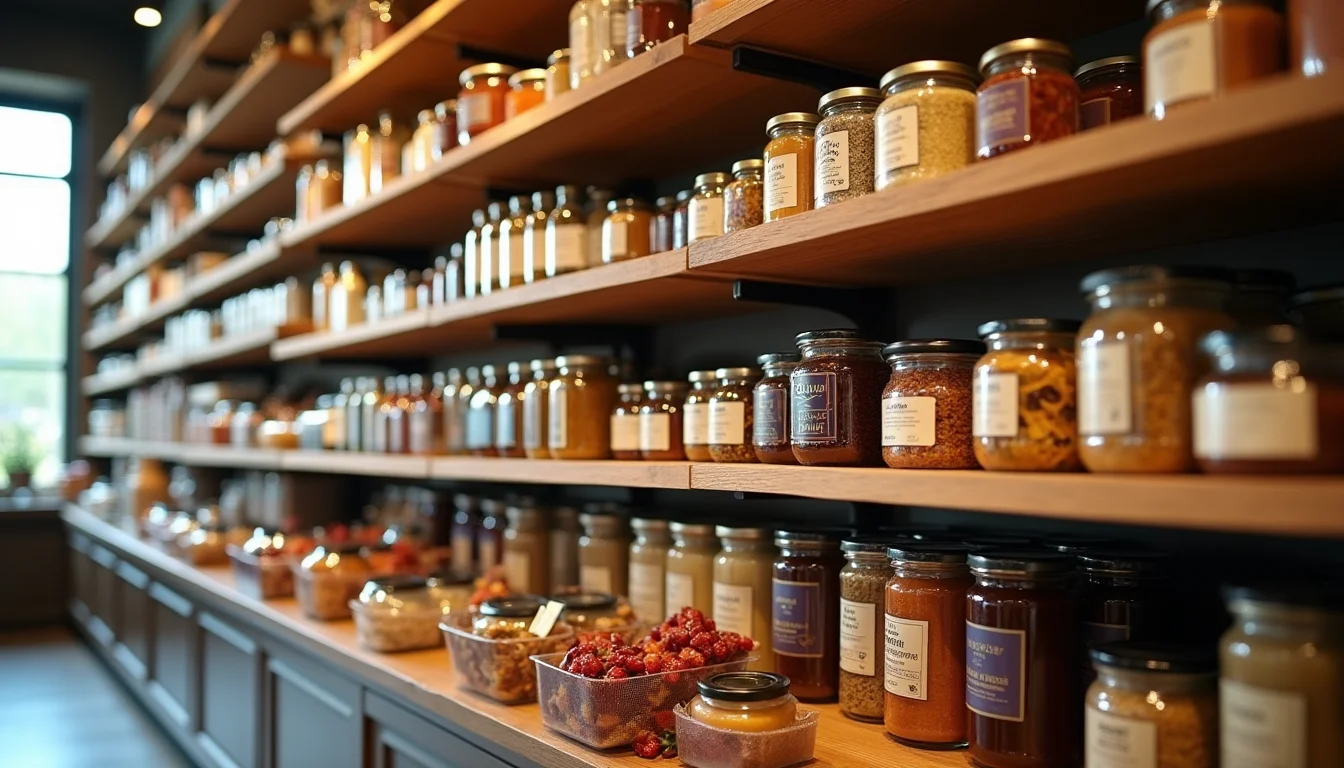

Gourmet food data for upload teams covers more fields than most other Shopify categories. The fields your team enters include ingredient lists, allergen declarations, country of origin, shelf life, and declared weights, all sourced from your supplier files and labels. Here is what gets entered, and what you need to supply before the job starts.
Key takeaways
- Gourmet food products require ingredient and allergen data entered verbatim from the approved product label, never researched or reworded by the team.
- Declared weight and shipping weight are two separate values. Gourmet food products with brine or liquid (preserved olives, marinated artichokes) need both supplied explicitly.
- Country of origin, vintage, and harvest details are not standard Shopify product fields; your team stores them in custom metafields using the structure your store defines.
- Your upload brief needs a completed data template for each product, not a supplier spreadsheet that the team must interpret.
- Regulated gourmet food data (ingredients, allergens, nutrition claims) cannot be corrected or normalized by an upload team. Only the merchant's approved label is the valid source.
Why gourmet food data differs from other product categories
Most Shopify product categories require a title, a SKU, a price, dimensions, and a description. Gourmet food products need all of that, plus a layer of regulated label data that an upload team cannot research or fill in independently.
Ingredient lists must be entered exactly as they appear on the product label, with ingredients in the same order, using the same names. Allergen declarations carry legal weight in most markets, so an upload team transcribes them, it does not interpret them. Shelf life, country of origin, and vintage details affect how customers shop and how platforms display products.
The practical result is that gourmet food catalog jobs depend on the merchant handing over complete, label-accurate data for every product before the team starts, not a rough supplier spreadsheet that leaves gaps for the team to guess at.
If your store sells through our food and beverage product upload service, this is the data format we work from. Gaps in the brief slow every product, not only the ones with missing fields.
Core gourmet food data fields for upload teams

These are the standard Shopify product fields your team enters for every gourmet food product, plus the extended fields most specialty food stores use (as of November 2026).
| Field | Where it lives in Shopify | Notes for gourmet food |
|---|---|---|
| Title | Standard product field | Product name as it appears on the label; your naming convention applies |
| Description | Standard product field | May include tasting notes, serving suggestions, producer story (provided by you or written by the team per your brief) |
| SKU | Standard variant field | One per variant (size, format, flavor); must be unique across the catalog |
| Barcode (GTIN/EAN/UPC) | Standard variant field | One barcode per variant; gift packs and retail singles often have different GTINs, so supply both |
| Price | Standard variant field | Per unit as sold on your store; team does not set pricing |
| Shipping weight | Standard variant field | Packed weight used by Shopify for calculated shipping rates; not the labeled declared weight |
| Category (Shopify taxonomy) | Standard product field | Affects tax and channel eligibility; your brief should specify the category, or the team maps it and flags ambiguous cases |
| Product type | Standard product field | Your own grouping (for example: Preserves, Condiments, Pantry Staples); defined in your brief |
| Vendor | Standard product field | Producer or brand name; use the same form across all products from that producer |
| Tags | Standard product field | Dietary labels (Vegan, Gluten-Free), flavor profiles, cuisine types (use only terms your label supports) |
| Ingredients | Custom metafield | Full ingredient list, verbatim from the label, in the same order |
| Allergens | Custom metafield | Declared allergens exactly as they appear on the label |
| Country of origin | Custom metafield | The country (or region, for products where the PDO or PGI applies) |
| Declared weight / volume | Custom metafield | The labeled net weight or volume (for example 250 g, 500 mL), separate from shipping weight |
| Shelf life / use-by | Custom metafield | Either a fixed shelf life in months or a note that the date is on the label |
| Storage instructions | Custom metafield | As supplied (for example: "Store below 25°C, refrigerate after opening") |
Shopify does not have standard metafield definitions for food-specific data such as ingredients, allergens, or country of origin (as of November 2026). Your store uses custom metafield definitions, and your brief needs to tell the team which metafield key each piece of data maps to. See the Shopify metafields reference for how custom definitions work.
Ingredient lists and allergen declarations: entered as supplied
Ingredient and allergen data must be entered verbatim from the approved product label. An upload team does not research ingredient lists, correct their order, or reword allergen statements.
Ingredient lists on food labels are ordered by weight (highest to lowest). The team enters them in that order, with the same commas, brackets, and capitalization. If two labels from the same producer format their ingredient lists differently, the team flags the inconsistency rather than standardizing it. Only you can confirm which version is correct for each product.
Allergen requirements differ by market. In the US, the FDA requires nine major allergens to be declared (FDA food allergen labeling, as of November 2026). The EU uses a list of 14 declared allergens. Your upload team enters exactly what appears on the approved label for each product's market. It does not advise on what must be declared.
This is the same approach used for supplement and cosmetics data: the data on the approved label is the only valid source. For comparison, see supplement label data for upload teams and skincare ingredient data for upload teams.
Country of origin, vintage, and harvest details
Country of origin is not a standard Shopify product field. It is stored in a custom metafield, which means your store needs a metafield definition created before the upload job starts, and your brief needs to tell the team the exact key name to use.
For gourmet food, country of origin often needs to be more specific than a country name. Protected Designation of Origin (PDO) and Protected Geographical Indication (PGI) products (Parmigiano-Reggiano from Emilia-Romagna, Champagne from that region, extra-virgin olive oils with regional designations) carry a region or producer appellation, not only a country. Supply the full designation as it appears on the label.
Vintage and harvest details follow the same pattern. For specialty foods where vintage matters (olive oil press dates, single-origin honeys, single-harvest teas) your team enters the value you supply in the metafield your store defines. These details do not live in Shopify's standard taxonomy fields; they are custom data that you define for your catalog.
If your catalog spans multiple producers and regions, include a column for each of these values in your product data template. The team enters what is in the template, not what it can infer from the product name.
Declared weight versus shipping weight
This is the most common data gap in gourmet food upload briefs.
Shopify's standard weight field is used by calculated shipping rates and by some channels for logistics. It records the actual weight of the product as it ships, including the packaging, brine, and jar.
The declared weight or net weight (the labeled amount the customer is buying) is a different number. For products packed in liquid (preserved olives, marinated artichokes, tinned fish), the declared weight on the label is often the drained weight, not the total weight of the contents. A jar of olives labeled "250 g" may weigh 450 g with its brine and jar.

Your upload team needs both values, clearly labeled, for each variant. The shipping weight goes into the standard Shopify weight field. The declared weight (net weight or drained weight) goes into the custom metafield for display on the product page.
If your supplier file lists only one weight without saying which it is, the team has to pause and ask. That pause happens for every product that has the same ambiguity. A brief that separates "shipping weight (packed)" from "declared label weight" eliminates most of these holds.
What to include in your gourmet food upload brief
Your brief is a data file, not a summary document. Each row is one variant. Each column is one field.
| Section | What to include |
|---|---|
| Naming conventions | Title format, vendor name format, variant option names (for example: "Weight: 250 g" or "Size: 250g") |
| Standard product data | Title, SKU, GTIN per variant, price, shipping weight (packed), product type, vendor, tags |
| Label data (verbatim) | Full ingredient list, allergen statement, storage instructions, exactly as they appear on the label |
| Declared weight / volume | Net weight or net volume as labeled; for products in brine or liquid, the drained weight separately |
| Origin and provenance | Country of origin; PDO/PGI appellation if applicable; vintage or harvest year where relevant |
| Shelf life | Shelf life in months from production, or a note that the use-by date is printed on the product |
| Category and taxonomy | Your intended Shopify category, or enough product detail for the team to map it |
| Images | File names matched to SKUs; label photo if the team needs to verify ingredient or allergen text |
For general brief requirements that apply across all categories, what to send your upload team before a Shopify job covers the structure. The gourmet food additions are the label data columns and the two separate weight fields.
Our gourmet foods upload service uses this structure for every catalog we handle in this category. Our Shopify product data entry service handles gourmet food catalogs using exactly this structure. If your data arrives in a supplier spreadsheet without the label data columns, the team will work through what it can and flag the gaps before entering anything.
For comparison, the brief structure for another food category with regulated label data is covered in pet food data for upload teams.
Frequently asked questions
Can my upload team look up ingredient lists from the product's website?
No. Ingredient lists and allergen declarations must come from your approved product label. Online descriptions are often incomplete, outdated, or formatted differently from the regulated label. For products where allergen accuracy matters legally, the label is the only valid source.
What happens if two variants of the same product have different ingredient lists?
The team enters each variant's label data separately. For example, a standard version and a gluten-free version of the same condiment will have different ingredient lists and allergen statements. Your brief needs a separate row for each, with its own label data columns.
Does Shopify have a country of origin field for food products?
No, not as a standard field (as of November 2026). Country of origin is stored in a custom metafield. Your store needs the metafield definition created before the upload starts, and your brief needs to tell the team the exact key name to map each product's country of origin to.
How should I supply the barcode for a product that comes in both a retail single and a gift pack?
Supply a separate GTIN for each format. The retail single and the gift pack are different trade items with different GTINs under GS1 standards (GS1 identification keys, as of November 2026). If the gift pack does not have its own GTIN yet, leave that cell blank and note it. The team will flag it rather than reuse the single's barcode.
What if my supplier file already has all the product data?
The team can work from a supplier file if it already has the label data columns: ingredients verbatim, allergen statement, declared weight separately from shipping weight, and country of origin. If those columns are missing or combined into a general notes field, you will need to add them before the job starts. A brief that the team can read row by row without interpretation is what gets the catalog done without holds.