

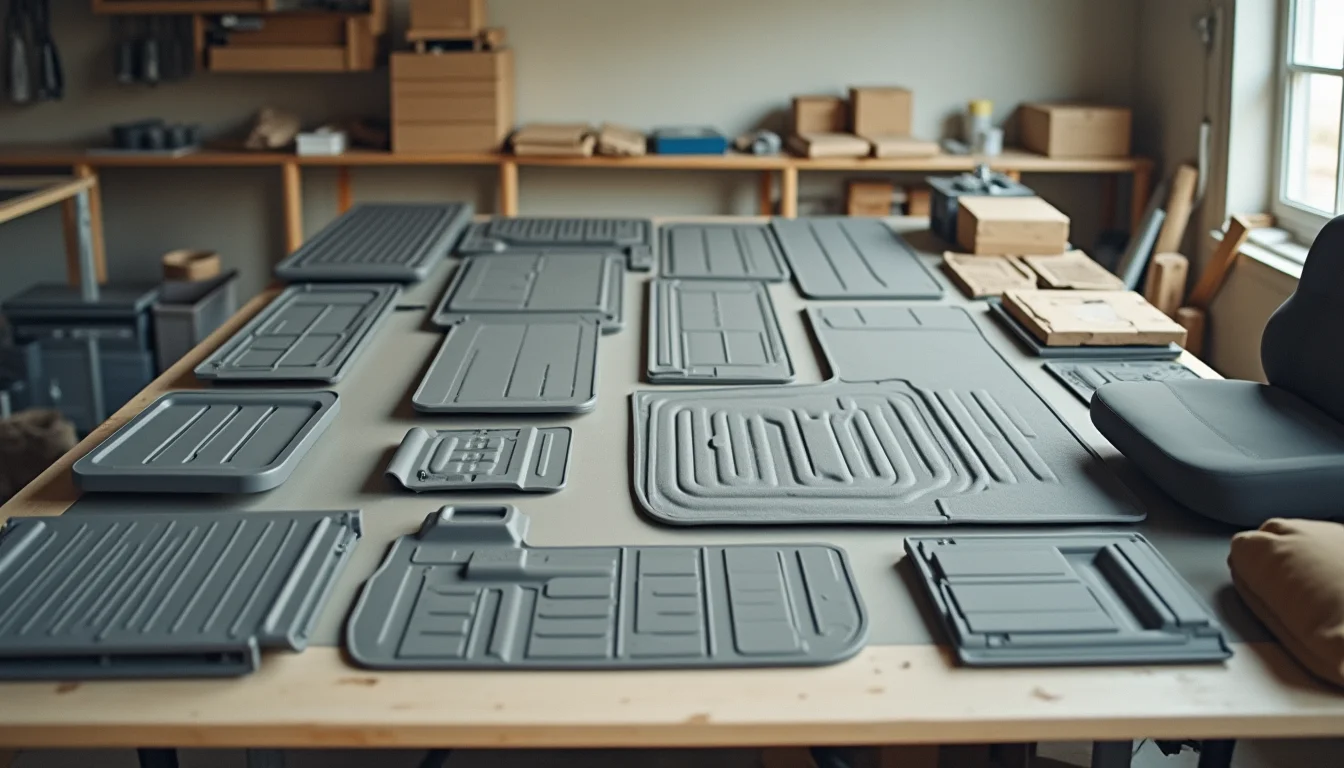
An automotive accessories merchant hands off a 300-product catalog. The upload team's first question is: which vehicles does each product fit? Without that answer, the job stalls on the first row. That dynamic captures the central challenge of automotive accessory data for Shopify teams. The fields that drive other product categories, like size or color, are still present here. But a layer of vehicle compatibility data sits underneath everything else, and it needs a plan before the upload starts.
Key takeaways
- Automotive accessory catalogs require vehicle compatibility information that Shopify has no native field for, so upload teams need a brief specifying where fitment data goes before the job starts
- Core fields follow the standard Shopify product form: title, vendor, product type, description, price, weight, SKU, and collections
- Fitment data is typically encoded in product descriptions, structured tags (year, make, model, trim), or collection conditions, depending on the merchant's preferred structure
- Part numbers often appear in multiples: an OEM number, an aftermarket SKU, and sometimes a cross-reference number from another brand
- Variants in automotive accessories usually represent different finishes, sizes (such as wiper blade lengths), or voltage ratings, not vehicle compatibility
What automotive accessory data includes for upload teams
The core automotive accessory data for Shopify upload teams follows the same structure as any other product category, but with extra fields added on top. The standard Shopify product form covers:
| Field | What to send | Notes |
|---|---|---|
| Title | Product name, type, and key spec | For example: "LED Headlight Kit, H11, 6000K" or "Universal Floor Mats, Black, 4-Piece Set" |
| Vendor | Brand name exactly as the brand spells it | Consistency matters if you use vendor-based collections |
| Product Type | Category from your defined list | For example: "Lighting", "Interior", "Exterior", "Audio", "Wheels" |
| Description | Full product text, fitment notes included | This is often where vehicle compatibility lives |
| Price | RRP and any compare-at price | In USD; if prices vary by variant, one column per variant |
| Weight | In lbs or oz, as your shipping carrier needs | Required for calculated shipping rates |
| SKU | Your internal SKU or the OEM part number | See the part numbers section below |
| Barcode | UPC or EAN if available | Not all aftermarket parts carry a barcode |
| SEO Title and Meta Description | Or leave blank for the team to draft | If left blank, the team will use the title and a standard format |
For a broader overview of which Shopify fields an upload team typically fills, our Shopify product data entry service covers the full scope of a standard brief.
Fitment and compatibility: how upload teams structure vehicle data
Shopify's product form does not have a native vehicle compatibility field. This means fitment information has to live somewhere: in the product description, in structured tags, in collection conditions, or in some combination of the three. The choice is yours to make before the job starts. If you leave it unspecified, the team will make a choice for consistency across the catalog, but it may not match how you want your store to work.
Using the product description for fitment data is the most common approach for merchants who want compatibility details visible to shoppers. The description can include a "Fits:" section that lists compatible vehicles in a consistent format. For example:
Fits: 2018-2023 Toyota Camry (LE, SE, XSE, XLE) / 2019-2023 Toyota Corolla (All trims)
The upload team fills this section from your compatibility file. The file needs one row per vehicle, or at minimum one row per product with the full compatibility range spelled out. Ranges like "2018-2023 Toyota Camry" work if every model year in that range fits identically. If a mid-cycle refresh changed the fitment, it needs a split.
Using structured tags for year, make, model, and trim lets you filter collections and power smart conditions. A product might carry tags like year-2020, make-toyota, model-camry, trim-se. The tag structure must be defined before the upload starts because it drives how collections and navigation work. The planning Shopify collections before an upload guide covers how to set up collection conditions so they populate correctly from product tags.
Universal fit products need a clear flag in the source data. If a floor mat fits any vehicle, the description should say "Universal fit" and no vehicle tags should be applied. If a team applies vehicle tags to a universal product by mistake, it will appear in vehicle-specific collections where shoppers expect a confirmed fit.
Part numbers and SKUs for automotive accessories
Automotive accessories often carry multiple part numbers that serve different purposes. A single wiper blade may have:
- An OEM part number (the number the original vehicle manufacturer uses)
- An aftermarket SKU (the number your supplier or brand uses)
- A cross-reference number from a competing brand

Which number becomes the Shopify SKU is a brief question, not a data-entry decision. Most merchants choose their own purchase order SKU or the supplier's part number, then include the OEM number in the product description or as a separate tag for searchability.
Where multiple part numbers need to be recorded, the simplest approach is to agree on two columns in your source file: one for the Shopify SKU and one for a secondary reference number that goes into the description or a specified tag format. The what to send your upload team checklist covers how to structure the source file so part numbers transfer without confusion.
Variants in automotive accessory catalogs

Variants in Shopify represent the selectable options a shopper chooses before adding to cart. In automotive accessories, variants typically represent:
- Finish or color: chrome, black, brushed aluminum. A set of side steps might come in three finishes, each with the same fitment and price.
- Size: wiper blade lengths (22", 24", 26"), drain plug sizes, hose diameters. The brief needs to confirm whether a size variant is universal or fitment-dependent.
- Voltage or power rating: a dashcam hardwire kit might come in 12V and 24V versions. These are separate variants, not separate products, unless the fitment list differs between them.
What variants are not in automotive accessories is vehicle compatibility. Each compatible vehicle is not a Shopify variant. Variants are the options a shopper picks; vehicle compatibility is a filter that determines whether the product appears in front of the right shopper. Setting up a product with 50 vehicle variants, one per compatible car, creates an unusable product page and an overly complex catalog. The brief should state clearly that fitment lives in descriptions and tags, not in the variant structure.
What to send before the upload starts
Before an automotive accessories catalog goes to an upload team, the merchant needs to supply:
- A product spreadsheet with one row per product (or one row per variant, with product details repeated)
- A compatibility file, either embedded in the spreadsheet or as a separate tab, listing compatible vehicles for each product SKU
- A defined tag format for year, make, model, and trim (or a note that fitment lives in descriptions only)
- A defined list of product types that the team will apply consistently across the catalog
- Clear guidance on the SKU field: which part number to use, and whether secondary numbers belong in the description or as tags
- A sample of 5 to 10 real products with all of the above filled in
That sample is the most important item. It lets the team confirm the fitment structure before they begin, and it surfaces ambiguities (a product with a compatibility range that spans a model refresh, a product with no fitment data at all) before they become a stall mid-job.
For a full checklist of source file and image requirements, see our guide on what to send your upload team before a Shopify catalog job starts.
Frequently asked questions
Does Shopify have a built-in field for vehicle compatibility?
No. Shopify's standard product form does not include a fitment or compatibility field. Upload teams handle vehicle compatibility through product descriptions, structured tags, collection conditions, or a combination of the three. The merchant specifies the preferred approach in the brief before the job starts.
Should vehicle compatibility be a product variant or a tag?
Tags, not variants. Variants are the options a shopper selects before adding to cart, like color or size. Vehicle compatibility is a filter that determines which products are relevant to a specific vehicle. Encoding 40 compatible vehicles as 40 variants creates an unusable product page. Use structured tags (year, make, model, trim) and collection conditions to surface the right products to the right shoppers.
What if some products are universal fit and others have specific vehicle lists?
Both can exist in the same catalog, but the upload team needs a clear flag in the source data to tell them which is which. A common convention is a "Universal" flag in the compatibility column for universal-fit products, leaving that column blank or applying a "universal-fit" tag rather than vehicle-specific tags. Without the flag, the team has to guess, which leads to inconsistencies.
How should OEM part numbers appear in the catalog?
The standard approach is to use your own purchase order SKU or the supplier's part number as the Shopify SKU field, then include the OEM part number in the product description under a consistent label such as "OEM Reference:" or as a searchable tag in a defined format like oem-12345. The right choice depends on how your operations team references products internally and whether customers search by OEM number on your store.
What product types should an automotive accessories store use in Shopify?
Product type in Shopify is a free-text field, so the merchant defines the list. Useful categories for automotive accessories include Lighting, Interior Accessories, Exterior Accessories, Audio and Electronics, Wheels and Tires, and Performance Parts. For how product types relate to categories and collections in Shopify's structure, the guide on product type vs product category explains the distinction.