

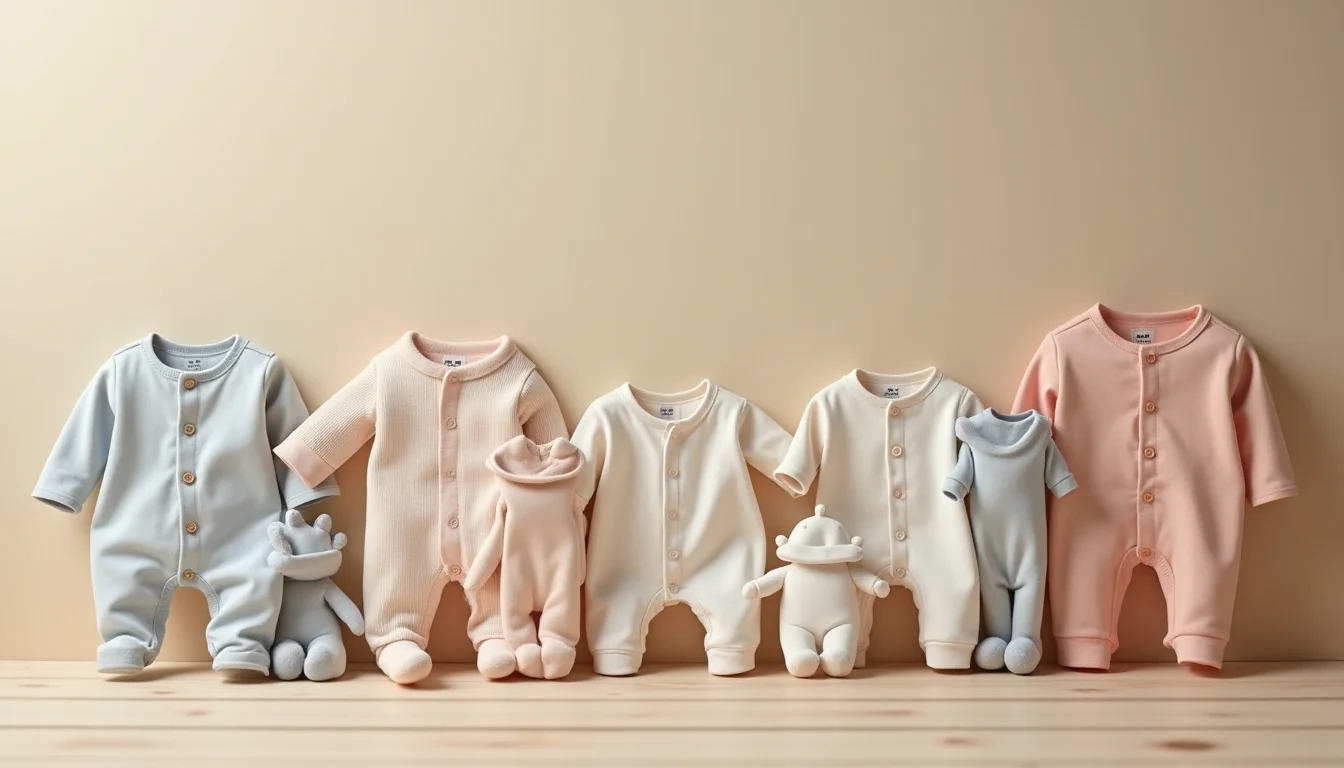
Setting up baby product listings for Shopify catalog management follows the same base pattern as any other category: title, description, SKU, price, and variants. But baby products add several data types that rarely appear anywhere else in a store: age-range variants structured around developmental milestones, mandatory safety certification fields, and regulatory warning copy that must appear exactly as supplied. Knowing what those fields are before the catalog handover saves a team from going back to the supplier twice.
This guide covers every field category an upload team needs when building baby product listings across a full range.
Key takeaways
- Baby product listings require age-range variants (0-3M, 3-6M, 6-12M) structured as a Shopify option, not as free text in the description
- Safety certification data (ASTM F963, EN 71, AS/NZS 8124) goes into the catalog exactly as the supplier provides it, without alteration or verification by the upload team
- Choking hazard and age-grading warning copy is a required listing field for products aimed at children under three; it is entered verbatim, not paraphrased
- Developmental stage tags (newborn, infant, toddler) drive smart collections and need a consistent taxonomy agreed before the upload starts
- A complete supplier file for baby products covers at least seven fields that a standard adult-product template would not include
Why baby product listings for a Shopify catalog need more data fields
Baby products sit at the intersection of three data requirements that most other categories handle separately, if at all.
The first is variant complexity. A standard clothing product uses Size and Color as variant options, with values like S, M, L. A baby clothing product uses an age-range option, where "3-6M" means something specific about the child's developmental stage, not only a physical measurement. The range 3-6M in one brand's sizing may correspond to 60-70 cm in another. The team records what the supplier provides.
The second is regulatory data. Baby and children's products sold in many markets must carry or reference specific safety standards. That certification data needs to appear in the product listing, stored in a way that is accurate and consistent across the catalog.
The third is warning copy. Products unsuitable for children under a certain age carry specific warning language. That language is not marketing copy. It must appear verbatim, in the exact phrasing the supplier specifies, based on the applicable standard for the destination market.
For merchants in the toys and games space, our Shopify toys and games product upload service handles all of these fields as part of a full catalog job.
Age range variants: how to structure them in Shopify

Shopify supports up to three variant options per product. For baby clothing and many baby toy products, one of those options will be age range.
The standard approach is to name the option "Age Range" and use values in the format the supplier provides. Common values across the industry look like this:
| Age range value | Approximate stage | Typical use |
|---|---|---|
| Newborn / NB | 0 to 1 month | Onesies, sleepwear, swaddles |
| 0-3M | 1 to 3 months | Clothing, soft toys |
| 3-6M | 3 to 6 months | Clothing, activity gyms |
| 6-9M | 6 to 9 months | Clothing, teethers, rattles |
| 6-12M | 6 to 12 months | Clothing, early learning toys |
| 12-18M | 12 to 18 months | Clothing, stacking toys |
| 18-24M | 18 to 24 months | Clothing, shape sorters |
| 2-3 years | 2 to 3 years | Clothing, construction toys |
| 3+ years | 3 years and up | Toys with small parts |
The critical decision is which format to standardize on before the upload starts. If a supplier uses "0-3M" and another uses "0-3 Months", having both formats in a single store produces inconsistent collection filtering. The team agrees a standard format with the merchant before the job begins, then normalizes all incoming values to match.
For clothing, it is common to have both Age Range and Color as variant options. For toys, Age Range and a configuration or size option (such as piece count or pack size) may be the two active options.
Refer to the article on age ranges a toy store's upload team records for more detail on how to handle multi-variant toy products.
Safety certification fields
Safety certifications tell buyers that a product has been tested to a recognized standard. The certification data goes into the product listing in one of three places: a product metafield, a section of the product description, or both.
The team never verifies the certification. It records what the supplier provides, verbatim. A certificate number, standard name and issuing body are common components. Here is how to structure the data consistently:
| Standard | Region | What it covers | Typical format in supplier data |
|---|---|---|---|
| ASTM F963 | United States | Consumer toy safety | Complies with ASTM F963-23 |
| EN 71 | European Union / UK | Toy safety (physical, flammability, chemical) | Meets EN 71-1:2014+A1:2018 |
| AS/NZS 8124 | Australia / New Zealand | Toy safety | Complies with AS/NZS 8124.1:2019 |
The US Consumer Product Safety Commission publishes a summary of applicable federal requirements for toys. The standard reference number is what goes in the catalog; legal compliance is the merchant's responsibility, not the team's.
Using a metafield called something like certifications or safety_standards lets the merchant display this data consistently using their theme. If the store does not have that metafield set up, the data can go in a dedicated paragraph at the end of the product description, clearly separated from marketing copy.
Warning copy and age grading

Products that are not suitable for children under a certain age carry age grading statements. The most common applies to products with small parts that pose a choking hazard.
The standard warning copy in the US market reads: WARNING: CHOKING HAZARD. Small parts. Not for children under 3 years.
That phrasing, or its equivalent from the applicable standard, is entered into the product listing exactly as the supplier specifies it. The team does not paraphrase it, shorten it or rewrite it for style.
Where does it go? In most stores, it goes in one of these locations:
- A dedicated product description paragraph, formatted clearly (often in bold or as a callout)
- A metafield (for example
age_warningorhazard_note) that the theme displays with a consistent visual treatment - Both, if the merchant wants it in the structured data and visible in the description
The placement decision should be made before the upload job starts. Having the team enter the warning in both places, or in inconsistent places across different products, makes it harder to audit later.
If the supplier data sheet does not include a warning statement for a product you would expect to need one, that is a question for the merchant, not for the team to resolve during the upload.
Developmental stage tags and smart collections
Tags are how Shopify smart collections filter and display products automatically. For baby products, a tag taxonomy agreed before the upload begins determines how well collections like "Newborn Essentials" or "Toddler Toys" function.
Useful tag categories for baby products include:
Developmental stage: newborn, infant, toddler, 0-12-months, 1-2-years, 2-3-years
Product type tags: clothing, sleepwear, feeding, bath-time, teethers, activity-toys, learning-toys, nursery
Material and feature tags: organic-cotton, bpa-free, washable, unisex
For a full explanation of how Shopify collections and categories work, including smart collection conditions, the collections guide covers the structure in detail.
The team typically builds the tag taxonomy from the supplier's own categorization, normalized to the merchant's preferred values. The convention for formatting (lowercase, hyphens vs spaces) needs to be set before work begins because Shopify treats "Organic Cotton" and "organic-cotton" as different tags.
Refer to supplement label data for upload teams for a parallel example of how regulated product data is handled in another category with specific compliance requirements.
Standard fields in a baby product listing
Beyond the baby-specific fields above, baby product listings use the same Shopify fields as any other product, with some points worth noting.
Shopify's product entry fields include title, description, vendor, product type, SKU, barcode, price, and compare-at price at the variant level.
Title: Include the age range or size group in the title where useful for browsing. "Organic Cotton Bodysuit 0-3M" tells the buyer more than "Organic Cotton Bodysuit" in a category with many options.
Product type: Use a consistent product type hierarchy. "Clothing" is too broad when you also have "Footwear", "Bedding" and "Toys" in the same store. Product types like "Baby Clothing", "Baby Footwear" and "Baby Toys" let the merchant filter, report and assign policies by type.
Vendor: The brand or manufacturer, as supplied. For private-label products, the merchant's store brand is the vendor.
SKU format: When the age range is a variant option, the SKU for each variant should include an age range code (for example, -0-3M, -3-6M). The supplier often has this structure already. If not, agree on a convention before the upload and apply it consistently.
For a done-for-you approach to Shopify product data entry that handles all of these fields as part of a full catalog job, see the service overview.
What to send your team for a baby products catalog
Before handing off a baby products range, the supplier file should include:
- Product titles and descriptions as the merchant wants them
- All variant options (age range, color, size, configuration) with every variant value listed
- SKUs for every variant
- Safety certification data: standard name, version and compliance statement
- Age grading and warning copy, exactly as it should appear in the listing
- Tags, or a tag structure the team can follow
- Product type values for every product, agreed in advance
- Images, organized by product and variant
For further reference on how to structure a supplier handover file, the fragrance sizes for upload teams article covers a comparable process for a product with its own variant complexity.
Frequently asked questions
Can a Shopify variant option be named Age Range instead of Size?
Yes. Shopify allows any name for variant options. Many baby product stores use "Age Range" as the option name and enter values like "0-3M" or "3-6 Months". The option name appears on the product page and in collection filters, so it should match what the merchant's customers expect to see.
Where should safety certification data go in a Shopify product listing?
Certification data most commonly goes in a product metafield (for example, certifications) and in a dedicated paragraph in the product description. Using a metafield lets the theme display it consistently with a standard visual style across all products. Entering it in the description as well makes it visible in the default Shopify theme without any custom theme work.
Does the upload team verify safety certifications?
No. The team records the certification data exactly as the supplier provides it. Verifying that a product actually meets a safety standard is a legal and compliance responsibility that sits with the merchant and the supplier. The team's role is to enter the data accurately and consistently.
What is the best way to handle products that span a wide age range, such as 0-24M?
Create a separate variant value for the full range (0-24M) and use it only for products where the supplier specifies it that way. Do not break a 0-24M product into separate SKUs unless the supplier has supplied them as separate SKUs. If the product is offered as a pack with multiple sizes sold together, those are separate line items in the supplier data.