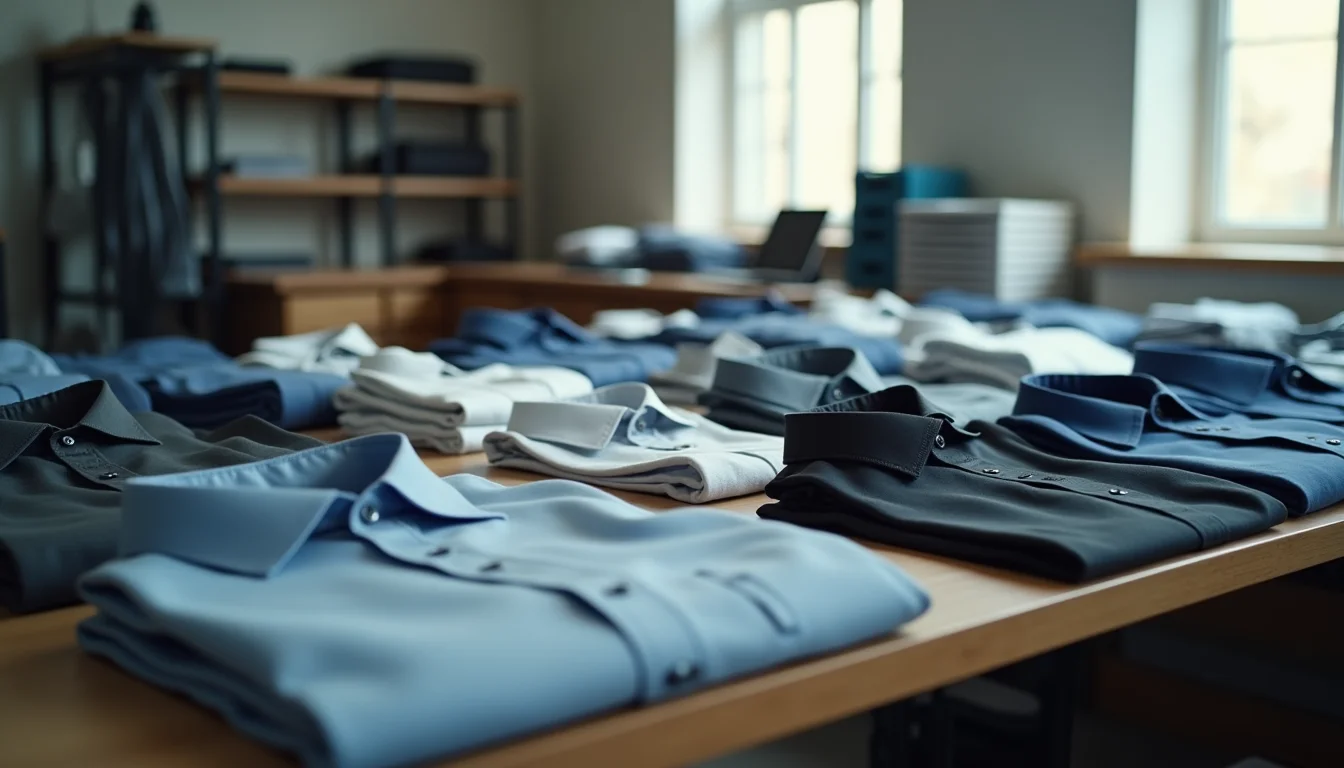

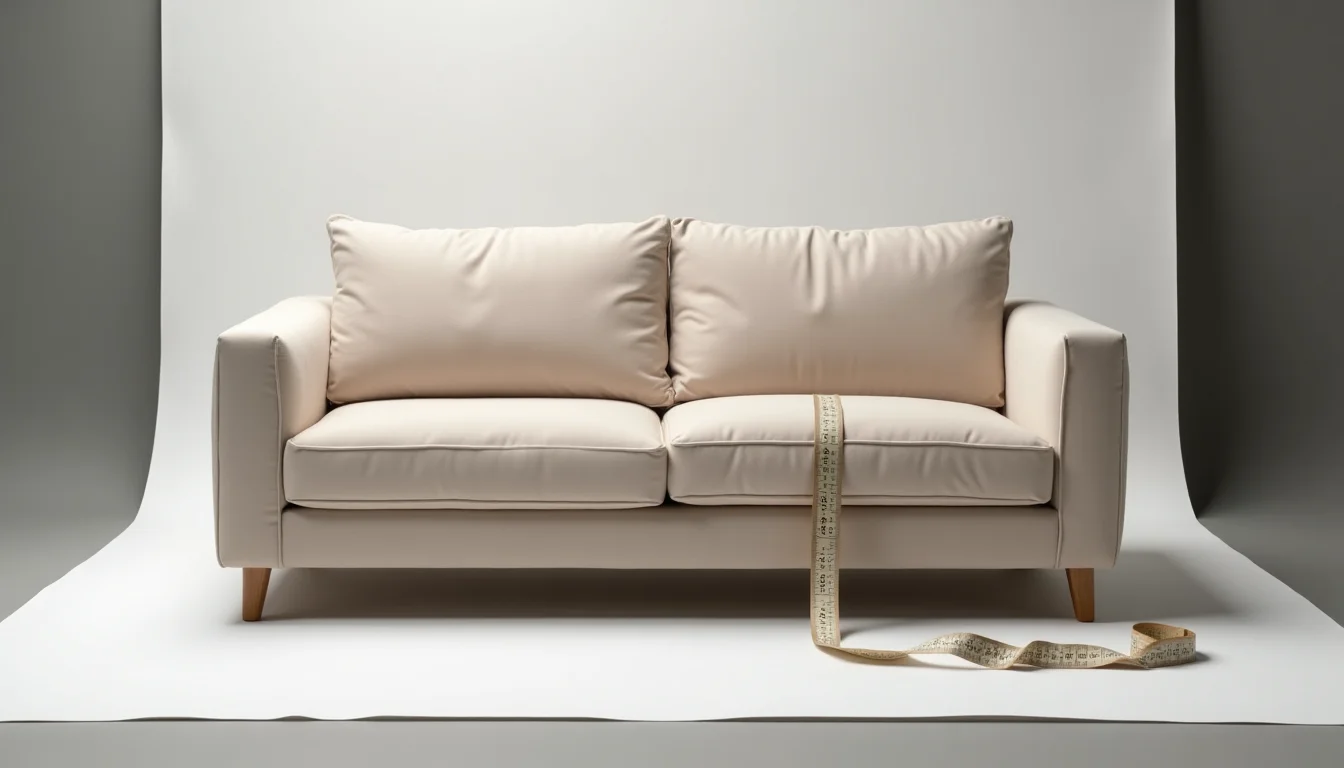
If you're uploading furniture to Shopify and wondering where scale shots belong in the media gallery: they go after the primary product images, not before them. Scale photography for furniture Shopify uploads gives buyers a size reference that a measurement field can't provide. This guide covers gallery order, alt text, and what to include in the photography brief.
Key takeaways
- Scale photography uses a recognizable reference object to show how large a piece of furniture is relative to something familiar: a person, a standard chair, or a door frame.
- Scale shots belong after the primary product images in the Shopify media gallery, so the hero image stays a clean product shot and thumbnails read correctly on category and search pages.
- Alt text for a scale reference image should describe the furniture's dimensions, not merely name the reference object in the frame.
- A furniture photography brief should specify what the reference object is, how many scale shots appear per product, where in the gallery order they sit, and which dimension field supplies the measurement for alt text.
- When scale shots are missing from a supplier's file, the upload team needs a written instruction before they proceed: hold those SKUs, skip the scale position, or flag for reshoot.
Why furniture needs scale photography
Furniture is one of the product categories where physical size is a primary purchase decision. A 2-seat sofa that measures 175 cm (69 in) wide fits where a 3-seater won't. A round dining table at 120 cm (47 in) in diameter means different things to someone furnishing a studio apartment versus a family home.
Product dimensions in the Shopify product description answer "how wide" and "how deep." A scale photograph answers the harder question: what does that size actually look like in a room? A person standing beside a bookshelf, or a standard kitchen chair placed next to a coffee table, gives the buyer the context that a centimeter measurement does not.
Photographers preparing a catalog for a furniture retailer usually include at least one scale shot per product. What changes for upload teams is that these shots are a distinct type of media within the product's gallery, and they need to be handled differently from the primary product photography. The decision of where they go and how they're described is the upload team's call.
Scale photography in Shopify furniture uploads
Shopify lets you add up to 250 media items (images, 3D models, and videos combined) to a single product, as of October 2026 (Shopify Help Center: Add media to products). You reorder them by dragging in the product editor. The first item in the list becomes the featured image in the storefront.
Scale shots almost always belong at position 3 or later. Position 1 should be the main product shot: a clean image of the piece on a white or neutral background, well lit, showing the front face. Positions 2 and 3 typically carry secondary angles or detail shots. The scale shot belongs after those, once the buyer has seen the product on its own terms.
The reason is practical. Product thumbnails on a category page or a search result show the first image. If the first image is a scale shot with a person standing next to a sofa, the thumbnail looks like a lifestyle photo rather than a clear product image. That costs clicks. Some themes display images 1 and 2 side by side on the product detail page, so a scale shot at position 2 may work on the detail page but break the thumbnail on the category page. When in doubt, positions 1 and 2 both carry clean product shots, and scale images start at 3.

Variant images and scale shots for furniture
Shopify allows each variant to be assigned one image from the product's existing media list, as of October 2026 (Shopify Help Center: Add images to product variants). For furniture with a color or finish variant (a sofa in natural oak and dark walnut, for example), the variant image for each finish should be the primary product shot in that finish.
The scale shot typically applies to the whole product, not to individual finishes. Unless the scale reference changes materially between finishes (unusual for furniture), one scale image assigned to the product is enough. Upload teams handling a furniture catalog that includes scale shots should confirm this before the job starts: is there a scale shot per finish, or one per SKU?
This also affects gallery order when there are multiple finishes. If a product has 12 images (3 per finish across 4 finishes) plus 1 scale shot, the scale shot goes at the end of the gallery or after all the per-finish imagery, never inserted between shots belonging to the same finish. Grouping by finish first makes the variant assignment step faster and less error-prone.
Alt text for furniture scale reference images
Google's guidance on image search says alt text should describe the image accurately and specifically. Descriptive alt text helps images appear in relevant results. For furniture, relevant results include searches on dimensions.
For scale shots, this creates a specific job. The alt text needs to describe what the image communicates (the furniture's size) rather than simply naming what appears in the frame.
Weak alt text: "Sofa next to a person"
Better alt text: "Three-seat fabric sofa measuring 220 cm (87 in) wide, shown beside a standing adult for scale reference"
The better version states what the buyer actually learns from the image: the sofa is 220 cm wide, and they can judge that against the height of a person. The weak version names the contents without conveying the information.
For upload teams, this means the alt text for a scale image draws from two places: the product's dimension data from the confirmed specification sheet and a description of the reference object. Both need to be in the brief or in the product record before writing begins. You can find a broader look at how image preparation fits into an upload job in our product image optimization service page.
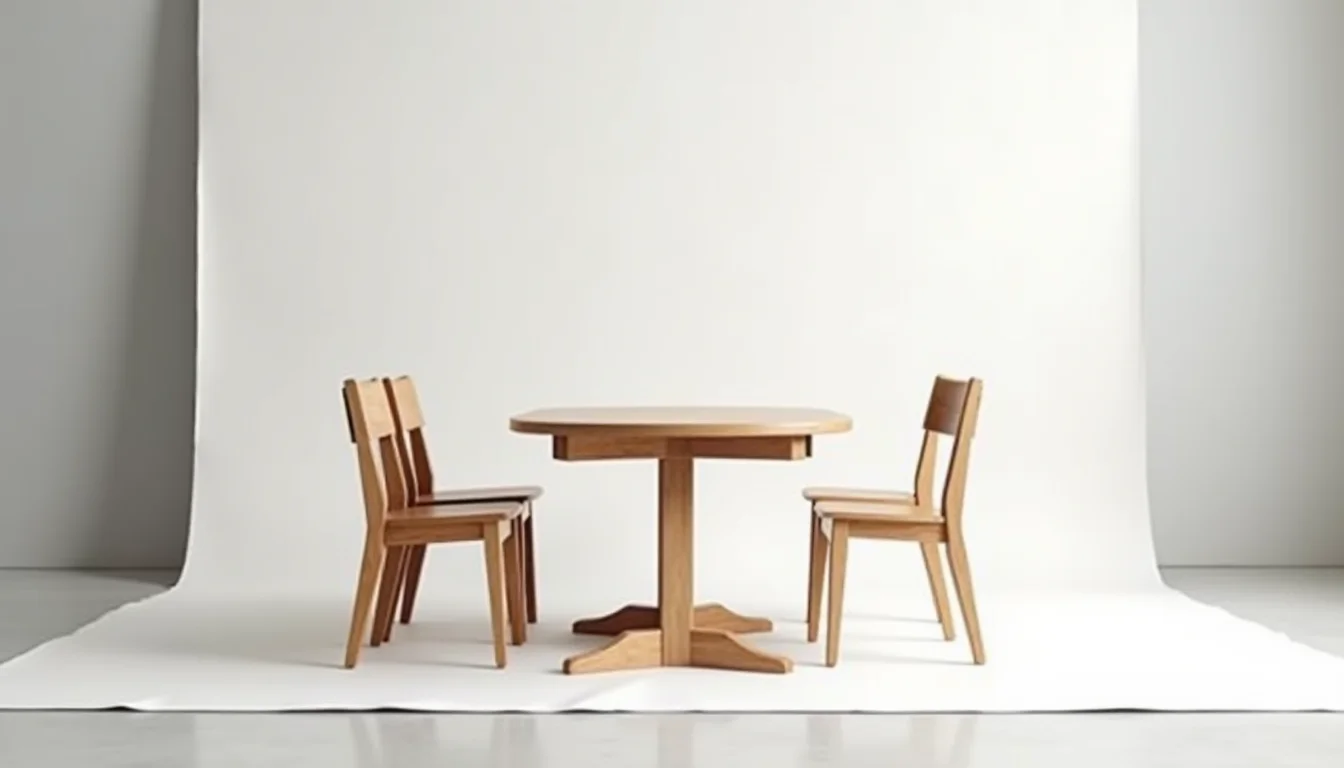
A brief template for furniture scale photography
When briefing a photographer or an upload team on scale photography for a furniture catalog, these are the fields the brief should cover.
| Brief field | What to specify |
|---|---|
| Reference object | What the scale reference will be (person, door frame, standard chair, hand, everyday object). Consistent across the catalog is better than a different object per product. |
| Shots per product | How many scale shots per SKU. Usually 1; occasionally 2 for very large or modular items such as sectional sofas. |
| Gallery position | Where in the media order the scale shot appears. Typically position 3 to 5, after the primary and secondary shots. |
| Variant-specific or shared | Whether one scale shot applies to the whole product or whether a separate shot is needed per color or finish. |
| Dimension source | Which product field supplies the measurement text for alt text. Usually the product's listed width, depth, and height from the specification sheet. |
| Missing-shot instruction | What the upload team should do if a scale shot is absent for a given product: hold the SKU, skip the scale position, or flag for reshoot. |
A brief with these fields gives the upload team everything they need before the first image goes into Shopify. Without it, teams either skip scale shots (losing the SEO and usability value), position them incorrectly (hurting thumbnail quality), or write vague alt text (losing the measurement context that makes the image worth having).
For a broader look at how image preparation fits into a Shopify upload job for home and garden products, see our home and garden product upload service.
What to do when scale photos are missing
In a typical furniture catalog handover, upload teams encounter three common gaps with scale photography.
Some products have scale shots, others don't. List all products with and without scale images, flag the gap to the client, and get written confirmation on whether to proceed without the missing shots or hold those SKUs until a reshoot. Proceeding without agreement and later being asked to reupload is slower than pausing at the start.
Scale shots exist but use inconsistent reference objects. One product shows a chair for scale, another shows a hand, a third shows a door frame. This is not automatically wrong, but inconsistency makes writing consistent alt text harder. Note the inconsistency in the job notes and ask the client whether they want to standardize in a future photo round.
The scale shot is already in the gallery but in the wrong position. If it was loaded at position 1 or 2, move it during the upload job. Reordering media is a standard task and doesn't require a new image, but the brief should confirm the expected positions so the team doesn't flag it as an error when it is a correction only.
These are practical decisions that come up in every furniture upload job that involves a photographer's full set. The product image consistency standards article covers how to set image rules for a whole catalog, and how a Shopify image optimization service works explains what happens to images once they're prepared. For catalog teams who also handle clothing, the footwear photo angles guide shows how angle requirements differ by product category.
Frequently asked questions
Can I link a scale image to a specific variant in Shopify?
Not directly. Shopify allows each variant to have one assigned image, drawn from the product's existing media list. The scale shot is typically assigned at the product level, not to a specific variant. If you have a separate scale shot per finish, add each to the media gallery and assign it to the appropriate variant from the variant editing panel.
What reference object works best for furniture scale shots?
A standing adult works well for large pieces (sofas, dining tables, wardrobes) because buyers can intuitively relate their own height to the piece. For smaller items (side tables, nightstands, stools), a hand, a standard-sized mug, or a common book is more effective. The key is that the reference object is something the buyer can gauge immediately without calculation.
Does the alt text need to change for each product's scale shot?
Yes. The measurements are different for each product, so the alt text should be different. "Three-seat sofa, 220 cm wide, with adult for scale" and "two-seat sofa, 175 cm wide, with adult for scale" are different images serving different informational purposes. Using identical alt text across all scale shots is a common upload error that loses the measurement context.
Should scale shots appear before or after swatch or color images for a multi-finish product?
After. Group all per-finish images together first, then place the scale shot at the end of the gallery. This keeps variant assignment clean (each finish's images sit together) and keeps the scale shot from appearing as a thumbnail when the buyer browses by color.
How many scale shots per product is standard?
One per product is standard for most furniture. Two scale shots are occasionally useful for modular or sectional products where the assembled footprint varies significantly by configuration. For standard single-configuration pieces, one shot showing the piece against a consistent reference object is enough.