
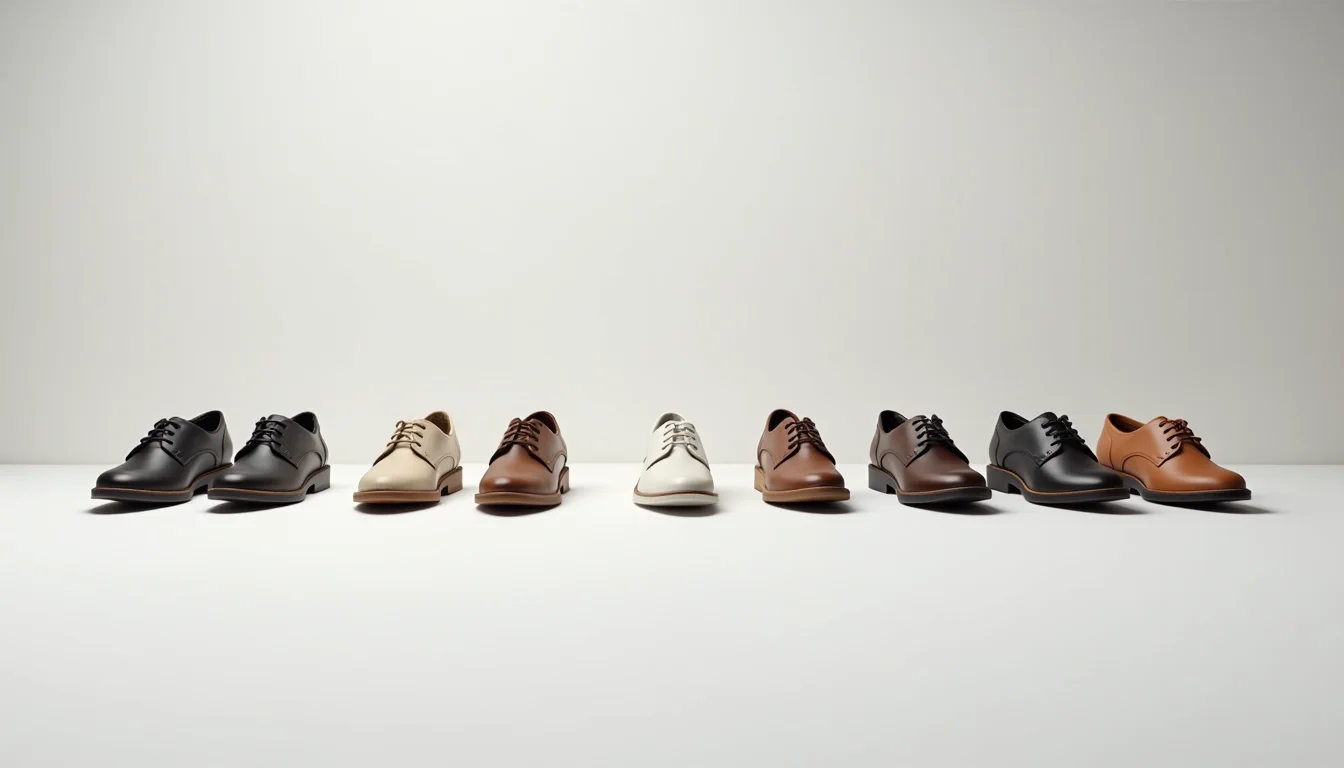
Footwear photo angles for Shopify uploads follow a fixed pattern by product type. Every type needs a front pair, a side profile, a back pair, and a sole. What changes is the detail shot: a strap close-up for sandals, a shaft height reference for boots, a toe box angle for sneakers. An upload team that knows the required count per type can verify completeness at intake rather than mid-job.
Key takeaways
- Every footwear product needs at least four angles: front pair, side profile (right shoe), back pair, and sole
- The sole shot is required for all footwear types because shoppers check grip pattern, construction, and sole material
- Additional angles depend on product type: boots need a shaft height reference, sandals need a strap or buckle detail, heels need a front-toe close-up
- Shopify links one image to each variant, so an upload job needs one complete angle set per colorway, not per style
- A footwear batch averages five to eight images per colorway; knowing the count in advance prevents delivery delays
Footwear photo angles for Shopify uploads: the four core views
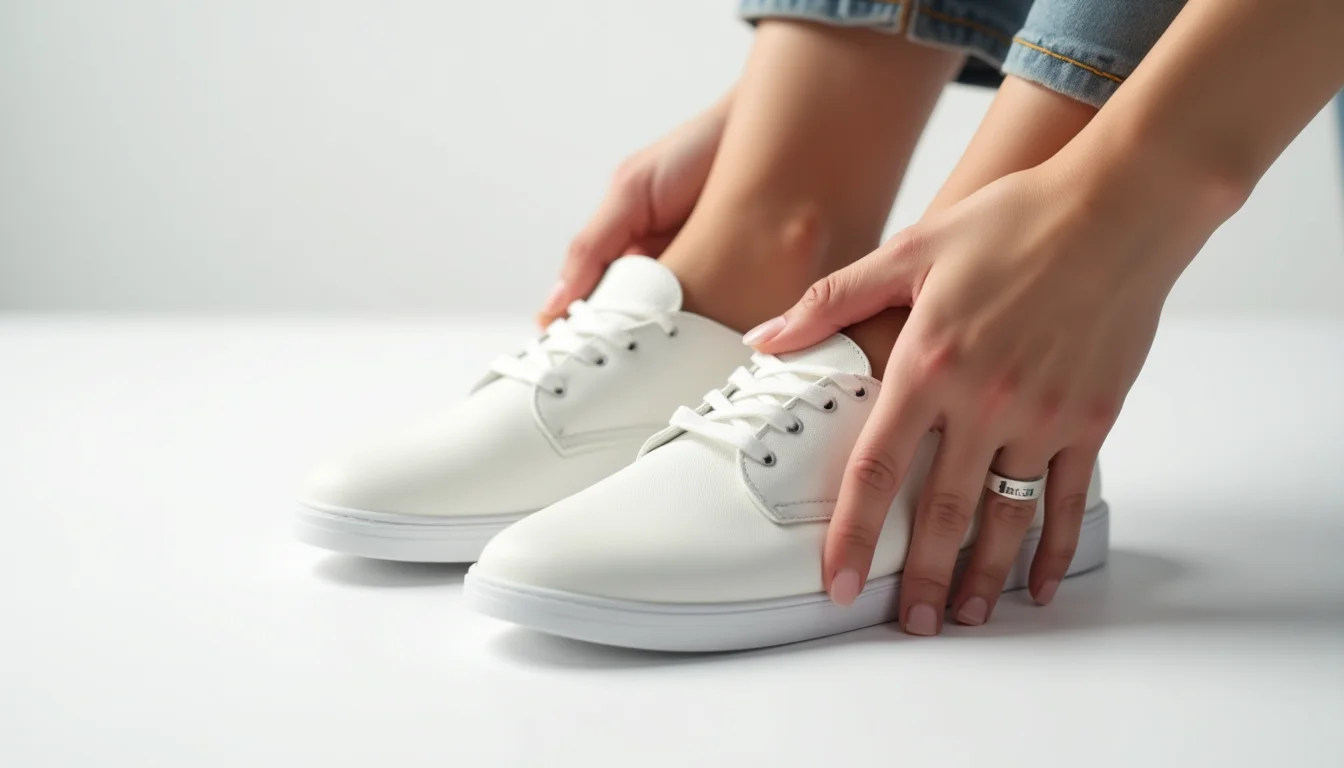
No matter the type, a complete footwear listing on Shopify includes these four views. Each serves a specific purpose for the shopper.
| Angle | What it shows | Notes for upload teams |
|---|---|---|
| Front pair | Both shoes, toe-forward, at eye level | Main listing image; shows toe box shape, color, and any logo placement on the toe |
| Side profile (right shoe) | Full silhouette, heel height, sole edge | Used for variant image assignment when only one angle is attached to the variant; must show the full profile from toe to heel |
| Back pair | Heel counter, heel height, back logo or tab | Shoppers use this to check pull-tab placement on boots and heel branding on sneakers |
| Sole | Grip pattern, sole material, construction | Required for every footwear type without exception; shoppers use it to assess traction and sole thickness |
These four angles make up the minimum viable image set. A product uploaded with fewer than four images will have gaps that shoppers notice, particularly the sole, which is the second-most viewed angle for shoes after the front pair.
Additional angles by footwear type
The four core angles cover every type. What varies is the additional detail shots that the product type requires. An upload team receiving a footwear batch can use the product type listed in the brief to calculate the expected image count per colorway.
| Footwear type | Additional required angles | Images per colorway |
|---|---|---|
| Sneakers and trainers | Toe box close-up (to show texture and stitch detail), lace-up detail or heel tab | 6 |
| Boots | Shaft height reference (boot standing on a flat surface, full height visible), inside pull tab or gusset | 6 to 7 |
| Sandals and slides | Strap or buckle detail (close-up of the closure mechanism), footbed view | 6 |
| Heels and courts | Front-toe angle from a 45-degree low position (shows heel pitch and toe clearance), heel close-up | 6 |
| Flats and loafers | Inside view showing lining and insole, heel sip or back seam detail | 6 |
| Mules and clogs | Side-open view (showing how the back is open), footbed or insole | 6 |
The shaft height reference for boots deserves a note. A boot photographed from the front at the same distance as a low-cut sneaker will not convey the shaft height to a shopper. The brief to the photographer should specify a standing shot with full shaft visible, no cropping at the top of the shaft, against a plain background. When this shot is missing, shoppers cannot judge whether a boot is ankle-height, mid-calf, or knee-high without reading the description, which increases returns.
Why the sole shot matters across every footwear type
The sole is the one angle that applies without exception. For running shoes, shoppers read the grip zones and cushioning shape. For dress shoes, the sole material (leather, rubber, or synthetic) and the welt construction tell them something about quality and durability. For sandals, the footbed and its texture show comfort features that the top-down view of the strap does not.
Sole images are also the angle most likely to be absent from supplier-provided image packs. Suppliers often photograph footwear for catalog lookbooks, not for e-commerce listings, and lookbook shots focus on the front and three-quarter angles. When an upload team receives a batch without soles, the options are to flag it back to the merchant before the job starts, or to note each missing sole image as a gap in the upload report. Flagging at intake is faster.
A reliable intake checklist for a footwear batch counts the sole shots first, then the colorway coverage, then the detail angles. Finding a missing sole on 40 out of 60 colorways at intake is a ten-minute conversation with the merchant. Finding it at upload is a job delay.
Colorway coverage and variant image assignment
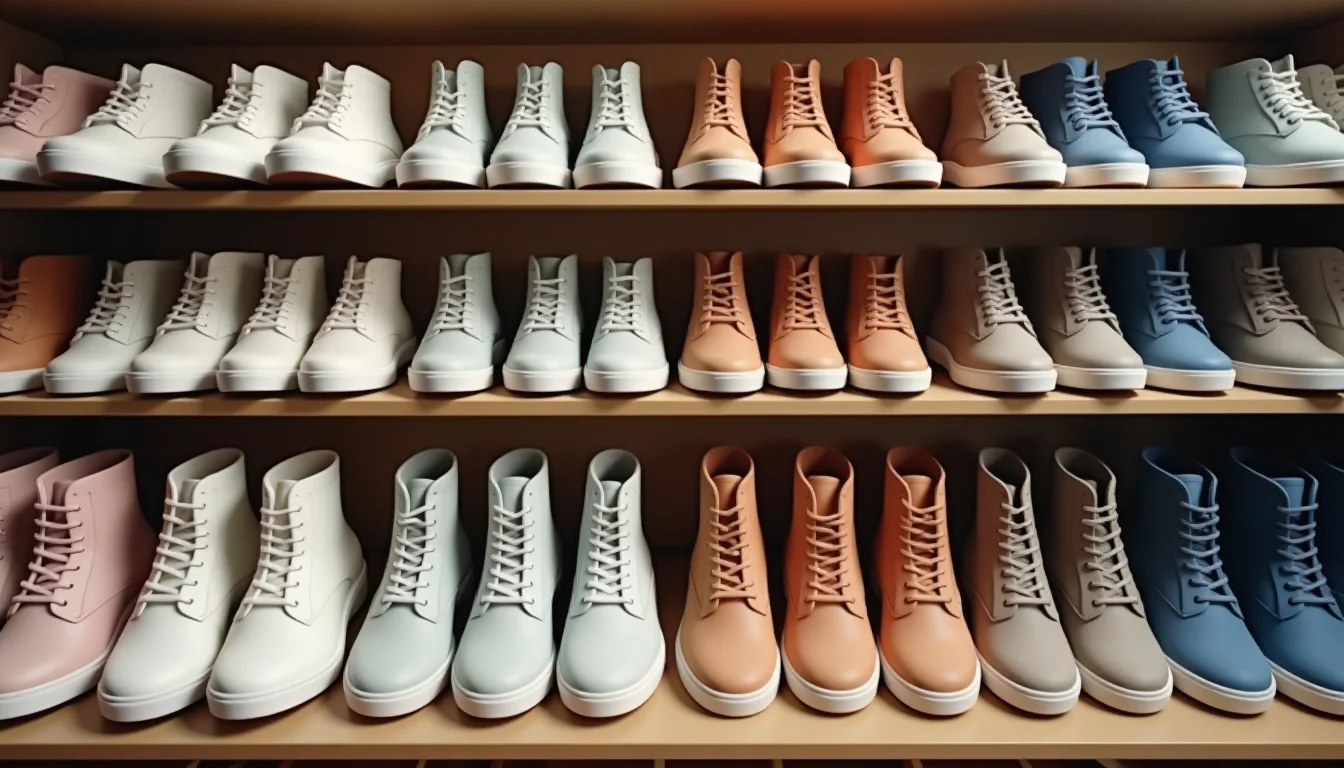
Shopify links one image to each product variant (as of October 2026). When a shopper selects a color variant from the product page, the image assigned to that variant becomes the main displayed image. This means the full angle set is needed per colorway, not per style.
A style that comes in four colors needs four complete image sets: four front pairs, four side profiles, four soles, and so on. An upload team assigns the per-colorway front pair (or side profile, depending on the brand's preference) to each variant in the product admin. The remaining angles are added to the product's media gallery and display when selected in the image carousel.
The practical consequence for briefing an upload team: the image delivery from the merchant should be organized by colorway, not by angle. A folder named "Black colorway" with all eight angles inside is faster to process than eight folders named by angle with each colorway mixed in. If the merchant's photographer delivers by angle, the upload team reorganizes first, which adds time.
For more on how image sets work across fashion categories, see womenswear photo sets your upload team needs and product image consistency standards for Shopify stores.
Our Shopify product uploading service handles footwear batches at any volume, including the intake check for angle coverage before the job starts. If you sell footwear on Shopify or plan to expand into it, our fashion and apparel product upload service covers every footwear type.
What to send before a footwear upload job
An upload team starting a footwear job needs three things before images: the product type for each style (so they can calculate the required angle count), the colorway list per style (so they can verify image delivery is complete), and the brand's preference for which angle is assigned to each variant.
With those three things, the intake check takes minutes rather than hours. The team verifies the image count per colorway against the required count for that product type, flags any missing angles, and confirms which image gets variant assignment before logging into the Shopify admin.
Shopify's product media documentation and variant management guide cover the steps for adding and assigning images once the team has access to the store.
Frequently asked questions
How many images does a footwear product need on Shopify?
Most footwear types need six images per colorway: the four core angles (front pair, side profile, back pair, sole) plus two type-specific detail shots. Boots may need seven if a shaft height reference is included. The minimum to publish is the four core angles, but listings with fewer than six images for footwear typically underperform on conversion because shoppers cannot check the detail angles they use to judge fit and quality.
Does every colorway need its own set of photos?
Yes. Shopify assigns one image per variant, so each color variant needs at least one colorway-specific image, typically the front pair. The remaining angles in the gallery apply to all variants if they are not colorway-assigned, but shoppers switching between colors expect the main image to change. A batch of 10 styles in four colors each means 40 complete image sets, not 10.
Which angle is assigned to the variant in Shopify?
The front pair is the most common choice. Some brands use the side profile, particularly when the silhouette is the distinctive feature of the shoe. The assignment is done in the Shopify product admin by editing the variant and selecting the corresponding image. An upload team needs the brand's preference in the brief before starting.
What happens if the sole shot is missing from a footwear batch?
The upload team flags it at intake and notes it in the upload report. The merchant then has the option to have the sole re-photographed, source a substitute from the supplier, or publish without it. Publishing without a sole image is an option for low-risk items, but for footwear types where construction matters to the purchase decision (outdoor boots, trail runners, leather dress shoes), missing the sole image tends to increase questions from shoppers and can affect conversion. Flagging it before the upload starts is the recommended approach.
Does the footwear type affect how images are organized in the Shopify admin?
No. Shopify's product media section handles all image types the same way regardless of product type. The organization by footwear type affects how the upload team prepares the images for upload (verifying the angle count per colorway) and how they are assigned to variants, but the admin interface does not change.