

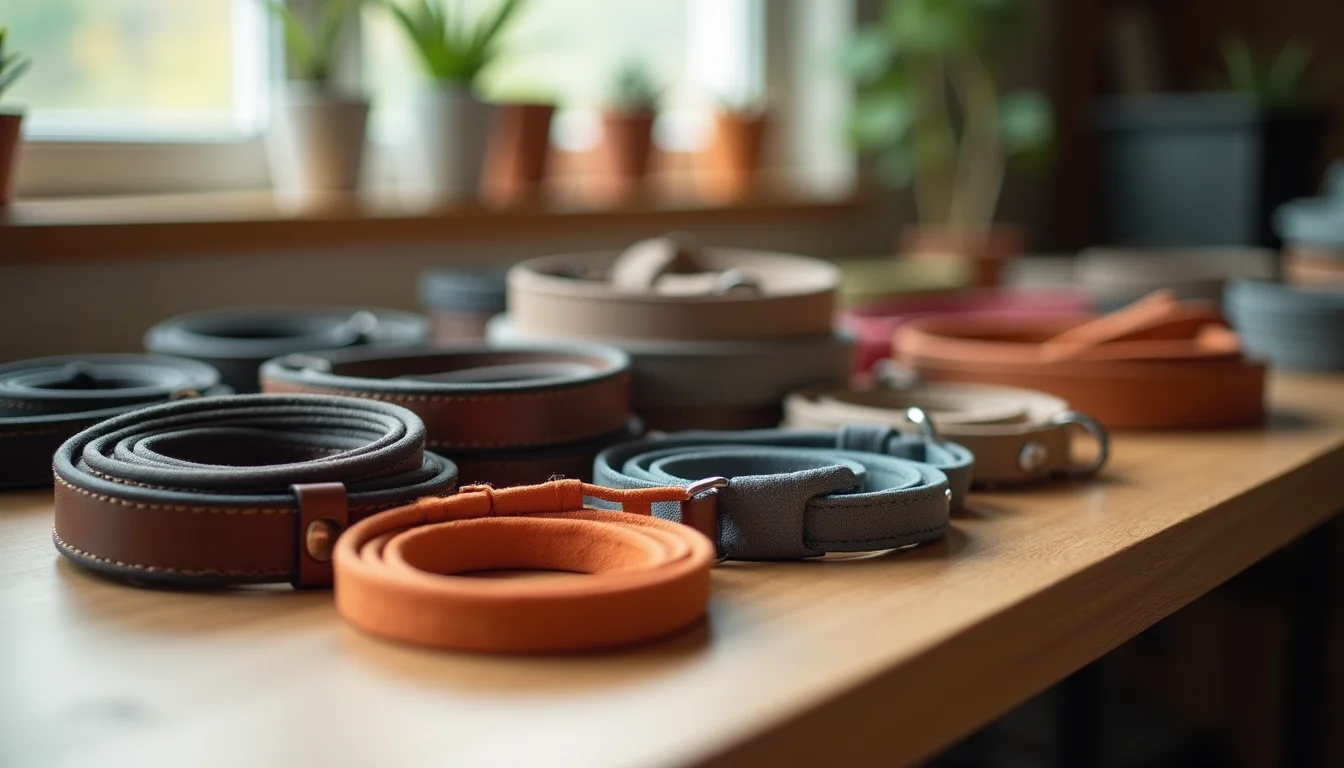
A pet accessory upload service Shopify stores use handles the full product data entry for a range: titles, variants, SKUs, prices, inventory, images, tags, and collections. The challenge with pet accessories is not the number of products but the data points per item. A collar range that looks like 30 products is often 150 or more variant rows once every size and color combination is mapped.
Key takeaways
- A pet accessory upload service enters every field in Shopify's product record, including variants (each size-color combination), SKUs, prices, inventory counts, and assigned images per variant.
- Pet accessory catalogs typically require 3 to 5 times more variant rows than product count, because each combination of size, color, or animal type becomes a separate record.
- The service needs a supplier file with product names and SKUs, a size chart mapping label names to actual measurements, product images organized by colorway, and a brief on product types and collection naming.
- Standardizing variant names and product types at upload time prevents collection mismatches and filter problems in the store.
Why pet accessory variant counts run higher than expected
The variant count in a supplier file and the data-entry volume a team actually works through are rarely the same number for pet accessories.
Take a collar range: 10 collar styles, each available in 4 sizes and 3 colors. That is 120 variants in Shopify's data model: 10 styles × 4 sizes × 3 colors = 120 rows, each needing a SKU, a price, a compare-at price (for discounted colorways), a weight for shipping calculations, and an inventory count. The 10-style catalog is a 120-row job.
Collar sizing adds another layer. A sizing label such as "small" maps to a neck measurement range (for example, 30 to 40 cm / 11.8 to 15.7 in) and to a recommended animal weight range (for example, 3 to 7 kg / 6.6 to 15.4 lb). Before that goes into Shopify, the team has to standardize the measurement units, choose which format to use in the variant name, and confirm the brand's convention with the store owner.
Multi-species products add scope, too. Many accessories work for both dogs and cats. Stores handle that in different ways: either with an "Animal type" option on a single product or as two separate products per species. That structure decision affects how every collection is set up and needs to be agreed before the job starts.
The pattern across this category: a 100-product pet accessory catalog routinely requires 400 to 600 variant rows of data entry, with each row needing the full set of Shopify fields.
What a Shopify pet accessory upload service covers
The core work is filling every field in Shopify's product record for each item in the range. The table below shows the typical data fields by product type for a pet accessories range.
| Product type | Variant options (typical) | Additional data fields |
|---|---|---|
| Collars | Size, color, material | Neck measurement range per size, animal weight recommendation, weight for shipping, SKU per variant, variant image |
| Leashes | Length, color (sometimes material) | Length in metric and imperial, clip type (if the brand specifies it), weight, SKU per variant |
| Beds and mats | Size, color or fill material | Dimensions in cm and in, fill type, animal size recommendation (as supplied), SKU per variant |
| Toys | Size or pack size (sometimes) | Material, animal size recommendation (as supplied), product type for collection rules |
| Carriers | Size, color | Interior dimensions, maximum animal weight (as supplied), weight for shipping, SKU per variant |
Beyond variants, the service sets up:
- SEO fields: a meta title and a meta description from the brief
- Tags: applied from the brand's list to group products by animal type, size range, and range name
- Product type: standardized so Shopify's collection rules work correctly
- Vendor: set for marketplace filtering and internal reporting
- Collections: either assigned manually or confirmed that the product type and tags trigger the right smart collection rules
For a detailed look at which specific measurements to include in your pet accessory supplier data, the pet accessory data guide for upload teams covers the field-by-field details.

What to send before a pet accessory upload job starts
An upload service cannot work from a website or a PDF catalog page. It needs the structured data behind the products. For a pet accessory range, that typically means five things:
- A supplier file or spreadsheet with product names, SKUs, prices, and stock counts for each variant. A CSV or Excel file works. The more complete, the less cleanup.
- A size chart that maps label names (XS, S, M, L, XL) to actual measurements, such as neck circumference in cm or in. Without this, variant names have no measurement context, which leads to customer returns.
- Product images, organized by variant. Each colorway needs at least one image. Images labeled by SKU or color name are faster to match; unlabeled files in a flat folder add a matching pass to the job.
- A collection and product type brief: which products belong in which collection, what naming convention to use for product types, and how to handle multi-species products.
- A price list that covers both standard prices and any compare-at prices for discounted items.
If the supplier file arrives with inconsistent data, such as missing SKUs for some variants, measurement units that differ between product lines, or sizing labels that do not match the size chart, there is a cleanup pass before anything goes into Shopify. That cleanup adds to the timeline. For more on what affects upload timelines, how long a Shopify upload job takes explains the main factors.
Connecting a pet accessory range to the right collections
One part of a service job beyond filling product records is making sure each product appears in the correct collections.
For pet stores, that means confirming that collection conditions match the product data: a collar tagged "dog collar" appears in the dog collars collection, a toy tagged "cat toy" routes to the right category, and products that work for both animals appear in both collections. When product types are inconsistent, smart collections built on product type split the range incorrectly.
Standardizing product types at upload time prevents this. If the product type for leashes is set to "Lead" on some items and "Leash" on others, collection rules that filter on product type show only part of the range. Setting a consistent product type across the whole upload is a standard part of the job.
Our pet supplies upload service covers the full range of product types within the pet category. For more on what other pet accessory stores are asking about uploads, the pet accessories Shopify guides hub collects the team's articles on this category.
For how collection rules work in Shopify and how to plan the structure before an upload, Shopify's guide to product variants explains how option values and variant combinations are stored, and our guide to Shopify collections and categories covers the planning side.
How store access works
You add our team to your store by email, with permission to manage products, collections, and product data only. We never need your owner password or full store access. A service, not an app: our team does the work.
The Shopify Help Center on product details covers the fields available in a product record, which gives a full picture of what the upload team is working with.
Frequently asked questions
Can a pet accessory upload service handle products for both dogs and cats?
Yes. The service enters products for any animal type. If your range includes multi-species products, you and the service agree before the job starts on whether those are set up as a single Shopify product with an animal type option or as separate products per species. That structure decision affects collection assignments, so it needs to be settled in the brief.
What if my size data uses different units across different product lines?
The service flags inconsistencies before uploading. If collars use centimeters and leads use inches, those cannot go in as-is because the store's filters need a consistent format. The team agrees a standard with you, then applies it across the file.
Do my product images need to be sorted before I hand them over?
Sorted images are faster to process, but not always required. If files are labeled with the SKU or colorway name, the team can match them. If images arrive as an unlabeled folder of files, there is a matching pass that adds time. Naming images by SKU or color before sending saves work on both sides.
How many products can a service upload in a typical job?
Our team typically enters 50 to 200 products a day, with every product checked and updated individually against your brand's rules. The rate depends on variant count and data quality: a collar range with clean supplier data moves faster than a mixed range with missing SKUs and unsorted images. For a free estimate based on your catalog, request a quote from our data entry team.