A brand sends 300 image files for a new menswear range, all named IMG_0001 through IMG_0300. The upload team has to match each file to the correct product and variant with no naming convention to work from. The delay costs hours that should not exist. A well-defined menswear image workflow for Shopify teams avoids that problem entirely, starting before the first file lands in the shared folder.
Key takeaways
- Men's clothing uses two-part sizes, such as waist x inseam for trousers and neck x sleeve for shirts, so dozens of size variants share the same image files; a naming convention tied to style code and color (not size) prevents re-linking work at upload time.
- The standard Shopify recommended image size is 2048 x 2048 pixels, with a file size limit of 20 MB per image (as of November 2026); most menswear brands submit square (1:1) or portrait (4:5) images.
- Ghost mannequin shots reduce the number of model images needed for a menswear range because one set of images covers all size variants of the same style and color.
- The team needs an angle list, a naming convention, and the brand's background and dimension requirements confirmed before the batch starts.
- File preparation by the brand before handover is the single biggest time-saver in a menswear image upload job.
Why a menswear image workflow for shopify teams needs separate steps
Most product categories use a standard naming scheme: a product title or SKU, a color, and a number. Men's clothing is more complex. A single shirt style might come in four colors and twelve size combinations, creating 48 variants. The image files, however, are shared: each color has one set of angles that applies to every size in that color. If the files arrive named generically, the team must identify which file belongs to which color variant before a single image can be linked.
Trousers add another layer. A style with eight waist sizes and four inseam lengths creates 32 variants from one set of three to five images. When those files arrive labeled by photo number rather than by style code and color, re-linking them costs time proportional to the range size.
The solution is a naming convention settled before the brand sends the files. The team documents it in the job brief and confirms it with the brand. This one step removes the most common hold in a menswear image batch.
For the data side of a menswear range, a good starting point is the guide to Men's Clothing Data Fields for Upload Teams, which covers the product fields a team will ask about when preparing the catalog.
What to send your upload team before the menswear images start
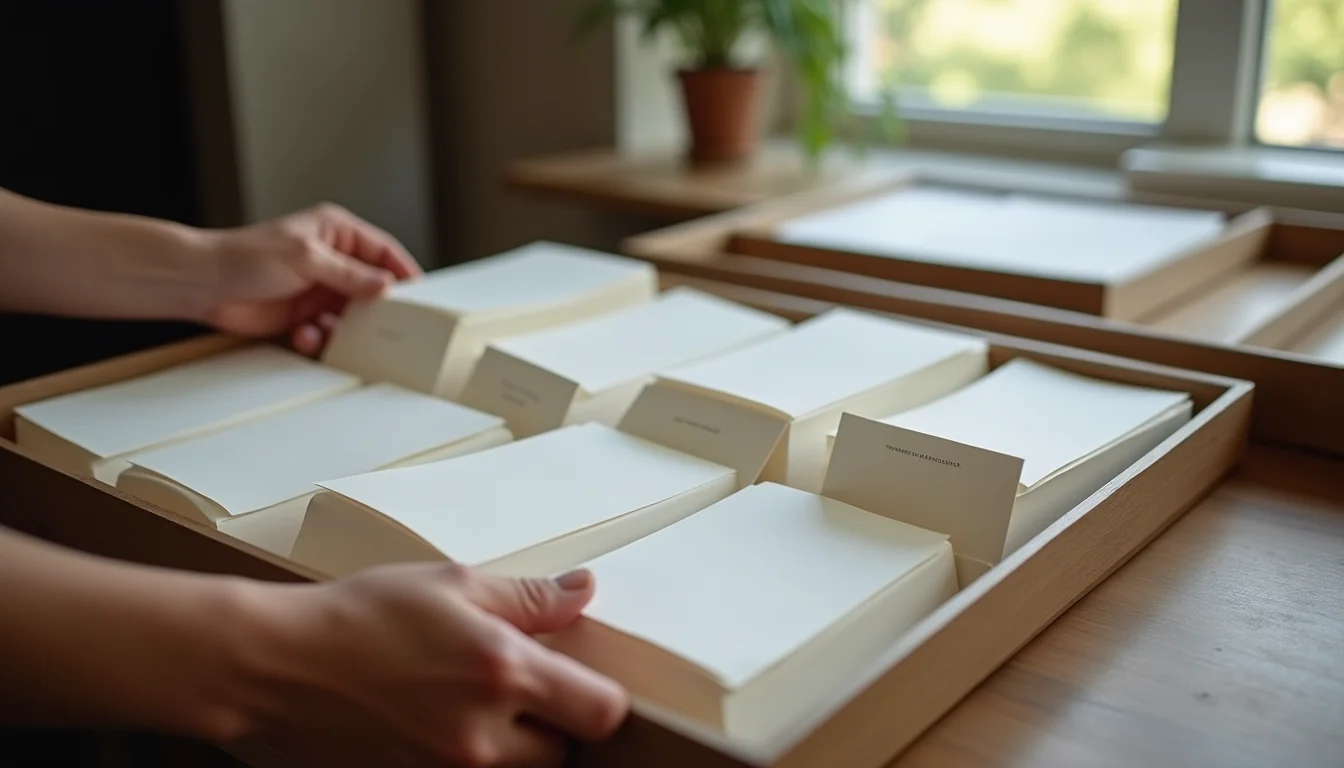
The briefing package your team needs before the first image batch:
| Item | What to include |
|---|---|
| File naming convention | Style code, color code, angle code, sequence number. Example: SHIRT-001-NVY-F-1 (front view, navy). Never the size in the file name. |
| Angle list | Which views are required: front, back, side, collar or cuff detail, flat. Mark any that are optional for certain garment types such as outerwear. |
| Background and format | Background color (white or off-white is standard for Shopify product pages), image dimensions (minimum 800 x 800 px, recommended 2048 x 2048 px), and file format (JPEG or PNG for most themes). |
| Shot type per garment category | Whether the brand uses flat-lay, ghost mannequin, or on-model, confirmed per garment type (tops, trousers, outerwear, accessories). |
| Color accuracy note | Which color is the reference and whether minor post-processing corrections are acceptable before the files are handed over. |
Before the batch starts, your team should confirm receipt of this brief in writing. Changes after the batch begins cost time and risk inconsistency across the range.
Fit Names and Product Types for Menswear Upload Teams covers how those same style and fit conventions translate into product naming when the data entry step starts.
How the team links images to size variants
Once the naming convention is consistent, the linking step runs in a predictable sequence.
- The team groups files by style code, then by color code within each style.
- Each color group is linked to all size variants of that style and color. For a shirt in navy with six sizes, all six variants receive the same image set.
- The team checks that the image count per color matches the angle list. A missing back shot is flagged to the brand, not silently skipped.
- Shopify allows one image to be set as the product thumbnail per variant. The team assigns the front-view image to each variant so the product listing shows the correct color when a shopper selects a size.
- After linking, the team runs a spot check: open three or four products at random and confirm that selecting each color shows the correct images.
For a detailed look at how our fashion product upload service handles range handovers, the industry page covers the full scope of what the team takes on.
Flat-lay versus ghost mannequin in menswear image work
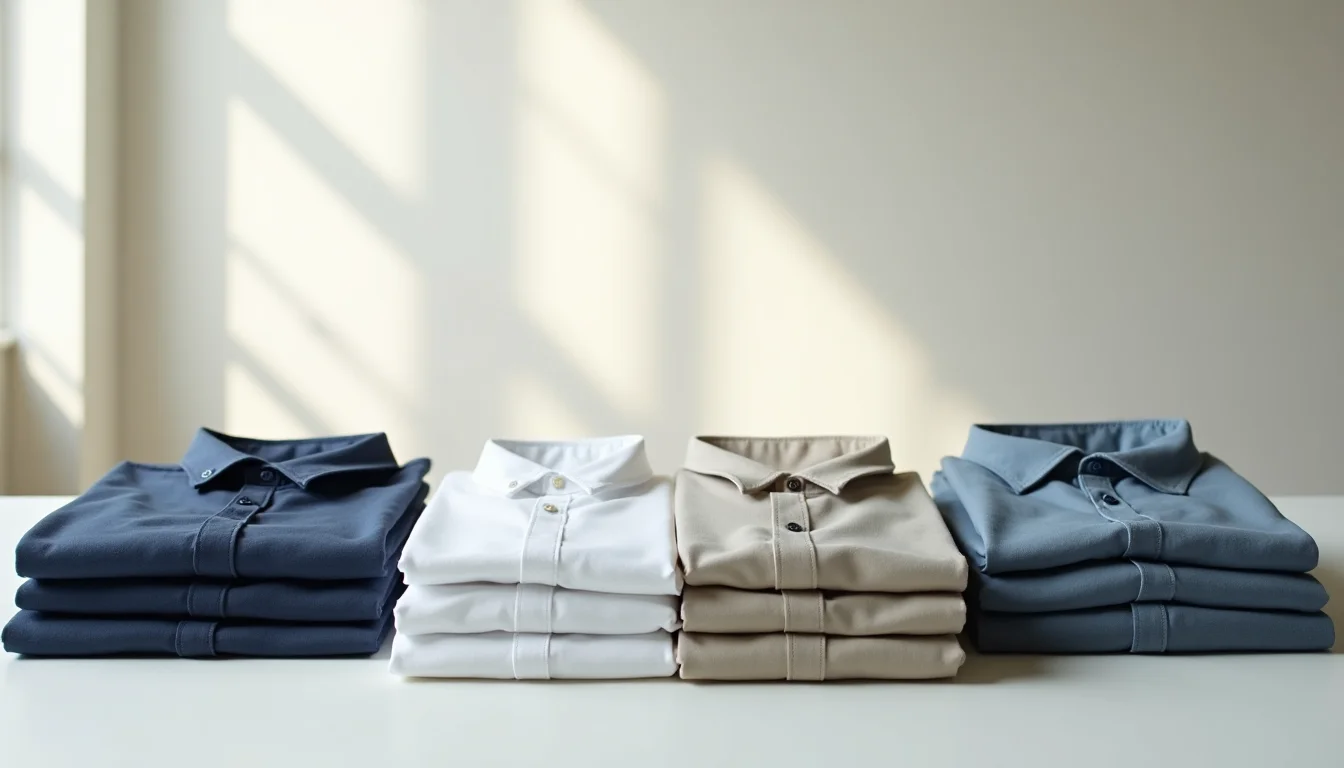
The choice between flat-lay and ghost mannequin affects both the image count per product and the amount of work the team does at upload.
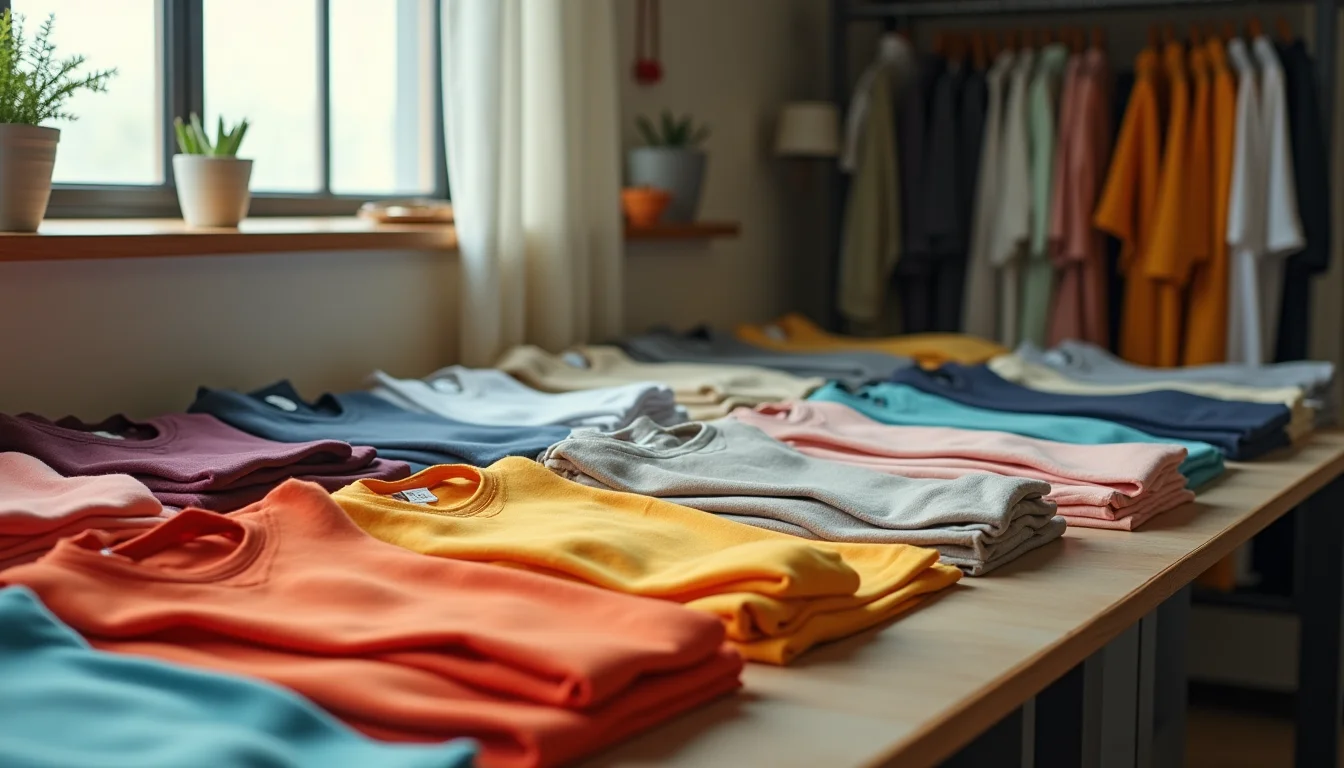
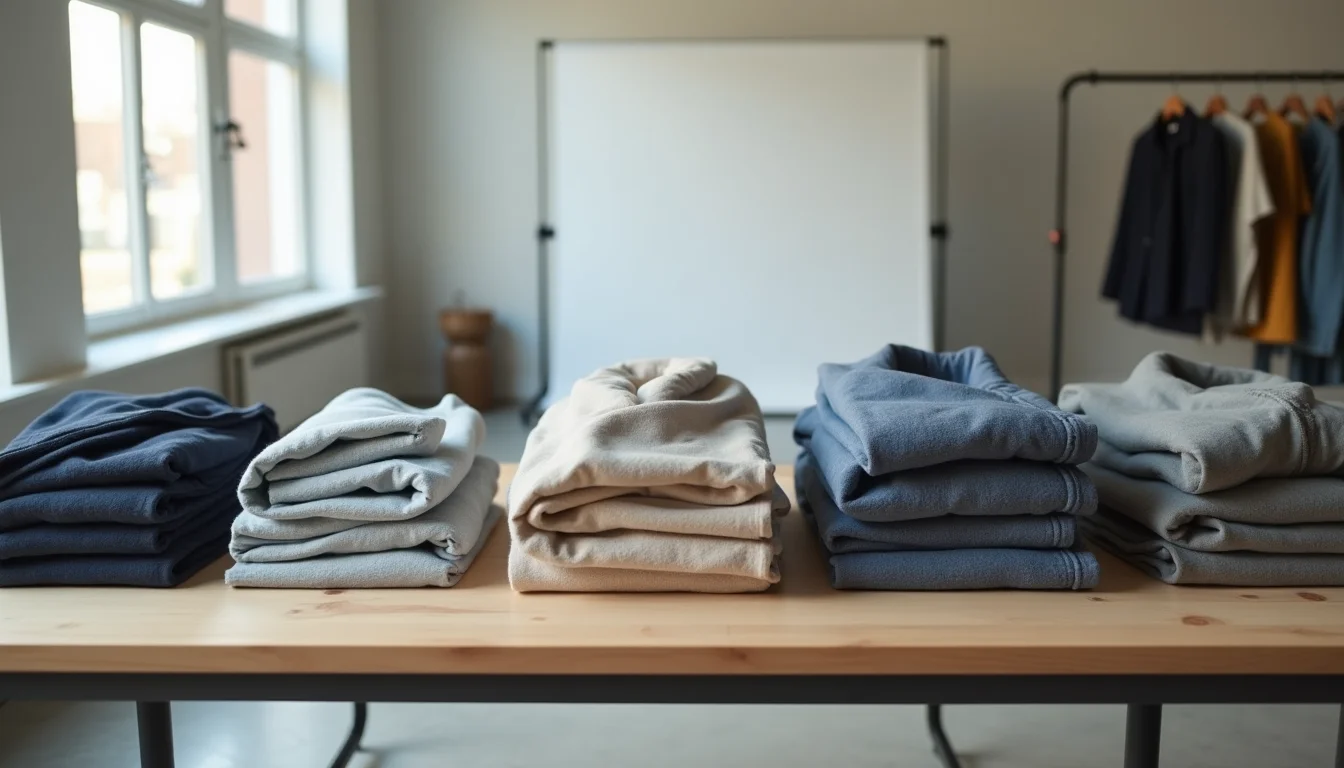
Flat-lay suits casual shirts, knitwear, and unstructured trousers. The brand needs fewer shots per product, and the files are easier to name because there is no mannequin setup to vary. The downside is that flat-lay can misrepresent fit and drape for tailored menswear pieces such as blazers or formal trousers.
Ghost mannequin shows structure accurately for suits, blazers, and formal shirts. It adds a step to the photography (the front and back shots are composited to remove the mannequin neck), which the brand's photographer handles before handover. The team receives the already-composited file. If the brand sends pre-composited ghost mannequin images, the team treats them like any other file in the batch.
On-model requires the most images because the same look may need multiple shots to cover different angles. For menswear ranges with many size variants, on-model is typically used for the hero product listing only, with ghost mannequin or flat-lay covering the remaining variants.
Confirm which shot type the brand uses per garment category in the brief. Mixing shot types within a category creates an inconsistent catalog and usually requires a re-shoot to fix.
The Shopify product image optimization service covers both the technical requirements for Shopify images and the brief preparation steps that apply across all product types, not only fashion.
The menswear image handover checklist
Before your team starts uploading, confirm each of these:
- Naming convention agreed in writing, with style code, color code, angle code, and sequence number. Size is never part of the file name.
- Angle list confirmed per garment category (tops, trousers, outerwear, accessories) with any optional angles marked.
- Shot type confirmed per category (flat-lay, ghost mannequin, or on-model).
- Background and format confirmed: background color, minimum dimensions (Shopify recommends 2048 x 2048 px for zoom quality; maximum file size is 20 MB, as of November 2026), and file format.
- File delivery method agreed: shared folder structure or file transfer link, organized by style code.
- Outstanding image list prepared: the team flags missing angles or mislabeled files before uploading anything.
- Variant mapping reviewed: confirm that size variants share images, and identify any exceptions such as where a slim fit and a relaxed fit are listed as separate products.
- Thumbnail assignment noted: confirm which angle becomes the variant thumbnail in Shopify.
For the broader set of image quality rules that apply before upload, the Product Images for Shopify: Upload Team Standards guide covers the technical brief your team checks on every incoming file.
Shopify's recommended image specifications are published on the Shopify product photography blog and the Shopify file upload requirements page.
You can also browse all Men's Clothing Shopify guides for more on how upload teams handle menswear data and images.
Frequently asked questions
How many angles does a menswear upload team typically need per product?
The standard set is four to five: front, back, side, detail (collar or cuff for shirts, pocket or hardware for trousers), and flat. Some brands add a folded or packaged shot. The brand's angle list, confirmed before the batch, defines what the team checks for and flags as missing.
Do I need a separate image for each size in a menswear range?
No. Shopify variants can share images, and in menswear they almost always do. A shirt in navy with sizes S through XXL uses the same five images for every size. The team links those images to all size variants at upload time. Only brands that photograph separate cut runs, for example a slim fit and a relaxed fit listed as separate products, need distinct image sets per size.
What file naming convention works for a Shopify upload team?
A reliable format is style code, color code, angle code, and sequence number, separated by hyphens. For example: CHINO-002-KHK-F-1 (Chino style 002, khaki, front view, first image). The key rule is that size is never part of the file name, because all sizes in a color share the same files. Confirm this format with your team before any files are transferred.
What image dimensions does Shopify require for men's clothing?
Shopify accepts images up to 25 megapixels and 20 MB per file (as of November 2026). The recommended size for zoom quality is 2048 x 2048 pixels for square images. For menswear brands using portrait format such as 4:5 or 2:3, the equivalent minimum is around 1640 x 2048 pixels. Shopify supports JPEG, PNG, WEBP, GIF, and HEIC formats.
What happens if the brand sends images after the team has already started uploading?
Late images are handled as a second batch. The team pauses the affected products, adds the missing files, re-links where needed, and runs the spot check again on those products. Sending all images in one complete delivery avoids this. The image brief should state a clear delivery deadline before the team starts uploading.