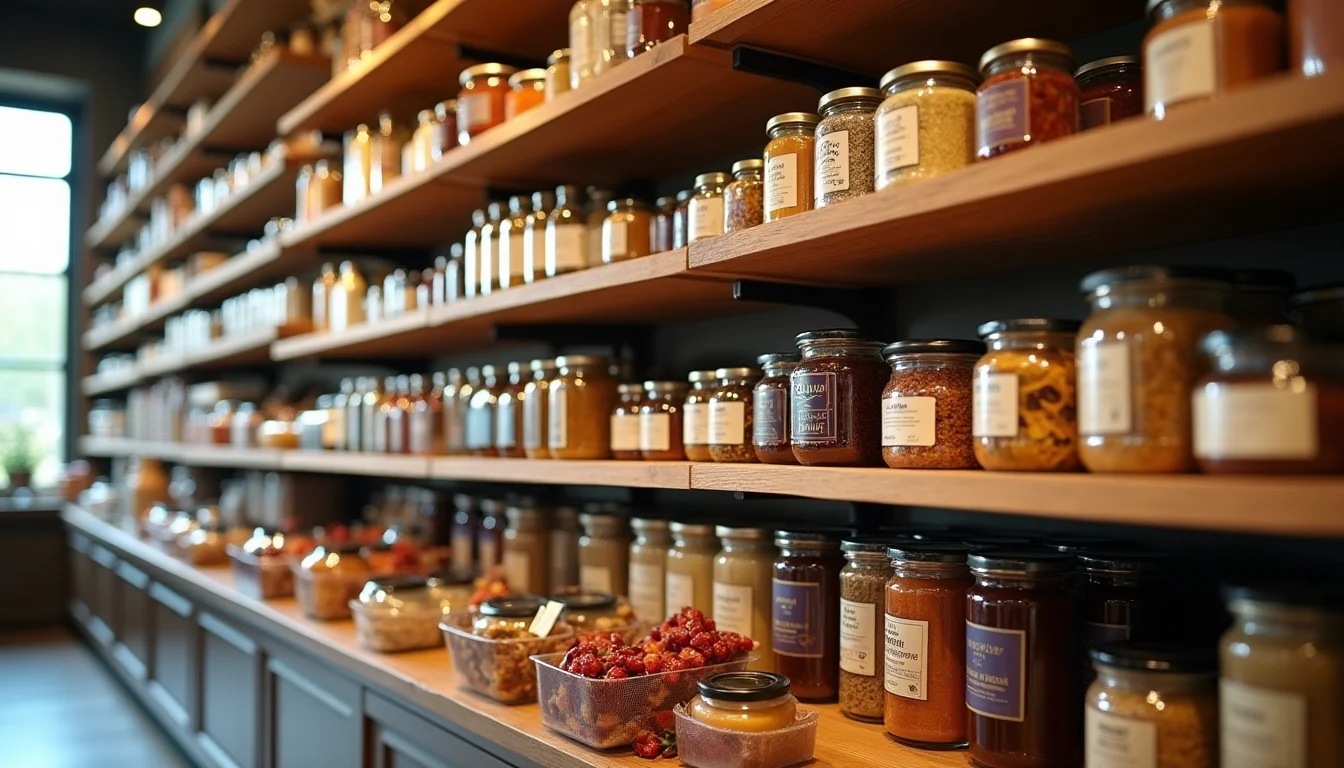


Hamper listings for Shopify teams involve more preparation than a standard product entry job. A gourmet hamper is one product page on the store, but behind that page is a list of individual components, each with its own weight, allergen statement, and shelf-life information. Without that component data, the team either stops to ask or creates an incomplete listing.
Key takeaways
- A gourmet hamper is usually listed as a single Shopify product, with component names and details written into the product description field.
- Each component needs its own allergen and shelf-life information entered as supplied from the brand, even when only one product page appears on the store.
- The total hamper weight (packed, including packaging) and the individual component weights serve different purposes: packed weight for shipping, component weights for the product description.
- Gift boxes that come in multiple sizes or configurations can use Shopify variants, but only when each variant shares the same component structure.
- A well-structured upload brief tells the catalog team exactly which fields to populate and what data covers each component, before the job starts.
What makes gourmet hamper data different from a standard product entry
A standard product has one description, one weight, one set of fields. A gourmet hamper is a container for three to twelve individual food products, each of which has its own label data.
When a supplier sends a product file, it often lists the hamper as one row: a SKU, a name, a price, and a total weight. That is enough to create a product page. It is not enough to populate the description or the allergen section. A catalog team working from that file alone will pause the job and send the merchant a request for component data.
The practical difference: a catalog team can enter a standard olive oil in about five minutes. A gift hamper with six items takes three to four times longer, not because the entry work is complex, but because the data gathering is. If that gathering has not happened before the upload starts, it happens during it.
For Shopify product data entry on hamper ranges, a good brief cuts that back-and-forth entirely.
Two approaches to listing hampers on Shopify
Before the data work begins, the team needs to know which listing structure the merchant uses. There are two common approaches.
Single composite product. Most gourmet hamper stores list each hamper as one Shopify product. The product title is the hamper name, the description lists every component with its key details, and there is one SKU per hamper. This is the simpler approach and the right choice for stores where hampers are sold as a set and not broken up.
Individual products per component. Some stores create a separate Shopify product page for each food item, then describe the hamper's contents by referencing those products. This lets customers buy items individually as well as in a set. It creates more data work upfront, but the components can be reused across multiple hamper products without duplicating descriptions.
The structure decision changes what data is needed and where it goes, so it must be settled before the upload starts.
| Approach | What the team builds | When to use it |
|---|---|---|
| Single composite product | One product page; component list in the description field | Hampers sold only as a set; standard gift store setup |
| Individual component products | One product page per component, plus the hamper listing | Store sells items both individually and in hampers; larger catalogs with repeating components |
Component data the catalog team needs
For every product inside the hamper, the catalog team needs the following from the merchant.
Product name and brand. The name as it appears on the item's label, not an abbreviated version the supplier uses in its own spreadsheet. For example, "Barker & Stonehouse Truffle Oil 250 ml" rather than "truffle oil."
Weight or volume. The amount on that item's label, in the unit printed there. A hamper with eight items may include both grams and milliliters, so the brief needs to specify the unit per item, not a single normalized unit.
Allergen statement. Entered verbatim as supplied by the brand. A catalog team never derives or rewrites allergen statements. If two items in the same hamper use different allergen label formats (one lists "Contains: gluten, milk" and another says "Contains milk. Contains wheat"), both are entered exactly as they appear on each label.
Shelf-life date. Most hampers carry a minimum shelf life rather than a printed date at the time of upload. For example, "all items carry a minimum 90-day shelf life at time of dispatch." This wording comes from the merchant and goes into the product description exactly as stated.
Country of origin. Required if relevant to the store's market or if the brand lists it on the label.

A supplier file that lists "8-piece gourmet selection" with a total weight of 2.1 kg does not give the team enough to fill these fields. Without the per-component breakdown, the team cannot build a complete description. The team will raise this in the brief review; it will not guess at ingredient or allergen data.
The same caution applies to shelf-life dates. If the merchant provides a shelf-life policy, that wording goes in. If the merchant sends exact dates from the current batch, those dates go in with a note that they will need updating when stock changes. The team does not calculate or extend dates. See how the same "as supplied" principle applies to supplement label data for upload teams in the health-wellness category.
Allergen and shelf-life data: entered as supplied
Food allergen data is copied from the product label or the merchant's completed brief, and nothing is changed. This is not a step the team can skip or simplify.
A common supplier file problem: one column labeled "allergens" with a mix of "contains", "may contain", and "free from" entries in different rows, using different formats for each brand in the hamper. The team will flag this inconsistency and ask the merchant to supply final, confirmed allergen text before proceeding, not because the team cannot understand the data, but because the merchant is the responsible party for what goes on the product page.
This is distinct from, say, a cookware set listing where the team can read the item's specifications from the supplier file and enter them directly. Food label data has regulatory weight in most markets. The team's job is to enter it accurately, not to research it. Our food and beverage product upload service covers this kind of category-specific data handling.
What hamper listings for Shopify teams need in the brief
A complete hamper upload brief includes the following sections.
- Hamper SKU and title: the identifier and the name as it appears on the site.
- Product type: the free-text product type the merchant uses for filtering in the Shopify admin (as of November 2026). Common values: Gift Hamper, Food Gift Set, Gourmet Gift Box.
- A component list, with these fields for each item: brand name, product name, net weight or volume, allergen statement (verbatim), shelf-life date, country of origin.
- Total hamper weight (packed): including all packaging, for shipping rate calculations.
- Description format: whether components are listed as a plain paragraph, a formatted bullet list, or a table. If the merchant has an existing template, include it.
- Variant structure (if applicable): whether the hamper comes in configurations (Small, Medium, Large) with different contents, or whether all variants share the same items. Note: if two versions have different components, they are separate products in Shopify, not variants of one product, because the description field does not change per variant (as of November 2026).
- Image details: how many images, whether a product shot lists the components alongside the basket, and whether the team should match component names in the description to labeled items in the photography.

For example: a "Winter Entertaining Hamper" with eight components needs eight rows of component data in the brief. If the merchant supplies only the hamper's total weight (1.8 kg) and the product name, the team holds the product and requests the component breakdown before entering anything.
Compare this to what to send your upload team before a Shopify job for the general brief structure, and to cookware set listings a catalog team builds for how multi-piece product data works in a non-food category. Food hampers add the allergen and shelf-life layer on top of the standard set-listing work.
For a food and beverage store with a range of hamper products, the most efficient approach is a single component data table, one row per SKU with all the per-item fields as columns, submitted once and updated whenever the hamper range changes. That table becomes the team's reference for every hamper listing job.
For recent examples of food product data requirements, see multipack listings for drinks upload teams for how the same "data as supplied" principle applies to beverages.
Frequently asked questions
Does a gourmet hamper need a separate product page for each component?
No, not by default. Most gourmet hamper stores list the full hamper as one Shopify product, with the components described in the product description. Separate component pages are only needed when the merchant sells items both individually and as part of hampers. A catalog team handles either approach, but the merchant must decide which structure to use before the upload starts.
Can a hamper listing have Shopify variants?
Yes, if the hamper comes in multiple sizes or configurations that share the same type of components. For example, a Small (four items) and Large (eight items) version of the same hamper theme can be variants. If two hamper versions have different components, they are separate products rather than variants, because the Shopify description field applies to the whole product, not individual variants.
What if the allergen information across components uses different formats?
The team enters each item's allergen statement as it appears on the label for that item, without standardizing across components. If the merchant wants a consistent format in the product description, the merchant supplies the final approved text. The team does not reformat allergen data.
How does the team handle shelf-life dates that change each batch?
If the merchant provides a shelf-life policy ("all items have a minimum 90-day shelf life"), that text goes in the product description and does not need updating per batch. If the merchant provides exact dates, those dates go in with a note to update them when stock changes. The team will flag which approach is in use; the merchant decides which one to use.
What product category should a gourmet hamper be assigned in Shopify?
Shopify's product category is assigned from its Standard Product Taxonomy (as of November 2026). For a gift hamper containing food items, the most appropriate category is typically under Food, Beverages & Tobacco. The exact category the team assigns depends on the primary contents of the hamper: a hamper of specialty condiments is categorized differently from one of baked goods. The merchant's brief should specify the preferred category, or the team will apply the most specific available match.