
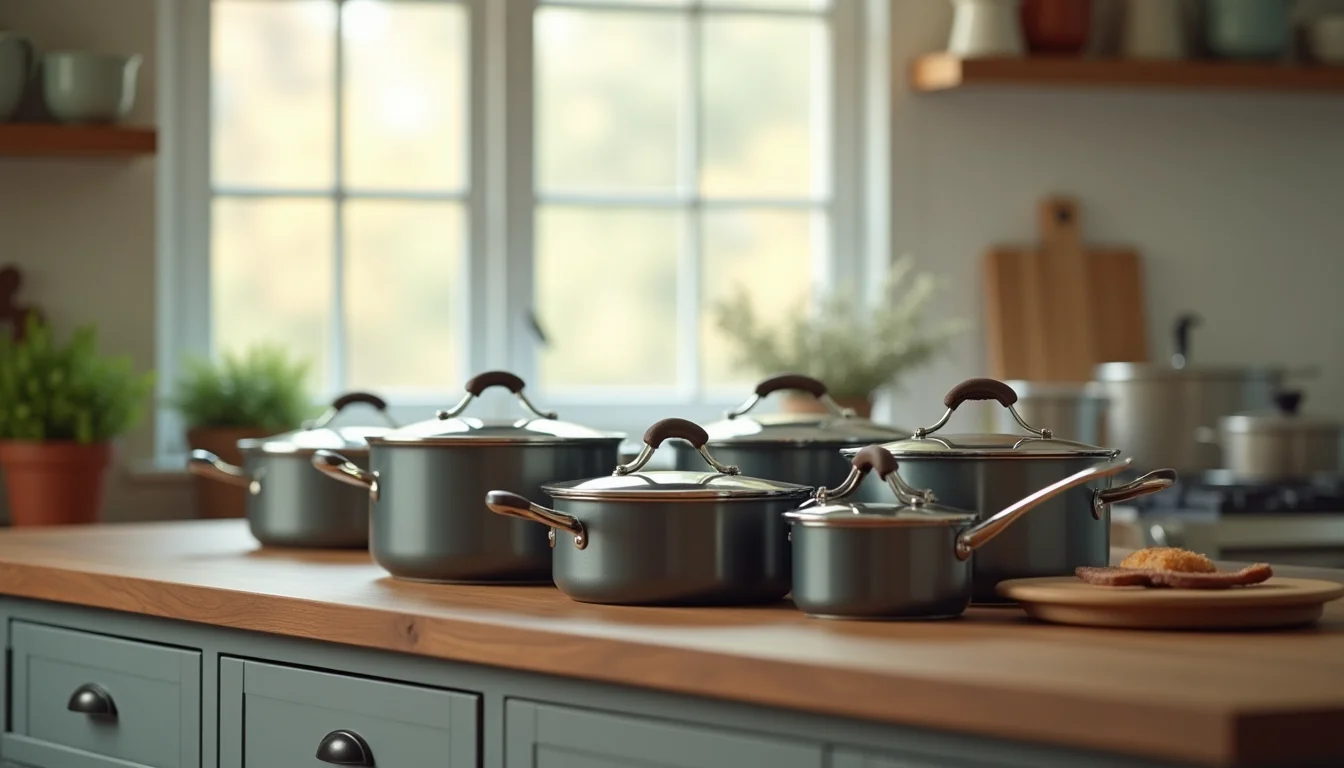
A cookware supplier spreadsheet that lists a "5-piece stainless steel set" looks like one product to list. Kitchenware set listings for catalog teams involve more decisions than that description suggests, and three of them have to be settled before anything goes into Shopify.
The piece count creates a structure choice, compatibility data needs a consistent home in the product record, and care instructions vary by component in ways a single field cannot capture. This article covers what a catalog team builds when they take on a kitchenware range.
Key takeaways
- A cookware set's piece count is a listing structure decision: the same set in three sizes can be three variants of one product or three separate products, and your brief must specify which.
- Induction and dishwasher compatibility are product data fields, not marketing phrases. A catalog team records them consistently using the structure your brief defines.
- Care instructions for a multi-piece set often differ by component type. A brief that specifies the source and format prevents inconsistencies across a range.
- A complete handover brief for a kitchenware catalog includes a component list per set size, a compatibility table, care instruction sources, and an image guide.
Why kitchenware set listings for catalog teams involve more decisions
A single frying pan has a size and a material. A cookware set adds a piece count, compatibility data for each component, and an image question that does not apply to single items.
The supplier file for a cookware set often arrives with one row for the whole set, a marketing description written for the packaging, and a hero image. A catalog team has to build the structured product record that Shopify needs from that raw material.
Three things make kitchenware set listings distinct from other home and garden products:
- Piece count is structural. Unlike color or size, piece count affects what images belong to the product, what compatibility claims apply, and whether a buyer can filter by it.
- Compatibility is data, not copy. "Induction-compatible" buried in a description paragraph cannot be used as a Shopify collection filter. The same fact entered consistently (in the description body, in a product tag, or in a custom metafield) is usable across the catalog.
- Multi-piece care is uneven. A 7-piece set might include a stainless steel skillet (dishwasher safe), a non-stick pan (hand wash only), and a glass lid (top-rack only). A single care instruction entry cannot hold all three accurately.
Piece count: one product with variants or separate products?
This is the first decision a catalog team needs settled before they begin, because it determines the product structure for every set in the range.
Variants of one product (for example, a 3-piece, 5-piece, and 7-piece version of the same cookware set): this works when the sets share the same materials and the buyer is choosing a quantity, not a genuinely different product. Shopify allows up to 2,048 variants per product and up to 3 options, as of November 2026 (Shopify Help Center: Add variants). A "Piece count" option such as "3-piece", "5-piece", "7-piece" uses one of those three option slots, well within the limits.
Separate products (one product per set size): this works when each set has its own component list, its own marketing content, or its own images that do not apply to the other sizes. Separate products also allow each set size to rank individually in search.
The catalog team cannot decide this for you. If the brief does not address it, they will ask before they build. One rule for the brief: if the component list changes between set sizes, they're separate products. If the larger set is strictly a superset of the smaller one with the same materials and style, variants of one product keep the catalog cleaner.

The data fields a catalog team collects for a cookware set
The fields that apply to a single frying pan (material, dimensions, weight, country of origin) also apply to a set, plus the following:
| Field | What to supply in the brief | Notes for the catalog team |
|---|---|---|
| Piece count | Number and list of components (for example, "5-piece: 20 cm skillet, 24 cm skillet, 20 cm saucepan, 24 cm saucepan, 24 cm lid") | The title says "5-piece" but the team needs the component list to write accurate descriptions and assign images |
| Material per piece type | Base material and coating for each component type | A set can include both stainless steel and non-stick pieces; material affects care rules and compatibility |
| Capacity per piece | Volume in liters (and quarts) or diameter in centimeters (and inches) per piece | Often omitted in supplier files; pull from packaging or the brand's product page |
| Induction compatibility | Yes or No per component, or for the set overall if all pieces share the same answer | Glass lids and some non-stick pans are not induction-compatible even when sold with induction-safe pots |
| Dishwasher safety | Per component or overall, with the specific instruction (for example, "top rack only", "hand wash only") | Mixed safety levels within one set are common; record per piece type to avoid incorrect claims |
| Oven-safe temperature | Maximum temperature in °C and °F, or "not oven safe" | Often varies between pans and lids; include both |
| Warranty | Duration and what it covers, in the brand's words | Use the brand's exact wording; don't paraphrase |
For a kitchenware range on a Shopify product data entry service, the team works through each of these fields per product, flagging any that are absent from the supplier file. The what to send your upload team article covers the general file and image requirements that apply before the team starts any product range.
Compatibility as structured product data
Induction compatibility and dishwasher safety appear in almost every cookware listing, but many supplier files write them as sentences in a description block: "This set is induction-compatible and dishwasher safe."
That is a problem for a catalog team. When compatibility is in a description sentence, it is invisible to Shopify's collection filters, invisible to store search, and hard to update consistently across a range. The team prefers one of three approaches, in order of preference:
- A product tag (for example,
induction-compatible:yes): works across the catalog without requiring custom fields, and can filter a smart collection (as of November 2026, Shopify smart collection conditions support product tag rules). - A custom metafield (Boolean or single-line text): gives the data a labeled home and allows a typed value. The brief needs to name the metafield and what values to use.
- Description body only: acceptable when the information does not need to filter collections and when the brief specifies an exact phrase to use consistently across every listing.
Whichever approach the merchant chooses, the brief must specify it. Without a decision in the brief, different team members will make different choices across the range, and the data becomes inconsistent.
Care instructions: description body or a structured format?
For most products, care instructions are a short line in the description. For cookware sets, the care story is more complicated.
A 7-piece set that includes a non-stick pan, two stainless steel pots, and two glass lids can have three or four different care instructions. Squeezing all of them into one sentence produces either an incomplete summary or a paragraph that buries the detail.
A better approach is to structure care instructions by component type. For example:
- Non-stick pans: Hand wash only. Avoid metal utensils and abrasive scrubbers.
- Stainless steel pots: Dishwasher safe. Hand washing preserves the finish.
- Glass lids: Dishwasher safe, top rack only. Avoid sudden temperature changes.
If the merchant's Shopify theme supports accordions or expandable sections, this structure can appear in a product accordion. If not, it belongs in a consistent section of the description body, using the same heading and format across every set listing in the range.
The brief should specify the structure and the source. For most brands, the definitive care instructions are on the product packaging or the brand's own website. If the supplier file has care instructions, check them against the brand's current product page before entering them.
What to include in a handover brief for a kitchenware catalog
A well-written brief shortens the first batch and prevents corrections in the second. For a kitchenware range, include the following sections.
Listing structure decision Piece count: variants of one product or separate products, and the rule your brand uses to decide. Naming convention: how the product title records the piece count (for example, "5-Piece Stainless Steel Cookware Set" vs "Stainless Steel Cookware Set 5-Piece").
Component list per set size A table with one row per component type and one column per set size, with Y/N for each. This format gives the catalog team what they need at a glance and removes the need to guess or ask.
Compatibility decisions How to record induction compatibility and dishwasher safety (description sentence, product tag, or custom metafield with the name and values). What to do when the information is missing from the supplier file (flag it, or use the brand's product page as a source).
Care instruction format The heading to use in the description, the order of component types, and the source of the instructions.
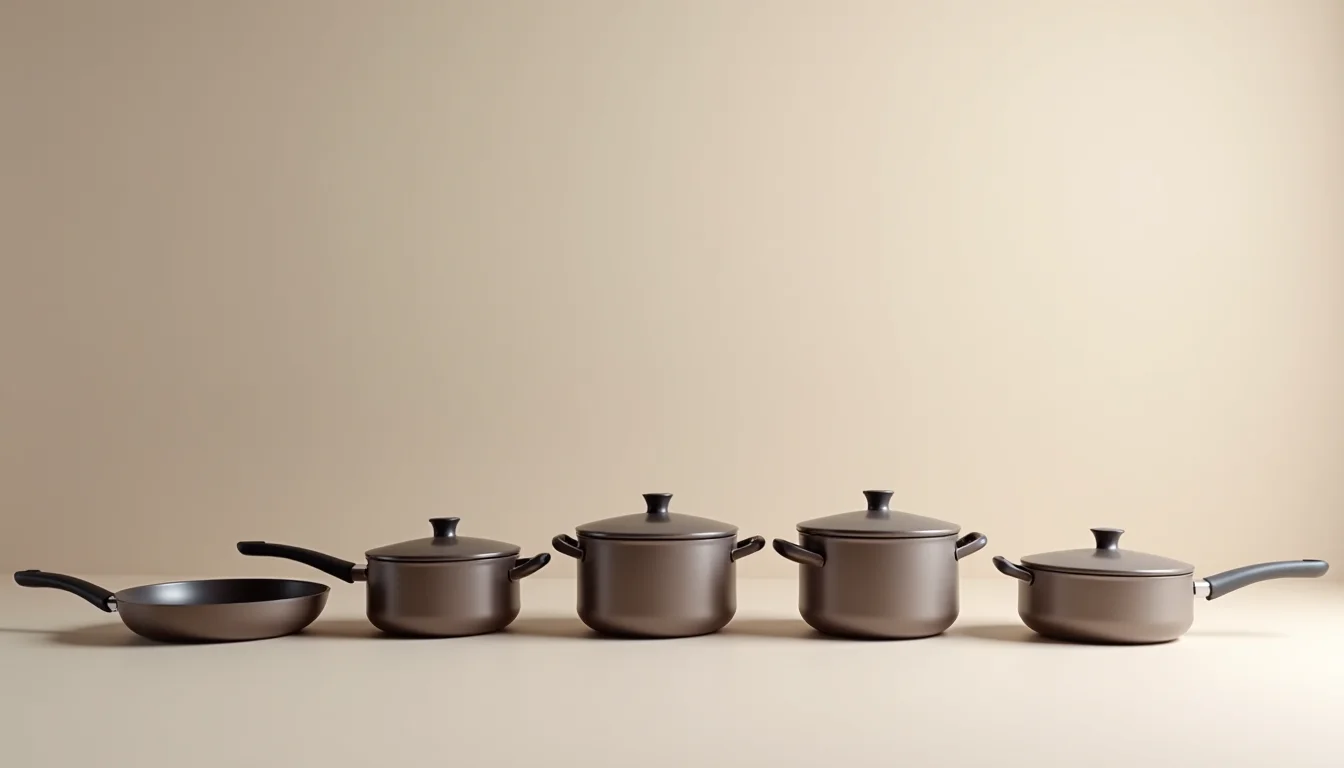
Image guide Which images belong to a set listing: the set hero, the component spread, the lifestyle shot, the detail shots. If the 3-piece and 5-piece sets use the same pan images, note that so the team does not create duplicate image entries for variants.
For merchants handing over a full home and garden range, our home and garden product upload service covers cookware alongside furniture, home decor, and outdoor items.
Useful context for briefing any product range: the Shopify product data entry checklist and the guide to furniture dimensions for upload teams, which covers the brief format for another structured home goods category.
Frequently asked questions
Should each piece count of a cookware set be a variant or a separate product?
Use variants when the sets share the same component types and the buyer is choosing a quantity. Use separate products when the component lists differ between sizes. The brief needs to specify which approach applies to your range so the catalog team applies it consistently from the first batch.
How does a catalog team handle mixed compatibility in a cookware set?
Mixed compatibility (for example, induction-safe pots with glass lids that are not induction-safe) is recorded per piece type, not per set. The team uses the structure specified in the brief: a description block with per-piece rules, a product tag per compatibility type, or a custom metafield. Without a structure in the brief, the team will ask before they begin.
What if the supplier spreadsheet does not list the components for each set size?
The catalog team will flag the missing data rather than guess. The most reliable source for a component list is the brand's own product page or the packaging insert. If neither is available, the brand needs to supply a component table before upload can start.
How many variant options can a Shopify cookware product have?
Shopify products support up to 3 options (for example, Piece Count, Material, Color) and up to 2,048 variants per product, as of November 2026. A cookware set listed by piece count alone uses one option, well within the limit. See Shopify Help: Add variants for current details.
Does the catalog team write product descriptions for a cookware range?
Yes, through a Shopify product data entry service, the team enters and structures the product data, including descriptions, in the format your brief specifies. Description writing from a brief is part of a standard data entry job. If you need descriptions created from scratch, that scope is set separately at the quote stage.