


Golf equipment is one of the most data-intensive sporting goods categories to upload. Upload teams working on golf stores handle at least four distinct product types, each with its own fields: clubs, balls, bags, and accessories. Getting the golf equipment data for Shopify teams right before the upload starts determines whether shoppers can filter by shaft flex or find the correct ball for their swing speed.
Key takeaways
- Golf clubs require shaft flex, loft, and lie as fields, but only shaft flex works as a variant option; loft and lie go in metafields or the description to avoid exponential SKU counts.
- Golf balls have construction type, compression rating, and cover material as the core spec fields, with swing speed range as a useful optional metafield.
- Bag data focuses on type, number of dividers, cart strap compatibility, and weight, which are the specs golfers search for when buying online.
- Shopify's three-option limit per product shapes how golf club data is structured: Hand, Shaft Flex, and either Loft or Shaft Material are typically the three variant options, depending on club type.
Golf equipment data for Shopify teams: an overview by product type
Golf equipment covers more product types than most sporting goods catalogs. A single store can carry drivers, iron sets, wedges, putters, golf balls, stand bags, cart bags, gloves, rangefinders, and training aids, each with a different data model.
The complexity sits in the club data. For everything else, standard product fields handle the job. For clubs, the data model requires a decision about what goes in Shopify's variant options and what goes in product-level fields or metafields.
Shopify allows up to three option names per product and up to 100 variants per product listing. For most club types, three options are enough if they are chosen correctly. The challenge is that golf clubs have more than three meaningful specs. The fields that drive buying decisions, such as shaft flex and loft angle, do not all belong in variants.
The table below maps the typical option choices by club type:
| Club type | Option 1 | Option 2 | Option 3 |
|---|---|---|---|
| Driver | Hand (Right / Left) | Shaft Flex (Ladies / Senior / Regular / Stiff / X-Stiff) | Loft (9° / 9.5° / 10.5° / 12°) |
| Fairway wood | Hand | Shaft Flex | Club Number (3-wood / 5-wood / 7-wood) |
| Hybrid | Hand | Shaft Flex | Club Number (3 / 4 / 5 / 6) |
| Iron set | Hand | Shaft Flex | Shaft Material (Steel / Graphite) |
| Individual iron or wedge | Hand | Loft (48° / 52° / 56° / 60°) | Finish (Chrome / Satin / Raw) |
| Putter | Hand | Length (33" / 34" / 35") | Style (Blade / Mallet) if the range spans both |
Specification fields that go at the product level
Lie angle, bounce angle, shaft weight, and head material are specification data, not buyer choices. They belong in product metafields or in the product description rather than in variant options:
- Lie angle: Standard lie is set by the manufacturer for each club. It does not vary by SKU in most off-the-shelf club ranges; custom lie fitting is a separate service, not a product option.
- Bounce angle: Applies to wedges, typically 4 to 14 degrees. Enter it at the product level as a fixed spec.
- Shaft weight: Measured in grams. Varies by model, but buyers rarely filter by it directly in a Shopify store.
- Head material: Titanium (most drivers), 431 stainless steel (irons), carbon steel (premium forged irons), zinc alloy (entry-level clubs).
- Clubface technology: Any brand-specific face insert name or technology label, entered as text in the product description.
The key point for upload teams: entering lie angle as a variant option alongside flex and loft creates hundreds of unnecessary SKU combinations. A 10.5-degree driver with a stiff shaft is one SKU; lie angle is not a buyer-selectable option in standard retail. Teams should confirm with the client which fields they want as variants before beginning the upload.
For Shopify product data entry that covers club sets, the same logic applies to set configuration. An iron set covering 5-iron through pitching wedge has one SKU per flex-and-shaft-material combination, not one SKU per flex per iron.
Golf balls: construction, compression, and swing speed

Golf balls carry more product-level data than most sporting goods items. The fields that help shoppers self-select the right ball are:
Construction: The number of layers determines feel and spin characteristics. Standard values are 2-piece (distance and durability), 3-piece (spin control, mid-range feel), 4-piece (tour-level performance), and 5-piece (maximum spin separation). Enter the value as supplied by the manufacturer.
Compression rating: Published as a number (typically 50 to 110) or a band (Low, Mid, High). Low compression suits swing speeds under 85 mph and produces more distance for moderate swingers. High compression suits swing speeds above 100 mph. If the manufacturer uses a numeric rating, enter the number; if they use a band system, enter the band label.
Swing speed compatibility: Some brands publish a recommended swing speed range alongside the compression rating. If supplied, enter it as a metafield or include it in the description. Upload teams enter what the supplier provides; they do not calculate or convert swing speed ranges independently.
Cover material: Surlyn (durable, suits distance-focused balls) or Urethane (softer feel, more short-game spin, typical of tour balls). Enter as supplied.
Pack size: A sleeve (3 balls) and a dozen (12 balls) are normally listed as separate products, not variants of the same listing. They have different SKUs, pricing, and weights.
The Shopify Help Center's guide to adding product details covers how to add metafields when the standard product fields do not cover all the data points. A golf ball store with detailed compression and construction data benefits from metafields over long product descriptions.
Golf bags, carts and accessories
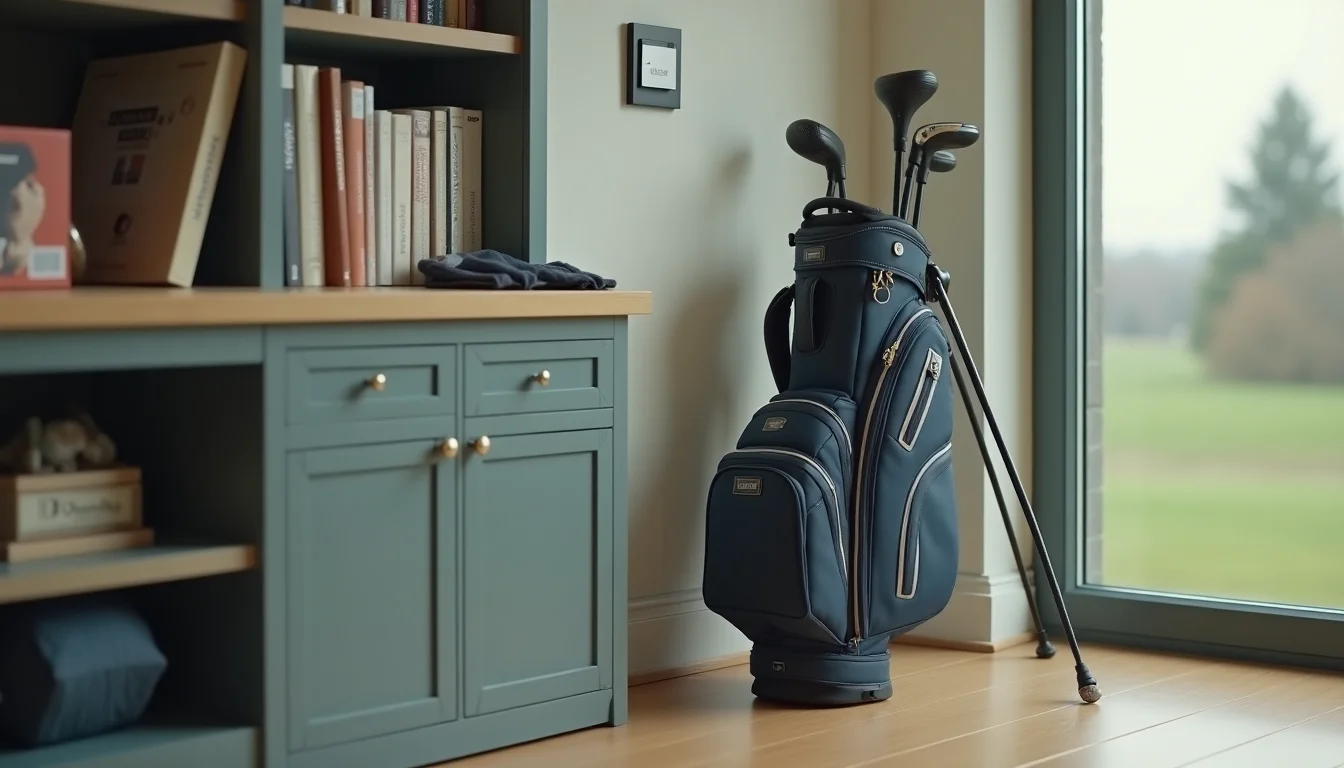
Bag data is more straightforward than club data, but the right fields make a difference in search and filtering. Golfers buying a bag online look for specific specs:
Bag type: Stand bag, cart bag, tour bag, carry bag (also called a Sunday bag). These are different products, not variants of each other.
Number of club dividers: A 14-way divider gives each club its own slot. A 6-way and 4-way divide the bag into sections. Enter the number as a product field or in the description.
Cart strap passthrough: Yes or No. Cart bags designed for riding carts have a strap channel that lets the golf cart's bag strap pass through without damage. This is a key spec for golfers who play with electric trolleys or riding carts.
Weight: Listed in kilograms. Round to the nearest 0.1 kg.
Number of pockets: Total pocket count, with a note if one is an insulated cooler pocket or a valuables pocket with a separate zipper.
Material: Nylon or polyester for most bags; leather or faux leather for premium models. Enter as supplied.
For accessories:
Gloves: Hand (Left for right-handed golfers, Right for left-handed golfers) and Size (Small, Medium, Medium-Large, Large, XL) are the two variants. Material (Cabretta leather, synthetic, hybrid) is a product-level field. The left/right convention is often counterintuitive; a brief note in the description helps reduce returns.
Rangefinders and GPS devices: Model number, slope function (Yes/No), range in yards, and battery type are the core fields. These follow the same field structure as other technical accessories: model, compatibility, and power source as product-level data.
Organizing golf products for search and collection filtering
For the sports and outdoors stores we work with, golf catalogs benefit from a clear category structure before the upload starts. Products typically split into five collection groups: clubs, balls, bags, apparel, and accessories. Within clubs, a secondary split by club type (woods, irons, wedges, putters, sets) helps both navigation and filtering.
Shopify's automatic collection conditions let products filter by shaft flex, hand, or club type without manual tagging, as long as those product fields are entered consistently. Upload teams set the fields; the collections populate automatically. The Shopify product tag strategy for catalogs article covers how to structure tags so automated collections work reliably across a large golf range.
Vendor naming also matters for multi-brand golf stores. If the same brand is entered differently across products (for example, "Callaway Golf" in some listings and "Callaway" in others), the vendor filter breaks. A reference list of approved vendor names given to the upload team before the job starts prevents this.
The sporting goods hub covers how upload teams approach data across other sporting goods categories, including how field structures differ between golf and racket sports, fitness equipment, and outdoor gear.
If your store sells fishing gear alongside golf equipment, the data models differ significantly. The fishing gear data guide for Shopify catalog listings covers rod, reel, and tackle fields in the same level of detail.
For stores that also carry sport or golf apparel, the activewear product data guide for upload teams covers size, fabric, and fit fields that apply to golf shirts, pants, and waterproof jackets.
For external reference on how Shopify's variant and metafield system works, the Shopify Help Center guide to product variants explains the three-option limit and variant structure in detail.
Frequently asked questions
Should shaft flex be a Shopify variant or a product tag?
Shaft flex should be a variant option, not a tag. Tags support collection filtering, but Shopify's variant system lets a customer select the flex they need on the product page and add the correct SKU to cart. Enter it as a variant option named "Shaft Flex" with values Ladies, Senior, Regular, Stiff, and X-Stiff for each applicable club type.
How do you handle golf club sets versus individual clubs on Shopify?
Sets and individual clubs should be listed as separate products, not variants of the same listing. A complete iron set (5-iron through pitching wedge) has different pricing, a different SKU, and different description copy from a single iron. If the store sells both, treat them as independent products in separate collections. Half sets (a 7-iron through pitching wedge, for example) also work better as separate products.
What compression rating should be entered for golf balls?
Enter the compression rating exactly as the manufacturer supplies it, either as a number (such as 70 or 90) or as a band label (Low, Mid, High) if the manufacturer uses that system. Some brands publish both. If swing speed compatibility data is supplied, include it as a metafield. Upload teams enter what the supplier provides; they do not calculate or convert compression ratings independently.
How should golf gloves be entered for left-handed and right-handed golfers?
Golf gloves are worn on the non-dominant hand: a right-handed golfer wears a left-hand glove, and a left-handed golfer wears a right-hand glove. The variant option name should be "Hand" with values "Left" (for right-handed golfers) and "Right" (for left-handed golfers). Including a brief note about this convention in the product description reduces returns from shoppers who expect it to work like apparel sizing.
Do golf bags need separate listings for different colors?
Yes, if each color has its own SKU from the supplier. Color can be added as a third variant option alongside bag type if the same bag model comes in multiple colors, or handled as separate products if the supplier treats them as separate SKUs. The key is to match the variant structure to how the supplier invoices and ships the stock.