


A craft supply kit is a single product that contains multiple components, and that distinction matters from the first moment an upload team opens the listing. Getting craft supply kit listings for Shopify right means capturing the component list, project type, skill level, and finished dimensions alongside the standard product fields, because a customer buying a knitting kit needs to know what yarn is included and what they will make, not only the weight and price.
Key takeaways
- Craft supply kit listings require a formatted component list in the product description because Shopify has no dedicated kit field.
- Skill level, project type, estimated completion time, and finished dimensions are specific to kit products and should be included as clearly labeled lines in the description.
- A single-SKU kit with no optional add-ons requires less setup than a kit with component variants, and those two structures need different approaches to variants and SKUs.
- Sending your upload team a complete component list with quantities, materials, and the finished product image reduces corrections and speeds up the job.
What makes craft supply kit listings for Shopify different
Craft supply kits are not a named product type in Shopify's admin. As of November 2026, Shopify treats a kit the same as any other product, which means the upload team has to build the information that makes a kit useful, such as the included materials and the project outcome, into the description and the product details rather than into a dedicated field (see the Shopify product data reference for the standard product object structure).
The practical difference from listing individual supplies is this: a single ball of yarn needs a weight, a fiber content, and a yardage. A knitting kit that includes that yarn also needs to say how many balls are in it, what needles are required, what size the finished garment comes out, and whether the pattern is included. Those extra details are specific to kit products.
This is where many store owners underestimate the work. If the upload team receives a supplier spreadsheet that lists the kit by its product name and a price but nothing else, they will need to go back for the component details before the listing can go live.
Core product fields for craft supply kit listings
These are the fields a team fills for every craft kit, regardless of product type or brand:
| Field | What to include |
|---|---|
| Title | Product name, kit type, and size or project outcome if it distinguishes variants (e.g. "Beginner Knitting Kit, Beanie") |
| Description | Project overview, component list with quantities, skill level, estimated completion time, finished dimensions, and what tools the buyer needs to supply |
| Vendor | The brand or supplier name, exactly as it should appear in the store |
| Product type | The specific category used in your store (e.g. "Knitting Kit", "Sewing Kit", "Painting Kit") |
| Tags | Skill level, craft type, project type, materials (e.g. "beginner", "knitting", "beanie", "wool") |
| Weight and dimensions | The packaged weight (for shipping), and the finished product dimensions in the description |
| Barcode / SKU | The kit's own barcode and SKU, not the individual components' |
| Images | The completed project image first, then the kit contents laid out, then any detail shots |
For a Shopify product data entry service, the team typically standardizes these fields across the catalog so that all knitting kits display their component lists in the same format and all painting kits use the same layout for skill level and materials.
How to handle the component list in the description
The component list is the most important part of a craft kit description, and formatting it correctly makes a significant difference to how the listing reads on mobile.
A bulleted list works better than a paragraph. It allows a customer to scan the items quickly and check off what is included against what they already own. A paragraph of components tends to run long and is harder to read at small screen sizes.
The recommended structure for the description:
- One or two opening sentences describing the finished project and its appeal.
- A "What you get" bulleted list with every component, including quantities and materials (for example "2 x 100g balls of merino wool, 80m/87yd" rather than a plain "wool yarn").
- A "What you need" line listing any tools the buyer must supply, such as a crochet hook size or a heat gun.
- Skill level, estimated completion time, and finished dimensions as clearly labeled lines.
Supplying your upload team with the component list in this format saves back-and-forth. If you send a supplier PDF that lists the kit contents as a dense paragraph, the team will need to reformat it, and they may need to check with you on quantities or specifications they cannot read clearly.
You can find a full guide on what to prepare in advance at what to send your upload team.
Variant and SKU setup for craft kits

Craft kits come in a few common variant structures, and each one is set up differently in Shopify:
Single-SKU kits with no options. A kit that comes in one version with no color choices or size options is a standard listing: one product, one variant, one SKU. The description carries all the content. This is the most straightforward structure to upload, as covered in how a team handles set listings.
Kits with a color or material option. A macrame kit that comes in natural cotton or dyed cotton has two variants. The Shopify product variants object supports up to three option names per product (for example "Color", "Size", "Style"), with each combination becoming its own variant record with its own SKU and stock count.
Kits with optional add-ons. Some stores offer a base kit with the option to add extra components, such as additional yarn colors or replacement needles. These are not strictly variants because the base product is the same, and the add-ons are separate listings that the merchant may bundle using Shopify's cart or a bundle app. The upload team handles the base kit as a standard product and flags any bundle logic to the store owner.
Tiered kits (Beginner, Intermediate, Advanced). These are separate products, not variants. Each kit has its own component list, difficulty level, and outcome. Trying to put all three under one product title with a "Level" variant option tends to make the listing confusing because the description cannot serve all three accurately.
Preparing your kit data for the upload
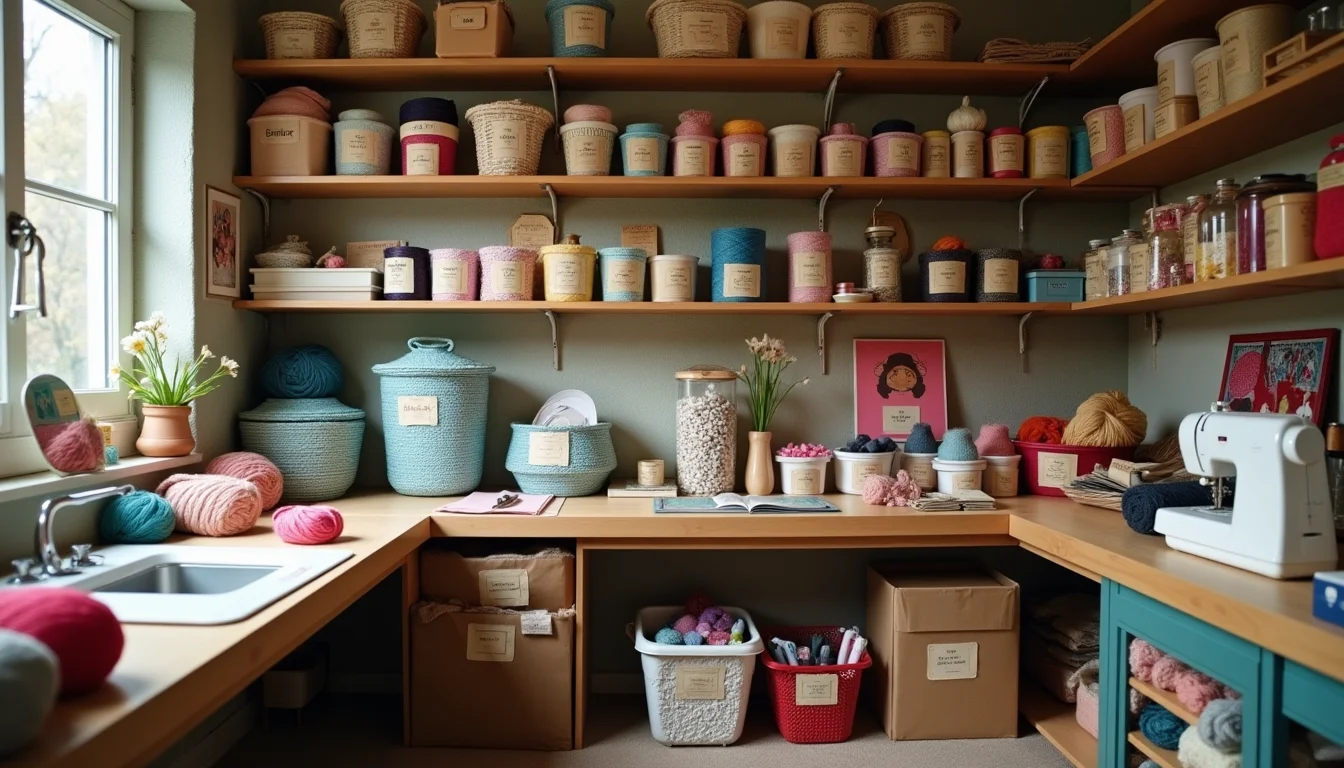
An upload job for craft kits moves faster when the data arrives in a structured form. The following preparation makes the biggest difference:
- One row per kit in your spreadsheet, with the kit's title, SKU, and barcode in the first columns.
- A separate column for the component list, even if it is a plain text description of what is included. If you have this in a PDF, extract it to text before sending.
- Skill level and project type as their own cells, not buried in the description column.
- A finished-product image for each kit, clearly named to match its SKU or title. The completed item photo is the most important image for craft kits.
- Supplier barcodes for the kit as a whole, not for the individual components. The components do not have their own product listings; they are part of the kit description only.
If you sell kits in multiple skill levels or in themed versions for different occasions, group them in the spreadsheet so the upload team can apply consistent naming and product types across each group.
The guide on what an arts and crafts store needs to prepare for upload covers the broader store-level preparation if you are setting up the full product range at once.
Frequently asked questions
Can I list the individual components of a kit as their own products?
Yes, you can list components as standalone products as well as part of a kit, but the two listings need separate SKUs and separate stock counts. If you sell the yarn from a knitting kit separately, it is a different product with its own listing. The kit listing does not share inventory with the standalone yarn listing unless you use a third-party inventory management app.
How do I handle kits where the contents vary slightly between batches?
The safest approach is to treat each distinct version as its own product, with a note in the description about which batch or edition it is. If the variation is minor, such as a slightly different colorway for a secondary component, the description can note it as an approximation ("color may vary slightly"). The upload team needs to know which approach you prefer before the job starts, as it affects how many products get created.
Should skill level be a tag, a variant, or part of the description?
It should appear in both the description and the tags, but not as a variant. As a tag, it supports filtering on a collection page (for example a "Beginner" collection). In the description, it gives the customer context before they add to cart. As a variant, skill level creates separate SKU records for what is effectively the same product at different difficulty levels, which complicates inventory management. Keep each skill level as its own product with its own title.
What image order works best for craft kit listings?
Lead with the finished project, then show the kit contents laid out flat, then any close-ups of key components such as the yarn texture or pattern detail. The completed project image is what sells the kit; the contents image is what builds confidence that everything needed is included. Most customers check both before buying.
Does the component list need to go in the description or can it go in a metafield?
For most stores, the description is the right place for the component list, as it is visible to all customers on the product page without additional theme customization. Metafields are useful when the component data needs to be used elsewhere in the store, such as in a comparison table or a custom widget, but that requires theme development work. For a standard product page, a well-formatted description list is enough.