

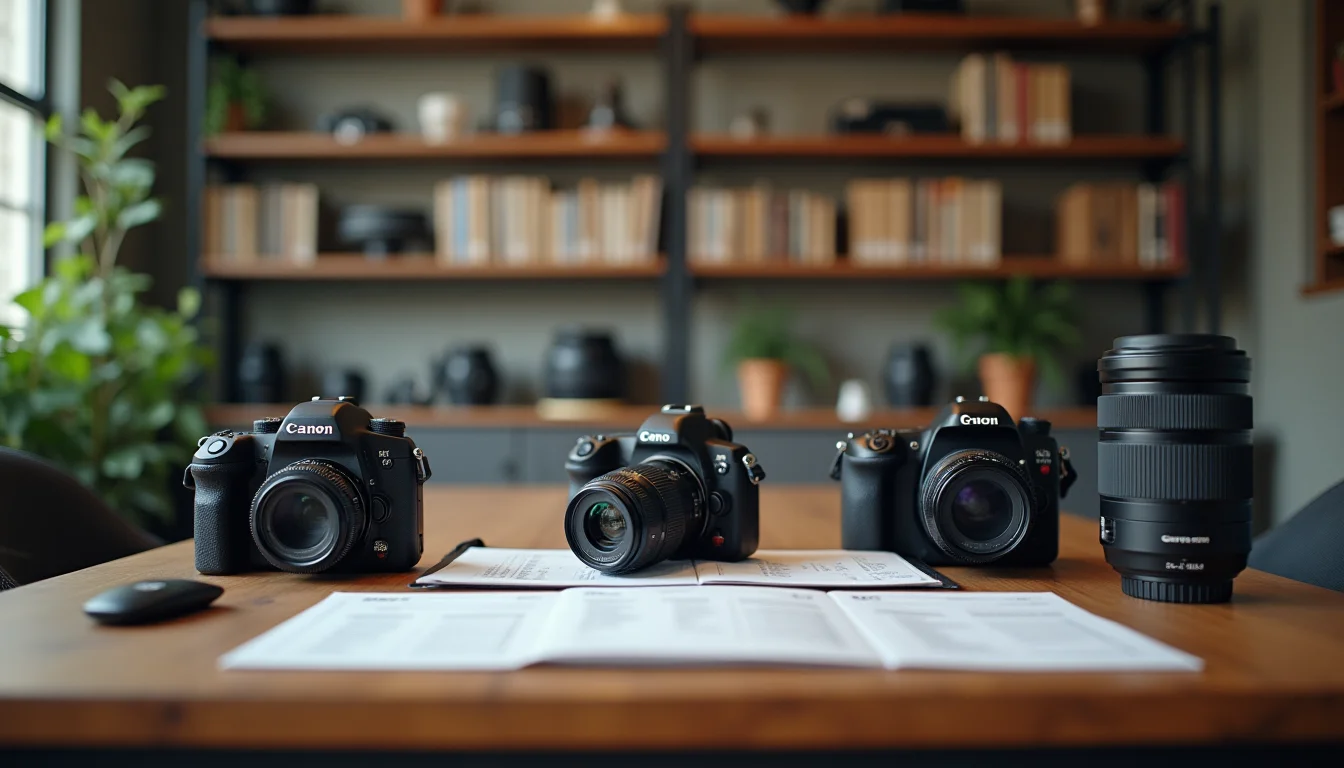
For example, say a camera store sends a supplier file with 300 SKUs: bodies, lenses, kit bundles and accessories. Getting camera kit listings for upload teams right starts with the supplier file, because the data needs to be mapped before data entry can begin. Three fields almost always need attention: lens mount type, sensor format and kit bundle structure. Here's what each one involves.
Key takeaways
- Camera kit bundles are listed as one product in Shopify, with the components described in the product body, not as separate linked products.
- Lens mount type must appear in the product title, as a product option, and in the description; Shopify products allow up to three custom options (as of November 2026), so mount type fits alongside color and storage, for example.
- Sensor format (full frame, APS-C, Micro Four Thirds) belongs in the product description because a customer choosing the wrong lens for their sensor gets dark corners or no image at all.
- Upload teams need a compatibility column in the supplier file: which bodies a lens fits and what accessories are included in each kit.
- Cine and cinema lenses (PL mount, T-stop ratings) need their own product types, separate from consumer camera gear.
Camera kit bundle structure in Shopify
A kit in Shopify is one product, not a group of linked items. The camera body, kit lens and any accessories in the bundle share one SKU, one title and one product page. Each component goes in the product description under a "What's in the box" or "Kit contents" heading.
Supplier files often come with the body and lens as separate rows, each with their own cost price and stock code. The upload team combines those rows into one kit product and lists the individual component names in the description. The separate component rows stay in the file for the individual listing versions.
This matters for kit variants. If a store offers the same body with two different kit lenses (say, an 18-55mm standard kit and an 18-135mm travel kit), each combination is a separate product, not a variant. Shopify variants are for size, color and similar options on the same product, not for different accessory bundles. Two different kit configurations need two separate product pages.
If the supplier file groups the body and all accessories under one stock code without listing the components, the team needs to request the component breakdown before data entry starts. It's a brief question, but waiting for the answer after data entry is complete costs more time than asking up front.
Lens mount type: the most important field upload teams get wrong
Mount type determines whether a lens fits a camera body. Sony E-mount, Nikon Z, Canon RF, Canon EF, Fujifilm X-mount, Micro Four Thirds: these are not interchangeable, and a customer who buys the wrong mount type must return the lens.
Shopify's product options don't include mount type by default. It's a custom option your team creates, with a name like "Mount" and values such as "Sony E-mount", "Canon RF" or "Nikon Z". Shopify allows up to three options per product, so a lens product could use Mount, plus Aperture Range or Color where the manufacturer offers variants.
Mount type must appear in at least two places:
- The product title. The standard format is brand, focal length, aperture, then mount in parentheses: for example, "50mm f/1.8 Prime Lens (Canon RF)". Mount type in the title makes it visible in search results and in navigation menus.
- The product options. Set an option named "Mount" with the available values. This lets a store group the same lens design for multiple mounts as one product with options, rather than three separate pages.
If a supplier file only includes the product model number, the upload team must look up the mount from the manufacturer's spec page and enter it manually. That lookup step is the one most often skipped when a team is processing a large camera catalog. A brief template that explicitly asks for mount type for every lens SKU prevents it.

Camera kit listings for upload teams: the field guide
The fields below apply to both camera bodies and lenses. Some are specific to one or the other, as noted.
| Field | What to record | Notes |
|---|---|---|
| Title | Brand + product name + key spec + mount type (lenses) or sensor format (bodies) | For example: "24-105mm f/4L II Zoom Lens (Canon EF)". Include mount in the title for all lenses. |
| SKU | Manufacturer SKU or catalog number | For kit bundles: use the kit SKU, not individual component SKUs. Component SKUs go in the description. |
| Product type | Mirrorless Camera, DSLR Camera, Camera Lens, Camera Kit, Cine Lens | Use consistent types so collection conditions and storefront filters work correctly. |
| Options | Mount (lenses); Color (bodies); Kit configuration (bundles with choice) | Up to three options per product. Mount and Color can combine on one lens product. |
| Description | Sensor format, megapixels, kit contents, compatibility notes | Mount type, sensor format, what's in the box and compatible bodies all go here. |
| Weight | Body weight, lens weight (without accessories) | Match the manufacturer's published spec. Record both metric and imperial: "520 g (1.15 lb)". |
| Tags | Mount type, sensor format, camera type, brand | Use consistent tag format: "mount-canon-rf" rather than "Canon RF mount" to keep filtering clean. |
For kit listings specifically, the description needs a "Kit contents" section that names each included item, its model number and a note on what it does. For example: "Includes 18-55mm f/3.5-5.6 IS II kit lens (EF-S mount, APS-C), 16 GB SD card, camera bag and strap." A brief from the supplier that leaves the kit contents vague means more time spent researching what's actually in the box.
Sensor format and lens compatibility
An APS-C lens on a full frame body vignettes: the image circle is too small for the sensor, so the edges of the frame go dark. The reverse works fine: a full frame lens on an APS-C body covers the smaller sensor without issue.
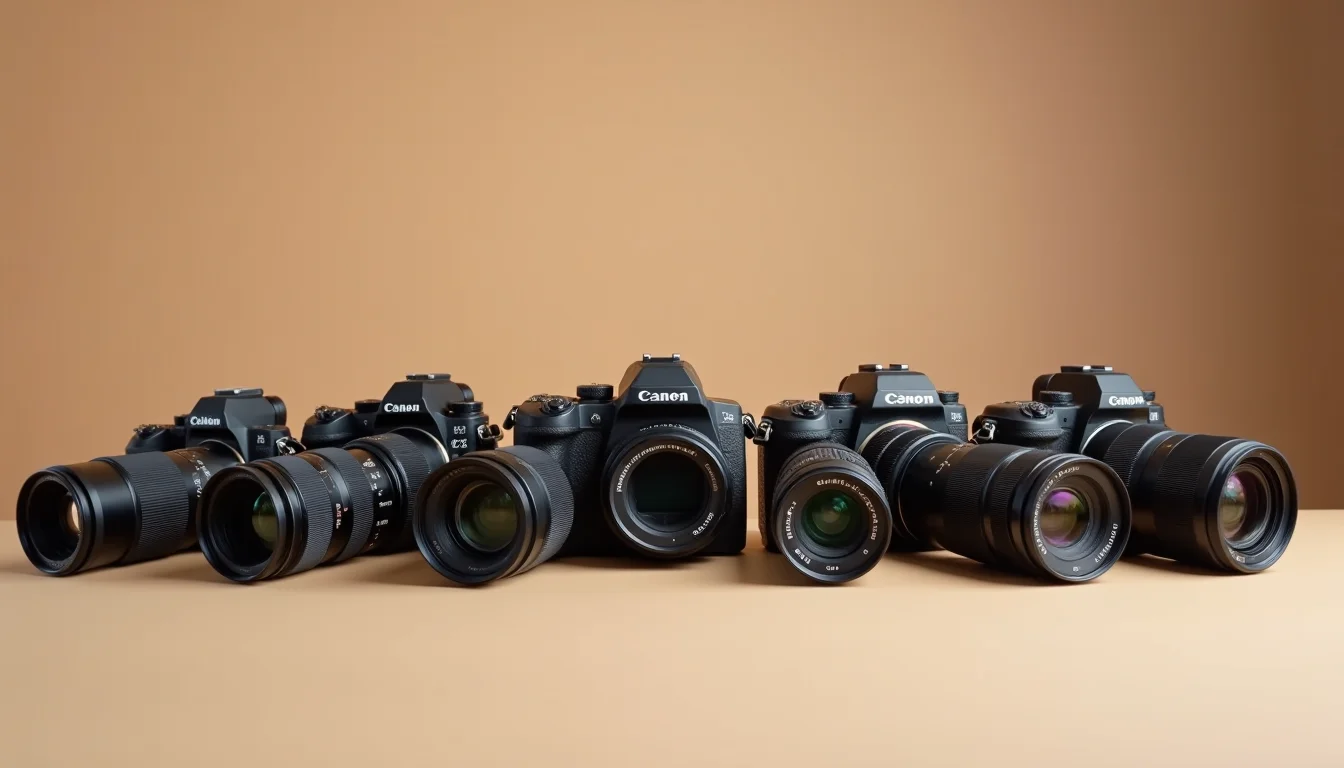
Upload teams record sensor format in the product description under a "Compatibility" heading, and in a tag. The tag approach lets a store create a smart collection condition for APS-C lenses, so customers browsing from an APS-C body page can filter to compatible lenses.
Sensor format naming conventions from manufacturers can be inconsistent. "Crop sensor", "APS-C", "DX" (Nikon) and "EF-S compatible" (Canon) all describe the same sensor size class on those systems. The upload team standardizes to one term per store: pick "APS-C" and use it everywhere, or pick the brand's own term. Record the choice in the store's product guidelines before the job starts.
A store that sells both camera bodies and lenses benefits from consistent tag values across both product types. When tags match, customers browsing from a body page can find compatible lenses in the same result set. The Shopify product category system supports this kind of cross-category organization.
Our electronics product upload service handles catalog jobs for camera stores, including supplier file mapping and the compatibility field setup. For the data entry side, see Shopify product data entry.
Cine and cinema camera gear: what's different
Cinema lenses use PL (Positive Lock) mount, which is not compatible with consumer camera mounts. A store that sells PL-mount lenses alongside standard mirrorless bodies needs clear product type separation: "Cinema Lens" and "Cinema Camera" as distinct product types, with PL and LPL mount options explicitly named.
Cine lenses also differ in how aperture is listed. Consumer lenses use f-stop (the aperture ratio). Cinema lenses list T-stop (the actual light transmission value), because cinematographers use T-stop on set for consistent exposure across a set of lenses. Upload teams entering cine lens data need both values in the description: the f-stop from the optical formula and the T-stop from the spec sheet.
Accessories like matte boxes, follow focus systems and camera cage rigs are separate product types with their own compatibility lists. A follow focus that fits one camera body may need a different lens gear pitch for another. Those compatibility details go in the description, not in the product options, because they don't drive variant selection.
If a store sells both consumer cameras and cinema gear, the upload team should agree on two separate sets of product types before data entry starts. Mixed product types make collection conditions and navigation filters harder to maintain. A brief session at the start of the job, covering product type naming, tag conventions and option names, saves time throughout a large catalog.
For more on data quality standards that apply across camera and electronics catalogs, see Shopify product data quality for upload teams. For what a full electronics brief looks like before a job, electronics product data for upload teams covers the full set of fields.
Frequently asked questions
How do we handle a camera kit when the kit includes a choice of lens?
If the kit components vary by customer choice, use a product option: set "Kit lens" as an option with the available lens choices. If each combination has a different price, those are separate products, not variants, because Shopify variants share a base price. Confirm the pricing structure with the store before setting up the product options.
Does lens mount type need to be a Shopify product option?
Yes, if the store sells the same lens in multiple mounts. Setting "Mount" as a product option lets customers select their mount from the product page. If a lens comes in only one mount, the mount still goes in the title and description, but a product option is optional. For lenses available in three or more mounts, an option is the most practical setup.
How do we enter megapixels for cameras?
Use the manufacturer's exact published spec from the product's official page, and add "as of [Month YYYY]" if the product has been updated since launch. Some manufacturers use rounded marketing figures that differ from the sensor spec by a tenth of a megapixel. Put the spec-sheet figure in the description. If the supplier file has a rounded figure, verify it against the manufacturer's page before entering it.
What product type should we use for a mirrorless camera?
"Mirrorless Camera" is a clear and searchable product type. Use it consistently for all mirrorless bodies regardless of brand. DSLR bodies use "DSLR Camera". Avoid a generic type like "Camera" unless the store stocks only one type, because a mixed product type makes filters and collection conditions harder to manage.
How do we handle a lens that is compatible with multiple mounts through an adapter?
List the native mount as the product's main option. Add a note in the description about adapter compatibility if the store sells adapters separately. Don't create a variant for "with adapter" unless the store sells the lens pre-bundled with an adapter as a kit, in which case treat it as a kit product with its own SKU.