
Sports team gear upload for Shopify involves a product category that behaves differently from standard retail: customization per buyer, sport-specific sizing, and kit sets that need careful structure decisions before the first item is entered. Getting that structure right before an upload starts saves significant rework.
Key takeaways
- Team jerseys and uniforms need options for size and color; jersey numbers and player names work better as customization fields than as variant options.
- Setting up jersey numbers as a third variant option creates thousands of variant rows per product, making both management and the buyer experience impractical.
- Equipment uses sport-specific size options: ball size (3, 4, or 5 for soccer), age group (junior or senior), or fit type rather than apparel sizing.
- Home and away kits work better as separate products linked by a collection, not as one product with a "Kit Type" color option.
- Sending your upload team a table of option names, option values, and customization field labels before the job starts prevents back-and-forth on structure decisions.
What makes team sports gear different from standard Shopify products
Team sports gear is a done-for-you Shopify product data entry job, but its data structure differs from most apparel or equipment categories. Three things drive that difference.
First, customization per unit: buyers often want a jersey printed with a number or a name. Those details are not standard variants because they are entered at the time of purchase, not before.
Second, sport-specific sizing: a size 5 soccer ball is not an apparel size. Equipment options must reflect each sport's official size designations and age group standards, not generic S, M, L values.
Third, kit composition: a full team kit (jersey, shorts, socks) can be listed as separate products, as a bundle, or as a single product with limited component options. The right approach depends on how the store sells: individual retail or bulk team orders.
Uniforms and jerseys: variant options and customization fields

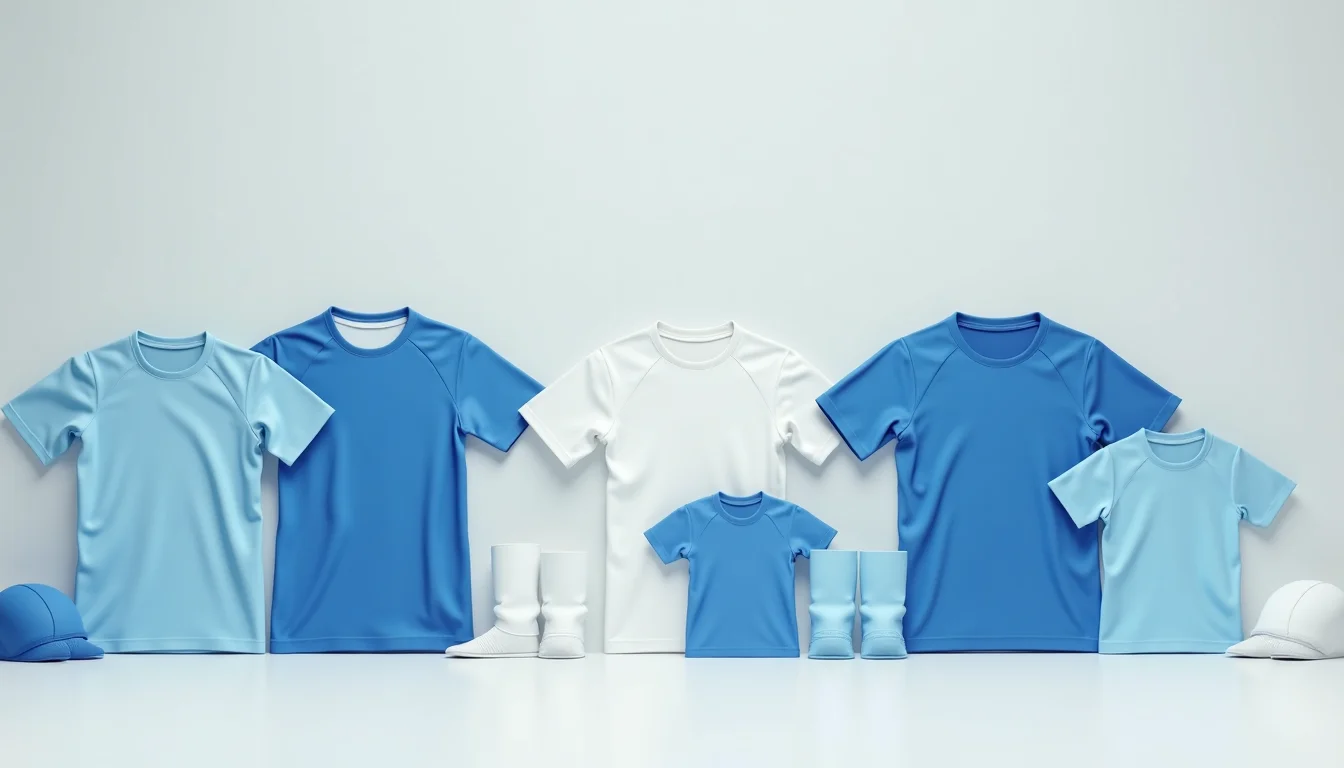
For jerseys and uniforms, the standard options are size and color. For a club that stocks home and away kits, treat each colorway as a separate product rather than a color option on one product. Here is why: home and away kits often have completely different product images, and buyers typically search for one or the other, not both. Combining them under one product adds complexity without a benefit.
Standard jersey options (as variants):
| Option name | Typical option values | Notes |
|---|---|---|
| Size | Youth S, Youth M, Youth L, S, M, L, XL, 2XL, 3XL | Split adult and youth into separate products if youth sizing runs differently |
| Color | Use only when variants are physically different (e.g., short-sleeve vs. long-sleeve, not home vs. away) | For true color variants within one style |
Jersey numbers and player names: use customization fields, not variants.
Setting up numbers 1 through 99 as a third variant option alongside size and color creates one variant row for every combination. A jersey in 7 sizes and 3 colors with numbers 1 through 99 would require more than 2,000 variant rows on a single product. That volume makes the product unmanageable in Shopify and unusable for buyers (as of November 2026, per Shopify's product variants documentation).
The practical approach is a customization field on the product page: a text input where the buyer enters the number or name at checkout. In Shopify, this is typically set up as a note field or through the theme's product template. When you hand off the product data to an upload team, flag which products need customization fields so they can note it in the product setup brief.
Equipment listings: balls, bags, and training gear
Equipment for team sports uses different sizing conventions than apparel. Here is how to structure the main categories.
Balls: the primary option is usually the official size designation (Size 3, Size 4, Size 5 for soccer; and so on). Surface type (indoor, outdoor, turf) is a second option if the store carries multiple surface variants. Color is typically fixed per style.
Team bags and kit bags: options are usually capacity (a text value such as "30 L" or "60 L"), color, and sometimes age group (junior or senior). Give exact capacity values in the option names rather than "small" or "large," which means different things to different buyers.
Training gear (cones, bibs, agility ladders): these are often sold in packs. The option to show is pack size (for example, 10, 20, 50 for cones). Include weight per unit and overall pack dimensions in the product description because coaches buying in bulk want these details before ordering.
A common gap in supplier files for team sports equipment: missing material and surface-type details. A team uploading this data will ask for those fields before starting, so prepare your supplier data with them included.
Kit sets and product bundles
A full team kit typically includes a jersey, shorts, and socks. How you list these in Shopify depends on how the store sells:
Option A: separate products, linked by a collection. Each item (jersey, shorts, socks) is its own product. A collection called "Team Kits" or the specific team name groups them. Buyers add each piece individually. This is the simplest structure and the easiest to maintain when stock changes.
Option B: a bundle product. One product with a fixed set of components, sold as a single line item. Shopify does not handle bundles natively in its standard product setup (as of November 2026, per Shopify's product documentation). Merchants who need true bundle pricing or inventory tracking for kit sets typically configure this at the account level, which is a scope decision to settle before upload begins.
For most club stores selling retail kits, Option A is the cleaner choice for an upload team to build.
Product images for team gear
Team sports products follow standard Shopify image requirements, with a few practical additions.
Jerseys: a plain-background studio image is the primary product image, typically showing the jersey laid flat or on a plain hanger. For color variants on separate products, every product needs its own set of images, not shared images from another product.
Equipment: show the item clearly against a neutral background. For balls, one image per side is enough unless there is a logo on one face. For team bags, show the bag open and closed if capacity is a main selling point.
Kit images: if the store wants a lifestyle image showing the full kit worn on the field, it works better as a secondary image or on the collection page, not as the primary product image.
One thing that slows down image upload jobs for sports gear: file names that do not match the SKU or product handle. Files named DSC_0001 through DSC_0300 require manual matching before the upload can start. Using the product handle or SKU in the file name (for example, soccer-jersey-home-m-blue.jpg) lets a team match images to variants without a lookup table.
What an upload team handles for sports team gear
When you work with our Shopify product data entry service on a sports team catalog, the typical scope includes:
- Reviewing the supplier or club data file and mapping option names and values before creating any products
- Creating the variant structure for each product type (jerseys, shorts, socks, equipment)
- Flagging which products need customization fields and noting the field labels in the setup brief
- Building collections by sport, gender, age group, and kit type
- Cross-linking related products (jersey to matching shorts, ball to matching pump)
- Entering sport-specific field values accurately (ball size designations, kit dimensions)
You can see the full scope of what we set up for our sports and outdoor industry clients across different equipment categories. The sporting goods catalog hub collects related articles on data setup for specific sporting goods categories.
For a detailed breakdown of the data to prepare before handing off a job, the article on what to send your upload team covers the core checklist. The guide to sporting goods sizes by sport for upload teams covers size standardization in depth for equipment like protective gear and balls.
If you are setting up a new store alongside the product upload, the guide on Shopify product setup for a new store launch walks through the product and collection structure decisions before the upload begins.
Frequently asked questions
Can jersey numbers be set up as a Shopify variant option?
Technically yes, but it creates an unmanageable product structure. If a jersey comes in 7 sizes and 2 colors, adding numbers 1 through 99 as a third option creates over 1,300 variant rows on one product. The practical alternative is a customization field (a text input on the product page) where buyers enter their number at checkout. This keeps the variant count to one per size-color combination.
Should home and away kits be listed as one product or two?
Two separate products is the cleaner approach for most stores. Home and away kits have different images, may have different stock levels, and buyers typically look for one or the other. Combining them as a "Kit Color" option on a single product complicates both the product page and inventory management.
How do I handle youth and adult sizing for the same jersey style?
List them as separate products. Youth sizing (Youth S, Youth M, Youth L, Youth XL) does not map neatly onto adult sizing (S, M, L, XL, 2XL), and combining both as one size option makes the dropdown confusing for buyers. Separate products also let you manage stock independently and show youth-specific images where needed.
What is the best structure for a team bulk order: one product or multiple?
For retail, separate products by item type (jersey, shorts, socks) with a team-specific collection is the standard approach. For clubs managing bulk orders where a whole team buys together, that is a sales process decision rather than a product listing decision. The product data team sets up the catalog; the checkout and ordering flow for bulk team orders is handled at the store configuration level.
What data should I prepare before an upload team starts on sports gear?
At minimum: a list of products with option names and option values for each, the customization fields needed (jersey number, player name), image files named by SKU or product handle, and a decision on kit structure (separate products vs. bundle). The article on what to send your upload team has a full handover checklist.