

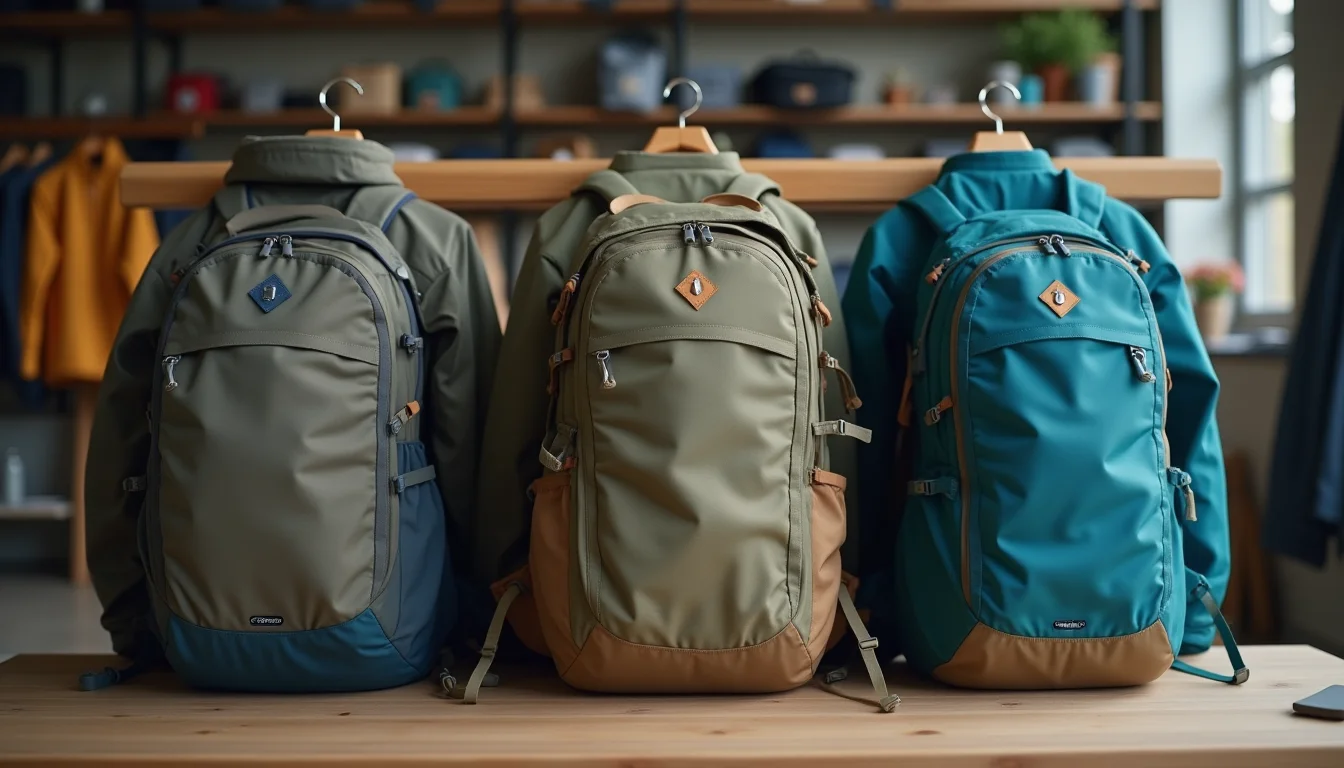
Most outdoor gear catalogs arrive with the data that matters least. Product titles and stock codes are there, but the fields shoppers use to choose a product: waterproof ratings, thermal fill weights, and activity-specific sizing, are often buried in footnotes or in a PDF the team has never seen. Getting an outdoor gear catalog handover for your upload team right means pulling all of that together before the job starts.
Key takeaways
- Outdoor gear sizing requires two references: a garment size chart and a body measurement guide. Teams without both will produce incomplete listings.
- Technical spec fields (waterproof rating, weight, packed dimensions) are rarely in the main product file and need to be sourced before the handover.
- Each gear category has its own variant structure: apparel uses size and color, footwear uses size and width, packs use capacity or color.
- A clear activity tag list in your handover brief cuts the time the team spends deciding how to categorize multi-use products.
- A complete handover includes one sample listing formatted the way you want the finished catalog to look.
What upload teams need from an outdoor gear catalog handover
The same size label means different things across gear categories. A medium in a base layer follows a body measurement guide. A medium in a ski jacket may follow a brand-specific fit standard. A medium in a daypack refers to load capacity, not a body measurement at all.
Upload teams encounter these conflicts in every outdoor range. Without a sizing reference in the handover file, they pause the work and ask you. That pause gets longer when supplier data mixes three sizing systems in one spreadsheet.
The practical fix is to separate sizing data by category before you send it, and to include the measurement key alongside the size labels. The checklist below covers every field to pull together. If you work with an outdoor gear catalog upload team through our sports and outdoor product upload service, a structured handover like this one is where the job begins.
Core data checklist for every outdoor gear product
Every product in the range needs these fields before the handover. Use this as a template to review your supplier file.
| Field | What to include | Notes for outdoor gear |
|---|---|---|
| Product title | Brand, product name, and variant descriptor | Confirm the naming convention across all suppliers before the job starts |
| Vendor | Exact brand name as it appears on the product | Multi-brand ranges: list each brand's preferred spelling and capitalization |
| Product type | Category from your store taxonomy | Align with Shopify's Standard Product Taxonomy where possible |
| SKU | One SKU per variant row | Check that each size and color combination has a unique SKU in the supplier file |
| Barcode (EAN/UPC) | One barcode per variant | Supplier files sometimes assign one barcode to the product, not to each size |
| Price | RRP or selling price per variant | Note whether tax is included and the currency |
| Weight | Shipping weight for the packaged product | Separate from the "product weight" in the description, such as a 450 g sleeping bag |
| Packed dimensions | Length, width, and height when packaged | Required for calculated shipping rates; oversized freight rules apply to large frames and tents |
| Description | Product description or brief | Include the technical spec fields in a separate column, not inside the description text |
| Images | File names matched to SKUs or variant colors | See the image naming notes at the end of this checklist |
Extended technical data such as waterproof rating or fill weight can be stored in product metafields in Shopify (as of November 2026). If your store uses metafields for these fields, include the field names and their values in separate columns in your handover file. See the Shopify metafields documentation for how teams set these up.
Activity-specific sizing data to include

Outdoor gear sizing is the part of the handover most likely to cause re-work. Each category follows its own convention, and those conventions vary between suppliers.
Apparel (jackets, base layers, insulation): Include a numeric size chart mapping S, M, L, and XL to chest and waist measurements in centimeters or inches, and a fit note such as slim fit, regular fit, or women's fit. Without the measurement key, teams cannot write an accurate size guide for the product page, and customers return items that do not fit.
Footwear (hiking boots, trail shoes, sandals): Include the sizing standard (US, EU, or UK), a width option if the product comes in multiple widths, and a note on how the fit runs. Teams need this to populate the Size and Width variant options in Shopify accurately.
Packs and bags: Capacity is the primary variant for most packs, measured in liters. If the same pack comes in different carrying frame sizes, that is a separate variant option, not a note in the description. Flag it in your handover notes so the team can structure the listings correctly.
Sleeping bags: Temperature rating is the primary spec shoppers use to choose. Include the comfort rating and the lower limit separately; they are different numbers and both matter. The EN ISO 23537 standard for sleeping bag temperature ratings defines both values (as of November 2026). Include the standard your supplier follows if it differs.
The specific mapping from size labels to Shopify option values is a decision made during the handover meeting. Including all sizing data upfront means that meeting covers decisions, not waiting for specs to arrive. The seasonal catalog handover timeline guide covers how to build the lead time into your planning calendar.
Technical specification fields

Technical specs are what separate an outdoor gear listing from a generic product description. They are also the fields most likely to be missing from a supplier spreadsheet.
For each product category, pull together the following where they apply:
Waterproofing and breathability:
- Waterproof rating in millimeters (for example, 20,000 mm) or the brand-name rating system (such as Gore-Tex or H2No)
- Breathability rating where stated, in grams per square meter per 24 hours
- Seam type: fully taped, critically taped, or not sealed
Insulation:
- Fill type: down or synthetic
- Down fill power (for example, 700 fill, 800 fill) or the synthetic insulation name
- Fill weight in grams
Product weight and packability:
- The weight of the item itself, separate from the shipping weight
- Packed dimensions in centimeters (length x width x height) for products designed to compress
- Whether the product includes a stuff sack or compression bag
Materials:
- Shell fabric and composition, such as "recycled nylon ripstop" or "400D nylon"
- Lining material where relevant
A common problem in supplier files is that these specs appear inside the product description text rather than in separate columns. When teams have to extract specs from freeform prose, errors happen. Send them in columns, one field per column, labeled clearly. The team can then enter each field into the correct place in Shopify without interpretation.
For the Shopify product data entry service, structured spec columns like these are the most useful thing a client can include in a handover file. They reduce back-and-forth and keep the upload moving.
Variant structure by gear category
Shopify builds one product per name and color combination, with each size or option on a separate row in the upload file (as of November 2026). For outdoor gear, the right variant structure depends on the category:
| Category | Variant option 1 | Variant option 2 | Variant option 3 |
|---|---|---|---|
| Jackets and shells | Size (XS to XXL) | Color | |
| Hiking footwear | Size (US, EU, or UK) | Width (regular or wide) | |
| Packs and daypacks | Capacity (20 L, 30 L, 45 L) | Color | |
| Sleeping bags | Temperature rating (for example, -5°C, -10°C) | Length (regular, long) | |
| Base layers | Size | Color | Weight (lightweight, midweight) |
Shopify supports up to 3 variant options and up to 100 variants per product (as of November 2026). If a product needs more combinations than that allows, the team will need to restructure it before uploading. Flag any products where this might apply in your handover notes.
What else to send with your handover file
A data file alone is rarely enough for a smooth outdoor gear upload. Include these with the handover:
- A named activity tag list. Outdoor products often serve multiple activities. A trail running jacket, a scrambling jacket, and a ski touring jacket might all use the same shell, but each belongs in different collections and carries different activity tags. Provide a list of your store's approved activity tags and which products they apply to.
- Collection placement notes. For each product, note which collections it belongs to. A product in both "Men's Jackets" and "Winter Sale" needs both listed in the handover file.
- Brand naming reference. If your range includes products from multiple suppliers, include a preferred spelling and capitalization for each brand name. Brand names in product titles and vendor fields must be consistent across the whole catalog.
- A sample completed listing. One product formatted the way you want the finished listing to look is faster to work from than a written brief. Teams can match the format to the sample rather than interpret instructions.
For advice on managing this kind of catalog work over time, the guide to managing ongoing Shopify catalog updates with a team covers what happens after the initial upload is done.
Frequently asked questions
How should I format sizing data in a handover spreadsheet?
Put each size option in its own row in the spreadsheet, with one column for the size label (S, M, L) and a separate column for the measurement it represents, such as "chest 95 to 102 cm." Never combine the label and the measurement in one cell. Teams entering variants into Shopify need the label as the option value and the measurement as a reference. Mixing them in one cell causes errors when the team builds the variant grid.
What if waterproof ratings use different standards across my suppliers?
Flag it in the handover notes. The team can enter values as supplied, but they should use a consistent label format across the range. If one supplier provides "20K" and another provides "20,000 mm," choose one format for the store and note it in the brief. The team standardizes the format; the underlying values come from the supplier.
Should technical specs go in the product description or in separate fields?
In separate fields where possible. Product descriptions should read as natural text for shoppers and search engines. Technical specs stored in separate columns in the handover file can go into metafields or structured content areas in Shopify, making them easier to display consistently and to filter by later. The team can enter each field in the correct place without having to extract it from prose.
How many variant options can one outdoor gear product have in Shopify?
Shopify supports up to 3 variant options and up to 100 variants per product, as of November 2026. If a product legitimately needs four option dimensions, the team will need to split it into separate product listings. The Shopify variants documentation covers the current limits. Flag products that might need this treatment before the handover so the team can plan the structure before the upload starts.