
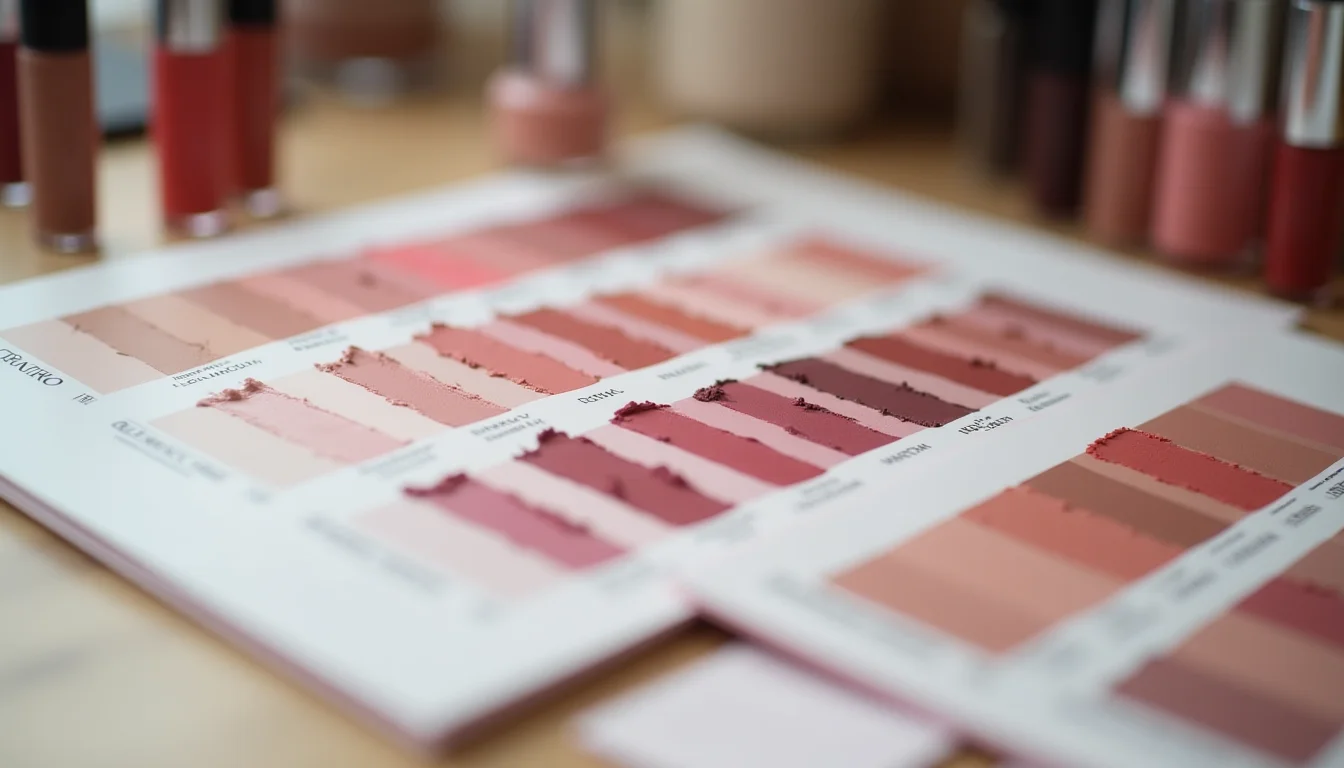
Preparing makeup shade variants for an upload team involves more than supplying a list of shade names. A 40-shade lipstick range is straightforward to picture, but before an upload team can build those variants in Shopify, the merchant needs to make several structural decisions. Upload teams that start without these decisions made will pause the job and query back.
This guide explains how makeup shade data maps to Shopify's option system, what to prepare in the brief, and what decisions need to be made before upload work begins.
Key takeaways
- Shade names go into a Shopify variant option (typically Option 1: Shade); the exact values come from the merchant's product data, not from any external taxonomy
- If a range also has finish types (matte, satin, shimmer, gloss), finish is a second variant option; this only works cleanly when every shade is available in every finish
- Shopify allows a maximum of 3 variant options and 100 variants per product; a 40-shade range with 3 finishes equals 120 variants and must be split before upload begins
- When shade names combine color and finish (for example "Rose Matte" and "Rose Shimmer"), the brief must specify whether to enter them as one option or two; this affects filter navigation permanently
- Swatch color data (hex codes for color picker swatches) requires a metafield definition already created in Shopify admin; the upload team enters the data but cannot create the definition itself
Makeup shade variants for upload teams: how shade names map to Shopify
In Shopify, a makeup product with multiple shades is set up with a variant option. The option name is typically "Shade" or "Color" (the merchant chooses), and the option values are the shade names themselves: "Warm Nude", "Deep Berry", "Classic Red", and so on.
The upload team enters the exact shade names the merchant provides. Upload teams do not generate shade names, standardize across suppliers, or fill in missing names. If a shade label is absent from the source data, the team queries it before proceeding.
For each shade, the team also creates the corresponding product variant record, links it to the correct variant image (if supplied), and enters the SKU, barcode, price, and inventory values from the merchant's data. The shade name is one field in a set.

Finish types as a second variant option
Many makeup products come in finish variants: matte, satin, shimmer, gloss, metallic. Whether finish belongs in its own variant option or gets folded into the shade name is a structural question the merchant needs to answer before the upload starts.
Using finish as a second option (Option 1: Shade, Option 2: Finish) works cleanly when every shade is available in every finish. For example, 10 shades with 4 finishes gives 40 variants, each with its own SKU and inventory.
When finishes are not consistent across shades (some shades only come in matte, others only in shimmer), using two options creates a matrix with gaps. Shopify builds all combinations of option values, so a 10-shade by 4-finish matrix creates 40 variant slots even if only 18 are real products. The team then has to manually mark the rest as out of stock and zero inventory, which is messier than separating the products by finish from the start.
The brief should state which structure to use and provide data to match.
The Shopify variant limit for makeup ranges
Shopify allows up to 3 variant options per product and a maximum of 100 variants within a single product. A makeup product with more than 100 variant combinations will be rejected when the team tries to save it.
This is a common issue with larger shade ranges. Forty shades with 3 finishes equals 120 variants, which is over the limit and must be split before upload work begins. Typical approaches include:
- One Shopify product per finish (Lipstick Matte, Lipstick Satin, Lipstick Shimmer), each with 40 shade variants
- A hero product for the most popular shades and separate products for extended or limited-edition shades
- Separate products by shade family (neutrals, pinks, reds, darks)
Upload teams flag this limit when they review the brief. They do not make the split decision (that is a product structure choice with implications for the storefront, SEO, and navigation), but they do need the decision made before they begin.
For makeup brands using a Shopify product data entry service, this is worth clarifying in the initial brief so no time is spent building a product structure that needs to be undone. More on preparing uploads for beauty brands is available on the beauty and cosmetics upload service page.
Swatch color data
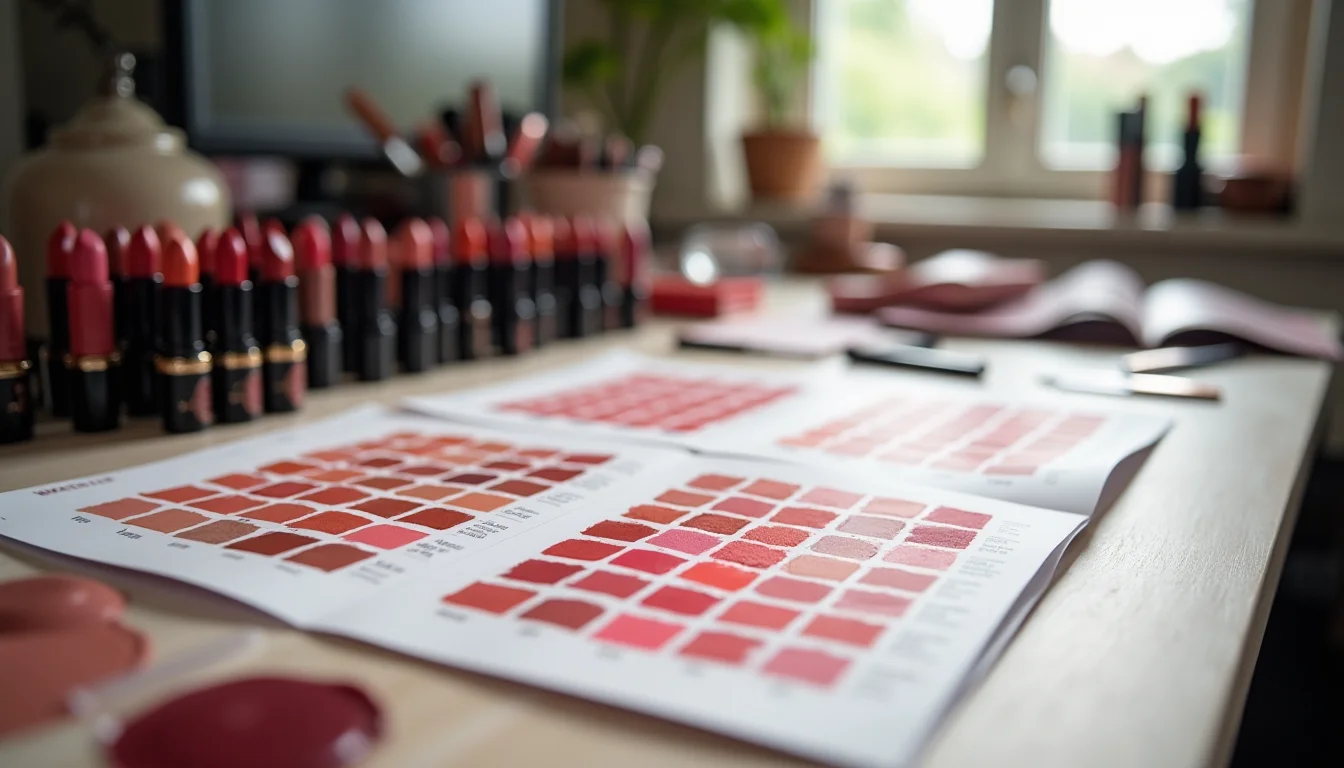
Some storefront themes display color swatches alongside the shade name: a small swatch of the actual pigment color rather than a text label only. This is useful for consumer-facing navigation, but it requires additional data and store setup.
Shopify does not have a built-in color picker field at the variant level. Displaying a color swatch for each shade requires one of the following:
- A variant image per shade (the most common approach): the team assigns a product image to each variant, and the theme displays that image as the swatch thumbnail
- A color hex metafield (for themes with swatch support): the team enters the hex color code into a
product_variant.color_swatchor similar metafield definition for each variant
In both cases, the data has to exist before or alongside the upload work. For variant images, the merchant supplies one product image per shade. For hex metafields, the merchant supplies the hex codes in the source data, and the metafield definition needs to exist in Shopify admin before the job begins.
Upload teams enter the data into whatever structure the store has set up. Setting up the metafield definition itself is a store configuration step, not upload work. See Shopify metafields for how to create a metafield definition.
What makeup shade data to send your upload team
Before briefing an upload team on a shade range, gather and confirm these items:
| Data | Format | Notes |
|---|---|---|
| Shade names | Exact as shown on product or packaging | One per variant; the team enters these verbatim |
| Finish types | List of values (matte, satin, shimmer, gloss) | Confirm whether finish is a variant option or part of the shade name |
| SKUs | One per shade and finish combination | Must match the shade and finish structure exactly |
| Total variant count | Shades multiplied by options | Flag if over 100; confirm split strategy before upload starts |
| Variant images | One image per shade (for swatch display) | Filename must map to the shade name in the source data |
| Hex codes | Six-character hex per shade | Only if the store uses a color swatch metafield; confirm metafield definition exists |
| Option structure decision | One option (Shade) or two (Shade plus Finish) | Cannot be changed without recreating all variants; confirm before upload starts |
For a broader checklist of what to prepare before any upload job, see What to Send Your Upload Team Before a Shopify Job. For data fields in other product types, see Womenswear Size Runs Your Upload Team Needs or Activewear Product Data for Upload Teams. Shopify's variant help documentation covers the current option and variant limits.
Frequently asked questions
Does the upload team choose the shade names or option values?
No. Upload teams enter the shade names and option values as supplied by the merchant. They do not generate names, standardize across suppliers, or translate color descriptions. If a shade name is missing from the source data, the team queries it before creating the variant.
What happens if a shade name includes both the color and the finish?
If shade names like "Rose Matte" and "Rose Shimmer" are the exact product names, the team enters them as single option values under one option (Shade). This preserves the brand naming but means the store cannot filter by finish separately. If the merchant wants filter-by-finish navigation, the brief needs to specify splitting into two options: Shade and Finish. This structural decision must be made before the upload starts, as changing it requires deleting and recreating all variants.
What if the shade range has more than 100 variants?
Shopify's 100-variant limit per product means a range with more than 100 shade-and-finish combinations must be split into multiple products. Upload teams flag this when reviewing the brief but do not decide how to split. The merchant needs to confirm the split structure before the team begins work.
Can the upload team set up variant swatch images?
Yes, if the merchant supplies one product image per shade and the image filename or label maps to the shade name in the source data. The team assigns each image to its corresponding variant. Setting up a color swatch metafield for hex-code-based swatches is also upload work, provided the metafield definition already exists in Shopify admin and the hex codes are in the source data.
Does the structure of the shade option name matter?
The option name ("Shade", "Color", "Finish") is what appears in dropdowns and filter navigation on the storefront. The team uses whatever name is in the brief. If the store has an existing product with "Color" as the option name and a new product arrives with "Shade" in the brief, they will appear inconsistently in navigation. Worth aligning across the catalog before a large upload job.